


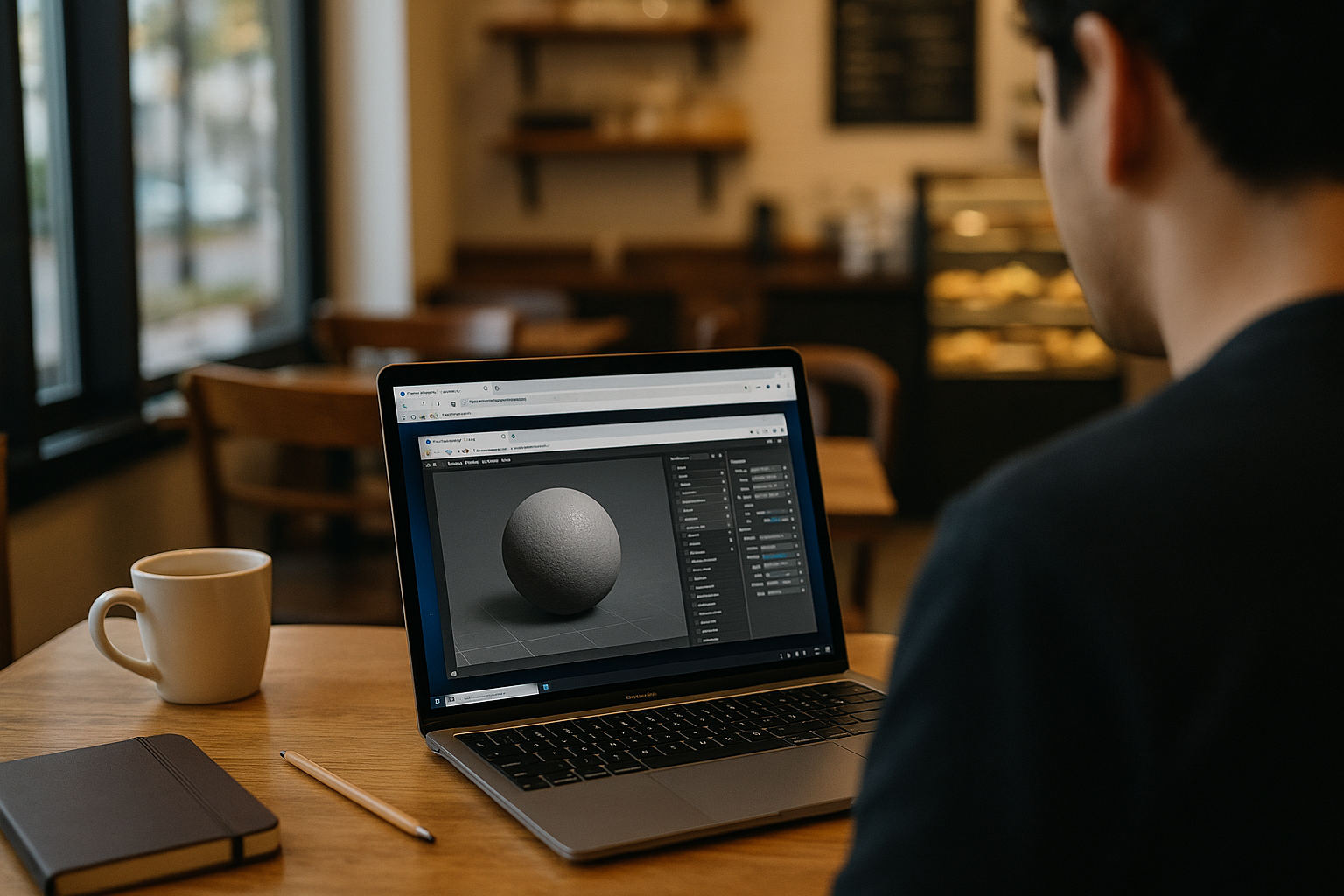
When You Can’t Install Marmoset Toolbag 5
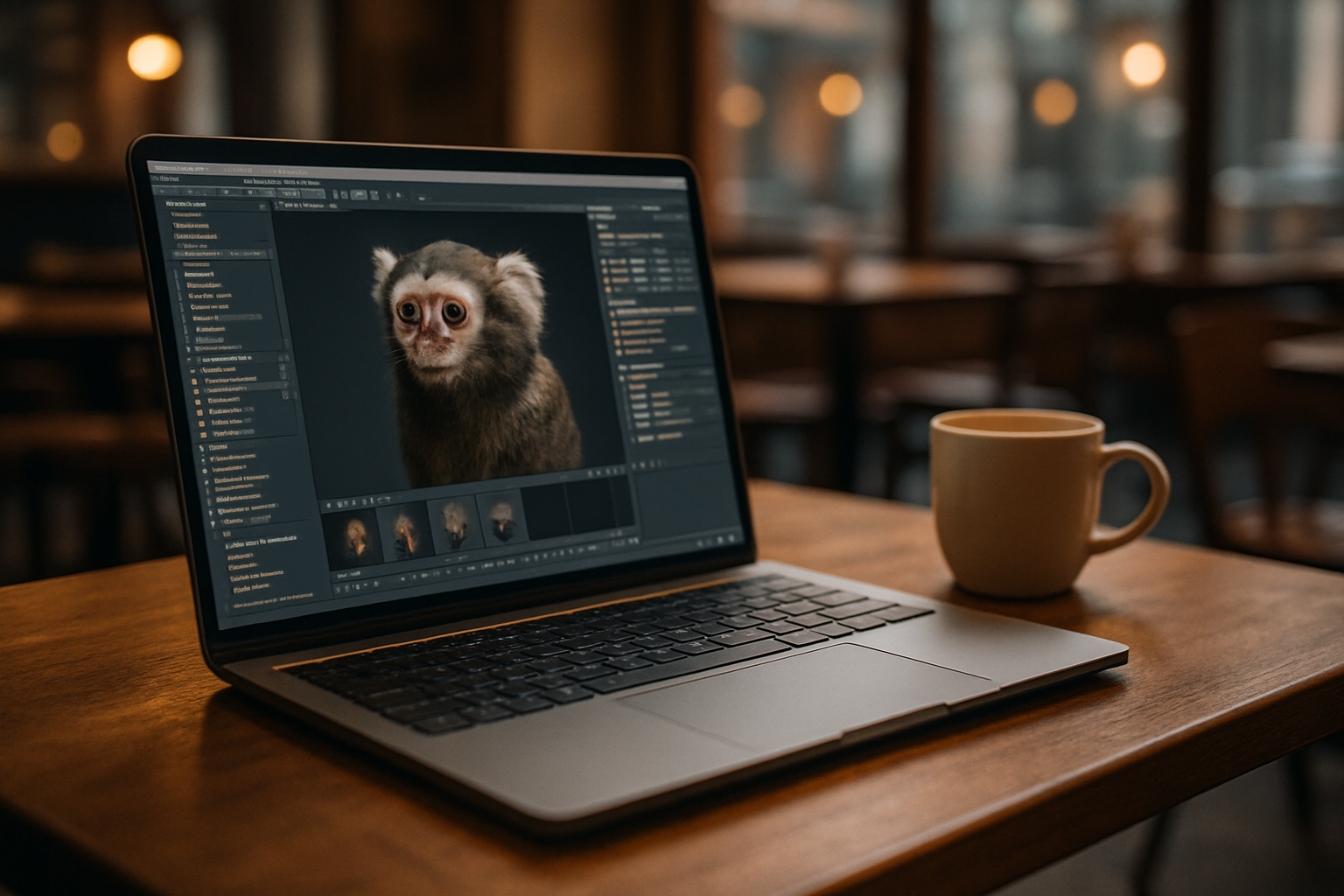
Your project depends on Marmoset Toolbag 5, but your current machine won’t let you install the version you need. An unsupported OS, missing permissions, outdated drivers, or device restrictions can stop the setup before you even open a scene. If Toolbag is required for a specific project, the problem is no longer performance — it is simply getting the application installed and ready to use.
New PC for Marmoset Toolbag 5: Costly and Fragile
Buying a more powerful PC seems like the straightforward fix, especially when real-time rendering and baking push hardware hard. But it’s a major expense with hidden costs: research time, delivery delays, asset migration, driver reinstalls, and chasing a GPU stack that matches your toolchain. Even then, version lock is real — teams may require a specific Marmoset Toolbag 5 build and plugin set, and a fresh machine won’t magically align. Ongoing maintenance, depreciation, and IT approvals turn an “upgrade” into weeks of disruption.
Marmoset When Local Installation Isn’t an Option
When the local installation is blocked, a virtual Windows PC provides another way to install and run the desktop version of Marmoset Toolbag 5. You can set up the required release, add the plugins your project depends on, and work with the application without changing the operating system on your current device.
How Aristeem Runs Marmoset Toolbag 5 Online
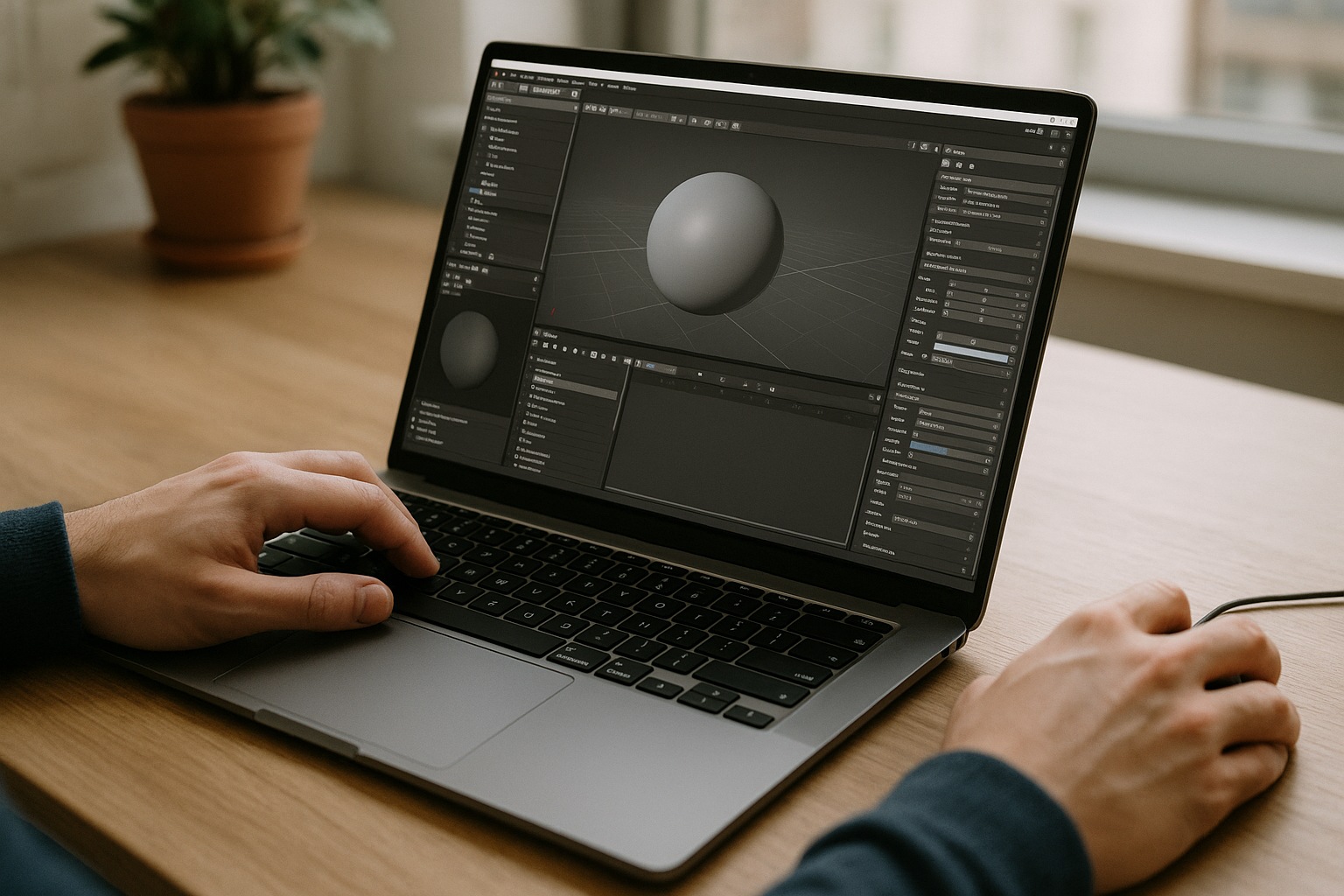
Founded in 2024, Aristeem began as a service giving professionals browser access to demanding engineering, design, and data tools. By studying real workflows, we kept refining reliability and control. Today, Aristeem provides a virtual Windows machine that runs in your browser — without replacing your device’s OS. We continue expanding flexibility and configuration options. For Toolbag 5, you install any version, add plugins, use your license, and get to work with a practical Marmoset Toolbag 5 cloud workflow. See the Marmoset Toolbag 5 overview for more details on the available setup.
Get Marmoset Toolbag 5 Running When You Can’t Install It Locally
If Toolbag 5 cannot be installed on your current device, a browser-accessible Windows environment gives you another way to get the desktop application running. You can install the required version, add the plugins your project needs, and leave your existing operating system unchanged. See how software runs directly in a browser and use the same approach when local installation is the part blocking your work.


