


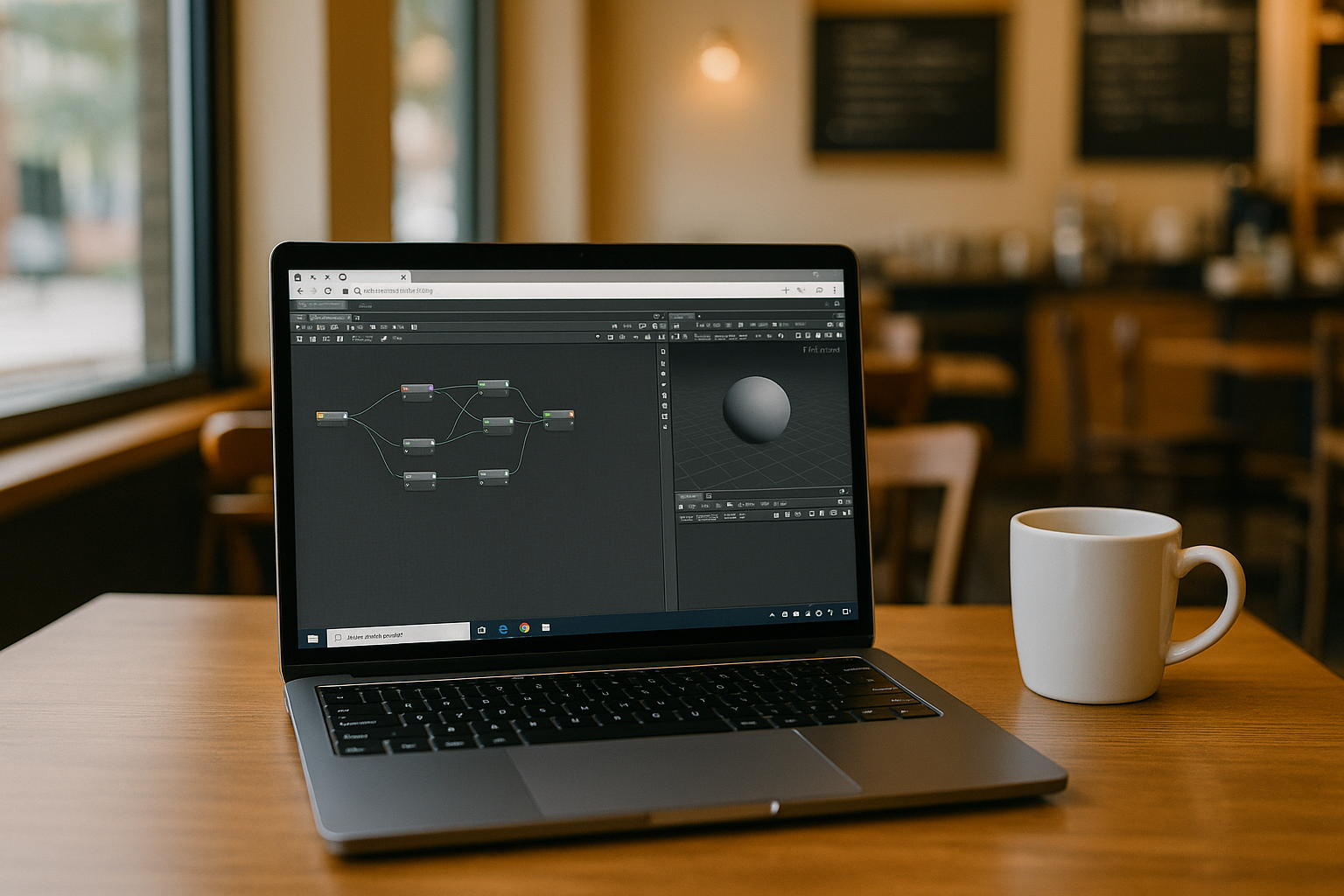
Houdini Apprentice is a training version of the professional 3D editor Houdini software, providing almost the full functionality of the commercial version. The program stands out for its procedural modeling approach, realistic simulations of physical effects (smoke, water, explosions), and a versatile node-based workflow powered by Houdini tools.
Houdini Apprentice system requirements and device limitations
Houdini Apprentice system requirements depend on the version you use and the complexity of your projects. While a simple scene may open on a modest workstation, procedural modeling, simulations, and rendering can demand substantially more CPU power, memory, and GPU resources. A device that launches Houdini successfully may still struggle with larger scenes or longer simulation tasks.
Before troubleshooting installation or performance issues, check that your operating system is supported by your Houdini version and that your hardware meets SideFX’s published requirements. Outdated graphics drivers, insufficient memory, limited storage, and restricted permissions can also prevent Houdini from launching reliably or completing demanding tasks.
If your device cannot handle the workload or you cannot install the required software locally, a cloud Windows PC offers another way to access Houdini Apprentice. You can run the Windows version in a remote environment without replacing your operating system or setting up a local Windows installation. The practical result still depends on the cloud machine’s allocated resources, your connection quality, and the demands of your project.
Houdini Apprentice availability across operating systems
Houdini Apprentice is officially available for Windows, macOS, and Linux, but there is no native support for iPad, Android, or Chromebook.
Remote connection (Remote Desktop / VPN)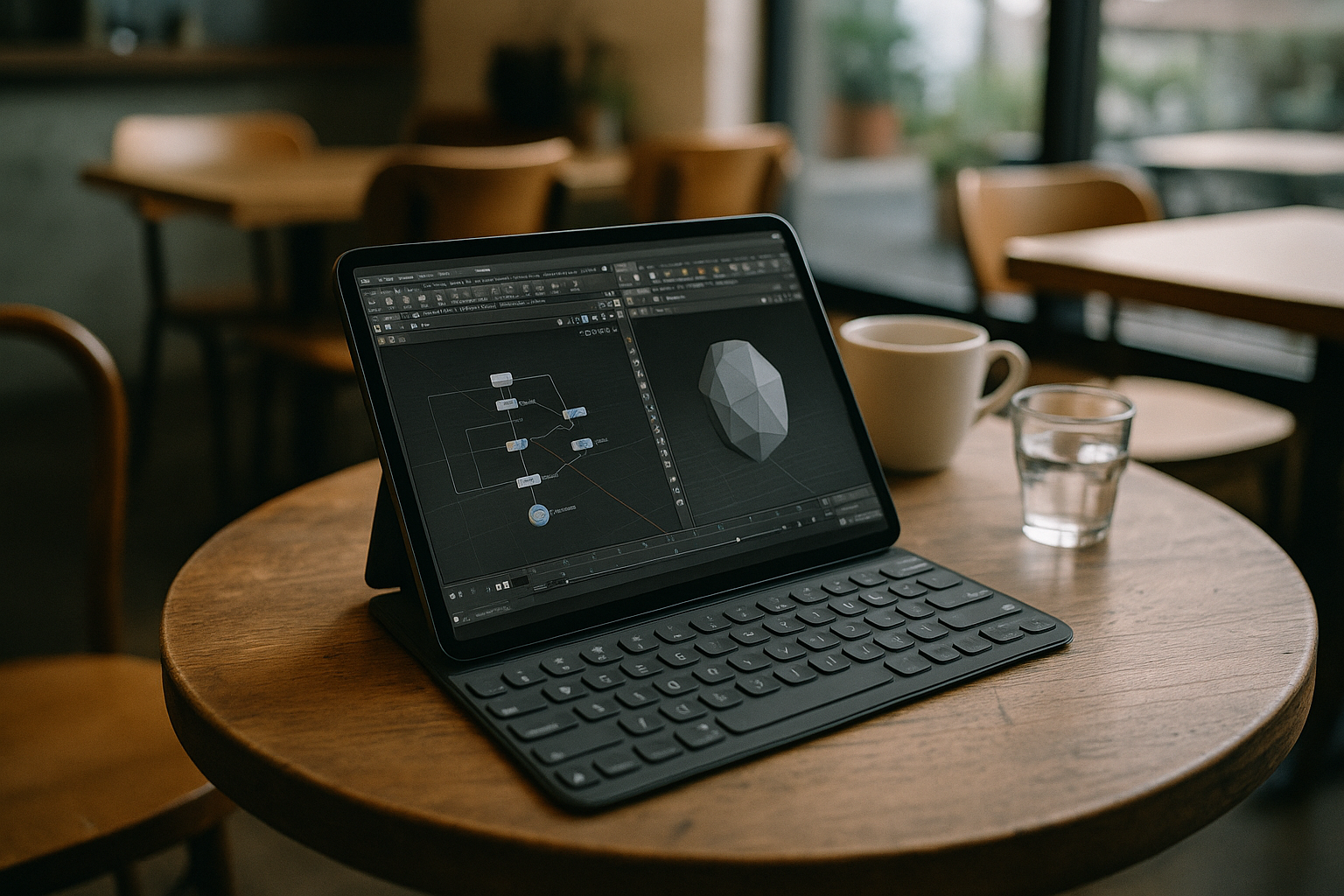
How it works:
Houdini runs on your powerful PC, and you control it remotely from another device.
Disadvantages:
- Dependence on internet speed; lag when controlling the scene.
- Not always convenient for interactive modeling or using Houdini for game asset creation.
- Requires your own powerful PC.
Cloud services
How it works:
The program runs on remote servers, providing users with access to Houdini web over the internet.
Advantages:
- Full performance even on low-end devices.
- No need to install or configure the program locally.
- Cross-platform compatibility — accessible from Windows, macOS, Linux, tablets, or Chromebooks, bypassing typical Houdini apprentice limitations.
Want to learn how to run Houdini on Mac seamlessly, including cloud options? Check our latest guide: Step-by-Step Guide: Launch Houdini on Mac OS X and All Macs.
Advantages of using Houdini Apprentice in Aristeem
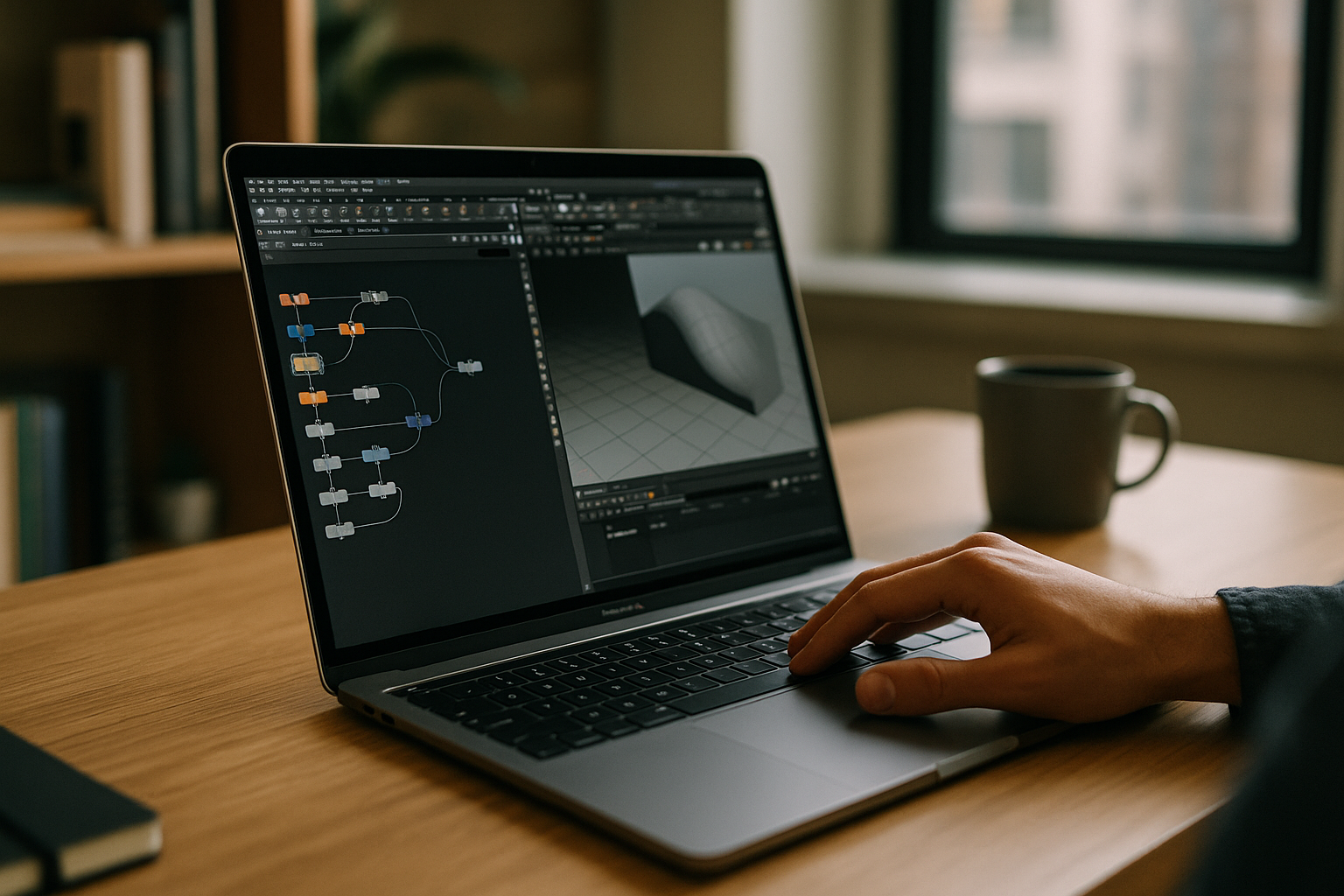 Run Houdini Apprentice on a cloud Windows PC with resources suited to your project, without relying solely on your local device’s hardware.
- Access from any device – laptops, tablets, smartphones.
- Flexible payment – hourly or long-term.
- Project security – data stored and backed up in the cloud.
For students and teachers
- Reduced equipment costs – no need for expensive computers to work with Houdini software.
- Accessibility of learning materials – easy to work with lessons and examples anytime.
- Flexibility of the learning process – work on projects anywhere, using Houdini online services.
Aristeem makes Houdini Apprentice an accessible and effective tool for learning and creative work without device limitations.
Technical support
If you still have questions about the cloud service and programs, you can try to find answers in the FAQ section of our website. The Aristeem team also strives to be as helpful as possible to its users and is always available to assist via the Telegram chatbot.
Conclusion
Thanks to cloud technologies, modern educational processes are becoming more flexible and accessible. Aristeem makes learning and teaching 3D modeling with Houdini tools accessible and convenient, allowing students to work from any device without Houdini apprentice system requirements restrictions.


