



Deadlines don’t wait for boot screens. You receive a client’s .max scene, need to relink textures, test a light rig, or render a review frame — but the local app is missing, stuck on splash, or locked to another workstation. You search for ways to open .max online or run 3ds max in browser just to move work forward.
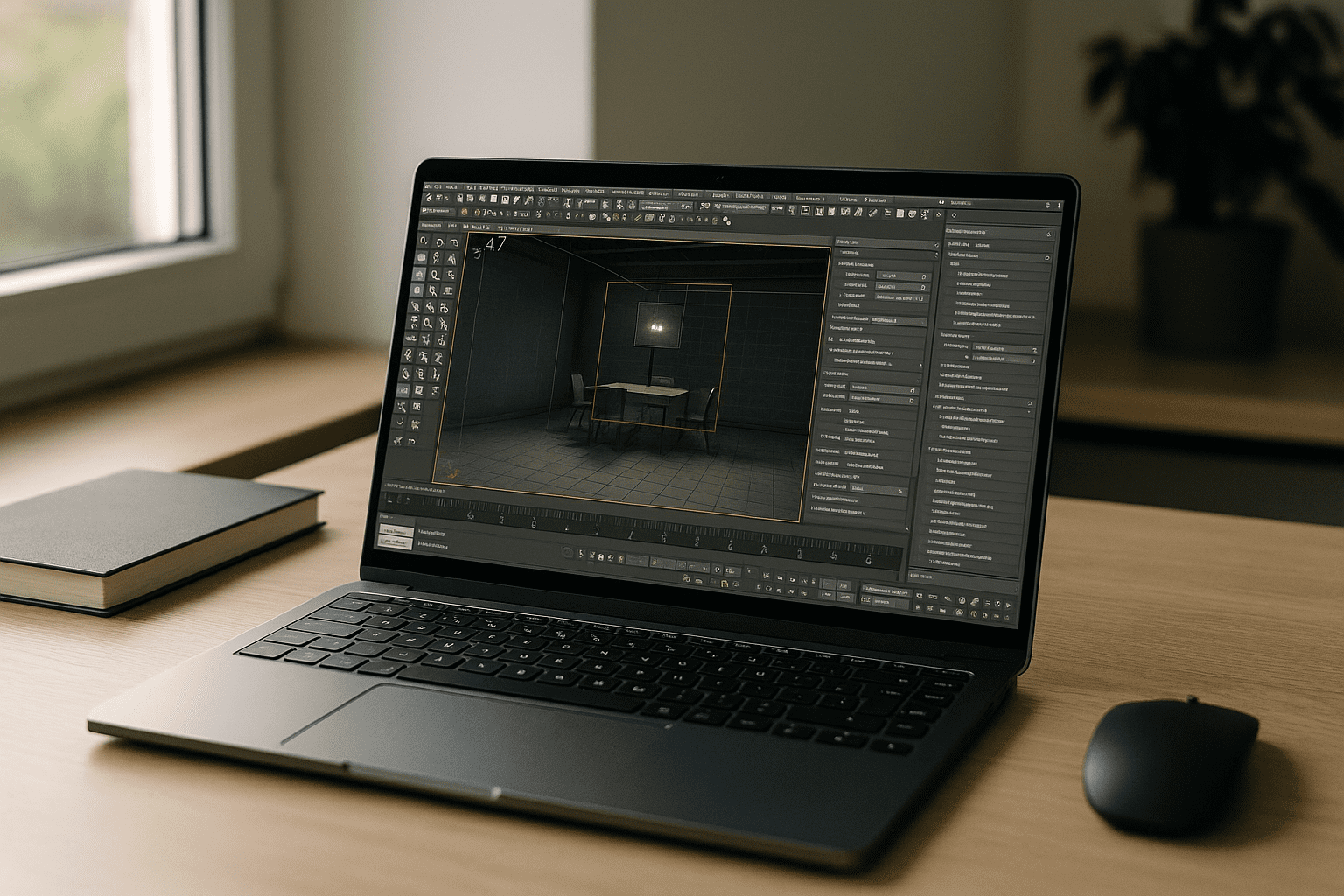
What you really need is immediate access to the same production environment — native .max compatibility, render plugins, scripts, and GPU acceleration — without rebuilding your workstation every time you switch devices or locations.
Why Local Workstations Slow Modern 3D Pipelines
A powerful workstation delivers excellent performance, but it also centralizes your entire workflow on one physical machine. If you’re traveling, reviewing scenes with clients, or moving between home and office, access quickly becomes more important than raw hardware. Matching plugins, renderer versions, and project configurations across several computers often consumes more time than the actual review or edit.
Best ways to keep working with 3ds Max without install
There are several approaches that avoid a local launch. For full edits and reliable rendering in 3ds Max Autodesk, a browser-based desktop consistently provides the fewest blockers.
| Approach | Capabilities | Complexity |
|---|---|---|
| Online .max viewers/converters | Quick previews; limited fidelity; often no plugin support | Low, but unreliable for production |
| Headless render farm portals | Final frames from uploaded scenes; minimal scene editing | Medium; strict version/plugin matching |
| Browser-based full desktop | Open, edit, render, manage plugins and scripts natively | Low; instant access, zero local setup |
| Enterprise VDI | Centralized access with IT-managed stacks | High; provisioning and policy overhead |
2026 shift: 3ds max in browser and hardware‑independent pipelines

Production teams increasingly standardize complete 3D environments instead of individual workstations. Keeping identical software versions, plugins, render engines, and GPU resources inside a centralized workspace reduces project inconsistencies and lets artists continue work from virtually any device without rebuilding their setup.
A faster path to 3ds Max Autodesk in the browser
Aristeem gives you a production-ready 3ds Max Autodesk workspace that opens directly in your browser.Scenes, plugins, scripts and render engines remain available inside the same persistent environment, allowing you to move between devices without rebuilding your setup. If a license is required, you use your own — everything else is ready. Open .max files, manage plugins, run quick previews or final renders, and keep a clean, reproducible stack on any device.
This approach delivers instant access, consistent performance, and freedom from machine-bound constraints. For a deeper look at running the full desktop application without local installation, see how to run 3ds Max in browser without installation.
Conclusion: practical 3ds Max Autodesk access anywhere
3ds Max Autodesk work shouldn’t depend on which workstation happens to be available. A browser-based production environment keeps scenes, plugins, and rendering tools together so you can continue projects from virtually any device without rebuilding your workspace.


