


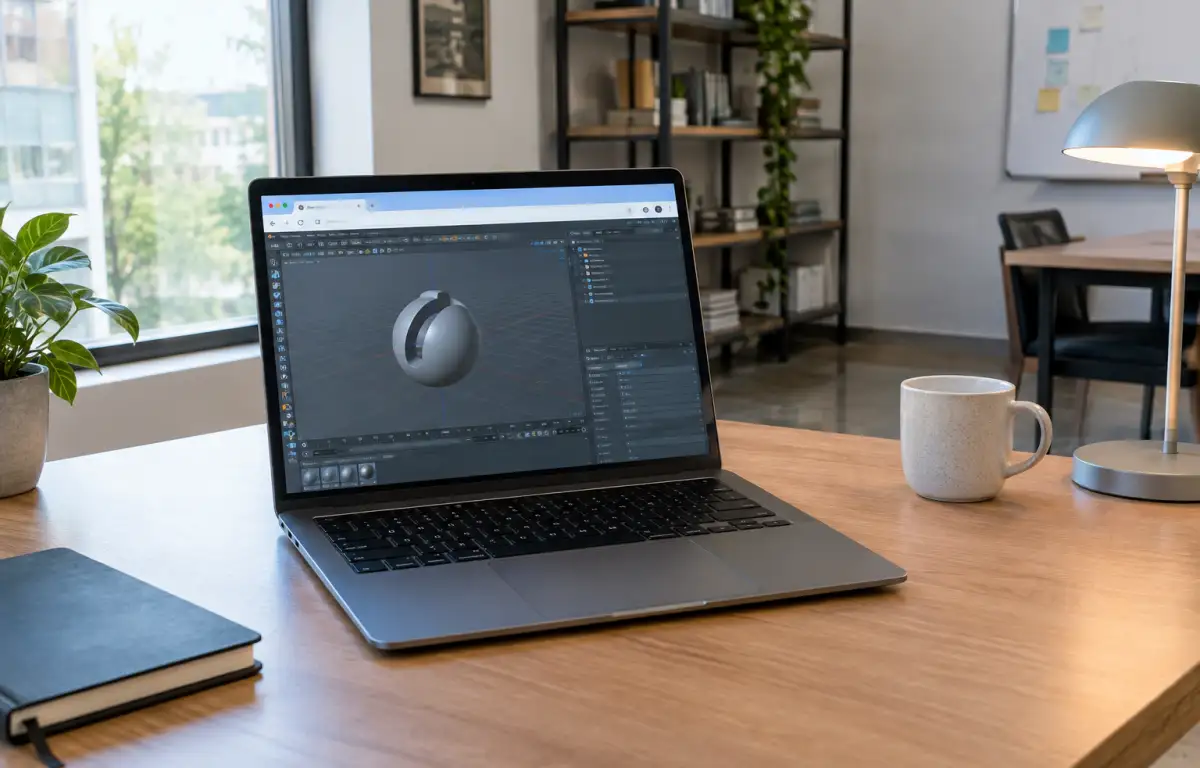
Cinema 4D macOS workflow for motion graphics and product visuals
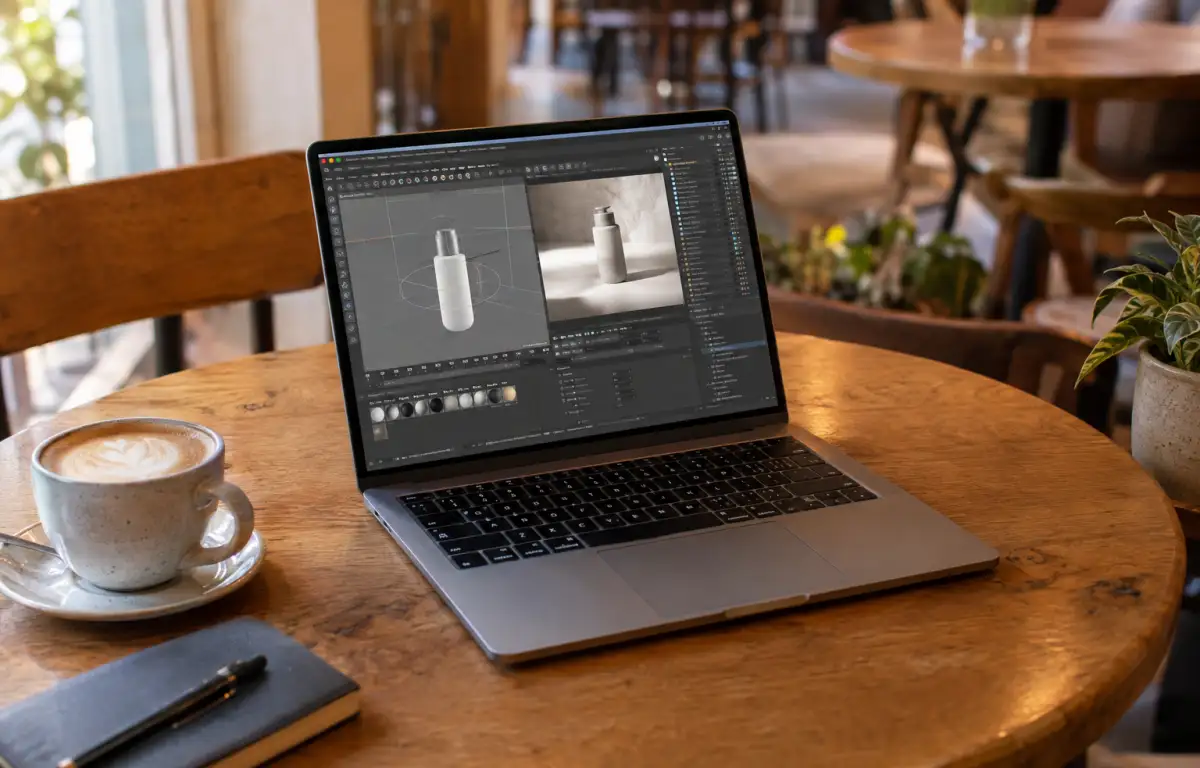
A product animation and a short motion graphics bumper may use the same Cinema 4D project, but each requires a different production workflow. The product scene needs accurate materials, lighting, camera movement, and clean final frames. The bumper relies on cloners, particle effects, timing, and coordinated animation layers. For artists working with C4D for Mac, the challenge is organizing these elements into a repeatable process — from scene preparation and asset management to rendering and final delivery. When a project needs a separate Windows environment or additional GPU resources, a cloud Windows PC provides another workspace without replacing the Mac’s native setup.
C4D for Mac: organizing a motion graphics production workflow
A reliable Cinema 4D production workflow starts with a clear structure for each scene. Before building animations or preparing final renders, organize the main project components:
- Scene organization: Separate geometry, cameras, lights, animation controllers, and supporting objects into manageable groups.
- Motion systems: Use cloners, effectors, and animation timelines to build repeatable product movements and motion graphics sequences.
- Particle simulations: Keep X-Particles systems, simulation settings, and cache files organized within the project structure.
- Materials and lighting: Maintain consistent material assignments, texture references, and lighting setups across shots.
- Rendering and delivery: Configure Redshift output settings, AOV passes, resolution, and frame ranges according to the final deliverable.
This structure makes it easier to revisit scenes, adjust individual elements, and prepare multiple versions of an animation without rebuilding the project from scratch.
Managing complex Cinema 4D scenes from setup to final render
| Production stage | Main tasks | Expected result |
|---|---|---|
| Scene preparation | Organize objects, cameras, lights, and assets | Structured project |
| Animation | Configure cloners, effectors, timing, and keyframes | Consistent motion |
| Simulation | Set up particle systems and manage caches | Repeatable effects |
| Look development | Adjust materials, textures, and lighting | Consistent visual style |
| Rendering | Configure Redshift, AOVs, and output settings | Delivery-ready frames |
Keeping these stages organized reduces unnecessary scene changes and makes revisions easier. Artists can work on individual production elements without losing track of materials, animation settings, or render outputs. For projects that require a dedicated Windows software environment, the same workflow can also be carried out on a persistent cloud desktop accessed from a Mac.
Working with Redshift and X-Particles in C4D Projects
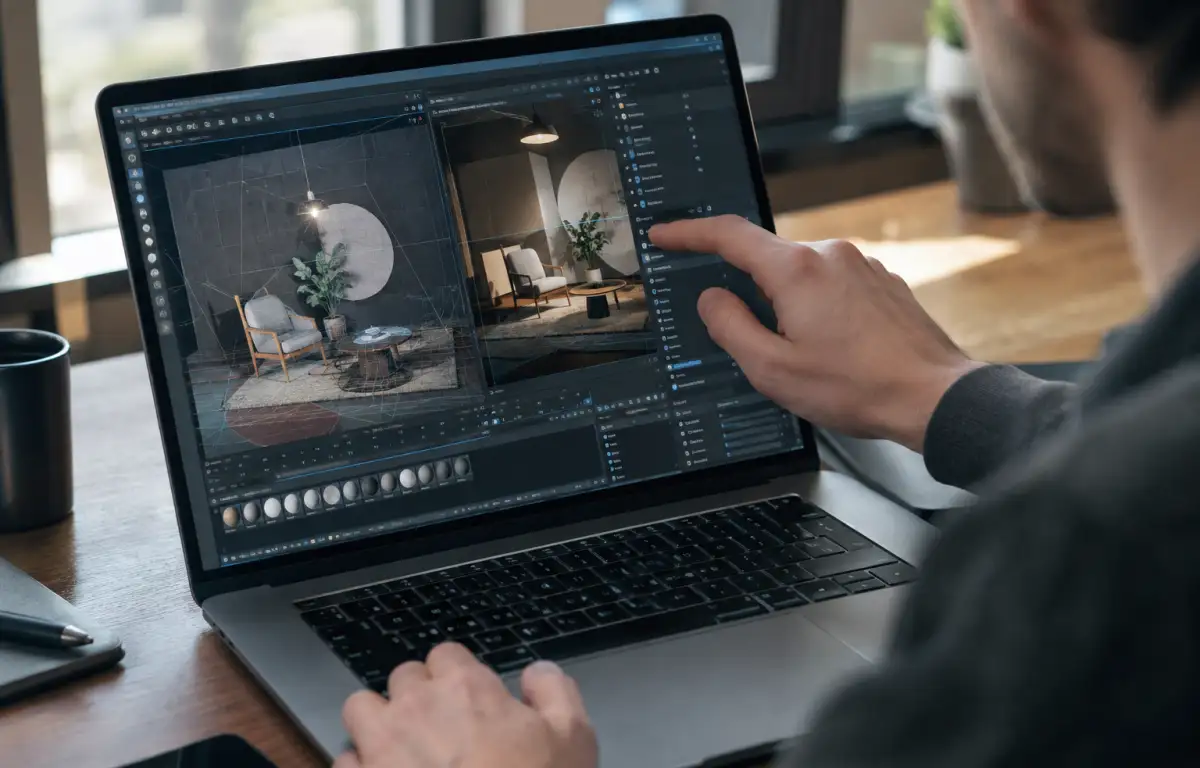
Once the scene structure is ready, rendering and simulation become the next important stages. Redshift handles material evaluation, lighting, and render output, while X-Particles adds procedural motion and particle-based effects to more demanding sequences.
For a product animation, artists can refine reflections, adjust lighting, and prepare separate AOV passes for post-production. For a motion graphics bumper, they can iterate on particle behavior, cache simulations, and adjust timing before rendering the final sequence.
These tasks can require substantial computing resources, especially when scenes combine dense geometry, complex materials, and multiple simulation elements. A separate cloud Windows PC can provide an additional environment for this work while the Mac remains available for everyday tasks.
Running C4D for Mac workflows on a cloud Windows PC
Aristeem is a company founded in 2024 that provides cloud access to professional Windows software. Its service gives users a persistent cloud Windows PC that can be accessed from different devices, including Mac computers. It does not replace macOS or require artists to change their primary device. Instead, it provides an additional Windows environment for workflows that need Windows software or GPU-accelerated applications.
For a C4D for Mac workflow, you can access the cloud PC from your Mac, install Cinema 4D, Redshift, X-Particles, and other required tools, and configure the environment for your production tasks. You remain responsible for software installation, plugin configuration, and any licenses required by the applications.
Persistent storage keeps your project files and working environment available between sessions. This allows you to continue working on scenes, simulations, and render outputs without maintaining a separate local Windows installation. Learn more about the Cinema 4D for Mac workflow with Aristeem.
A more flexible C4D workflow for Mac users
Professional motion graphics and product visualization require more than a capable 3D application. Scene organization, animation systems, particle simulations, and rendering settings all contribute to the final result. With C4D for Mac, artists can keep macOS as their primary working environment while using a cloud Windows PC when a project calls for a separate software setup or additional GPU resources.
This approach gives 3D artists more flexibility when preparing complex scenes, developing animations, and delivering finished visuals. Explore the Cinema 4D MacBook workflow to learn more about accessing professional 3D software from your Mac.


