


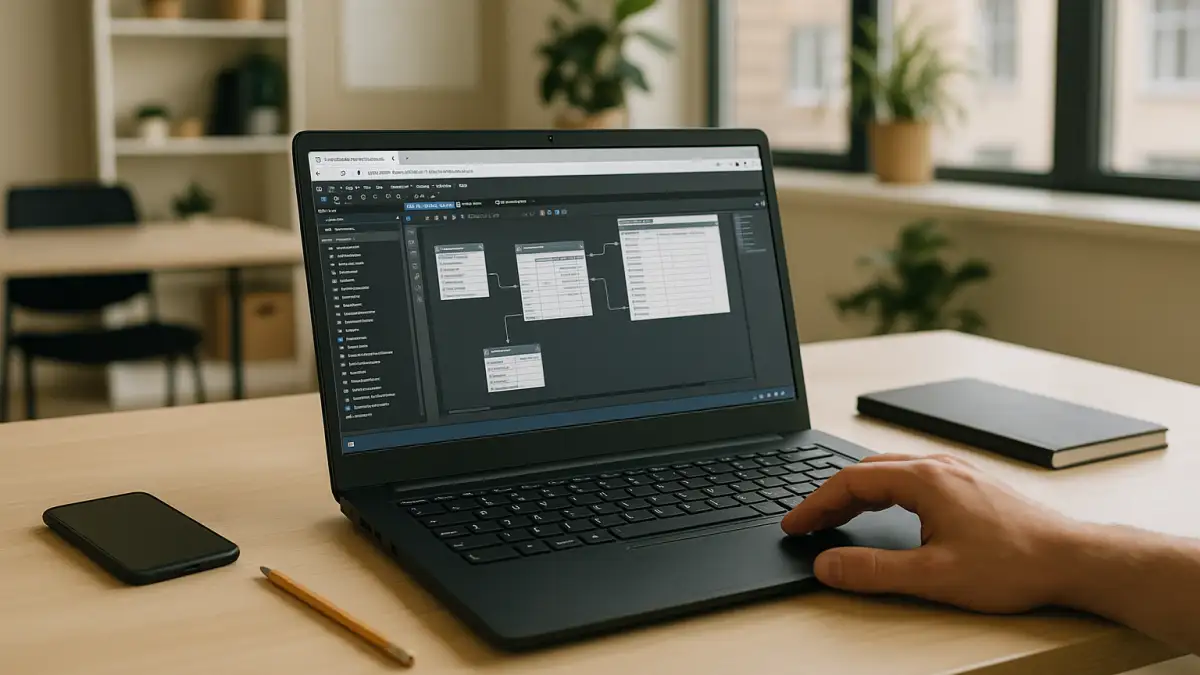
Ship sprint analytics with MySQL Workbench Linux
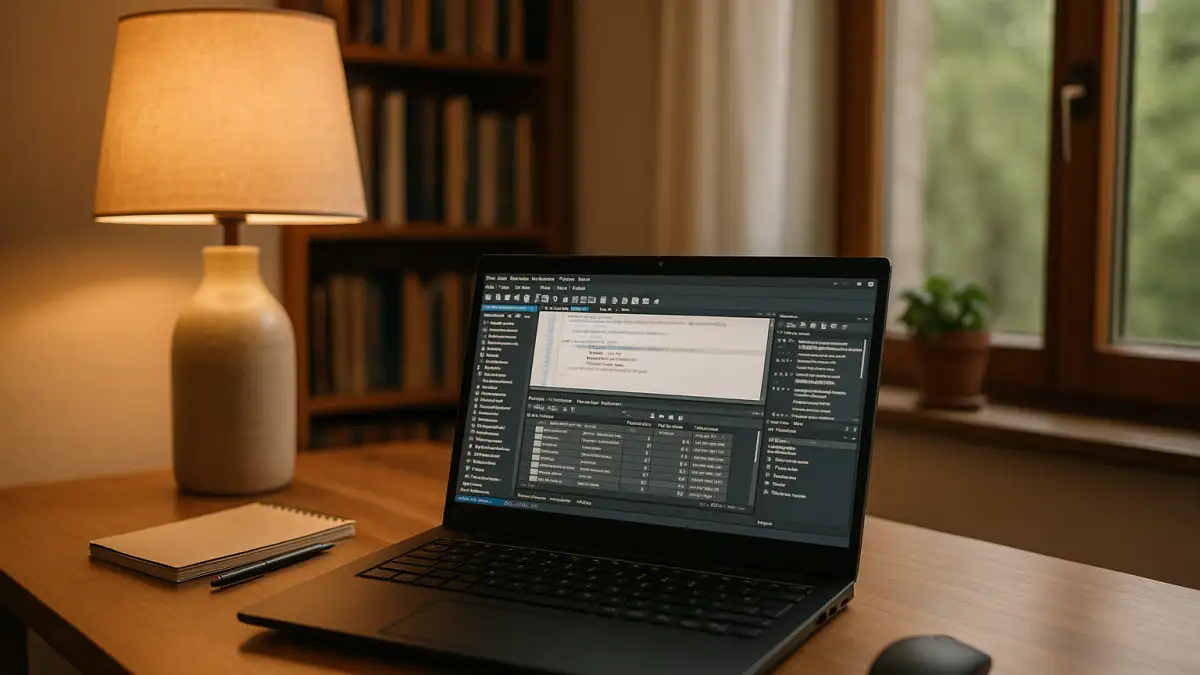
MySQL Workbench is available for Linux, allowing database professionals to create ER diagrams, manage MySQL connections, edit SQL queries, and perform database administration tasks. Linux users can install it through distribution packages or official MySQL repositories. However, teams that rely on Windows-specific database tools or need a consistent Windows workspace across different devices may prefer a cloud Windows PC alongside their existing Linux setup.
MySQL Workbench Linux: installation and workflow requirements
Because the sprint begins with database modeling and ends with validated queries and exports, the team needs a consistent setup for the following tasks:
- MySQL Workbench version: Use the same supported 8.0.x release across team workstations to avoid differences in application behavior.
- Database connections: Keep connection profiles consistent, including hostnames, ports, authentication methods, and SSH tunnel settings where required.
- SSH access: Store the required SSH keys securely and configure access to the same staging environment.
- External BI connectivity: Configure MySQL Connector/ODBC and matching DSNs only when downstream BI tools require ODBC connections.
- Project files and exports: Keep .mwb models, SQL scripts, and export settings organized in shared version control. Document CSV encoding, delimiters, and JSON formatting to make outputs consistent.
For teams that need the same tools and configurations across different devices, the choice of working environment becomes an important part of the workflow.
Running MySQL Workbench in a consistent Windows environment
Teams can run MySQL Workbench directly on Linux or use its Windows version in a cloud Windows PC. The right choice depends on the required operating system, software dependencies, and whether the team needs a shared, persistent Windows workspace.
| Approach | Capabilities | Complexity |
|---|---|---|
| Linux package installation | Runs the native Linux version; package availability and version selection depend on the distribution and repository | Low to medium |
| Flatpak/AppImage | Alternative packaging methods where a suitable Workbench build is available; compatibility with external tools depends on the setup | Medium |
| Containerized GUI session | Can isolate application dependencies, but GUI access and integration with SSH or external tools require additional configuration | High |
| Cloud Windows PC | Runs the Windows version of Workbench; lets users maintain a persistent Windows workspace and install the required supporting tools | Low to medium once configured |
For teams that need a Windows-based workflow, a persistent cloud desktop provides an alternative to maintaining separate local installations.
Keeping MySQL Workbench projects consistent across devices
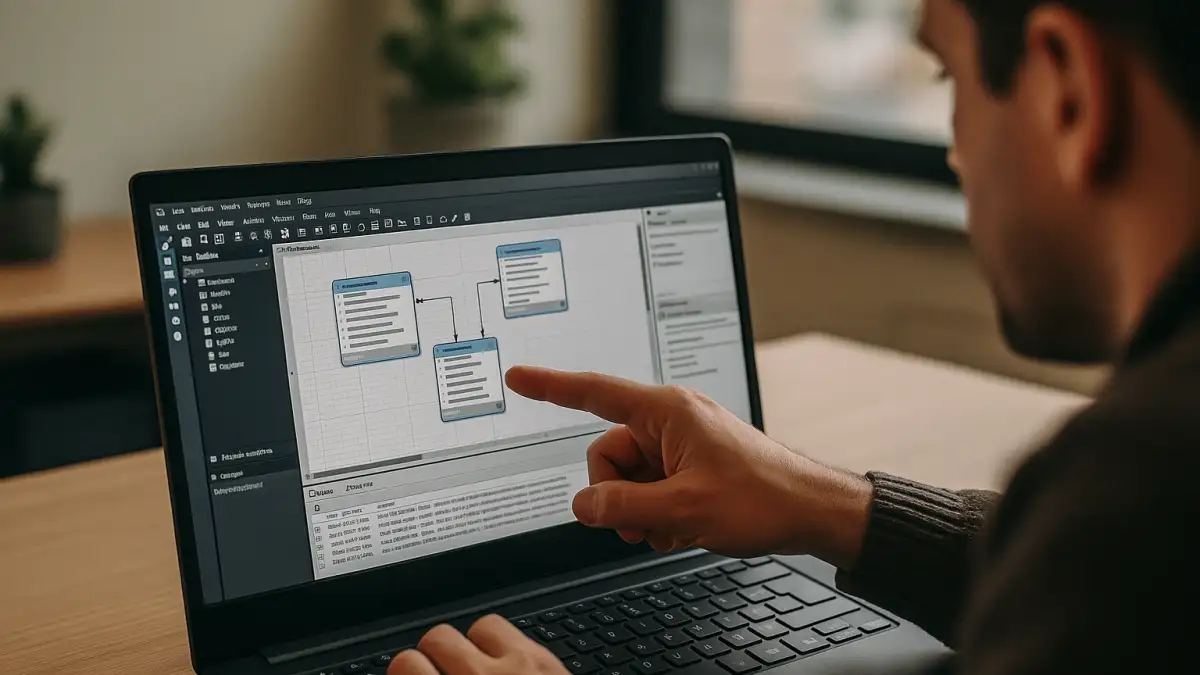
Moving between the office, home, and client sites requires consistent access to the same MySQL Workbench version, project files, and connection settings. A persistent working environment can keep `.mwb` models, ER diagram layouts, SQL scripts, and configured database connections together. SSH keys and ODBC settings can also be maintained where required, while documented CSV and JSON export options help the team follow consistent output conventions. Accessing this environment from different devices reduces the need to recreate the setup at each location.
Aristeem: access MySQL Workbench through a cloud Windows PC
Aristeem provides a persistent cloud Windows PC that you can access from a Linux device without replacing its operating system. You can install the Windows version of MySQL Workbench, configure database connections, and keep project files and supporting tools in the same environment. Add SSH or VPN tools and MySQL Connector/ODBC if your workflow requires them. You manage software installation, configuration, and any required licenses.
If you are comparing different ways to work with MySQL Workbench across devices, see our guide to MySQL Workbench alternatives.
MySQL Workbench Linux: choosing the right working environment
MySQL Workbench supports native Linux workflows, making local installation the straightforward choice for users who do not need a Windows environment. For teams that depend on Windows-specific tools or need to access a persistent Windows workspace from different devices, Aristeem’s cloud Windows PC offers an alternative without replacing their existing operating system.


