


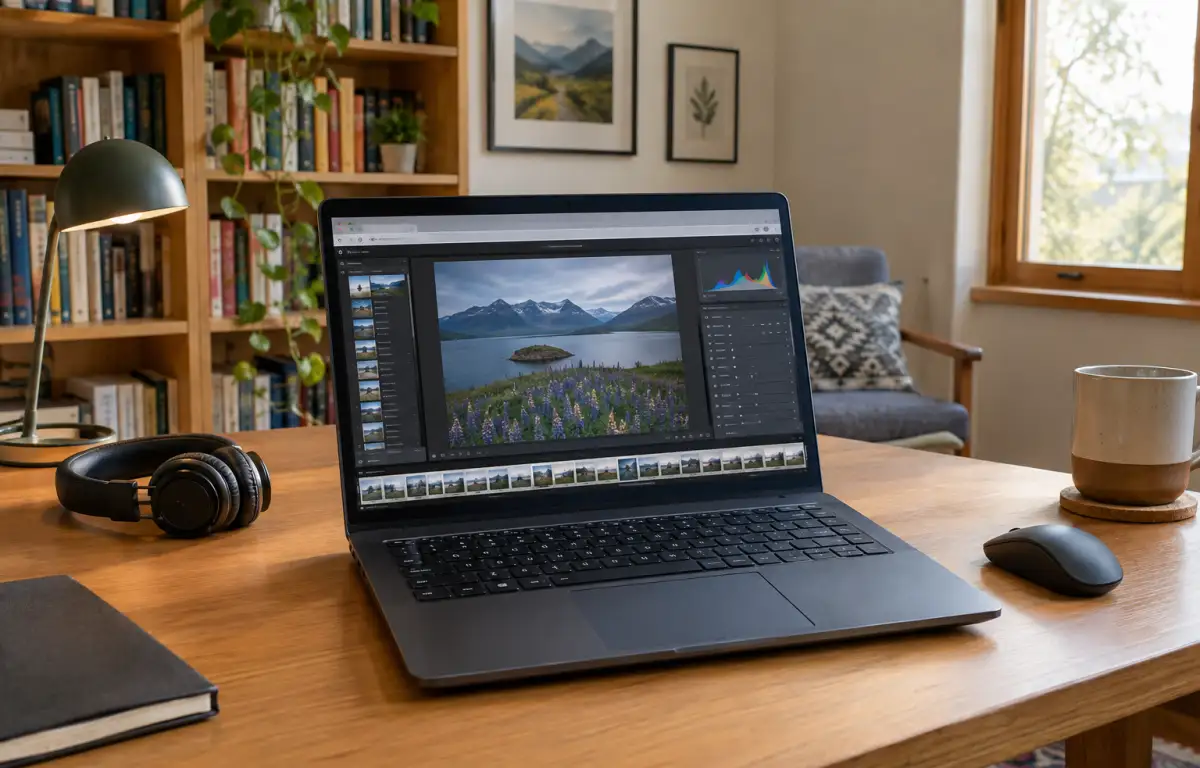
Catalog-Based Edits in Adobe Lightroom for Linux

Before a fashion lookbook goes to print, a retoucher needs Adobe Lightroom Classic to reopen the existing catalog, apply the studio’s established Develop presets, and process new RAW files with the same camera profiles. If the project also involves film scans, Negative Lab Pro must remain available. For Linux users, the challenge is accessing this exact desktop workflow because Lightroom Classic has no native Linux version.
What an Adobe Lightroom for Linux Workflow Requires
An existing Lightroom Classic project depends on more than the catalog file itself. RAW source folders must remain accessible, referenced profiles and presets must be available, and installed plugins such as Negative Lab Pro must work with the chosen application version. When moving an established project to another operating system, these dependencies matter more than simply opening Lightroom’s interface.
Lightroom Classic stores editing history, collections, ratings, and other project information in its catalog. For photographers continuing an established project on Linux, preserving access to this information is essential. Rebuilding the workflow in another photo editor means adapting to a different way of organizing and processing images. The key question is how to keep using the original Lightroom Classic application without changing the local operating system.
Using Lightroom Classic on Different Linux Devices
A photographer may start selecting images on a Linux workstation, continue editing from a laptop, and return to the studio for final exports. The challenge is not simply opening the same catalog on each device: Lightroom Classic, its installed plugins, and the required Windows components must remain available in a compatible environment. Installing and maintaining separate setups on every Linux machine makes this process unnecessarily complicated.
A persistent cloud Windows PC provides one working environment rather than separate Lightroom installations on each device. The photographer accesses the same Windows desktop from different Linux machines, while the catalog files and installed software remain in that environment. This avoids repeatedly rebuilding the application setup when changing work locations.
Best Way to Run Lightroom Classic on Linux Consistently
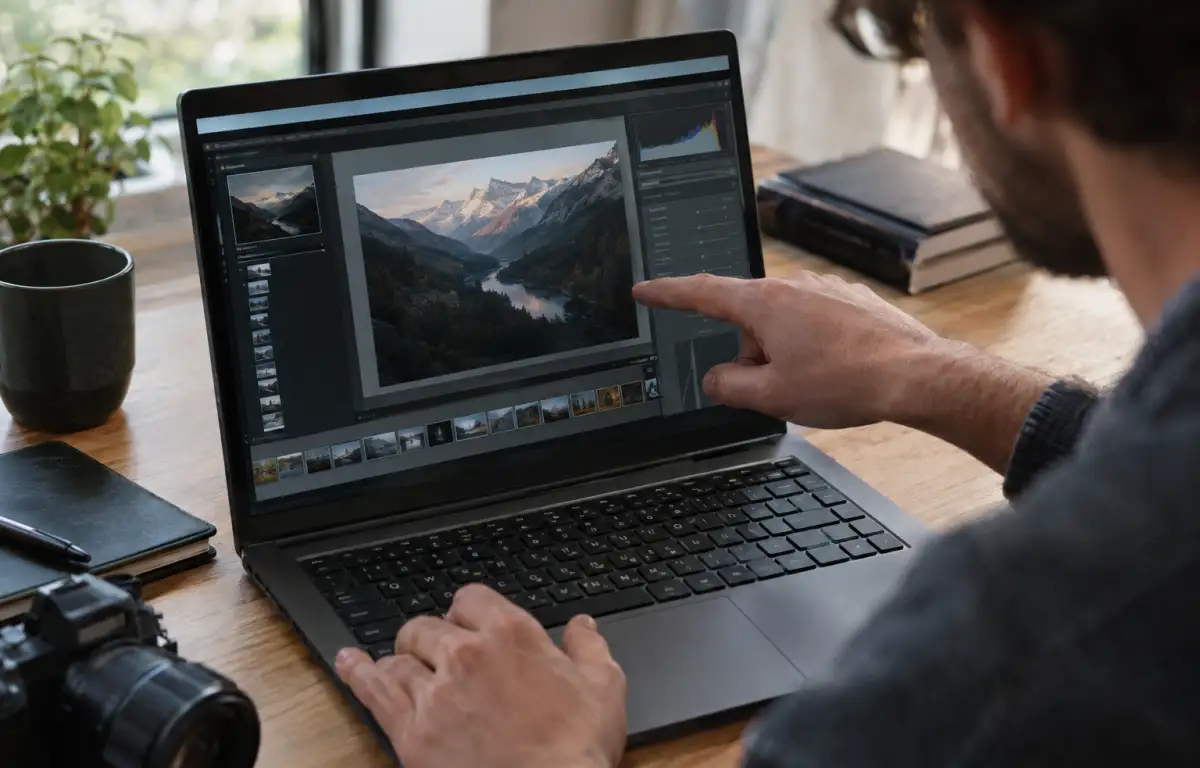
Linux users considering Adobe Lightroom Classic generally face three local options: running Windows through dual boot, using a virtual machine, or testing compatibility layers such as Wine. Dual boot requires switching operating systems, while a virtual machine needs its own Windows installation and allocated hardware resources. Wine compatibility depends on the specific Lightroom version and its dependencies, so it should not be assumed to support every plugin or workflow component.
A cloud Windows PC offers another approach: install the required Lightroom Classic version, configure its plugins and profiles, and keep the project files in one persistent environment. Instead of maintaining separate Windows setups on Linux devices, users access the same desktop whenever they need to continue editing.
Aristeem: Adobe Lightroom for Linux Without Compromise
Since 2024, Aristeem has provided cloud access to professional Windows software. Linux users can access a cloud Windows PC through a browser without replacing their local operating system. Install Adobe Lightroom Classic, sign in with your own license if required, and configure the plugins, camera profiles, and presets used in your projects.
Persistent storage keeps your working files and installed software in the same cloud environment. You can return to your Lightroom setup from another Linux device without repeating the installation process. You remain responsible for configuring Lightroom and connecting the storage or peripherals required by your workflow.
This approach lets you continue using the original Adobe Lightroom Classic application on Linux without switching to another photo editor. If you are comparing ways to use Lightroom on Linux, see our guide to finding a Linux Lightroom equivalent.
Conclusion: Adobe Lightroom for Linux With Predictable Catalogs and Exports
Adobe Lightroom Classic has no native Linux version, but photographers do not have to replace their established editing software with another RAW editor. A cloud Windows PC provides access to the original application while keeping its installation and working environment separate from the local Linux system. With Aristeem, you can configure Lightroom Classic for your existing projects and continue editing from different devices. Learn more about running Lightroom Classic on Linux with Aristeem.


