


Blog
Blog
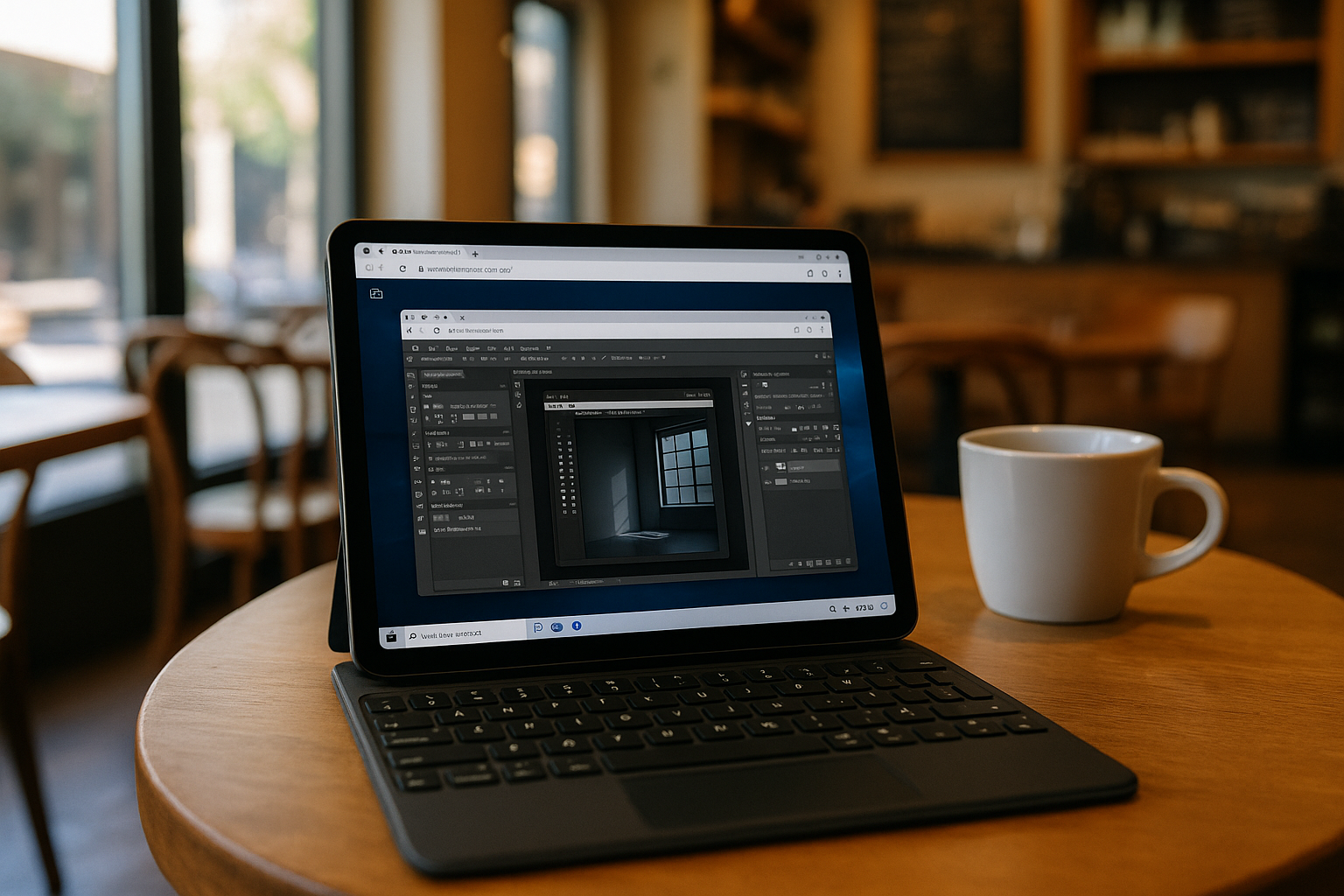
Heavy Applications on Lightweight Devices? Cloud VM Makes It a Reality
Whether working on advanced video editing, 3D modeling, or simulation software, cloud VM solutions provide a scalable and reliable way to access all necessary tools.
Read More
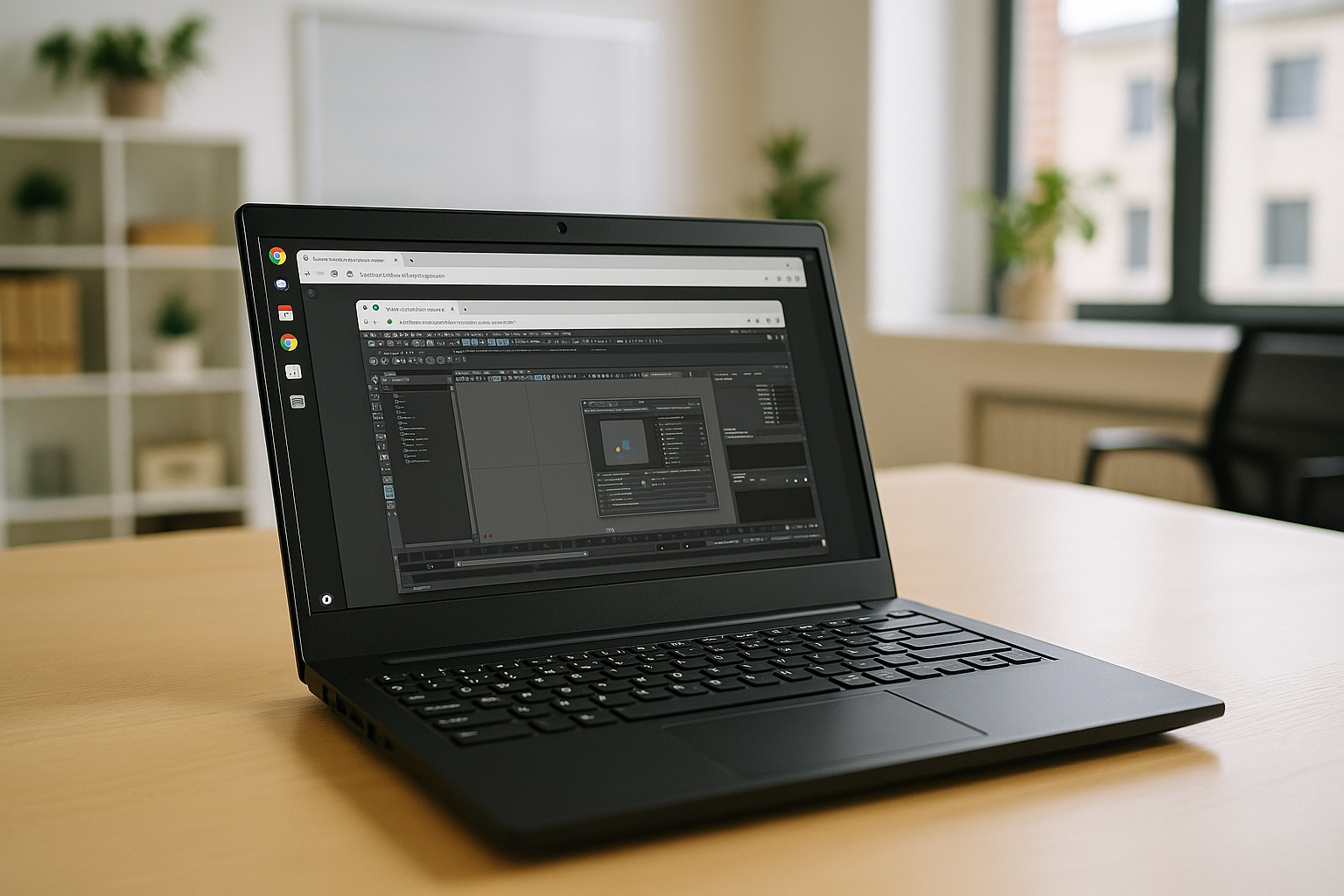
Handle Heavy 3D & Video Projects with Just One Cloud VM
Cloud VMs for Mac, Windows, and other desktop environments are rapidly evolving from convenience tools to essential solutions for professional video editors. Aristeem delivers a powerful cloud-based virtual machine that removes technical barriers.
Read More
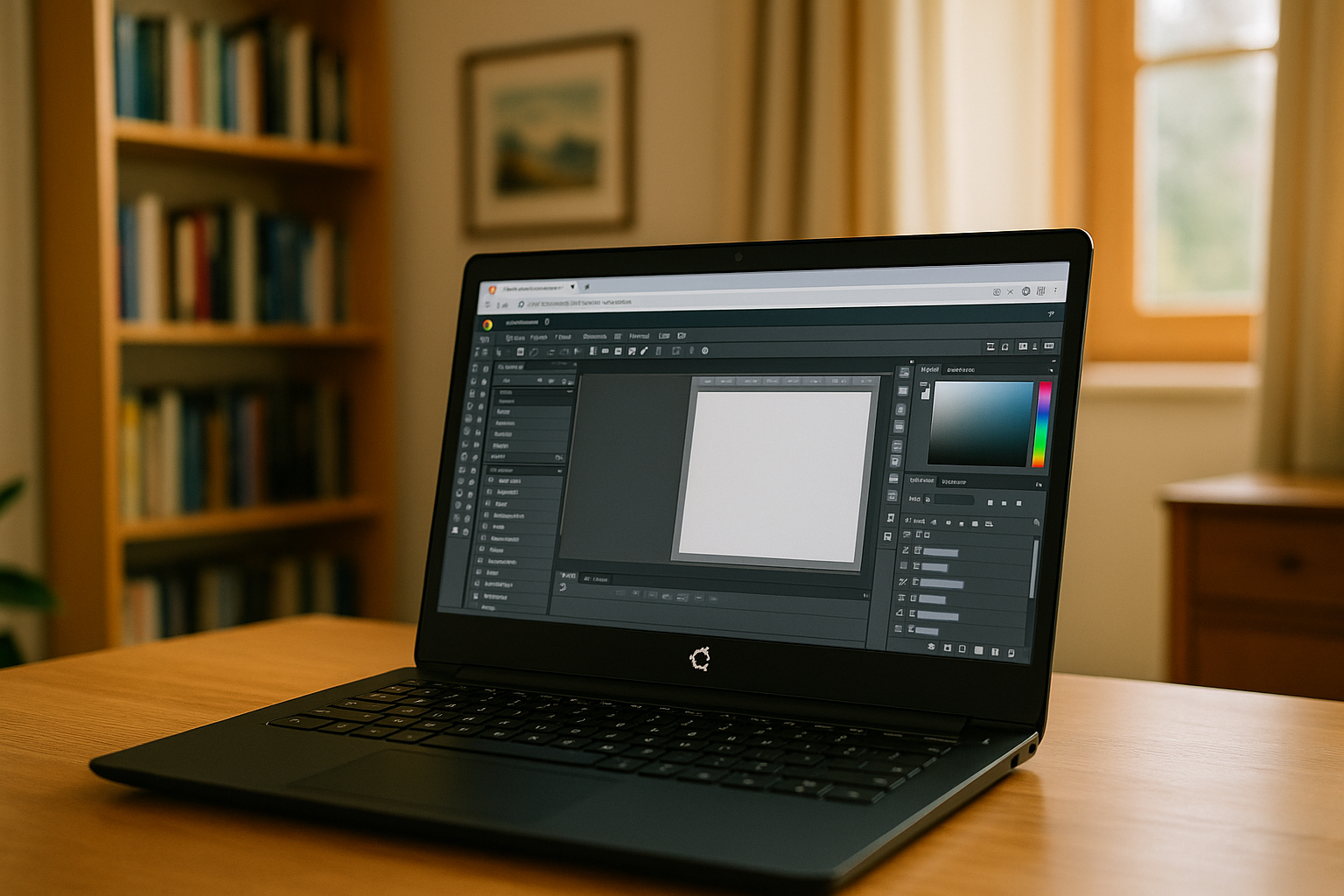
Easily Access Windows Software on Ubuntu with Cloud Virtual Machine
By using Linux virtual desktop environments in the cloud, users can enjoy a consistent, fully configured desktop environment accessible anywhere.
Read More
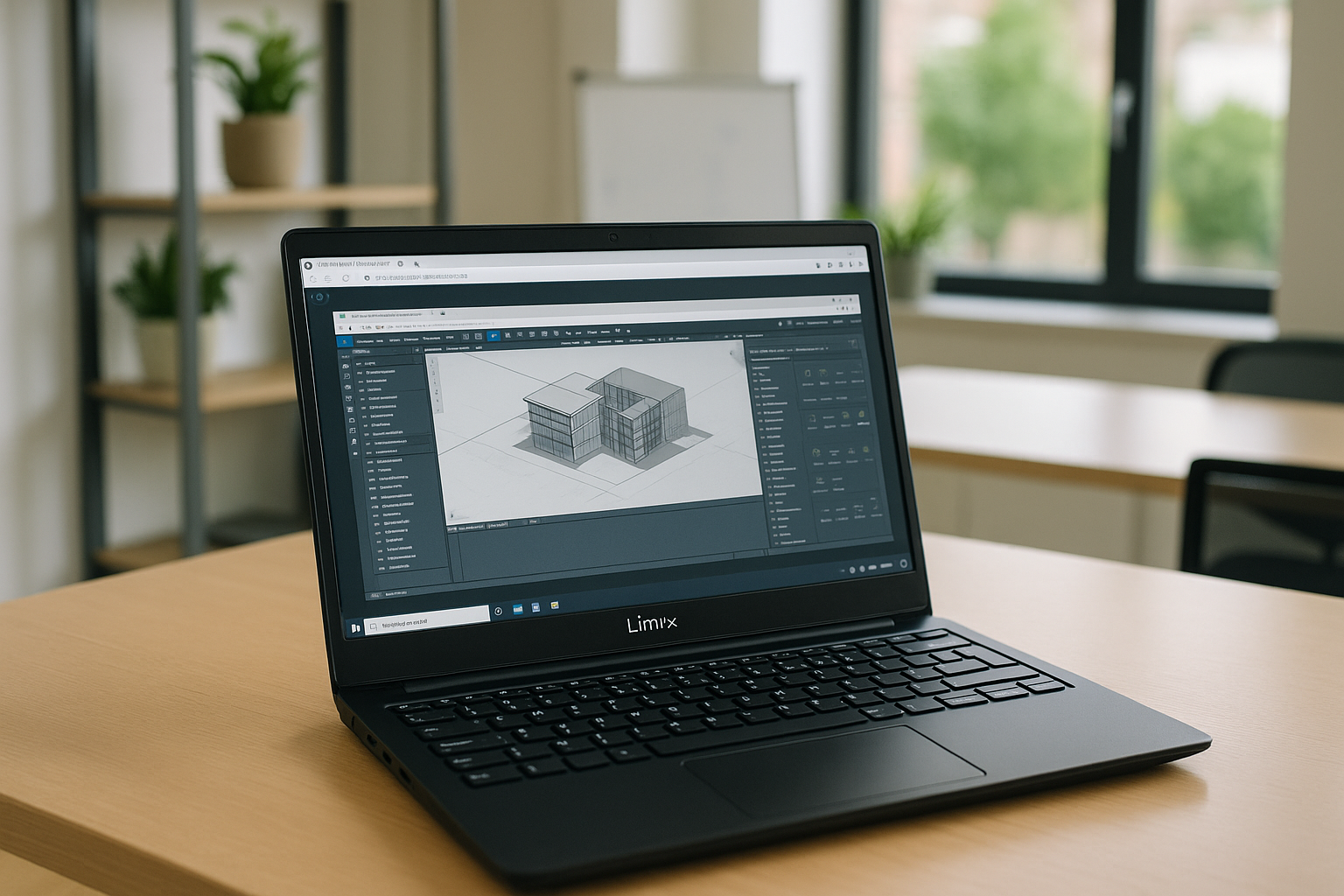
Cross-Platform Virtual Machines for Heavy CAD and BIM Workflows
Modern cloud virtual desktops provide a scalable and reliable environment, while cloud CAD solutions allow teams to design, model, and render complex projects directly through the browser. Cloud VMs for Mac, Windows, and other virtual desktop environments are rapidly evolving from convenience tools to essential solutions for CAD and BIM professionals.
Read More
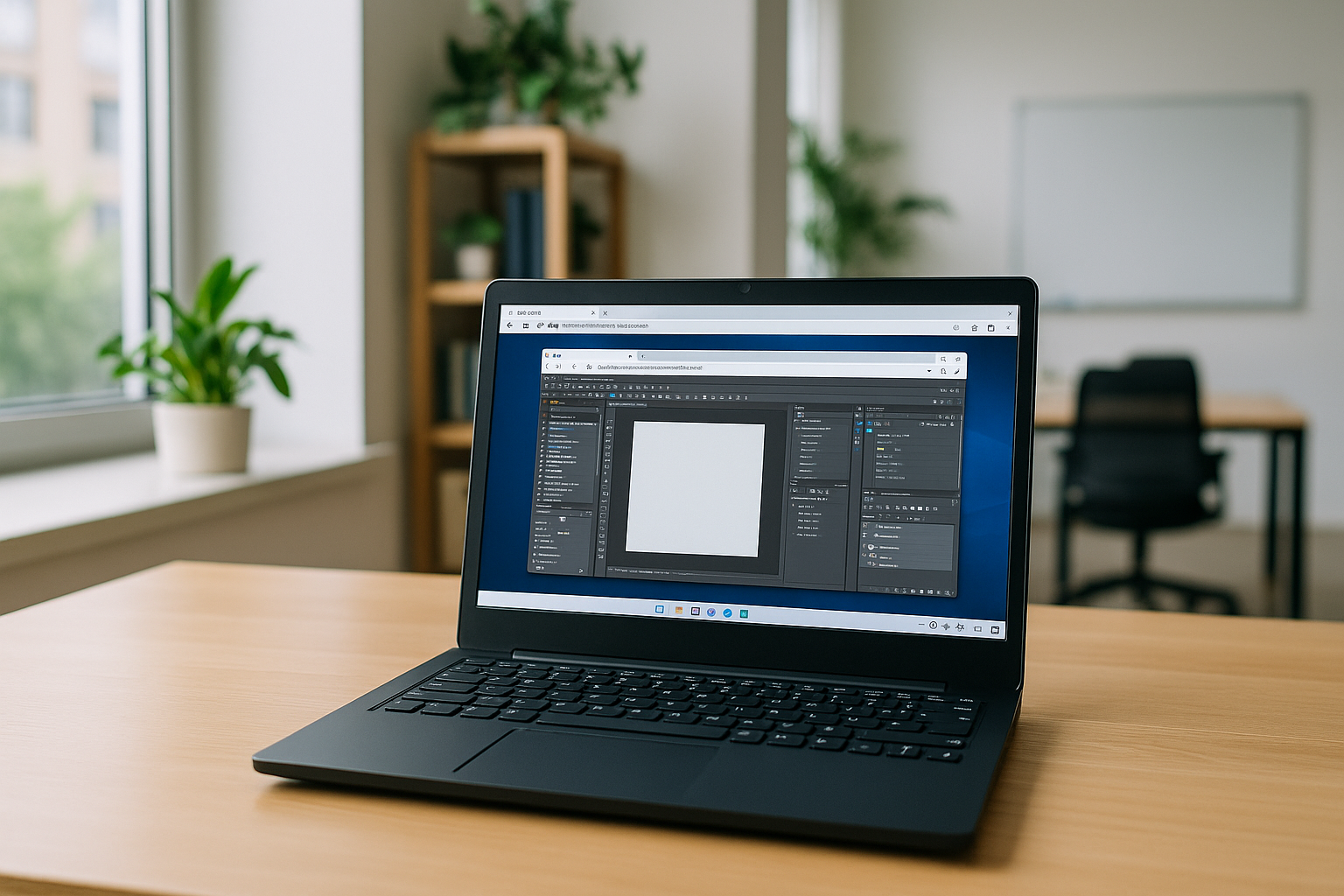
The Future of Personal Computing: Cloud VMs for Mac Users
Demand for flexible, cross-platform computing is growing, and virtual machines on Mac are becoming essential for users who want to run professional Windows or Linux applications without local installation, whether for software development, design, or data analysis.
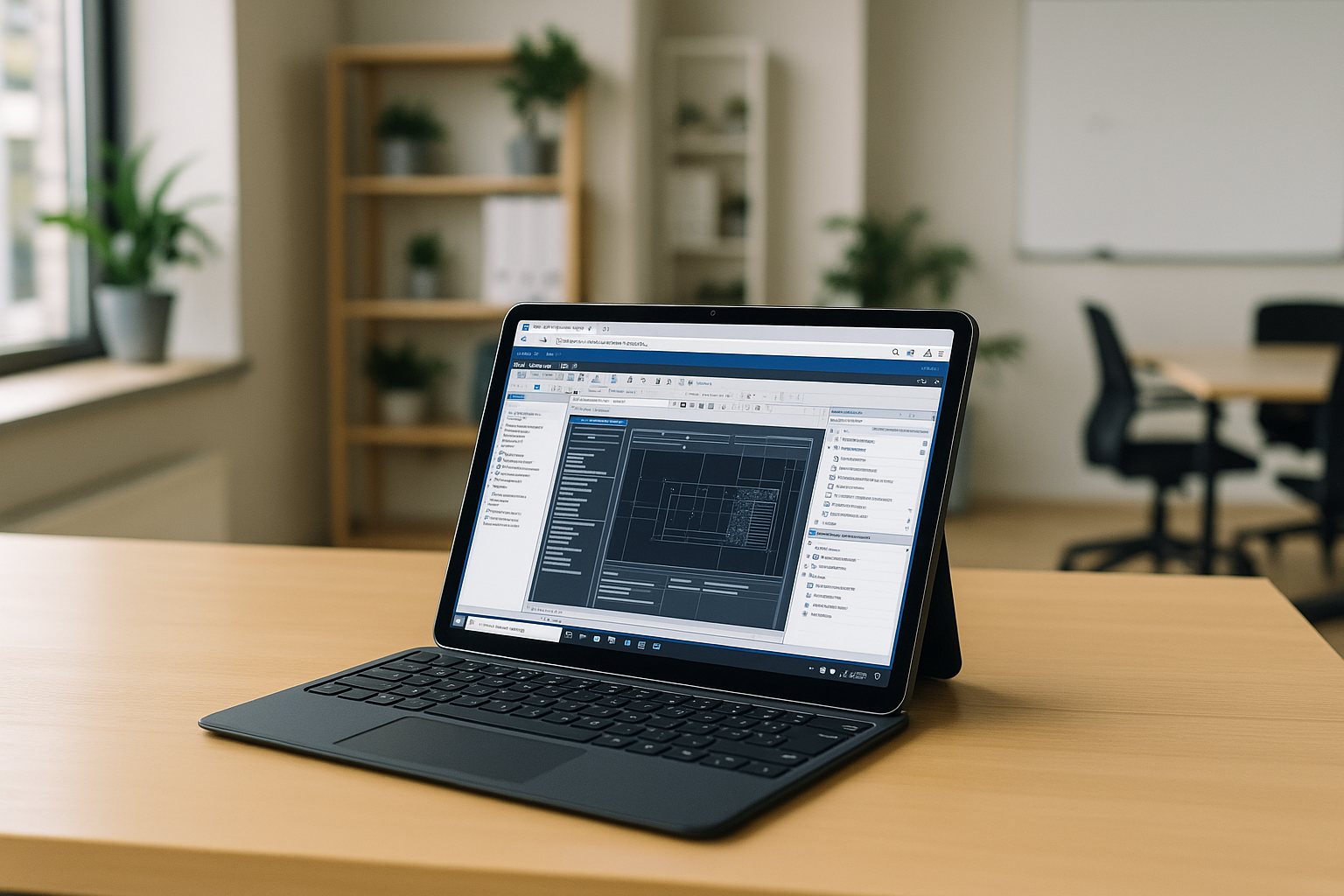
One Workspace, Any Device: The Takeoff of Cross-Platform Virtual Desktops
Modern cloud desktops combine high-performance computing, GPU acceleration, advanced security protocols, and seamless cross-device access. Organizations are no longer viewing cloud PCs as temporary remote work solutions — they are becoming a strategic foundation for scalable IT infrastructure and a reliable cloud PC service.
Read More
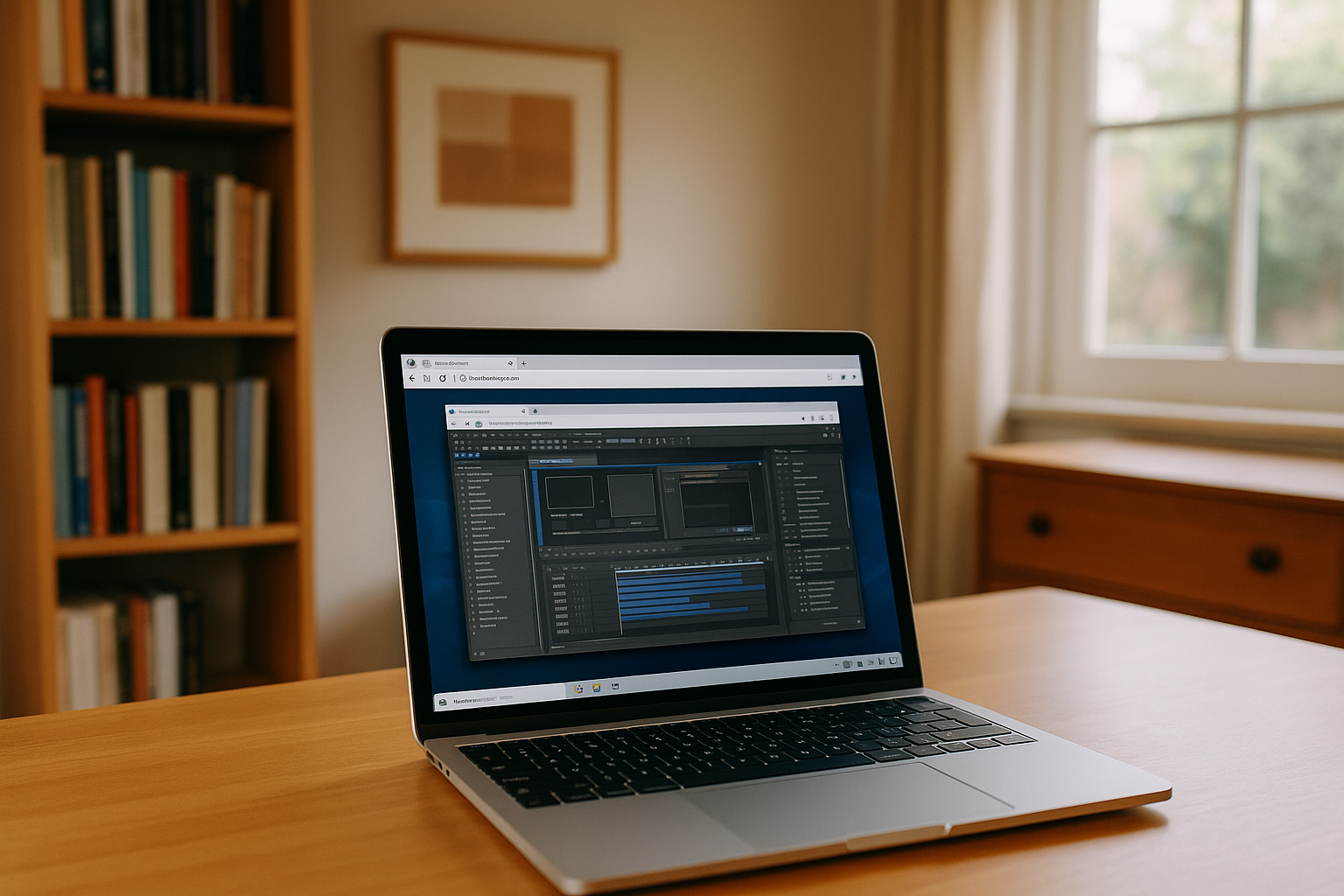
Why Cloud Virtual Machines Are Becoming a Strategic Asset in 2026
Cloud virtual machines are becoming a strategic tool for businesses facing rising hardware costs. Aristeem combines performance, security, and flexibility, offering an optimal solution for companies seeking to scale IT operations without dependence on on-premises hardware or memory market fluctuations.
Read More
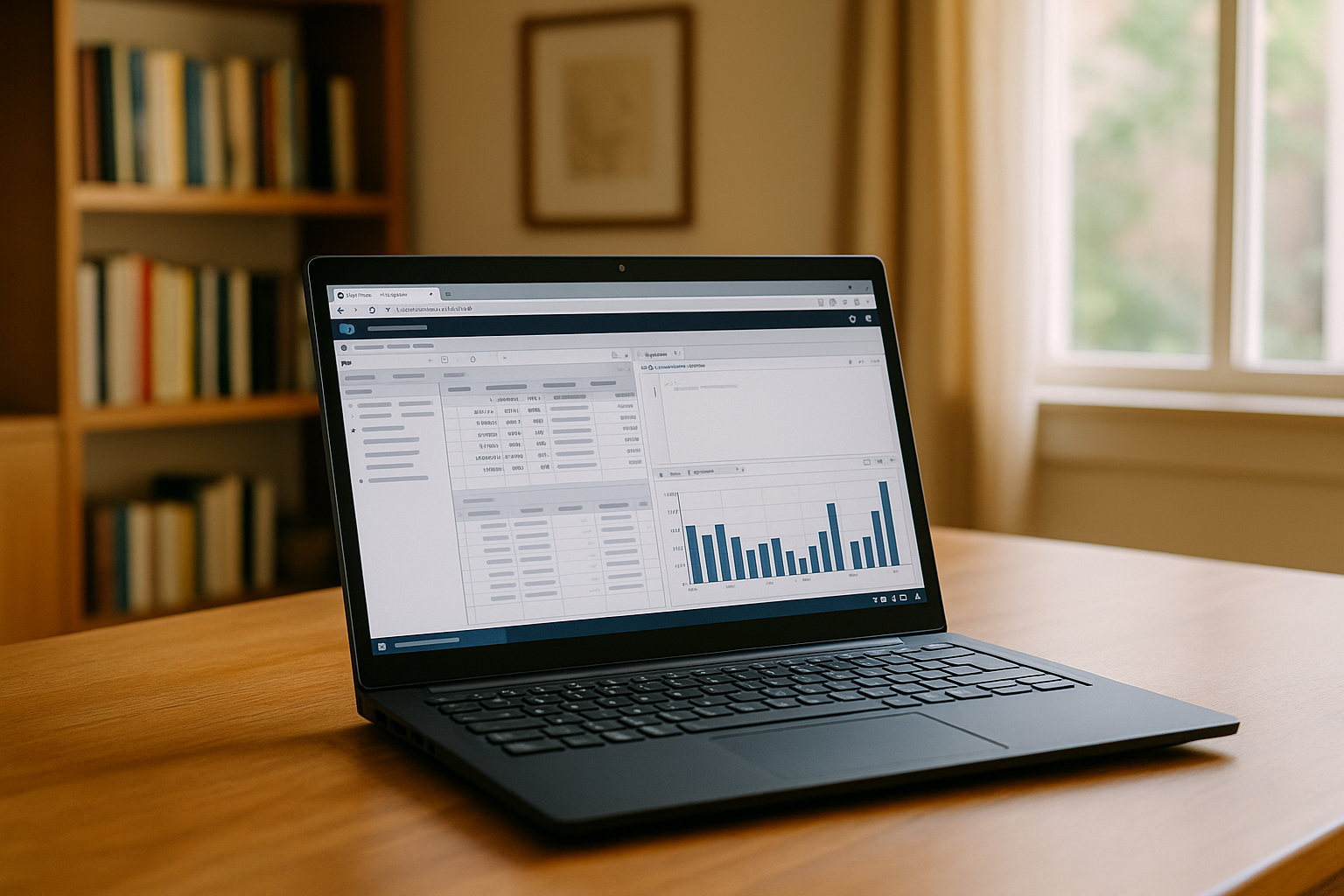
Remote Analytics Made Easy with Cloud PostgreSQL
Server-side processing, centralized storage, and multiplatform access make PostgreSQL via Aristeem an ideal solution for businesses where speed, security, and efficient data processing drive competitive advantage.
Read More
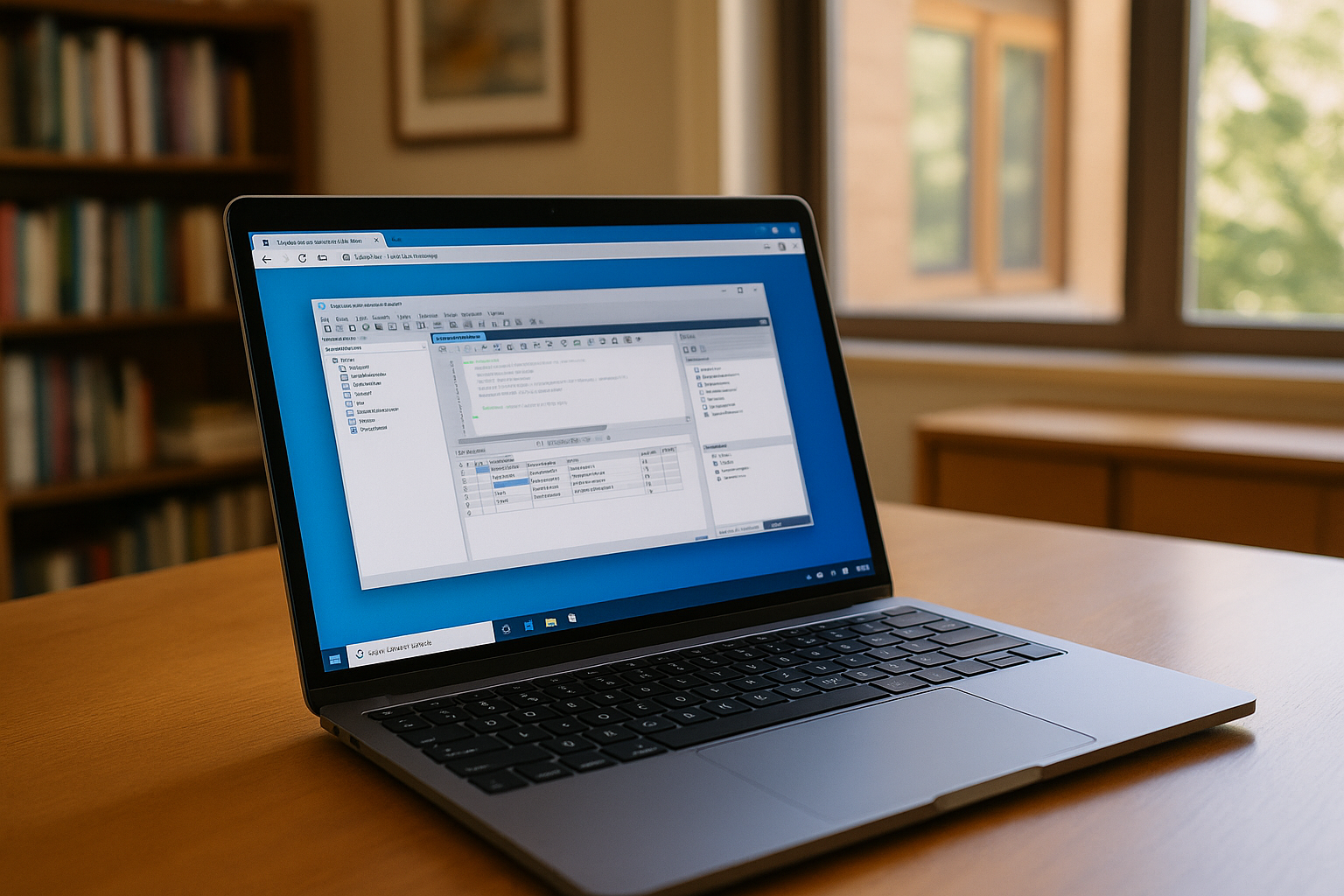
Transform Your Database Workflows with Cloud-Based MySQL Workbench
In 2026, the use of the cloud version of MySQL Workbench is gaining increasing popularity, as it allows you to work with large databases without the limitations of local hardware and provides faster access to the latest version MySQL Workbench updates.
Read More
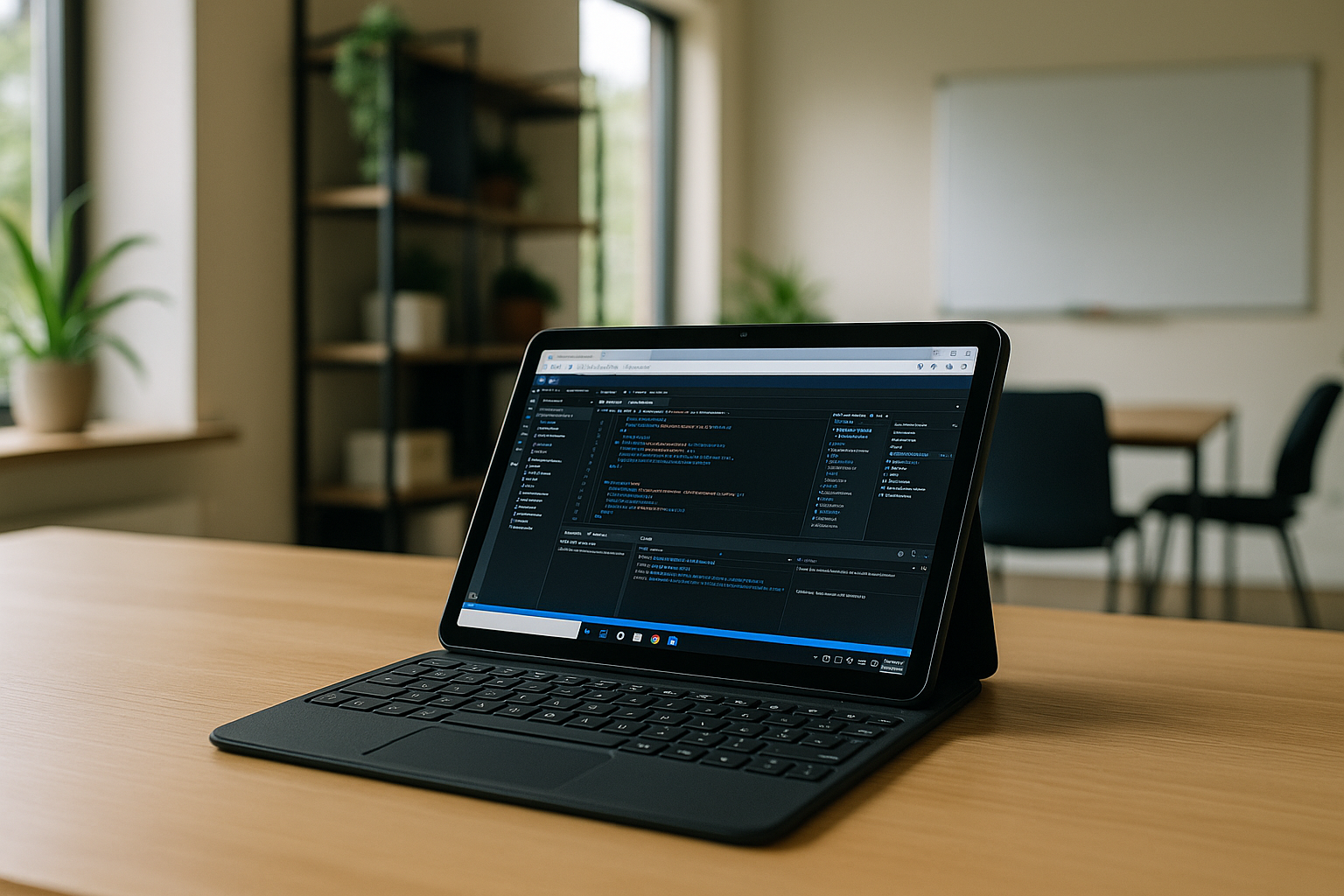
Mobile Visual Studio Code – IDE With You, Wherever You Are
Visual Studio Code remains one of the most convenient and powerful IDEs for programmers, and with Aristeem its capabilities go far beyond the office. So, if mobility, cross-platform, and the freedom to work anywhere are important to you, Aristeem turns your device into a full-fledged workstation.
Read More
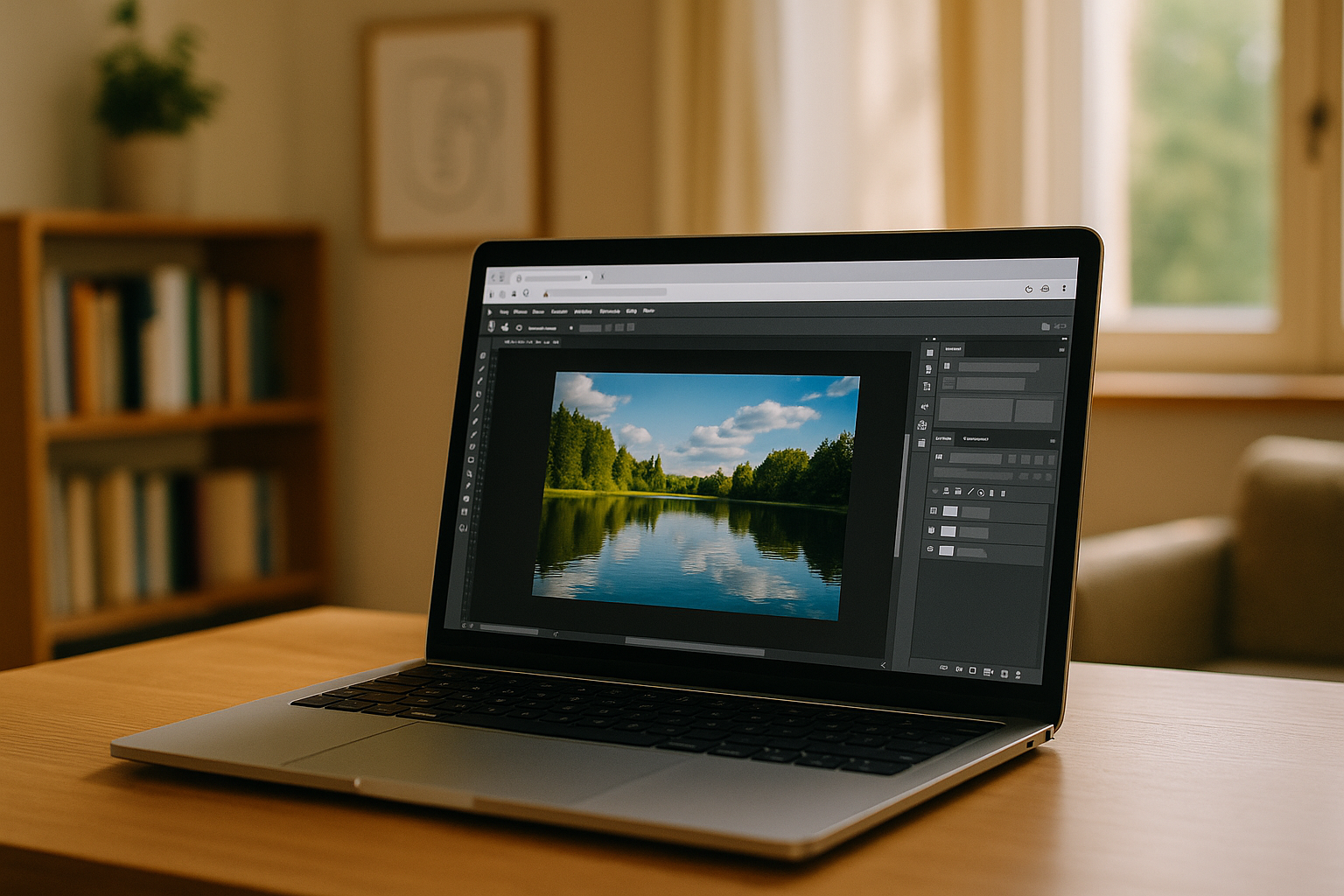
Photoshop on Mac Made Easy: A Simple and Modern Solution for Creativity
In today's environment, Mac users often face limitations when working with full-featured image editing programs such as Adobe Photoshop Mac software. You can bypass these limitations, providing the ability to run the full Windows version of Photoshop Mac OS at maximum performance, without modifying or rebooting your local Mac system.
Read More
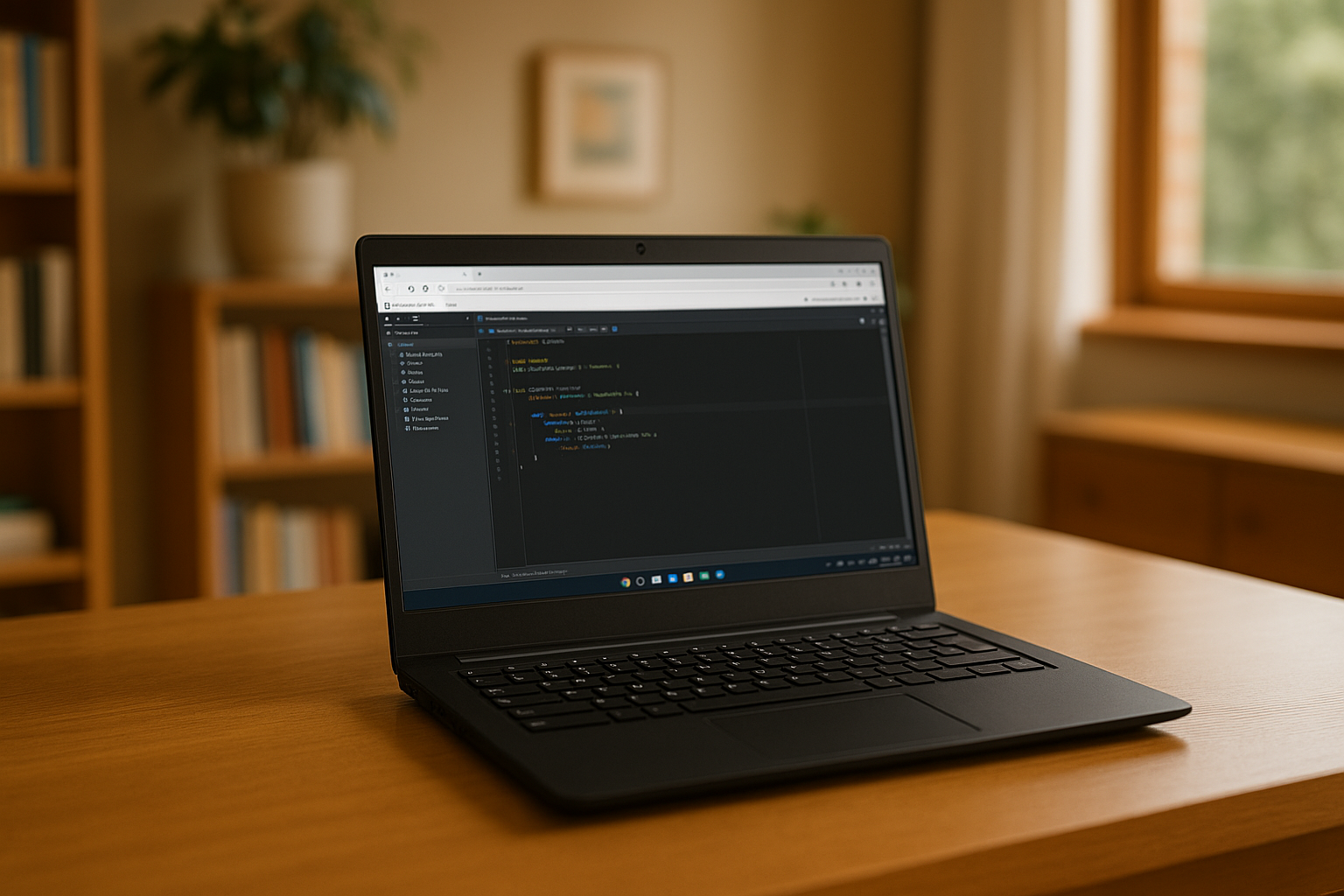
Data Analysis Without Limits: How Aristeem Enhances PyCharm
PyCharm for Python is a powerful environment for data analysts but can strain local machines and require complex setup. The Aristeem cloud platform solves these issues.
Read More


