


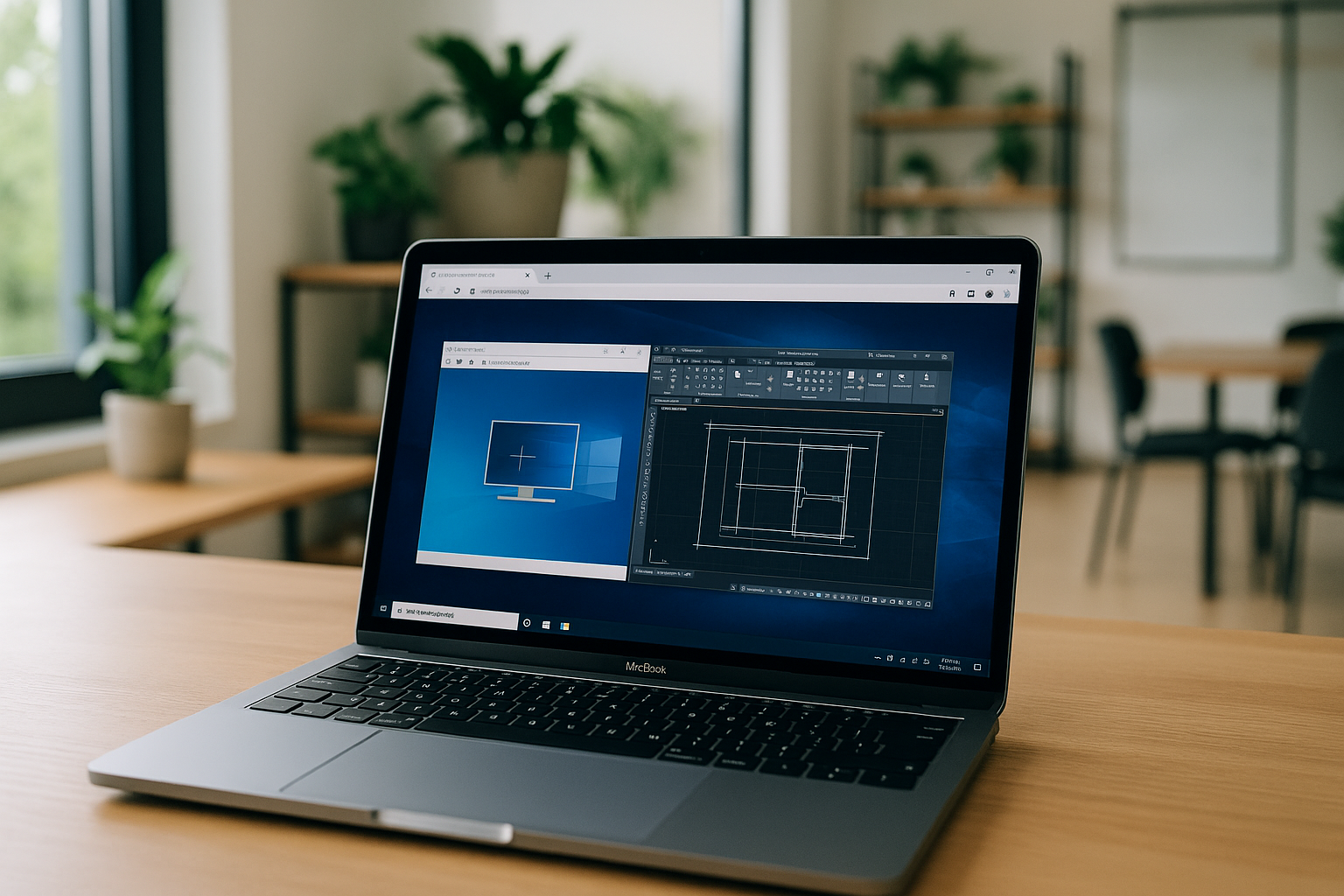
AutoCAD for Mac when you can’t install it locally
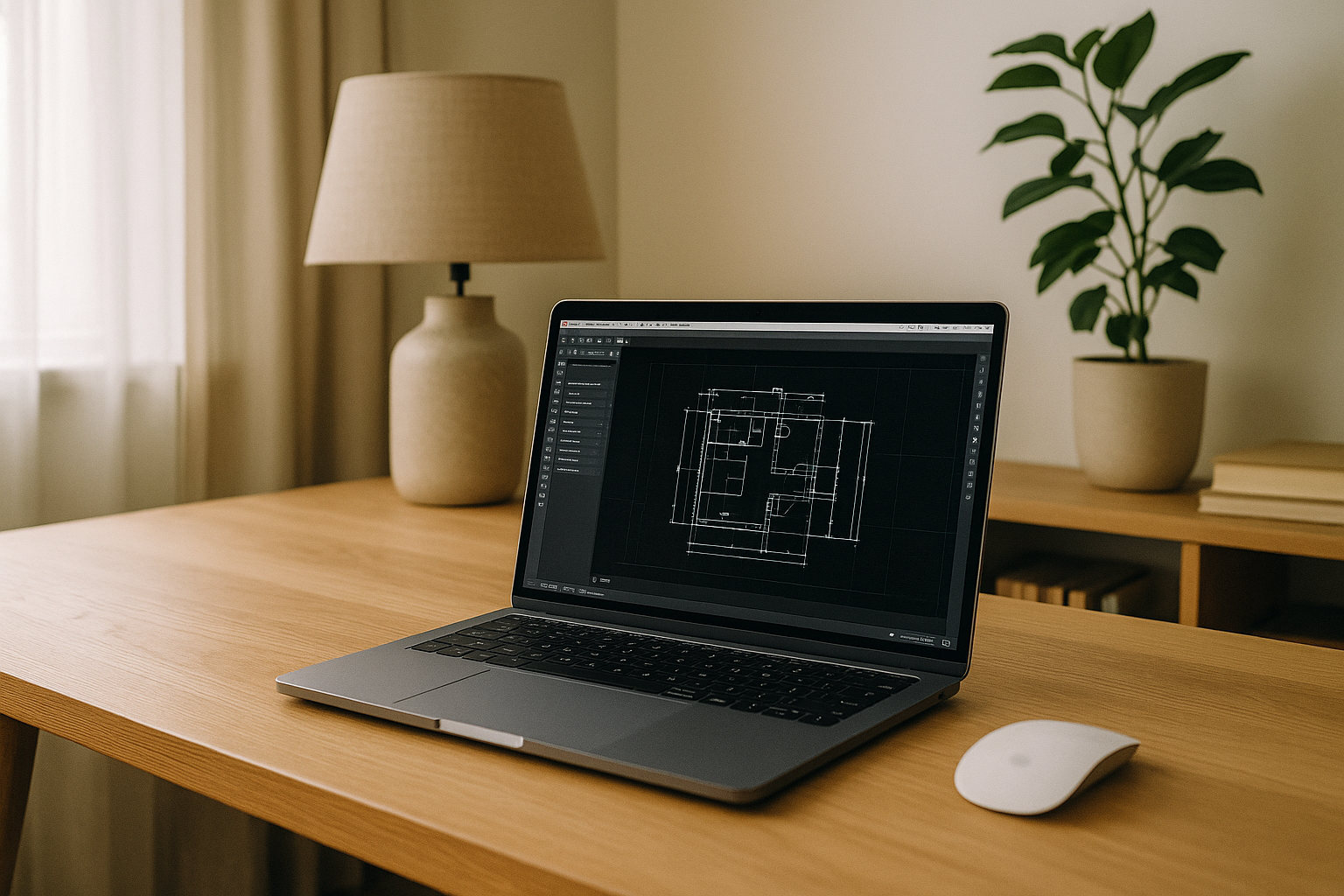
You need to open a DWG today, but the installer for AutoCAD won’t run on your Mac. Maybe IT has locked down app installs, storage is nearly full, or your macOS version doesn’t meet the current requirements. Even if you have a license and a capable machine, you still can’t get from download to drawing before the deadline, and every hour counts.
For some teams, the challenge is hardware or architecture. Apple silicon changed support for certain plugins and toolsets, and older Intel Macs may lag behind minimum specs. Others simply want to avoid heavy downloads, background services, and the risk of breaking a carefully managed system. If you’re searching for how to run AutoCAD on Mac right now, you likely need a path that is fast, reliable, and doesn’t require admin rights or complex setup.
What you really want is to run AutoCAD on Mac without installation so you can sketch, edit, and publish drawings from any Mac you have in front of you. The goal isn’t to build a new machine; it’s to get work done with a predictable experience. That means eliminating installers, drivers, and device-specific quirks, while keeping drawing performance stable for both 2D and light 3D tasks.
How to run AutoCAD on Mac: buy a PC, install Windows, or use remote desktop
Buying a Windows workstation is the blunt, dependable option. It will run AutoCAD natively, and you can configure the exact GPU, RAM, and storage you need. But it’s expensive, it adds another device to maintain, and it does nothing for you when you’re traveling with only a MacBook. For teams under tight budgets or individuals who need temporary access, this route can be overkill.
Installing Windows is another path, but it’s complicated. Boot Camp is not available on Apple silicon, and virtual machines on Mac, while convenient, still require licensing, manual configuration, and ongoing updates. GPU acceleration and driver parity can be limited in VMs, especially for 3D navigation and large drawings, leading to stutters or artifacts. Remote desktop into a Windows box can work in a pinch, but it depends on the health of the remote machine, network stability, VPN policies, and you must secure and maintain that endpoint. Each of these options can work, yet each introduces friction that distracts from AutoCAD for Macworkflows and deadlines.
When deadlines collide with IT controls, the result is a lot of waiting and troubleshooting. You spend time fighting installers, approvals, and drivers rather than moving your project forward. The missing piece is a path that offers workstation-grade reliability with minimal moving parts, ideally with no local footprint on your Mac.
The best way to run AutoCAD on Mac without installation
Instead of buying hardware or assembling a fragile VM stack, a browser-based environment provides immediate access to a full desktop workspace. Because the heavy lifting happens off your device, you avoid macOS compatibility issues, admin prompts, and storage constraints. You sign in, launch the environment, and you’re ready to open DWG files — no downloads, no drivers, and no version roulette.
A ready-to-use browser workspace removes time-consuming configuration and reduces variability in 2D and light 3D performance. And unlike remote desktop, you don’t need to maintain a distant PC, keep it powered, or manage VPN routes. The guiding idea is simple: run AutoCAD on Mac without installation and keep your workflow stable anywhere you can open a modern browser. This approach favors portability, predictable performance, and consistent project handoff across teams.
Aristeem: instant AutoCAD for Mac in your browser
Aristeem gives you a full working environment in the browser so you can open and work on DWG without touching your Mac’s system. It is a browser-based cloud PC — not an emulator and not a remote desktop — so there is no local installation, no drivers to chase, and no GPU or OS guesswork on your side. You simply sign in, pick the AutoCAD-ready workspace, and start drawing. This delivers no setup and truly instant access from any Mac, whether it’s company-managed, low on storage, or running an older OS.
File handling is straightforward and safe. Save directly back to your connected storage so your drawings stay versioned and accessible to teammates. Your toolbars, templates, and plot styles remain predictable session to session, which keeps 2D drafting and light 3D navigation smooth. You get the speed of a clean, pre-tested workspace with the flexibility to add plugins and tools as needed — all inside the browser and ready whenever you are.
The Modern Alternative to Unstable AutoCAD for Mac Workflows
If you are blocked by IT policies, storage limits, or OS/version conflicts, you don’t need a new PC or a complicated VM. With Aristeem, you open a clean AutoCAD-ready environment in your browser and get back to drafting in minutes. It’s the practical path for teams that value predictable performance, portable access, and minimal maintenance in their AutoCAD for Mac workflows.
Stop fighting installers and approvals. Launch Aristeem, drop in your DWG, and continue your project from any Mac you have on hand. Try it now to experience instant access to AutoCAD without local installation or configuration — and keep your deadlines, not your device, in control.


