


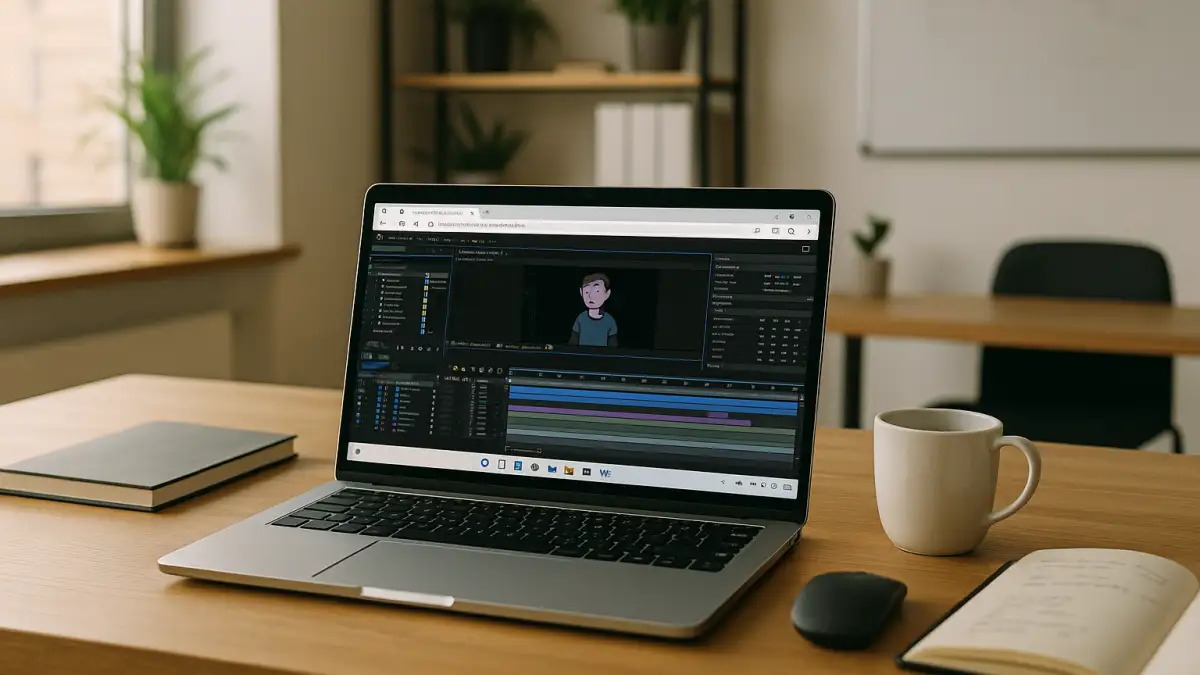
Live segments and NDI streams with Character Animator software
Morning rundown: a two‑minute live explainer needs a puppet host, lower‑thirds via Dynamic Link to After Effects, and NDI to OBS for the stream. First, the animation lead matches the team’s Adobe Character Animator release, installs NDI Tools and the OBS NDI plugin, loads the required fonts, and sets the audio interface to 48 kHz. Then the project folder with puppet rigs, behaviors, and triggers is placed at the agreed path. Next, they open Adobe Character Animator, arm Face, Lip Sync, and Triggers, rehearse swaps, and stage takes using Character Animator software. This flow depends on opening the same environment everywhere.
Version-locked Adobe Character Animator workflow requirements
To keep those takes, triggers, and Dynamic Link graphics reliable across studio and client sessions, the setup must be identical each time:
- Exact Adobe Character Animator version and matching Creative Cloud release across the team.
- Identical project paths for puppet libraries, behaviors, and trigger maps.
- Fonts installed system-wide to prevent remaps in scenes and lower‑thirds.
- Audio I/O fixed to the same device and 48 kHz sample rate for clean Lip Sync.
- NDI Tools and OBS NDI plugin aligned for live output routing.
- After Effects/Premiere Dynamic Link functioning with the same comp paths.
The practical question is which environment guarantees these conditions wherever you work.
Environment choices for real-time character animation
Meeting those version, path, font, audio, NDI, and Dynamic Link requirements consistently calls for a single, predictable environment. Here’s how common approaches compare:
| Approach | Capabilities | Complexity |
|---|---|---|
| On-site shared workstation | Correct version and fixed paths; fonts and NDI/OBS present; audio I/O stable when on location. | Tied to the studio; scheduling conflicts; hard to access while traveling. |
| Client loaner PC | Uncertain versions; missing fonts/NDI; different paths; Dynamic Link often breaks. | Ad‑hoc installs cause drift; fragile triggers and takes; time overruns. |
| cloud Windows PC | Keeps installed software versions, project paths, fonts, and saved files in one persistent Windows environment. Audio routing, NDI/OBS, and Dynamic Link require separate configuration and compatibility checks. | Single maintained image, opened from any device; minimal configuration drift. |
This points toward centralizing the Adobe Character Animator environment and opening it wherever the session occurs.
Keeping Adobe Character Animator consistent across studio and remote
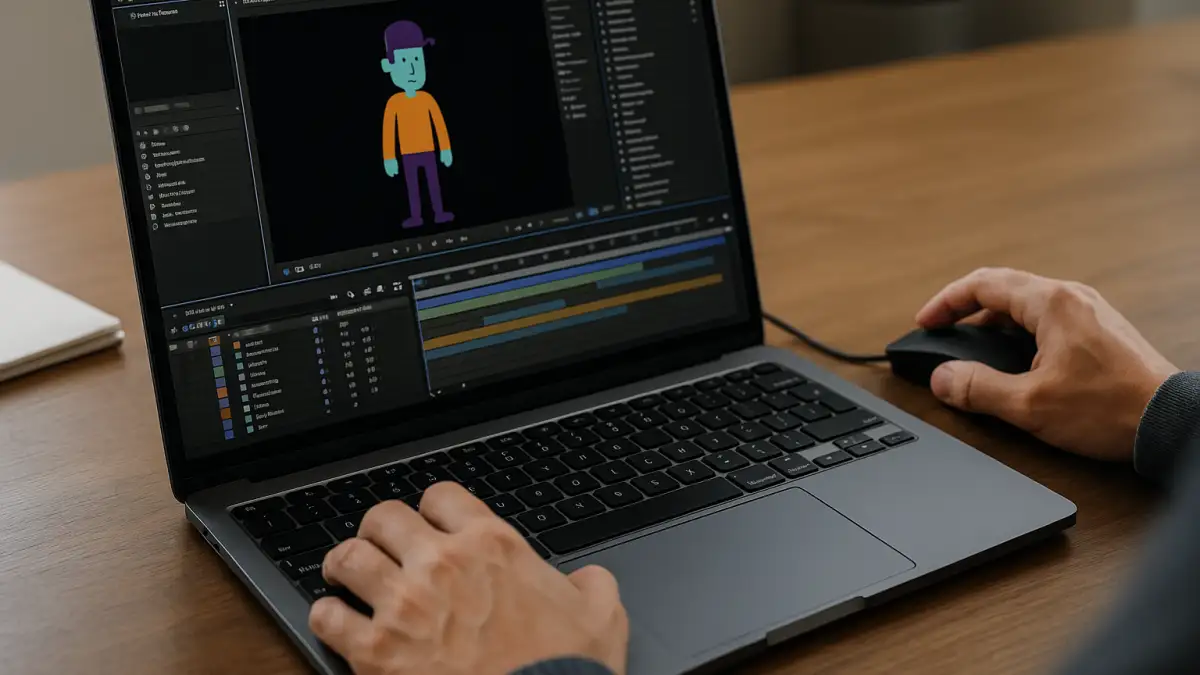
The same checklist — exact version, stable puppet paths, fonts, audio at 48 kHz, and NDI to OBS — follows each session from stage to edit bay to client site. A scene must reopen with the same Triggers panel, puppet library, take structure, and scene frame rate, while Dynamic Link pulls the same After Effects comps for lower‑thirds. Whether rehearsing Face and Lip Sync at home or streaming from a venue, the show should continue from the last saved state. That demands the whole setup living in one persistent place, ready to open from any device.
Aristeem cloud Windows PC for Adobe Character Animator
For more than two years, Aristeem has focused on access via the cloud to professional software for demanding workloads, learning from users and refining the service. Today it offers a virtual Windows machine in the cloud without replacing your device’s OS, and continues testing new solutions to expand flexibility. Applied to Adobe Character Animator, you install the required Creative Cloud release, mirror project paths, add NDI Tools and OBS plugins, set audio to 48 kHz, and keep Dynamic Link aligned — then access the saved project and installed software from another supported device.
A portable environment for Character Animator software
Live puppeteering, lipsync, and episodic streams in Adobe Character Animator depend on an environment that repeats precisely: the same version, paths, fonts, audio settings, NDI/OBS, and Dynamic Link. A persistent cloud Windows PC keeps project files, rigs, behaviors, and triggers together between sessions, while audio routing and NDI/OBS output may require additional configuration. That is why it remains the most direct way to maintain an end‑to‑end Adobe Character Animator cloud Windows PC workflow on the device you already use.


