


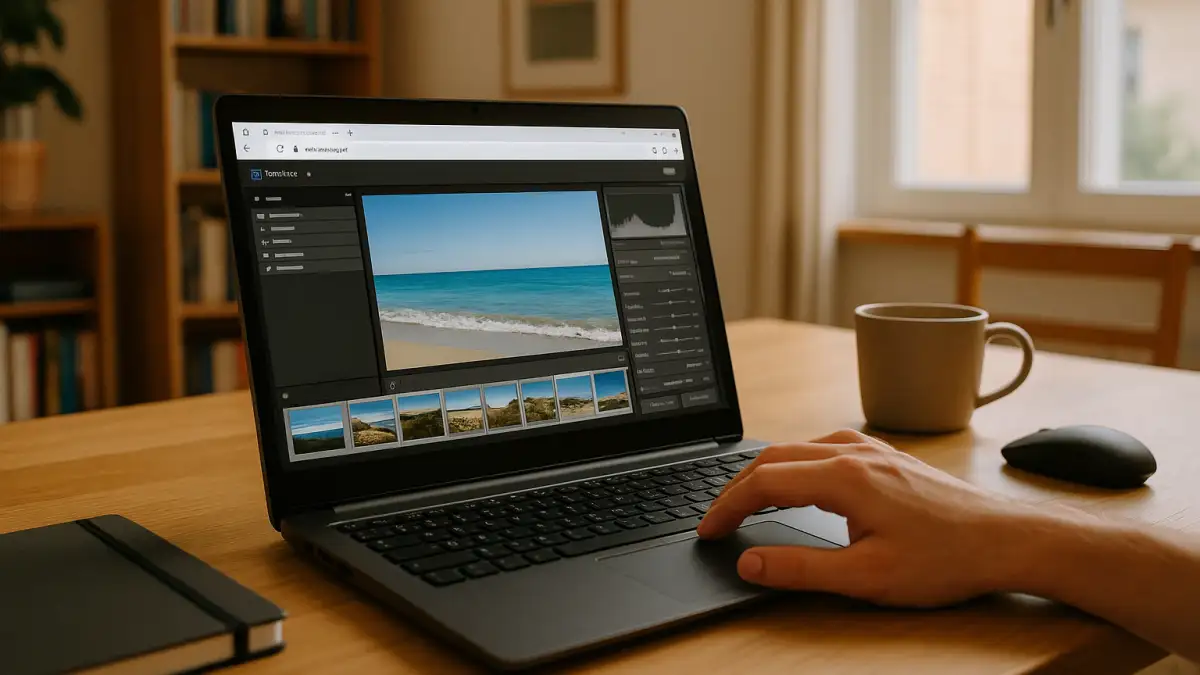
Event-Day Culling With a Linux Lightroom Equivalent
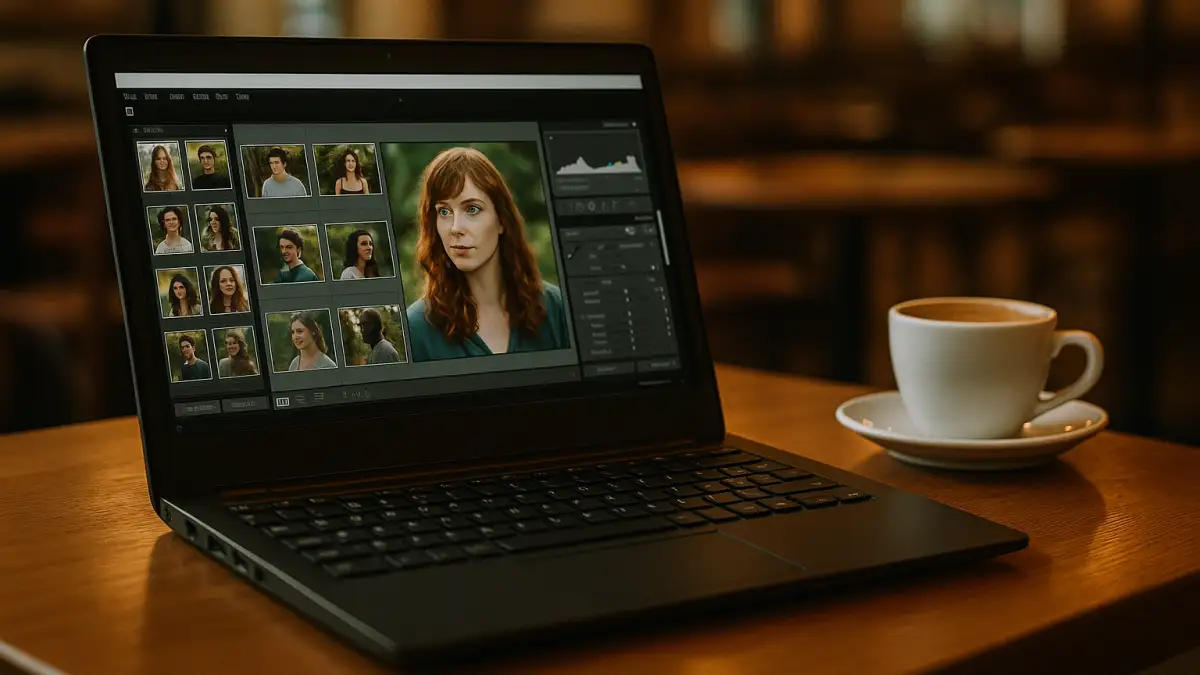
Doors open, cards fill fast, and the first selects are due by lunch at the venue. The lead photographer on a Linux laptop needs same-day culls, quick proof exports, and a catalog that matches the studio baseline. First comes setup: the exact Lightroom Classic version used in the studio, house develop presets and camera profiles, and the export/publish plugins the team depends on. Then the plan: create the event catalog on an external SSD with studio metadata templates and filename rules. After that, import, build previews, flag and star, apply profiles, and queue watermarked proofs. Lightroom Classic has no native Linux version, so photographers working on Linux need a practical way to access their established catalog, presets, and export workflow on-site.
What a Linux Lightroom Workflow Requires on Location
Those watermarked proof exports and publish steps depend on the studio’s specific Lightroom Classic version and its preset, profile, and plugin chain. The workflow needs identical XMP presets and camera/lens profiles, metadata templates, export presets with watermarks, and the same publish services used back at the studio. It also relies on color-managed viewing, consistent ICC profiles, and dependable access to the catalog on an external SSD or mapped storage, plus tether support when shooting connected. To preserve star ratings, flags, collections, and publishing workflows, the working environment should use a compatible Lightroom Classic version and the required plugins, profiles, and catalog files. External storage, tethered capture, and publishing integrations must also be checked for compatibility with the chosen access setup.
A Windows PC Delivers the Best Linux Lightroom Equivalent
That full environment is straightforward when you use a Windows PC in the cloud that you control. You can install a compatible Lightroom Classic version, import your studio presets and camera profiles, add the required export and publishing plugins, and sign in with your own license. Matching the studio workflow depends on using compatible catalog files, plugin versions, settings, and storage paths. On event day, start the PC, connect to your external or network storage, open the catalog, build previews, and cull with flags and stars; exports run with the same watermark and file-naming rules, and publish services push proofs exactly as in the studio. Color management can be configured with the required profiles and settings. Tethered capture depends on whether the camera, connection method, and required drivers or utilities are supported in the working environment.
Aristeem: A Practical Linux Lightroom Equivalent for Catalogs

Founded in 2024, Aristeem began as a cloud service for professionals who need access to demanding software for design, engineering, media, and data work. We’ve focused on real workflows, studied user needs, and iterated continuously. Today, Aristeem provides a Windows PC in the cloud you control, without replacing your Linux setup. We’re expanding flexibility so your Windows PC adapts as tools evolve. For catalog-driven shoots, this means installing your exact Lightroom Classic version, presets, profiles, plugins, and publish services once, then opening the same environment wherever you work. For a broader overview of the setup, see our guide to Lightroom Classic on Linux.
Keep Lightroom Classic Consistent With a Linux Lightroom Equivalent
A Linux-based event workflow may depend on the same Lightroom Classic catalog, presets, profiles, and export settings used in the studio. A cloud Windows PC gives you a way to access the desktop application from your Linux device without installing Lightroom Classic on Linux itself.
With Aristeem, you can install the required software and configure your workflow in the cloud Windows environment. Visit Aristeem to explore access to professional Windows software from your existing device.


