


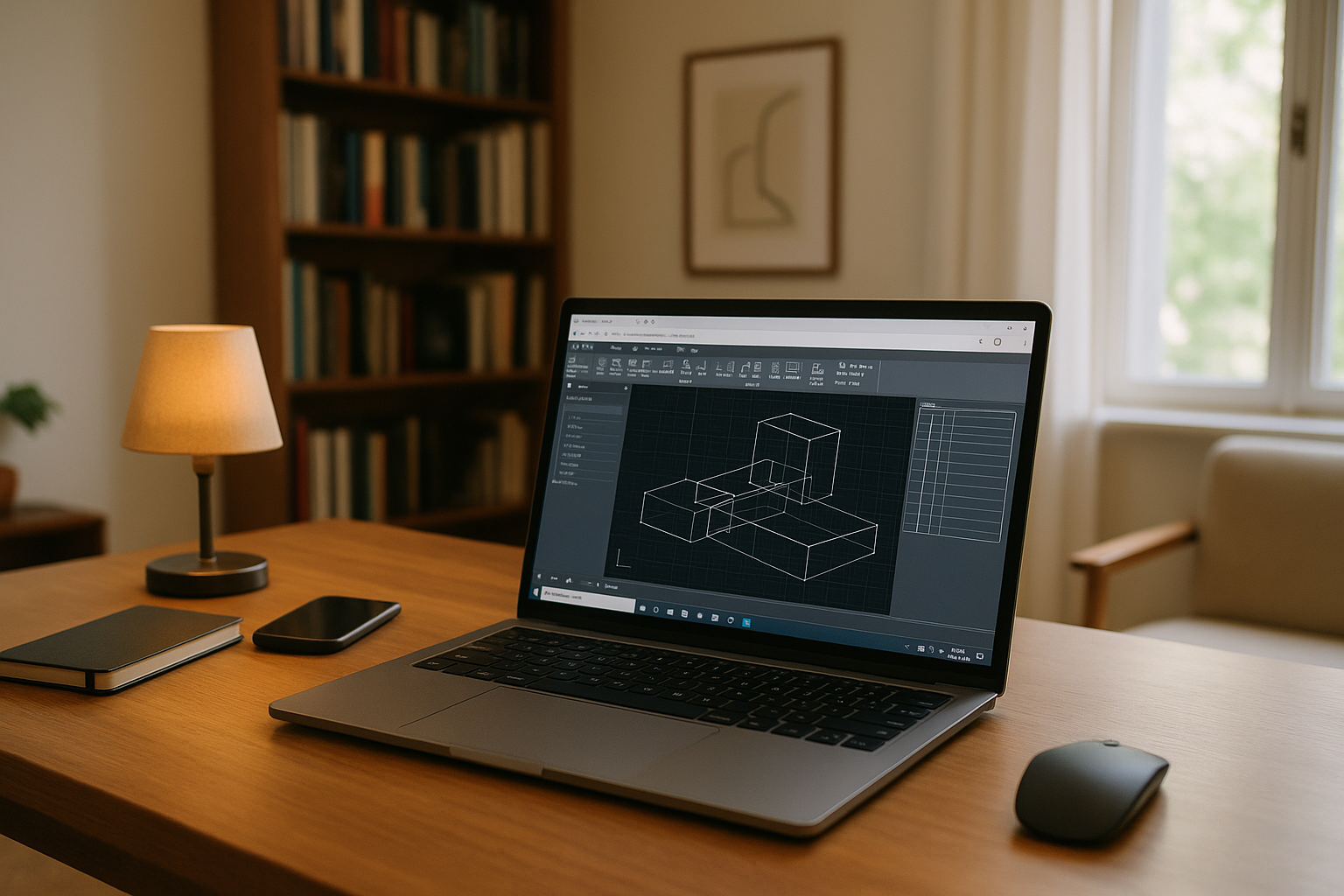
AutoCAD 3D Online When Desktop Is Blocked
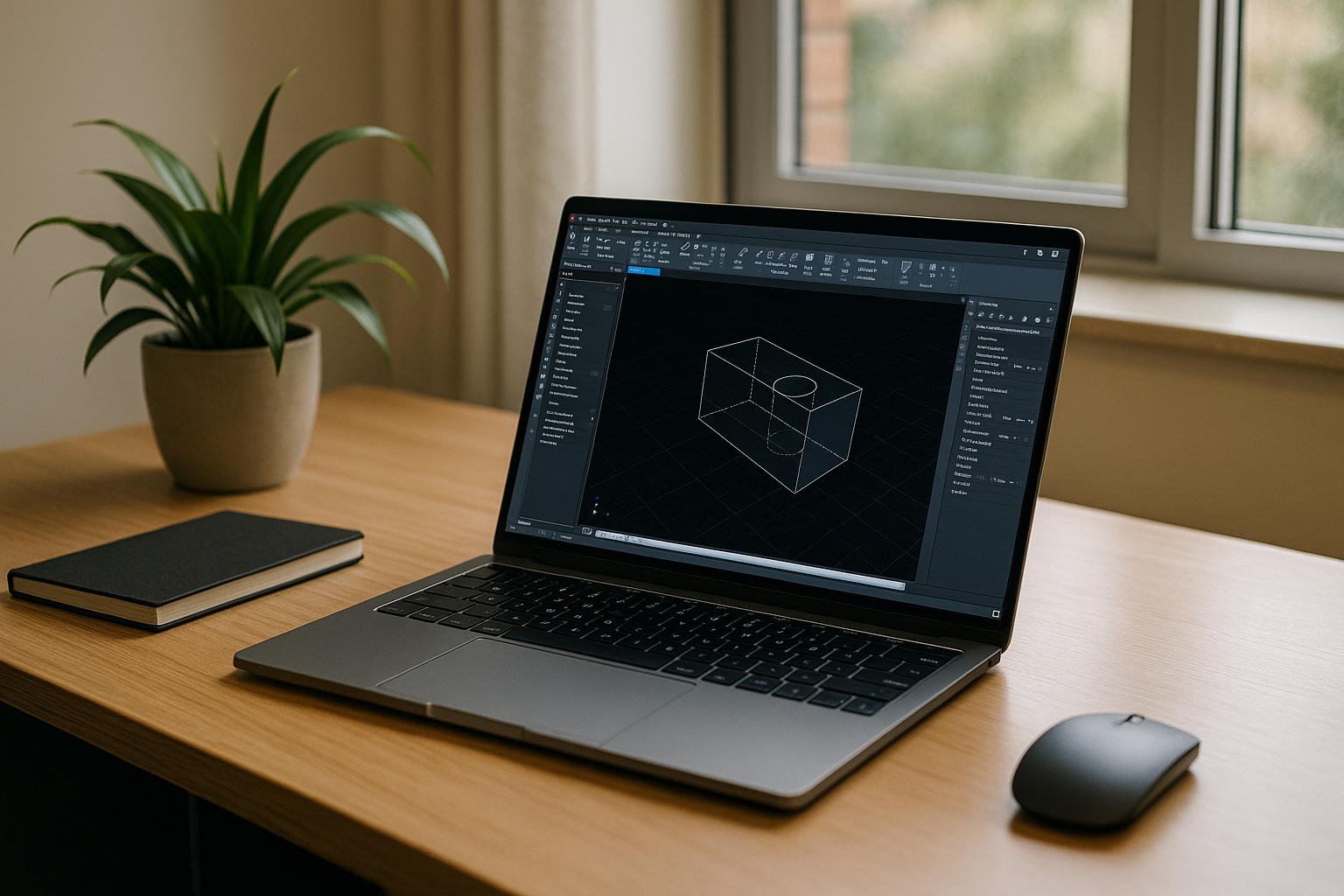
You need to open heavy DWG files, edit solids, work with surfaces, and navigate 3D models without installing AutoCAD locally. Lightweight web tools may cover basic 2D tasks, but they do not provide the full desktop workflow needed for 3D modeling, visualization, and plugin-based work. Meanwhile, your current device may be locked down by IT or simply too weak for demanding CAD sessions. That is when AutoCAD 3D online becomes a practical way to access the full desktop application.
What Full AutoCAD 3D Requires Online
Full AutoCAD 3D requires more than simply opening a DWG. 3D solids, surfaces, visual styles, rendering, custom profiles, LISP routines, and plugins all depend on the desktop application and its Windows environment. A lightweight web editor may be useful for viewing or basic edits, but it does not provide the same 3D workflow. For demanding projects, the key requirement is access to the full desktop application rather than another limited web editor.
On the Eve of 2027: AutoCAD in Browser Becomes Standard
As 2027 approaches, engineering teams are standardizing on browser-delivered workspaces to decouple critical tools from local machines. This shift enables consistent performance, persistent profiles, and immediate access to the same toolsets everywhere, supporting security reviews and audits. For CAD leads, it means 3D modeling continuity across office, home, or client sites — no installs, no driver conflicts — while keeping the familiar experience to AutoCAD 3D online expectations.
How to Run Full AutoCAD 3D Modeling Online
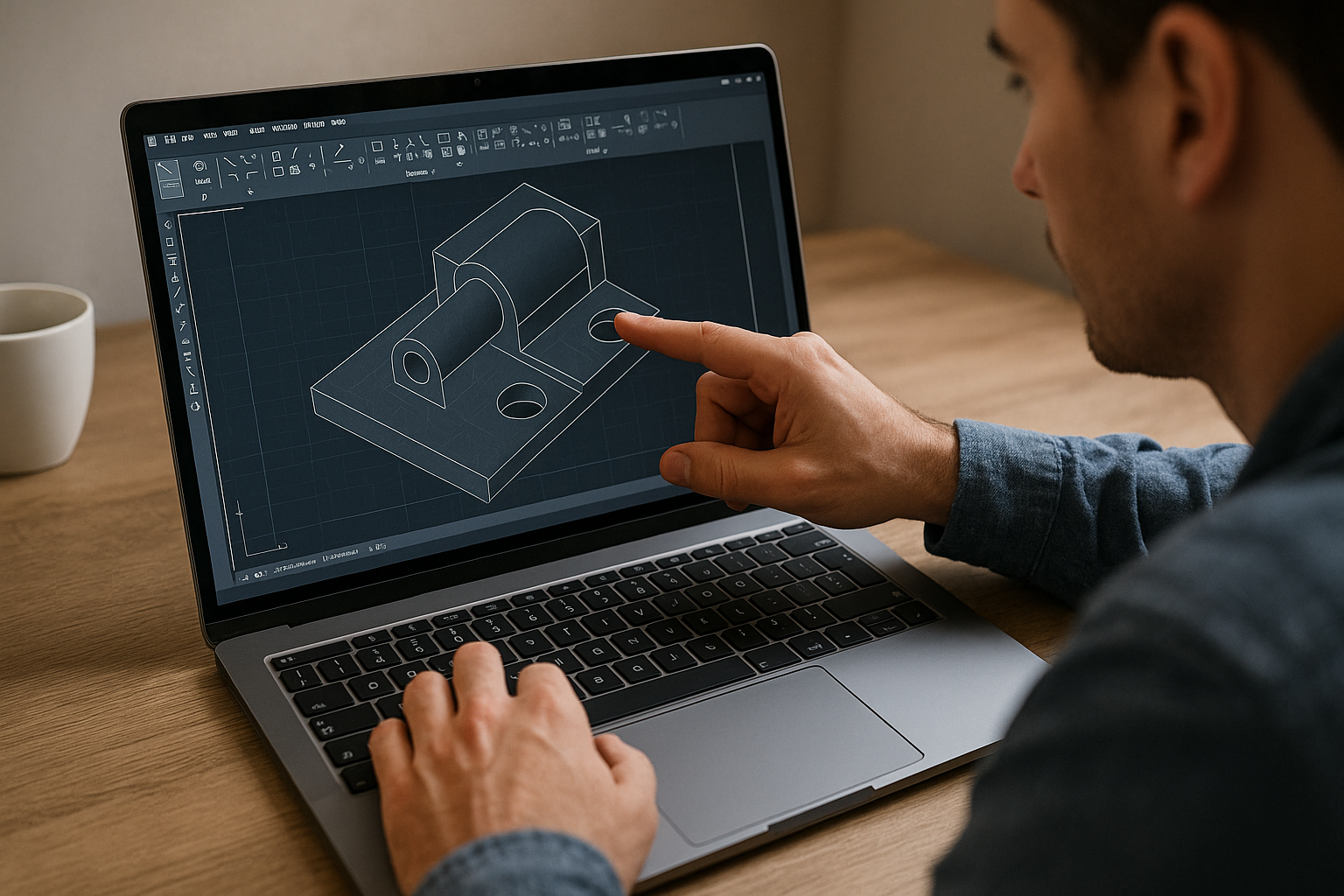
You could simplify geometry, export files to other formats, or ask another workstation to handle the 3D work, but each workaround interrupts the workflow. A lightweight web app may handle quick markups, while full AutoCAD is still needed for solid modeling, surface work, 3D navigation, visualization, and plugin-driven workflows. Running the desktop application in a Windows environment gives you access to these capabilities without installing AutoCAD on the local device.
Aristeem Brings AutoCAD 3D Online to a Browser
Founded in 2024, Aristeem provides access to professional Windows software through a virtual Windows PC. For AutoCAD, you can install the version your workflow requires, add supported plugins and LISP routines, and use your own license where required. This makes the environment suitable for workflows that depend on desktop 3D modeling rather than limited browser-based CAD features. See our practical guidance on AutoCAD setup and licensing for more details.
A Practical Way to Run AutoCAD 3D Online
For full 3D modeling, detailing, and plugin-based workflows, a virtual Windows PC provides access to the desktop AutoCAD environment without requiring a local installation. You can work with solids, surfaces, 3D navigation, rendering workflows, LISP routines, and supported extensions in the same Windows workspace. If you want to see how AutoCAD runs directly in a browser, explore this approach for working with AutoCAD online.


