


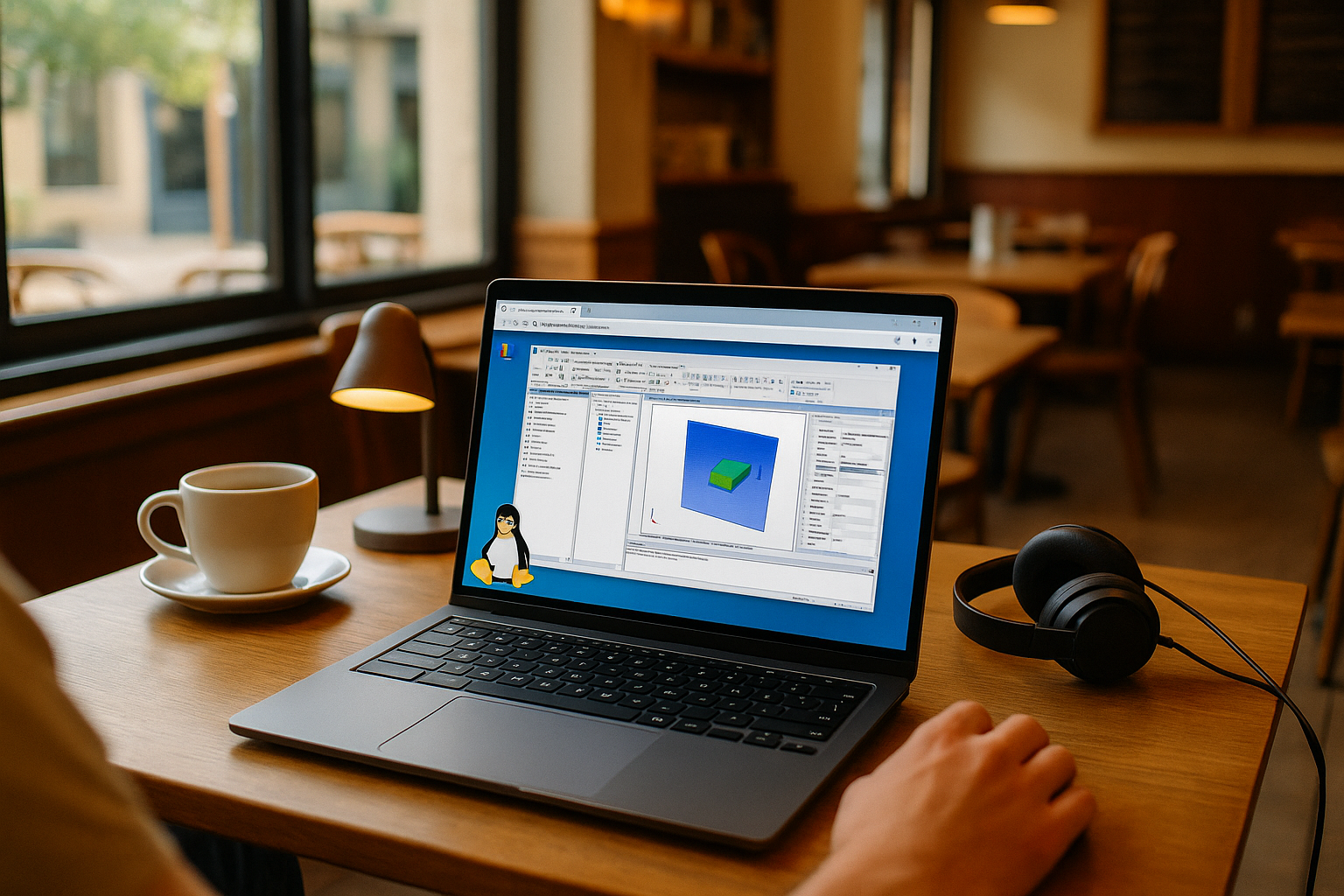
Ansys HFSS Linux: the real problem engineers face

Projects arrive pinned to a specific HFSS release, custom scripts, and solver settings. You’re on Linux, your clients expect exact replication, and switching machines breaks momentum. You need to import models, sweep parameters, and queue solves from your main desktop without reconfiguring license paths or materials databases. The real issue is reliability: opening legacy projects, loading add-ons, and finishing long runs while keeping your daily Linux environment intact.
Why installing Windows to run Ansys HFSS on Linux derails work
Many engineers install Windows on the same device to run HFSS, expecting full control and native speed. It’s understandable—but it often derails work because the environment becomes fragile and time‑consuming to maintain.
- Partitioning risks, encryption conflicts, and driver hunts consume days.
- Context switching: reboot cycles, re‑authenticating tools, broken automations.
- Version drift: pinning an exact HFSS build per project is tedious.
- IT policy friction: admin rights, imaging, and audit overhead.
- Downtime during long solves and forced updates disrupts pipelines.
Best way to run HFSS on Linux without rebuilding your setup
Here’s how engineers weigh practical routes, with a clear path toward a browser‑based desktop when stability and version pinning matter for Ansys HFSS Linux.
| Approach | Capabilities | Complexity |
|---|---|---|
| Dual‑boot on same PC | Full device access; exact versions; disruptive restarts | High |
| Local VM | Single‑host convenience; driver limits; moderate speed | Medium |
| Office workstation via remote desktop | Uses existing PC; LAN‑bound; scheduling conflicts | Medium–High |
| Browser‑based Windows PC | Install the required HFSS version and add-ons; persistent access | Low |
The last option preserves your Linux setup while providing a persistent, version‑locked desktop in the browser.
Why consistent HFSS environments matter for engineering teams

On the eve of 2027, teams seek reproducible environments, minimal reimaging, and secure access from any workstation. Browser‑delivered desktops fit this shift: they decouple performance from local hardware, streamline version control, and simplify vendor licensing by letting users bring their own licenses. For Linux-based workflows, this can make it easier to keep the required release, plug-ins, and project environment consistent across sessions.
Run HFSS on Linux with Aristeem
For more than two years, Aristeem has focused on cloud access to professional software across engineering, design, and data tasks — studying user needs and steadily improving. Today it offers a virtual Windows machine in the browser, without replacing the OS on your device. It provides a Windows environment in the browser without replacing the OS on your device. The service keeps evolving: testing new options, expanding flexibility. For HFSS workflows, you can install the required release and add-ons and use your own license if required — see the dedicated setup: Ansys on Linux.
Conclusion: a practical HFSS workflow on Linux
If your priority is to open legacy projects, match specific releases, and run stable solves from your primary desktop, a browser‑based Windows environment removes friction. It avoids risky dual‑boot paths, preserves your local Linux workflow, and supports add‑ons and scripts without constant reconfiguration. For professionals standardizing processes and minimizing downtime, this approach keeps tools aligned — making it a practical way to maintain a consistent HFSS workflow from Linux.


