


AutoCAD Macintosh: when Windows-only toolsets block delivery

AutoCAD Macintosh users can run into a different problem when projects depend on Windows-only plugins, custom LISP/.NET add-ins, or specialized toolsets such as Plant 3D and Map 3D. The issue is not simply opening a DWG on a Mac — it is keeping the same tools, extensions, and project standards used by the rest of the team.
For architects, MEP specialists, and civil teams, even small differences in tool availability can affect established workflows. When one user works with the native Mac edition while others rely on Windows AutoCAD, maintaining identical palettes, fonts, plot styles, plugins, and automation becomes harder.
AutoCAD Macintosh: keeping the same Windows toolchain
When a project depends on Windows-specific AutoCAD extensions, moving between operating systems can create more work than simply opening the drawing. A local Windows setup can provide the required software, but it also creates a separate environment that has to be maintained alongside the Mac workflow.
That can mean managing a second operating system, keeping versions aligned, configuring plugins again, and making sure fonts, templates, plot styles, and other project resources behave consistently. For an individual user this may be manageable; for a team working from shared standards, the duplicated environment can become an ongoing maintenance task.
The key requirement is therefore not just access to Windows AutoCAD, but a Windows environment that can follow the same project standards as the rest of the team.
What matters for team compatibility
When choosing how to access Windows AutoCAD from a Mac, the important question is whether the workflow can preserve the same project environment used by the team.
| Workflow requirement | Native Mac workflow | Windows AutoCAD environment |
|---|---|---|
| Windows-specific toolsets | Depends on Mac support | Available |
| Windows-only plugins | Depends on plugin support | Available where supported |
| Exact Windows version | Not applicable | Can match the required version |
| Shared fonts and plot styles | Requires coordination | Can use the Windows team setup |
| LISP/.NET-based customization | Depends on macOS support | Supports the Windows workflow |
| Consistent project environment | May require separate configuration | Easier to standardize |
The practical difference is that a Windows environment can preserve the same application stack rather than requiring each Mac user to adapt the workflow separately.
Keeping project standards consistent

For teams working across macOS and Windows, consistency often matters more than the operating system itself. A project may depend on specific AutoCAD versions, plugins, fonts, templates, plot styles, or automation routines that have already been standardized internally.
Keeping those requirements inside the same Windows environment can reduce the number of configuration differences between team members. A Mac user can then access the Windows workflow without rebuilding the project setup around the capabilities of the local operating system.
AutoCAD Macintosh in the browser: Aristeem’s virtual Windows PC
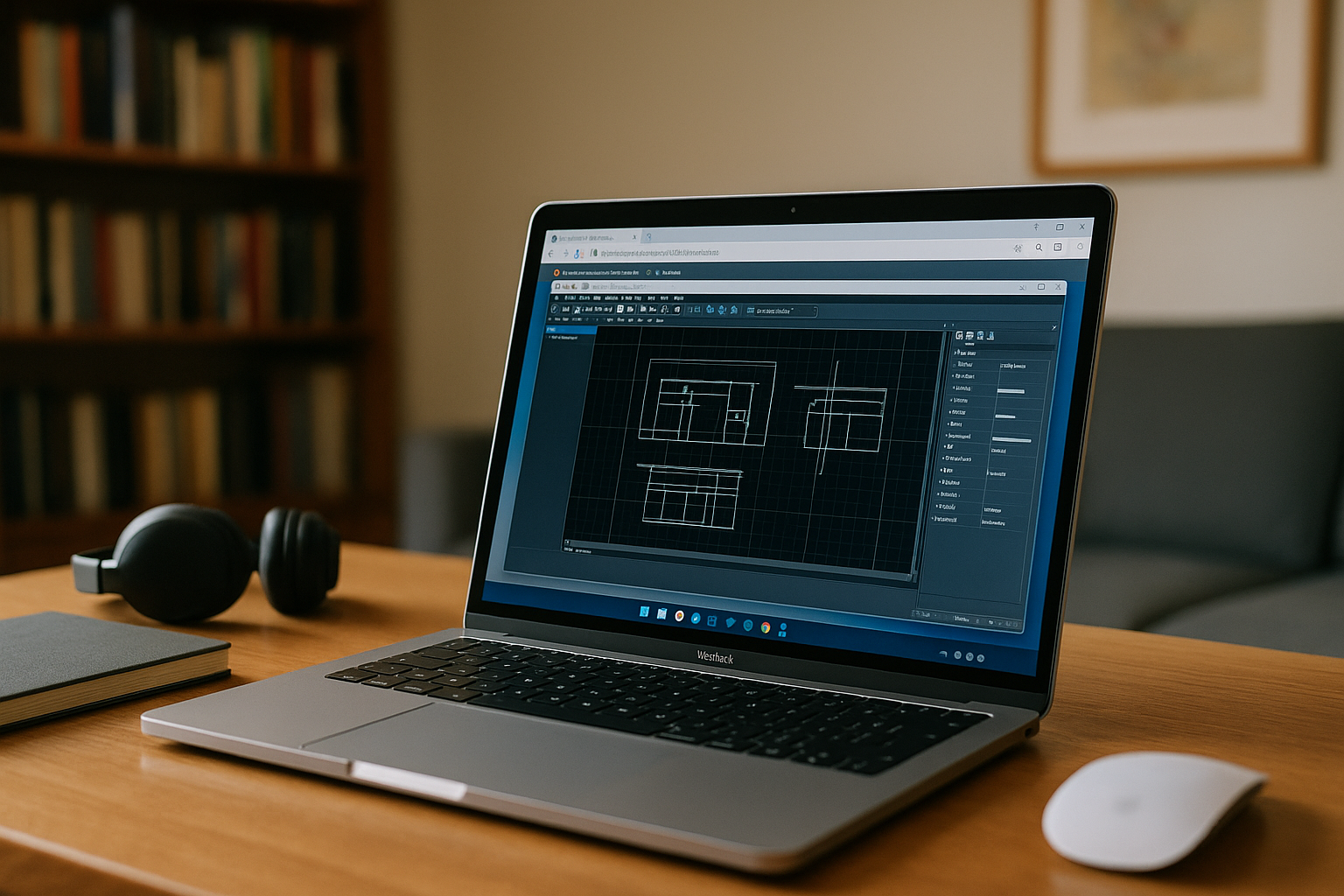
Aristeem provides a virtual Windows PC that you access from your Mac through a browser. You can use the Windows edition of AutoCAD in that environment and install the plugins, LISP routines, fonts, and other software components required for your workflow.
If AutoCAD or an installed extension requires its own license, you use your existing license where applicable. The Windows environment also gives Mac users a way to work with the same Windows-based application setup used by their team instead of maintaining a separate local configuration.
For a broader look at using AutoCAD on a Mac and the available Windows-based options, see our AutoCAD for Mac guide.
AutoCAD Macintosh: keep Windows toolsets without leaving your Mac
For AutoCAD Macintosh users, the main challenge can be maintaining access to the Windows-specific tools and project standards their work already depends on. A virtual Windows PC provides another way to access that environment from a Mac without rebuilding the workflow around the native macOS version.
With Aristeem, you can access a Windows environment from your Mac browser and use the Windows edition of AutoCAD with the software components your projects require. This makes the approach particularly relevant when team standards depend on Windows-specific AutoCAD toolsets, plugins, or custom workflows.


