


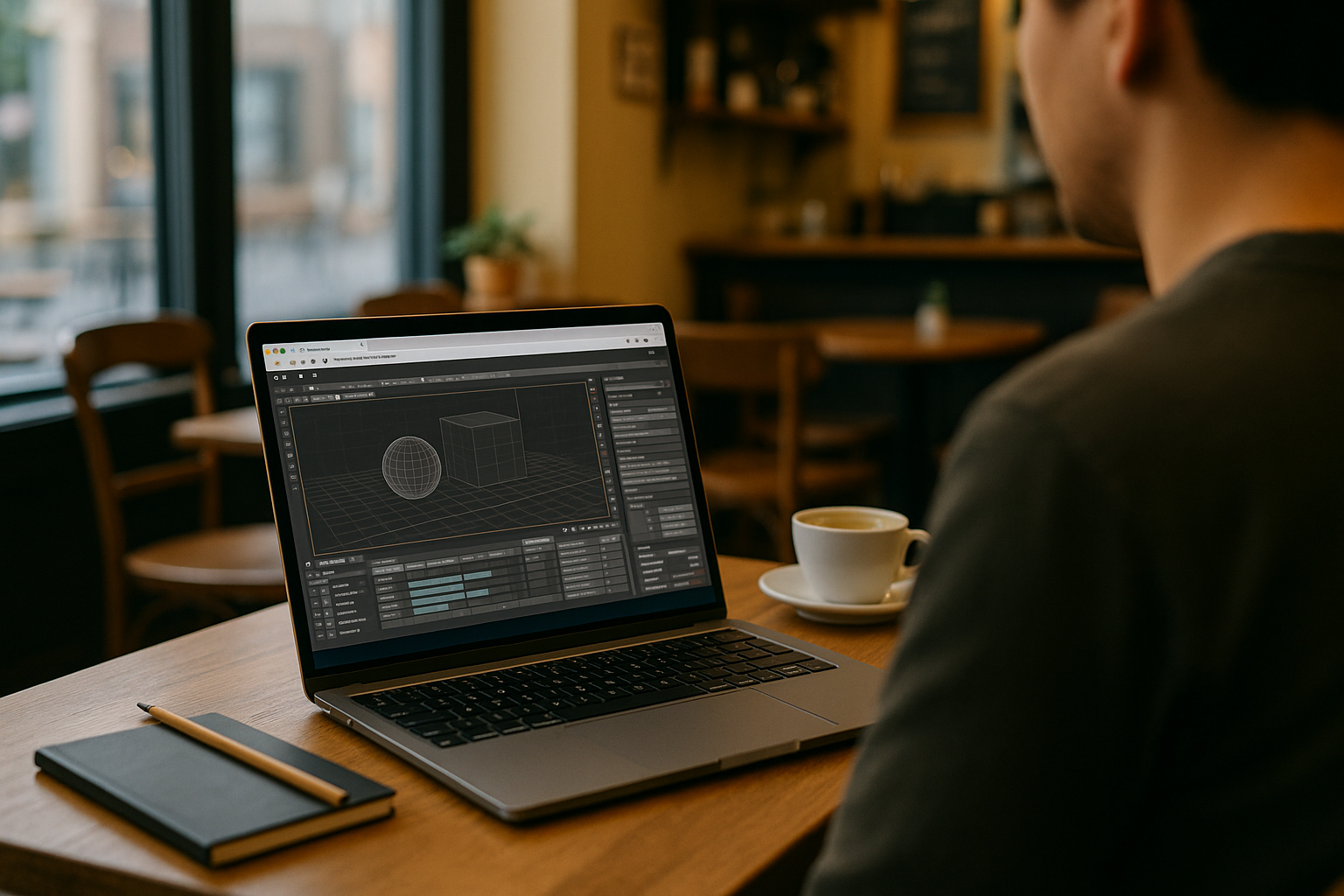
When Autodesk 3ds Max Won’t Start: What to Check
Your day is planned around scene edits, test renders, or a final export — and then Autodesk 3ds Max refuses to open. The splash screen appears and vanishes, or a licensing prompt loops endlessly. On managed devices, security policies block required components and the app never reaches the viewport.
This stalls real work: you cannot review client changes, bake lighting, or queue network renders. Teams message for updates while your timeline slips. Whether 3ds Max won’t start because of drivers, a corrupted user profile, missing runtime libraries, or another local issue, check the cause before rebuilding your whole setup.
Why Buying a New PC Doesn’t Fix Autodesk 3ds Max Workflows
When Autodesk 3ds Max won’t start, the knee-jerk reaction is to buy a stronger machine. More CPU and GPU may help with demanding scenes, but a new computer does not necessarily fix problems caused by drivers, corrupted profiles, plugins, or version conflicts.
A new PC means procurement delays, imaging, IT approvals, data migration, plugin reinstallation, and license reactivation. You still risk identical issues after a fresh build if the root cause is software configuration, security hardening, or the exact 3ds Max version your studio requires. Meanwhile, deadlines keep moving and your tools remain offline.
What If Autodesk 3ds Max Still Won’t Launch?
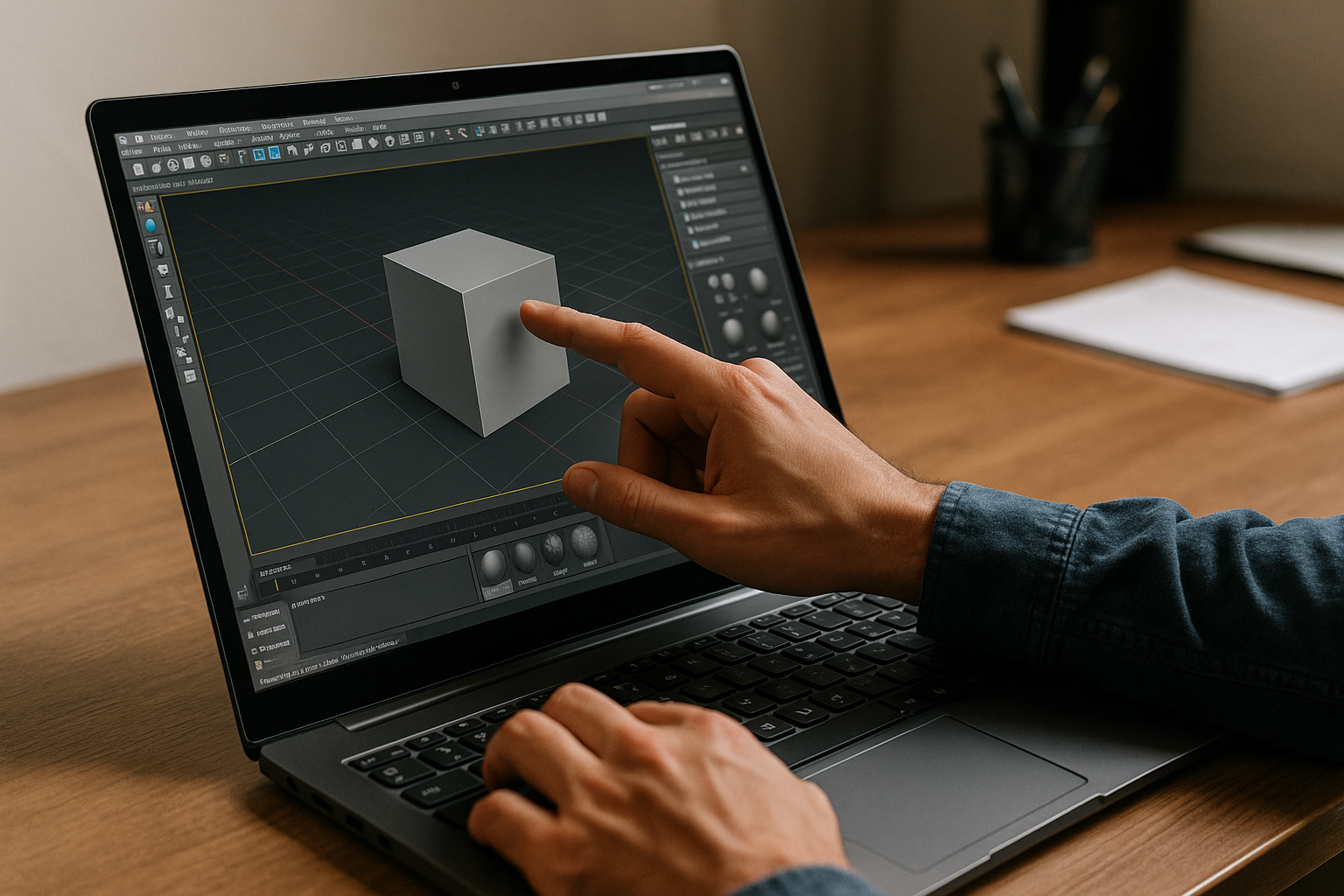
If local troubleshooting does not solve the problem, you may need another way to access your 3ds Max setup. A colleague’s workstation can introduce file shuffling and plugin mismatches, while another hardware upgrade may not address the original configuration or policy issue.
If the problem is limited to your local computer, running Autodesk 3ds Max in a separate Windows environment can provide another way to access the software. You can use the required 3ds Max version and plugins without relying on the affected local installation.
Use Autodesk 3ds Max in Browser With Aristeem
Aristeem makes it easier to run Autodesk 3ds Max in the cloud without installing it on your local device. Install the 3ds Max version your workflow requires and add your usual plugins, scripts, and utility tools.
There is no need to set up a Windows environment yourself: sign in and use 3ds Max without installing it on your local device. You can access the service from Mac, Linux, Chromebook, or Windows PC, while keeping licenses compliant as required by the software vendor. For more details on running 3ds Max without local installation, see this guide to 3ds Max in the cloud.
Stay Productive in Autodesk 3ds Max Without Local Friction
When troubleshooting does not resolve the issue, a browser-based Windows environment provides another way to access Autodesk 3ds Max. You avoid machine rebuilds, policy roadblocks, and configuration drift, while maintaining a consistent environment from any device. If you want to see how this workflow feels in practice, explore how software runs directly in a browser and keep your projects moving.


