


When Teams Need Adobe Illustrator Online for Modern Workflows
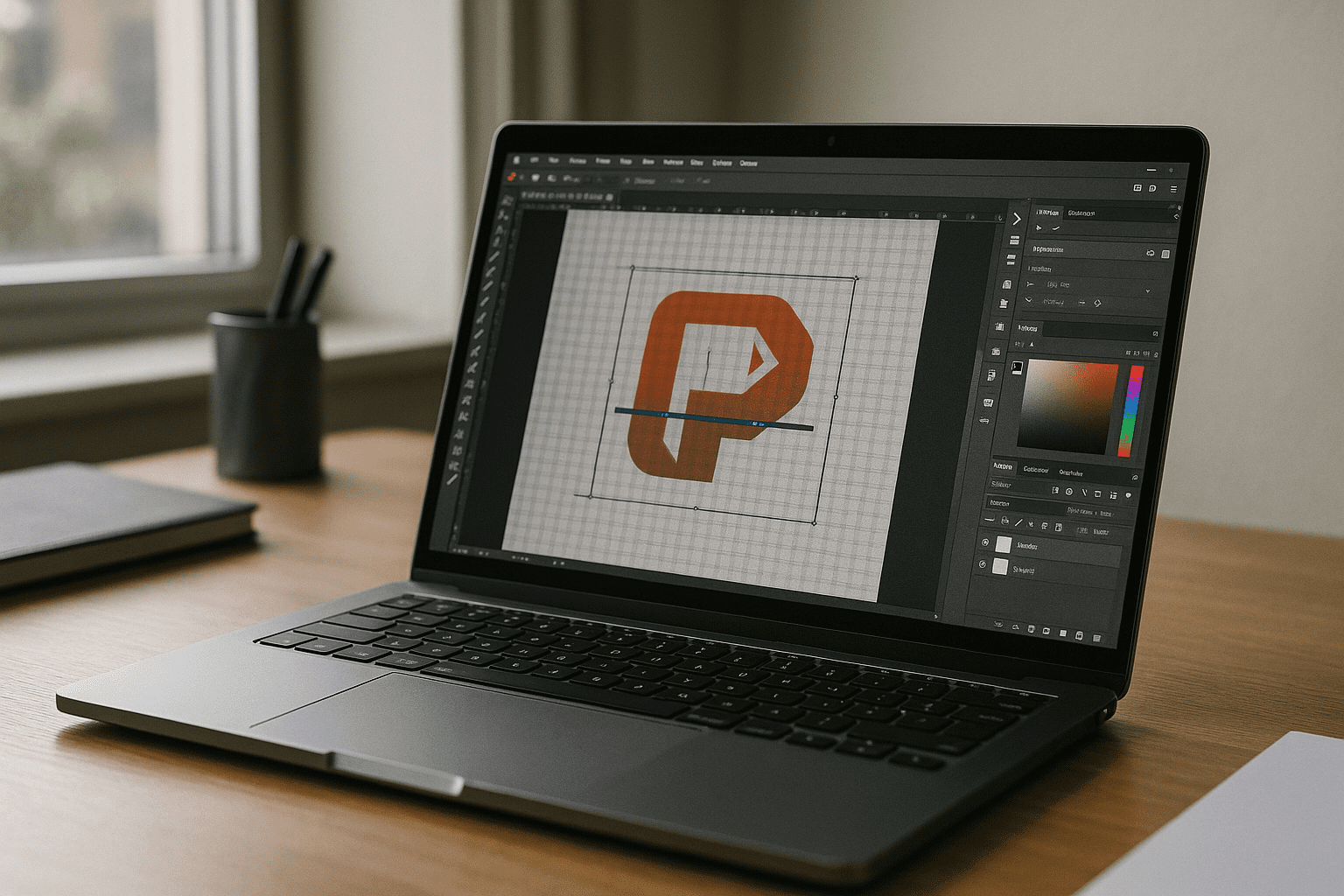
Design teams today are no longer tied to a single device or operating system. Projects move between designers, marketers, and clients, often across Mac, Windows, and lightweight devices. In this environment, teams increasingly look for Adobe Illustrator online access that supports real collaboration, fast onboarding, and uninterrupted creative workflows.
The challenge is not just installation — it’s workflow continuity. Designers need consistent fonts, brand assets, color profiles, and file compatibility across distributed teams, without waiting for setup or dealing with machine-specific limitations.
Why Traditional Illustrator Setups Slow Down Creative Teams
Installing Illustrator locally works well in stable environments, but it creates friction in fast-moving teams. Licenses must be configured per device, updates break consistency across users, and heavy project files behave differently depending on hardware performance.
For agencies and distributed teams, this leads to delays in feedback loops, inconsistent file handling, and reduced flexibility when switching devices or collaborating remotely. As projects scale, maintaining identical working environments becomes increasingly difficult.
2026 Shift: Browser-Based Creative Workflows
In 2026, creative teams are shifting toward browser-based production environments that remove dependency on local hardware. Instead of configuring each workstation individually, teams rely on centralized, cloud-accessible setups that ensure every designer works in the same environment.
This approach enables faster onboarding, consistent performance across devices, and secure access to design tools from anywhere. It also allows teams to maintain standardized workflows for vector design, branding, and marketing production without local installation constraints.
Browser Workspaces for Adobe Illustrator Online
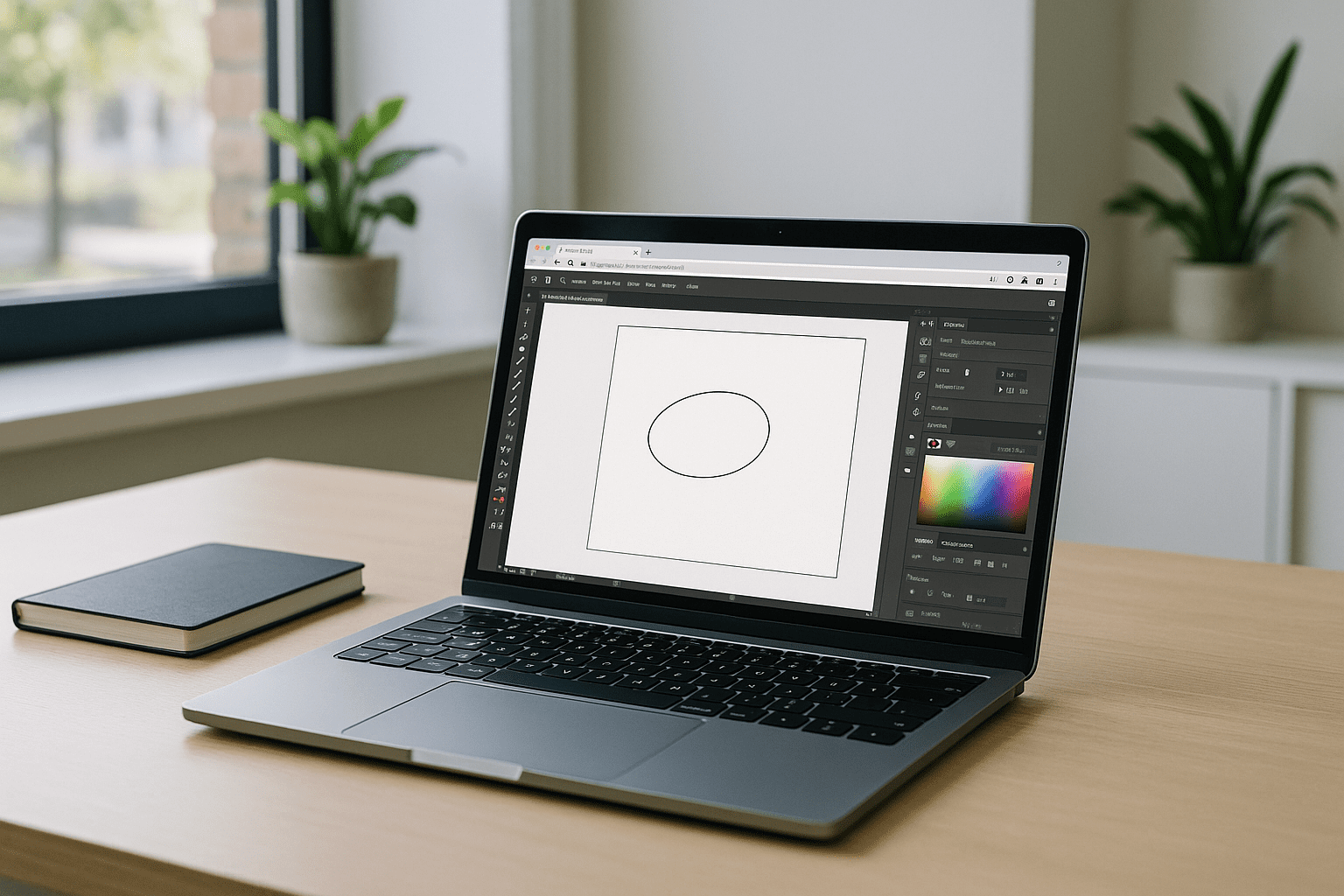
Using Adobe Illustrator online through a browser-based workspace allows teams to separate creative work from device limitations. Designers can access the same environment whether they are on a MacBook, Windows laptop, Chromebook, or lightweight machine.
Instead of managing installations or hardware requirements, teams focus on production-ready workflows: editing vectors, preparing brand assets, and exporting consistent files for print and digital use. This improves collaboration and reduces operational friction across distributed teams.
Aristeem Enables Adobe Illustrator Online Without Local Setup
Aristeem provides a browser-based creative workspace where Adobe Illustrator runs in a fully configured environment. It is not an emulator and not a remote desktop — users access a ready-to-use setup directly through their browser with no installation required.
Teams can launch Illustrator instantly, use their fonts and project assets, and maintain consistent workflows across devices. This ensures predictable performance, centralized access, and smoother collaboration for distributed creative teams working with Adobe Illustrator online. Learn more about how browser-based workflows work in practice.
A More Flexible Way to Work with Adobe Illustrator Online
Modern design workflows require flexibility, speed, and consistency across teams and devices. Browser-based environments remove traditional barriers like installation, hardware dependency, and setup delays, allowing designers to focus entirely on production work.
For teams that rely on collaboration and mobility, Adobe Illustrator online becomes not just a tool, but a scalable workflow model that supports faster delivery and consistent creative output across any device.


