


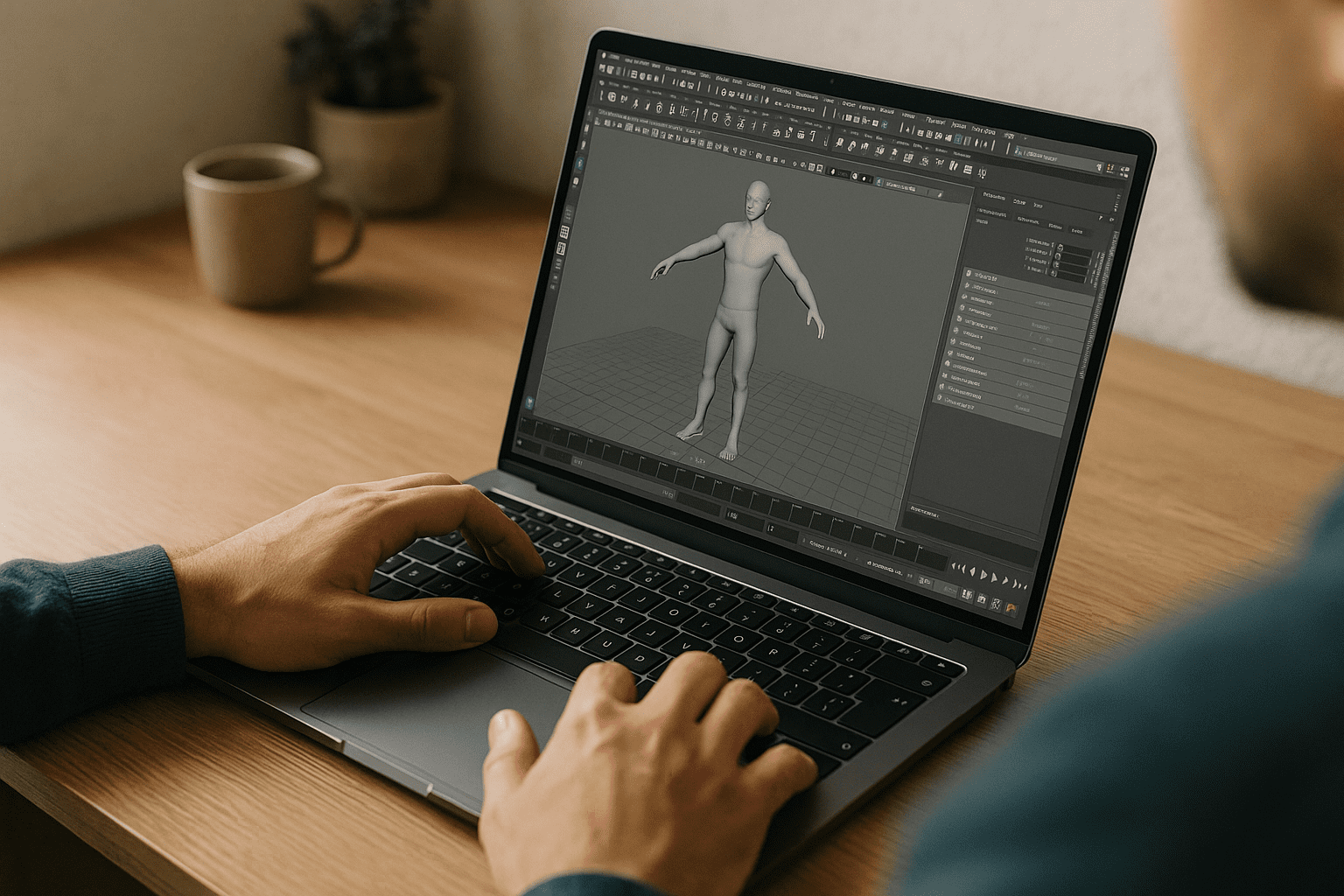
3D Animation in Maya Without Installs: Studio-Grade Workflows in Browser Environments
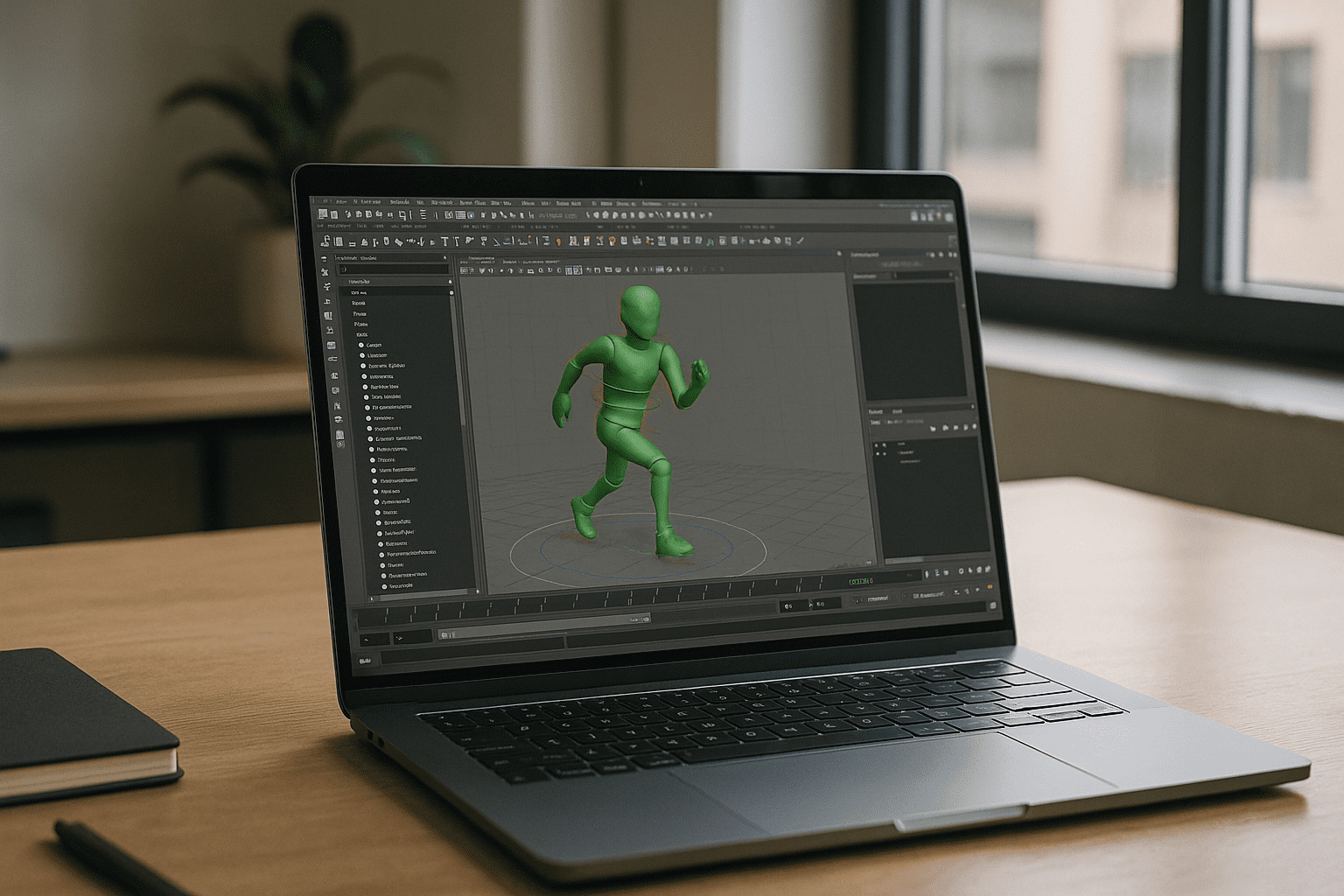
You’re ready to block a shot, retime keys, or cache playblasts, but production slows down when environments are tied to local installs, rigid IT policies, and machine-specific GPU setups. In distributed teams, this creates fragmentation — different plugin versions, inconsistent caches, and scene dependencies locked to individual workstations instead of shared production pipelines.
When a director requests a same-day previs update, the real bottleneck is no longer the artist — it’s environment consistency. Teams need studio-grade Maya workflows in browser environments, where every artist works in the same configured setup regardless of device or location.
Why Buying a New Workstation Doesn’t Solve Studio Pipeline Issues
Upgrading hardware may improve raw performance, but it does not solve pipeline fragmentation across teams.
High-end machines still introduce:
- inconsistent plugin versions between artists
- duplicated caches across local storage
- slow onboarding for new team members
- environment drift between departments (layout, animation, lighting)
- dependency issues when scenes move between machines
Instead of stabilizing production, new hardware often increases variation in how Maya scenes behave across a studio.
Best Path to Maya: Studio-Grade Browser-Based Workflows
Modern pipelines prioritize consistency over local performance. The goal is not just to “run Maya,” but to standardize studio-grade Maya workflows in browser environments.
| Approach | Reality in Production |
|---|---|
| Local workstation upgrades | High performance, but inconsistent environments across team |
| Traditional remote desktop | Works, but latency and tool instability in animation workflows |
| Hybrid cloud VMs | Powerful but complex to maintain at scale |
| Browser-based runtime (Aristeem) | Unified production environment across all artists |
The shift is toward eliminating machine dependency entirely and centralizing production environments.
2026 Trend: Studio Maya Workflows Move to Browser Environments
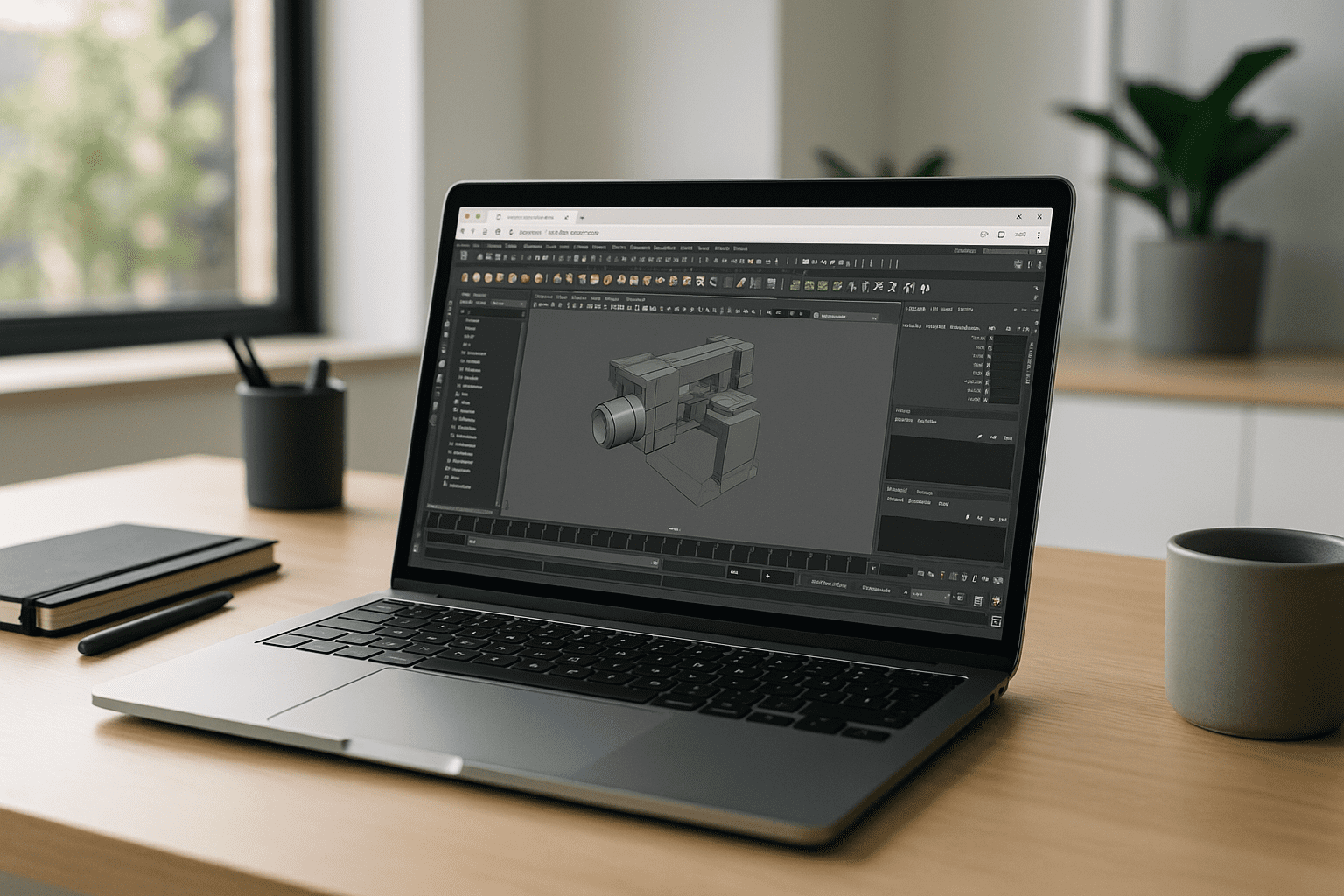
Production studios are shifting toward hardware-independent Maya pipelines, where:
- environments are pre-configured and identical for every artist
- GPU resources are allocated dynamically per shot or task
- plugins, caches, and tools are standardized across teams
- onboarding new artists takes minutes instead of days
This ensures that Maya workflows behave the same way everywhere, regardless of device or OS.
Maya in Browser: Aristeem for Production-Grade Consistency
Aristeem provides full desktop Maya in a browser-based environment designed for production workflows — not as a lightweight viewer or remote desktop, but as a complete working studio environment.
Applications are pre-installed and pre-configured; users launch Maya from the library and immediately enter a consistent production workspace. Artists can use their license if required, while maintaining identical environments across the entire team.
With studio-grade Maya workflows in browser environments, teams gain:
- consistent plugin behavior across all users
- stable GPU-accelerated viewports
- unified asset paths and cache structures
- predictable scene behavior across departments
Learn more about available ways to run Maya across different devices and choose the approach that best fits your workflow.
Run Maya Without Environment Fragmentation
By decoupling Maya from local machines, studios eliminate the biggest source of production instability — environment drift. Instead of managing hardware differences, teams operate inside a unified browser-based studio setup where every artist works in the same system.
This makes studio-grade Maya workflows in browser environments not just possible, but operationally consistent across the entire production pipeline.


