


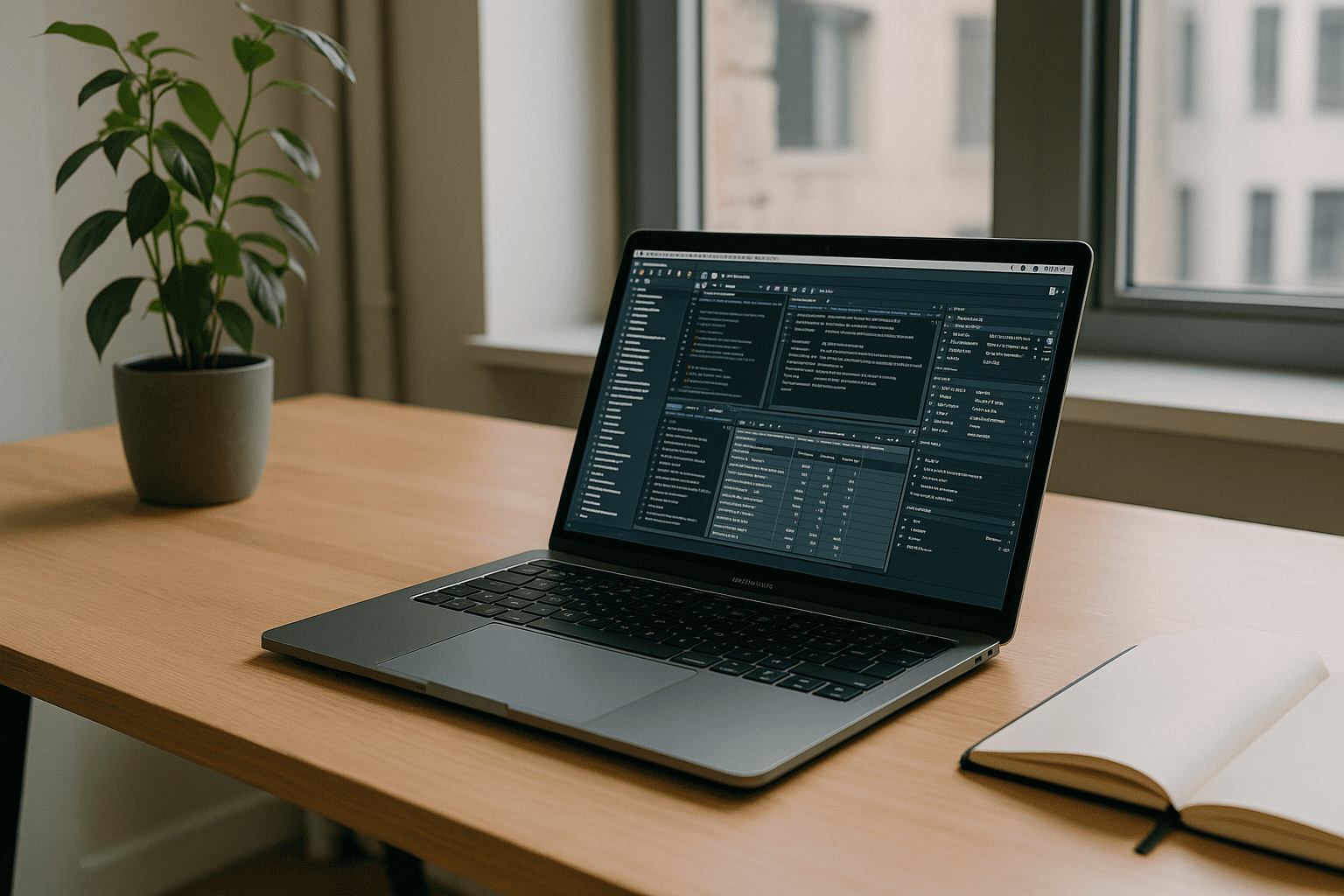
Teams need strict version parity, yet local installs drift: Homebrew jumps ahead, Postgres.app lags, and pgAdmin profiles break. Extensions like PostGIS, GDAL, and GEOS add compile and path headaches; multiple clusters compete for 5432; launch agents respawn old versions; and ODBC/JDBC drivers mismatch client libraries. You just want PostgreSQL on Mac that matches your project, with pgAdmin and PostGIS working every time — without risking your primary system.
Why a Second OS Doesn’t Solve PostgreSQL Environment Problems
Some engineers try installing a second operating system on the device to isolate database tooling. It seems sensible—clean separation and full control — but it introduces new friction that slows delivery.
- Complex provisioning: boot managers, partitions, device drivers, and firmware constraints increase risk.
- Maintenance drag: duplicate updates, security patches, and backups for two systems.
- Battery and thermals: heavier overhead during data‑intensive work reduces mobility.
- Hardware quirks: peripherals, file sharing, and keychain access become inconsistent.
- Team reproducibility: colleagues still can’t easily mirror your exact state on their machines.
Why PostgreSQL Environment Parity Matters
For team workflows, PostgreSQL reliability depends on more than the database version itself. Extensions, drivers, ports, paths, and client tools also need to remain consistent. When these components differ between machines, the same project can behave differently from one environment to another.
A reproducible workspace keeps the database stack together, making versioned projects easier to maintain and hand off without rebuilding the environment for every contributor.
Why Reproducible Database Workspaces Matter in 2026

Browser-based workspaces offer teams a way to keep database tooling consistent across different devices. Reproducible workspaces deliver precise versions of PostgreSQL, pgAdmin on macOS, spatial extensions, and drivers without touching the host. This can reduce local configuration issues, simplify onboarding, and keep database services isolated from the host system.
For regulated data work, isolating databases in a dedicated, browser-accessed desktop also simplifies audits and rollback while keeping macOS reliable for daily tasks.
Aristeem: A Windows Virtual PC for PostgreSQL on Mac
Aristeem provides a Windows-based virtual PC delivered through your browser. Inside this virtual Windows environment, you can install the PostgreSQL version your team uses, along with pgAdmin, PostGIS, and the required drivers, while keeping the macOS host untouched.
Benefits include access from different devices, no local PostgreSQL installation, and the ability to maintain versioned database environments for long-lived projects. You can configure the workspace with the extensions, drivers, and tools your workflow requires, while keeping the local Mac environment separate. Learn more about PostgreSQL on Mac in a browser.
Conclusion: Keeping PostgreSQL Environments Consistent on Mac
For teams that need consistent PostgreSQL versions, extensions, drivers, and client tools, an isolated Windows virtual PC can keep the database environment separate from macOS. This makes versioned projects easier to maintain while reducing conflicts with the host system.
For a dedicated PostgreSQL workspace, explore Aristeem’s Windows virtual machine for Mac.


