


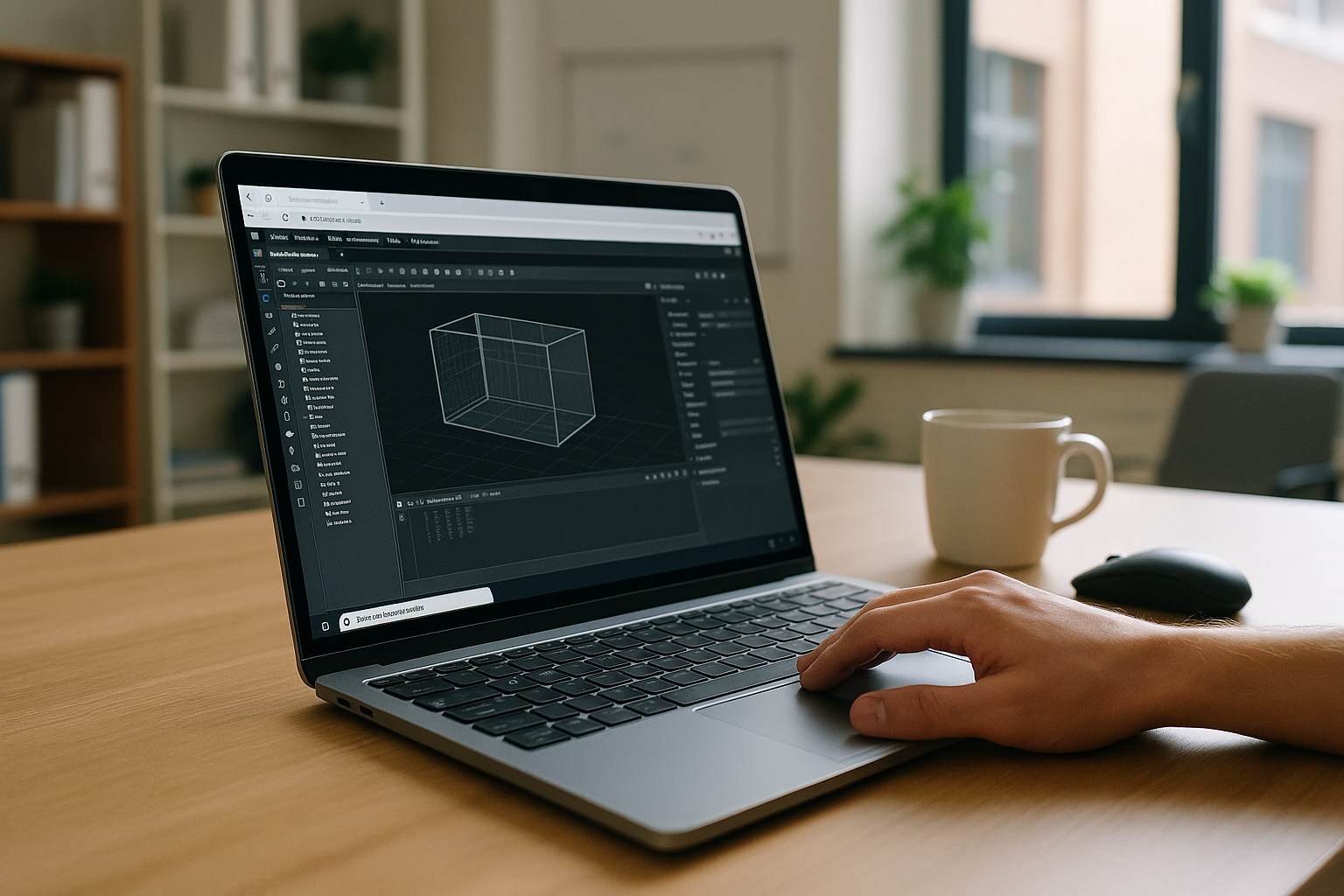
When 3D Max Software Won’t Start Before a Deadline
Deadlines don’t wait, but sometimes you click 3D Max software and nothing happens. Or the splash screen appears, then vanishes, leaving your project locked away while clients are pinging you. This 3ds Max not launching issue can stem from a corrupted user profile, a broken plugin, stale caches, recent driver changes, or a licensing hiccup. You try again and it either hangs or triggers a 3ds Max crash on startup. The result is the same: no viewport, no scene, no renders, and your schedule slipping by the minute. You need a fix that works now, not a rebuild that takes hours. And you can’t risk damaging your install or losing plugin settings while experimenting blindly.
Buying a New PC for 3D Max Software Startup Issues
When 3ds Max won’t start, replacing your workstation feels like the sure path. A faster CPU and GPU sound promising, but a new machine is a big expense and a time sink. You still have to migrate assets, reinstall plugins, re-authorize licenses, download content libraries, and tune drivers. Worse, if the real culprit is a bad profile, a misbehaving plugin, or a recent update, the same 3ds Max crash on startup can follow you. Lead times, setup hours, and unexpected compatibility snags make a new PC a risky detour when your project needs to open today. It’s understandable to consider, but rarely the fastest path to a working scene.
Run 3D Max Software Now in a Clean Browser-Based Windows PC
Instead of waiting on hardware, compare two options: buy a machine and rebuild everything, or run 3ds Max software inside a clean, ready Windows environment in your browser. The second option isolates your project from broken profiles and plugins, lets you install the exact version you trust, and keeps your local system untouched. You can open scenes, test plugins, and render while you diagnose the desktop. This approach preserves momentum, reduces risk, and avoids the sunk time of migrations — so you keep delivering even when 3ds Max not launching stalls your primary PC.
How Aristeem Keeps 3D Max Software Working Reliably
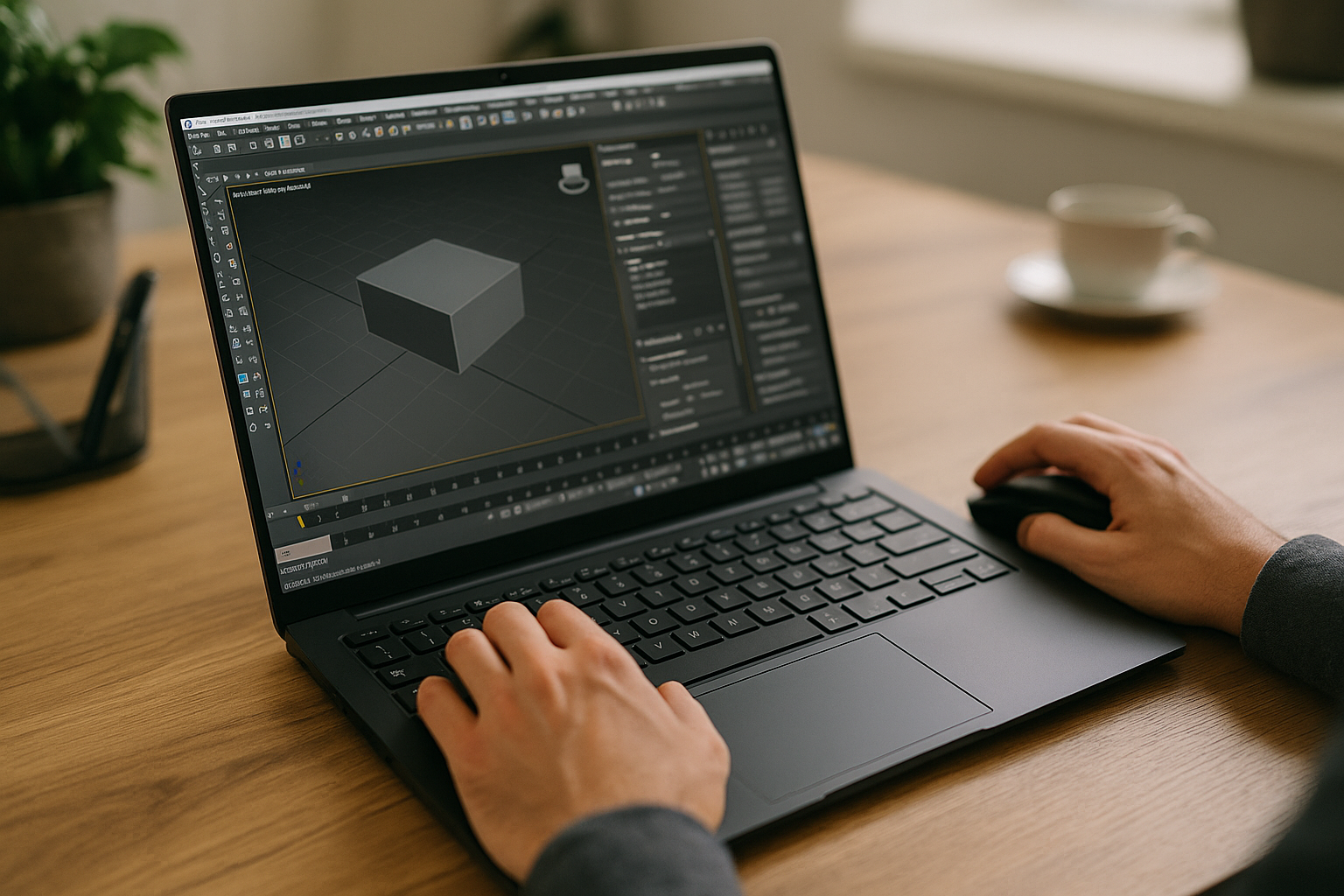
In 2024, Aristeem began as a cloud service for accessing professional software across engineering, design, data analysis, and other demanding workloads. Listening to teams, the service evolved to streamline setup and reliability. Today it offers a virtual Windows machine running in the cloud without replacing your device OS. Ongoing work expands flexibility and control. Applied to 3ds Max software, you install any version you need, add plugins, and use your own license if required. For practical context, see the programs overview that informs typical workflows.
Open Your Project Today with 3D Max Software
When deadlines loom, the best plan is dual-track: try local fixes later, but get the scene open now. With a virtual Windows PC in the browser, you can run 3ds Max software in a clean environment, keep your plugins, and continue production while you sort out the desktop. No OS swaps, no risky reinstalls, and no stalled deliveries. If hardware upgrades are still needed, you decide that on your timeline, not under pressure. See what the experience feels like by launching professional tools via web interface and opening the exact version you rely on today.


