


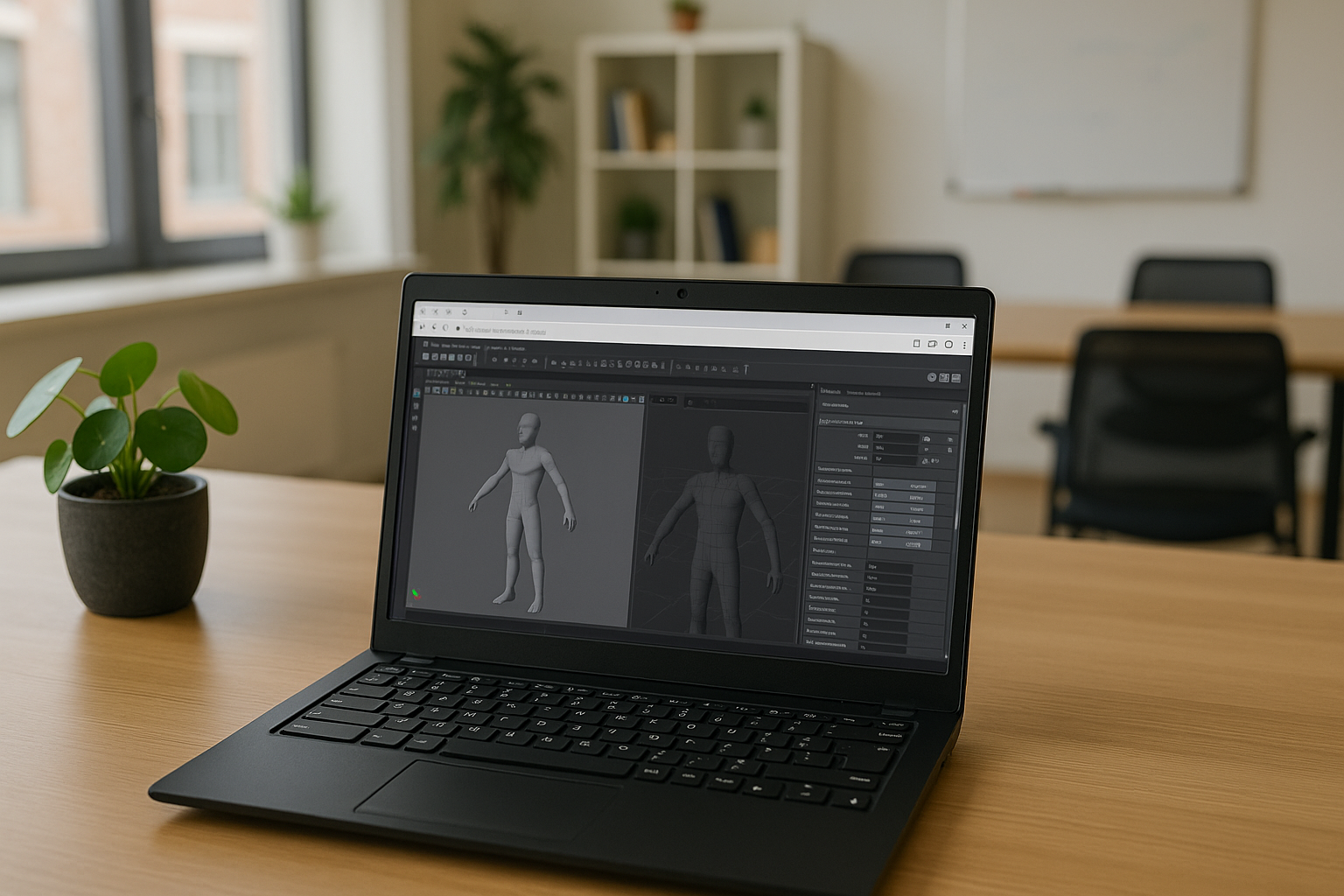
Autodesk Maya is the leading software for 3D modeling, animation, and visualization, officially supported on Windows, macOS, and Linux. Maya software is quite popular and convenient, offering powerful tools for 3d modeling, Maya animation, and detailed scene creation. But even with a fairly wide range of operating system coverage, unfortunately, not everyone can enjoy the capabilities of Autodesk Maya today.
Autodesk Maya is officially available on the following operating systems: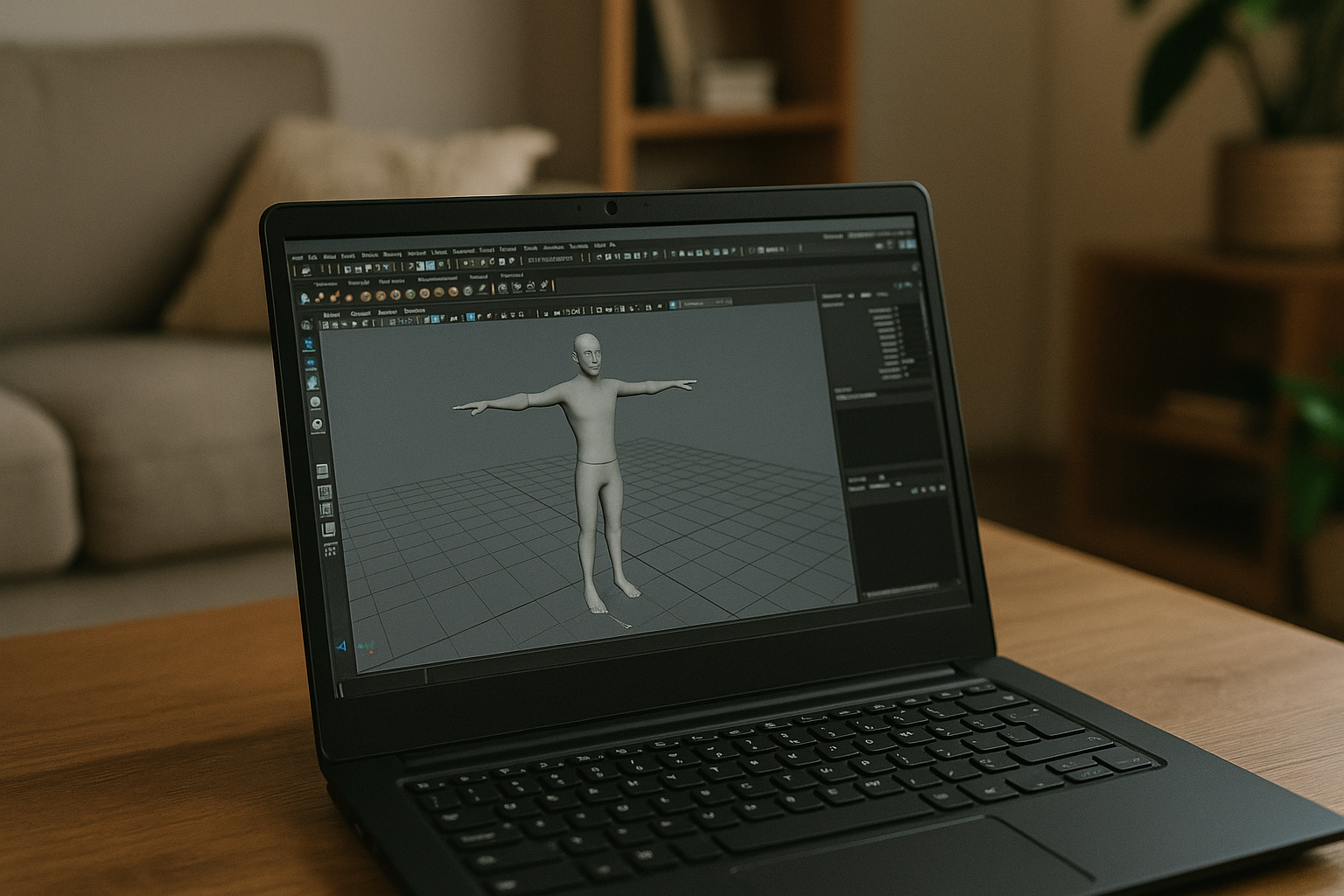
Windows – modern versions of Windows 10 and Windows 11 (64-bit) are supported.
macOS – support for current versions of macOS (usually the last two officially released).
Linux – official builds for distributions such as CentOS/Rocky Linux (and compatible systems certified by Autodesk).
There are no official versions for iOS, Android, ChromeOS, and other mobile/lightweight platforms. Maya mobile usage on such devices is possible only through remote access or cloud solutions.
How to run Maya on iOS, Android, ChromeOS, and other mobile or lightweight platforms: possible solutions
- Remote access
Advantages: Allows you to run software 3d Maya on a powerful PC or server and control it via a mobile device.
Disadvantages: Requires a stable and fast internet connection; possible delays, reduced image quality, and comfort of use.
- Virtual machines on mobile devices
Advantages: Allows you to run a full-fledged OS with Maya soft through a mobile device.
Disadvantages: High load on device resources; complex settings; low performance when working with complex projects like 3d animation Maya scenes.
- Emulators or special programs for running Windows applications
Advantages: Ability to run certain Windows applications, including 3d model Maya.
Disadvantages: Limited functionality support; often not suitable for resource-intensive tasks and stable operation.
Cloud service Aristeem – the best choice
Advantages: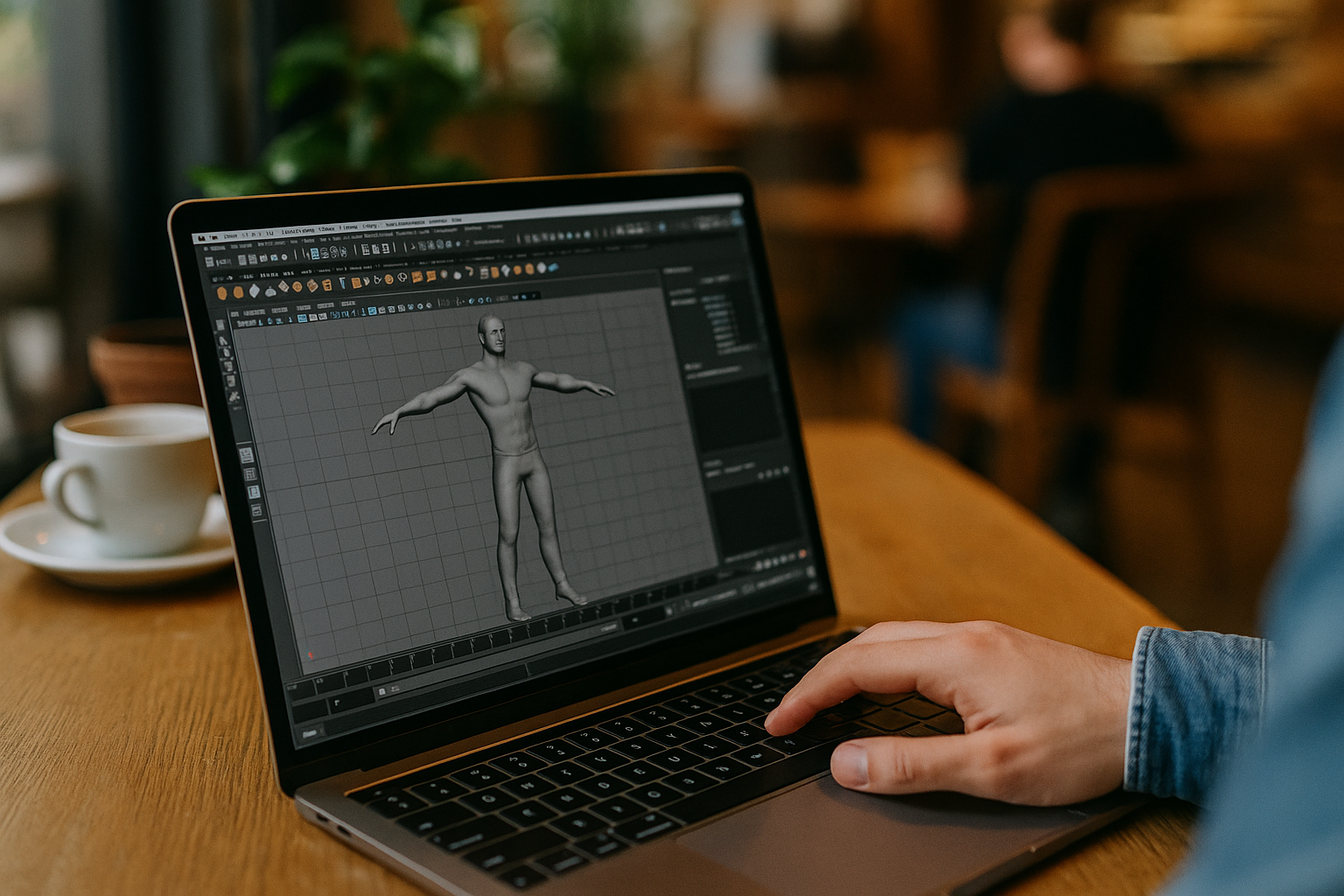
- Run Maya software on powerful remote servers with professional GPUs, access from any device regardless of OS.
- No need to install the program on a local device.
- Flexible payment for actual usage time.
- Provides stable operation, high performance, and no resource limitations.
- Support for collaboration and convenient access to files and projects.
Conclusion
For users of iOS, Android, ChromeOS, and other mobile platforms, cloud service Aristeem is the most efficient and convenient way to run Autodesk Maya without compromising performance and with maximum comfort. They eliminate hardware limitations, provide access to the latest software versions, and simplify collaboration on projects, increasing team productivity regardless of geographic location. Thus, the cloud approach is the optimal choice for mobile users who value flexibility, power, and convenience when working with Maya animation and 3d modeling Maya projects.


