


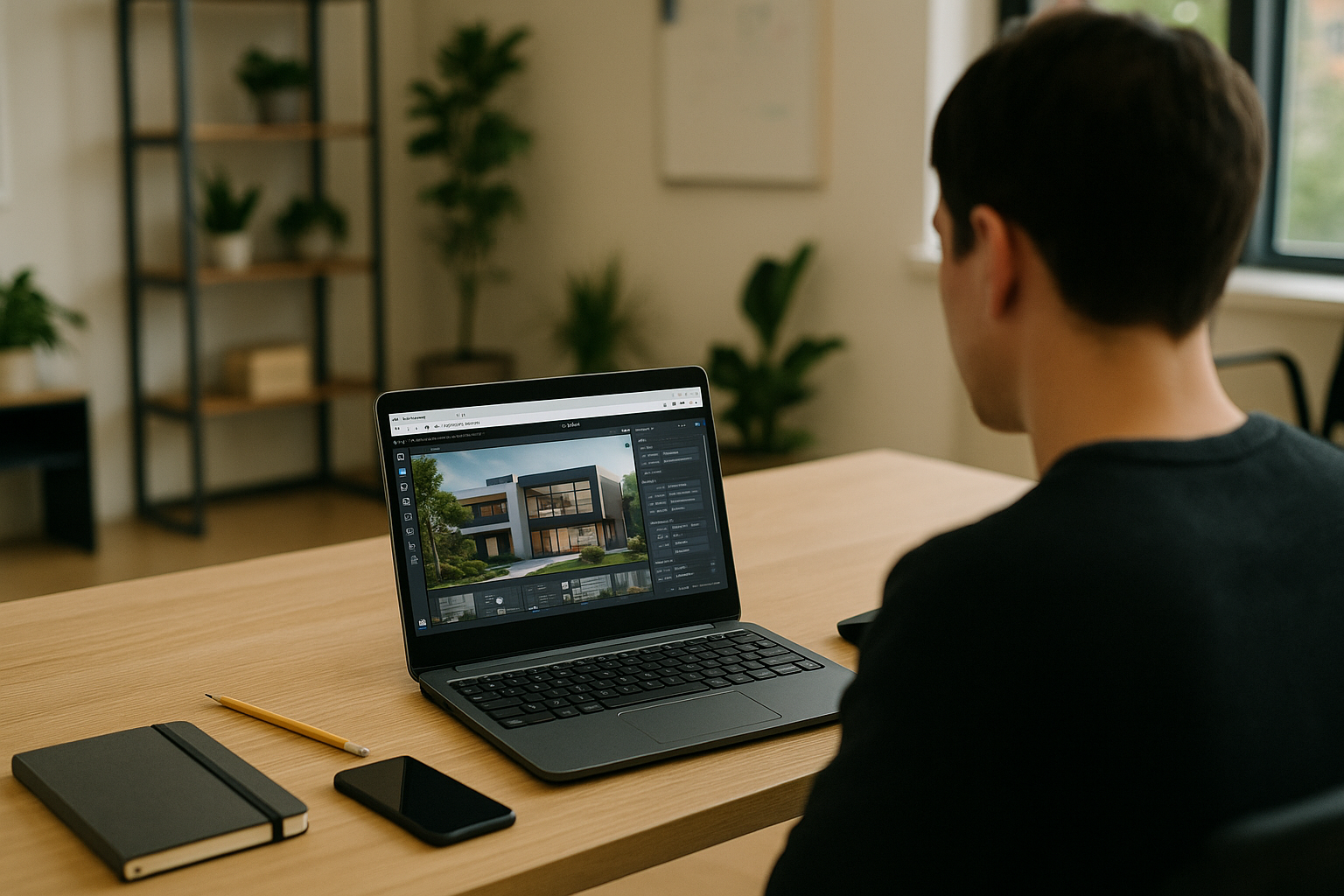
When Twinmotion Requirements Threaten Your Deadline
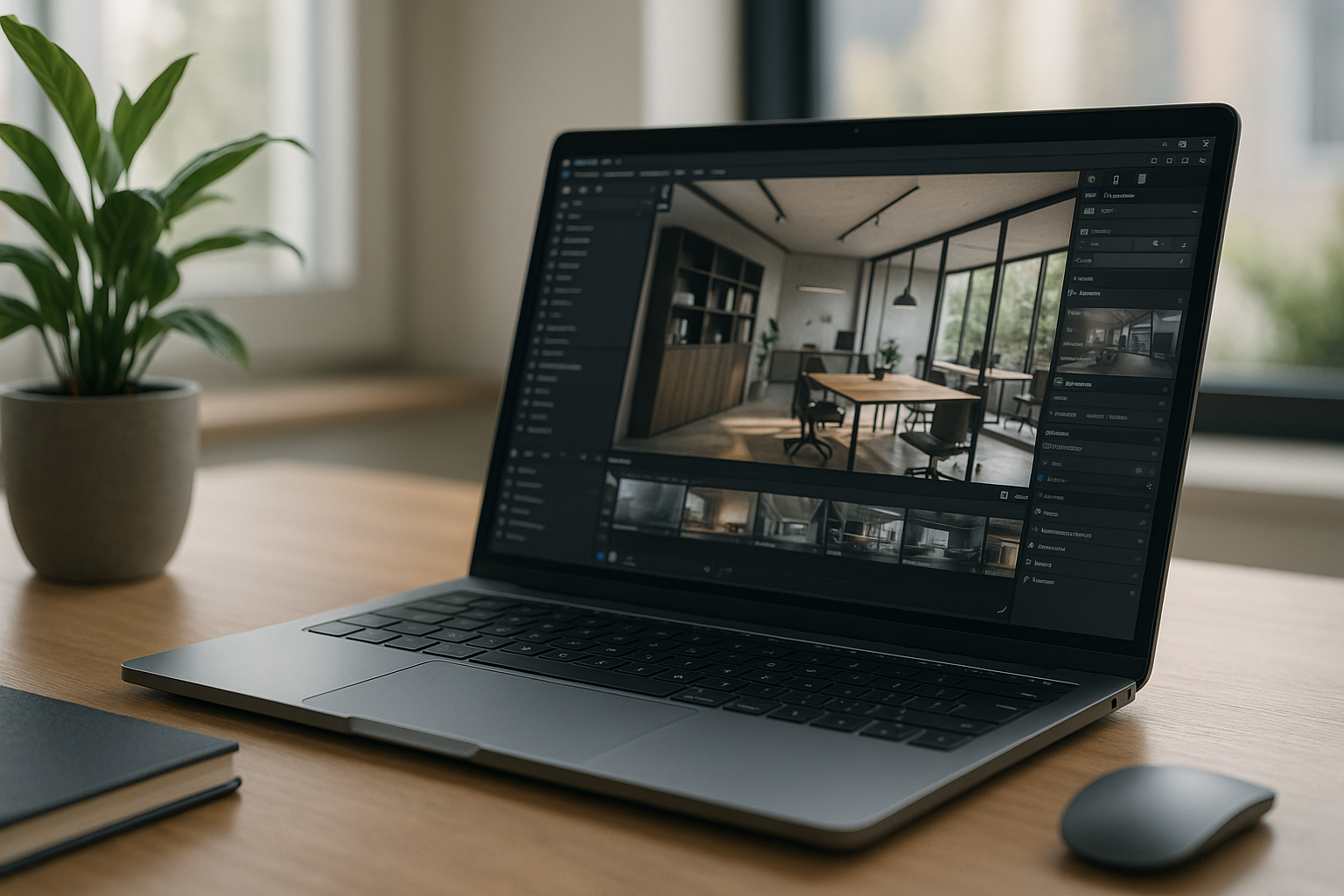
When Twinmotion starts struggling with large projects, your computer may be reaching the limits of its available hardware. Limited GPU memory, RAM, CPU performance, or storage can lead to slow navigation, unstable previews, and longer export times. Checking Twinmotion requirements against your current system can help you identify the bottleneck and decide whether to optimize the project, upgrade hardware, or use a more capable Windows environment.
Which Hardware Matters Most for Twinmotion Requirements?
Meeting Twinmotion requirements is not simply about buying the most expensive computer. GPU capability, available VRAM, system RAM, CPU performance, and scene complexity all affect how comfortably the application handles real-time visualization.
A stronger GPU can matter most for demanding real-time scenes, while additional RAM becomes important as projects grow in complexity. CPU performance also affects many operations, so upgrading one component does not automatically remove every bottleneck.
What to Check When Your PC Struggles With Twinmotion
If Twinmotion feels slow or unstable, check your system as a whole rather than focusing on one specification. Review GPU capability and available VRAM, installed RAM, CPU performance, storage space, and the complexity of the project. Then compare those resources with the requirements for the Twinmotion version you use.
Project settings matter too. High-quality assets, dense vegetation, large textures, complex lighting, and demanding scenes can increase hardware load even when the computer meets the basic requirements.
What If Your Computer Doesn’t Meet Twinmotion Requirements?
If your current computer falls short of the hardware needed for your Twinmotion workflow, replacing it is not the only option. A virtual Windows machine can give you access to a more capable Windows environment while you continue using your existing device as the access point.
Meeting Twinmotion Requirements With a Virtual Windows PC
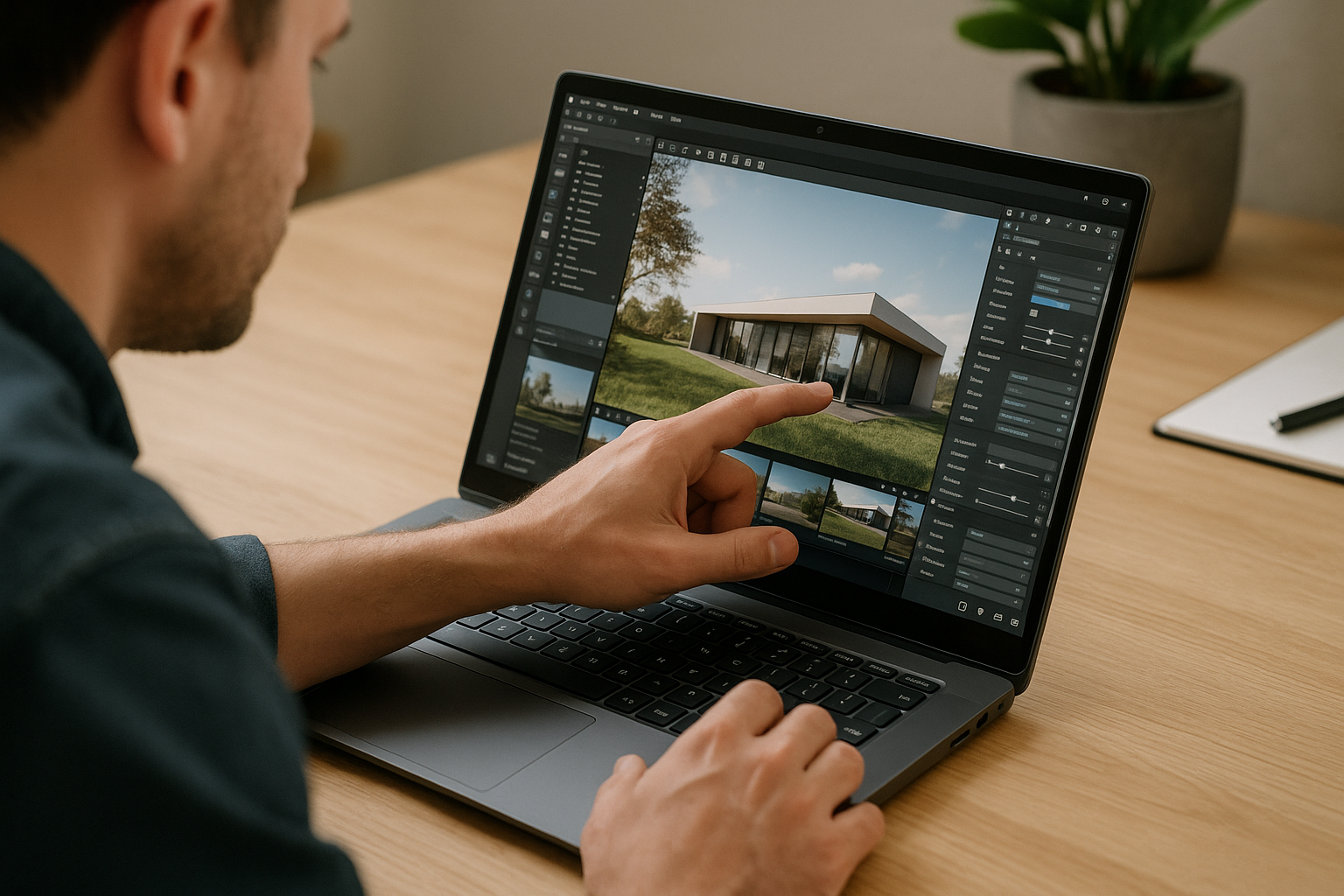
Founded in 2024, Aristeem began as a cloud service for accessing professional software in engineering, design, and data-heavy work. Listening to users, we focused on performance, stability, and flexibility. Today it’s a virtual Windows machine running in the browser, giving you a separate Windows environment for professional software without replacing your device’s OS. You need a separate Windows environment for Twinmotion, Aristeem lets you set up the software without replacing your current OS. See our direct Twinmotion installation workflow.
When a Virtual Windows PC Makes Sense for Twinmotion
If your current device cannot comfortably handle the Twinmotion projects you need to open, a virtual Windows PC can provide another way to access the software without replacing your everyday computer. It can be useful for travel, temporary projects, or devices with limited hardware, while keeping your existing workflow and licenses in place.


