


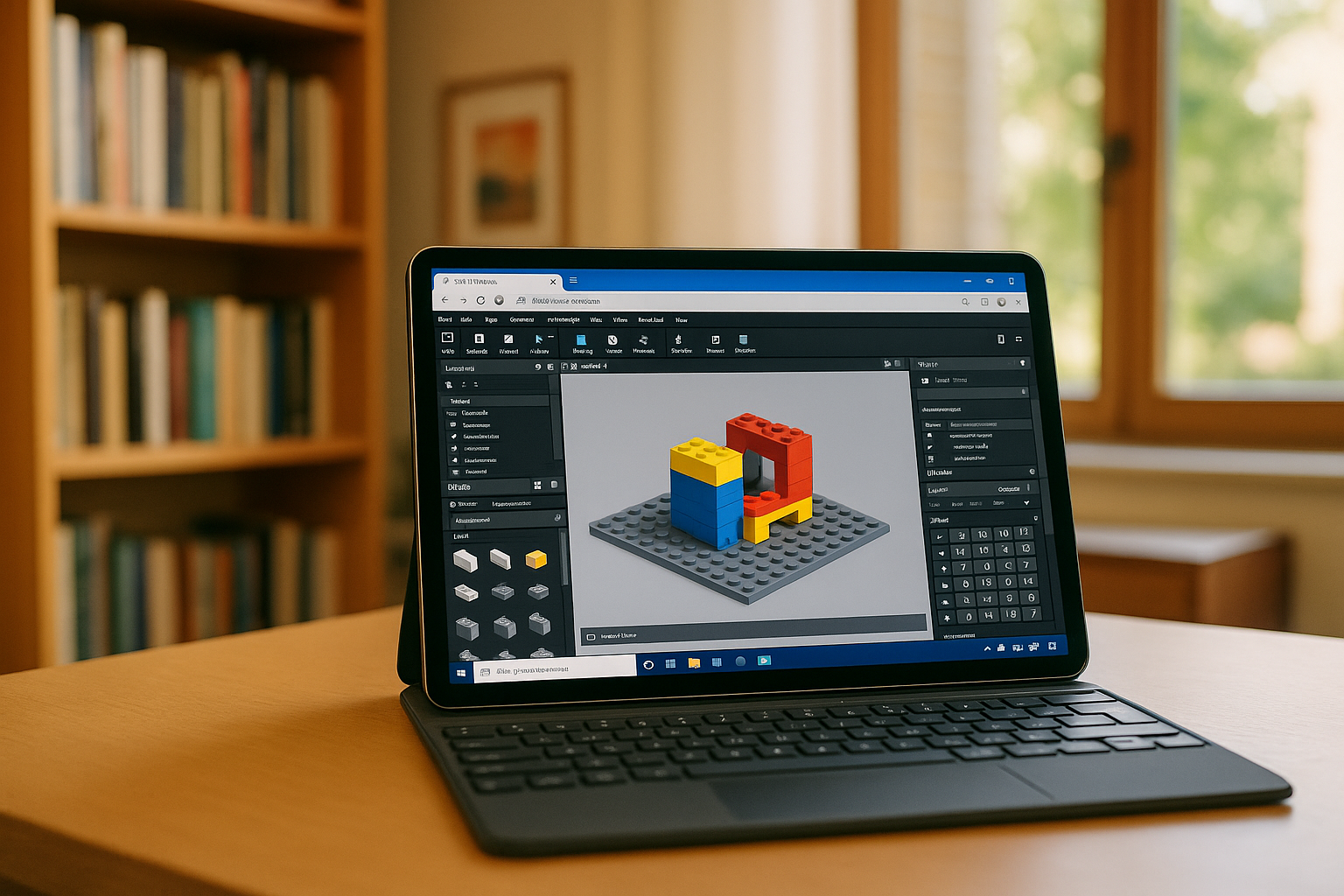
BrickLink Studio is a powerful digital building software designed for creating LEGO models in 3D. While many LEGO enthusiasts want to use it on mobile devices, there is currently no official BrickLink app for iPad or Android. This means that BrickLink Studio mobile access requires alternative methods to experience its full functionality.
Running BrickLink Studio on Mobile Devices
Even though Studio is a desktop program, it can still be accessed on mobile or low-spec devices through remote desktop solutions or cloud platforms. Using these methods, users can interact with BrickLink Studio app features on iPad, Chromebook, and Android devices without losing any 3D modeling capabilities.
For those who primarily use iPad, Aristeem has a dedicated guide that explains how to run BrickLink Studio iPad efficiently, providing full functionality on tablets without needing a powerful PC. This ensures that your designs and simulations remain fully intact across platforms.
Key Features of BrickLink Studio Software
The BrickLink Studio software offers an extensive range of tools for designing LEGO models, including:
-
Advanced 3D modeling and part placement
-
Automatic building instructions
-
Integration with the BrickLink marketplace
-
Support for importing sets and custom designs
Even though mobile users cannot install a native app, the BrickLink Studio app functionality remains accessible through cloud or remote access, making it easy to continue creative projects on the go.
BrickLink Alternatives for Mobile
For users who want a native mobile experience, several BrickLink alternatives are available:
-
LEGO Digital Designer (LDD) – official LEGO software with limited mobile support
-
Mecabricks – an online browser-based 3D LEGO builder compatible with tablets
-
LDraw Online Tools – lightweight alternatives for creating LEGO models digitally
These alternatives can be helpful when mobile access is required, though they may not offer the full professional features of BrickLink Studio software.
Benefits of Using Cloud Access for BrickLink Studio
Accessing BrickLink Studio mobile through Aristeem’s cloud platform has multiple advantages: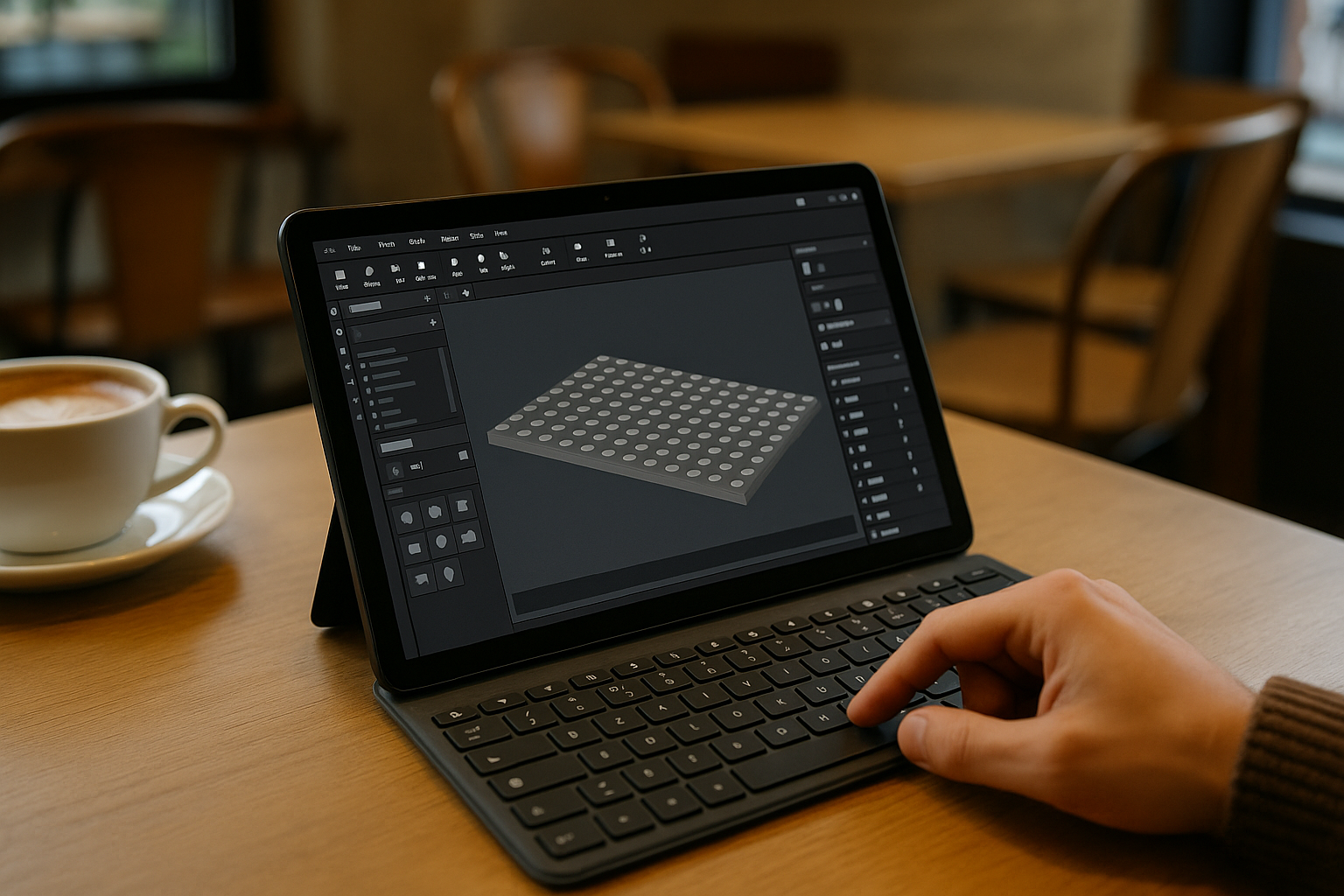
-
Universal access: iPad, Chromebook, and Android devices can all run Studio features seamlessly via Aristeem, regardless of device power.
-
No need for a high-end device: Aristeem handles all heavy computation on powerful cloud servers. Even budget tablets or lightweight laptops can work with large LEGO 3D models.
-
Automatic updates: Aristeem ensures that BrickLink Studio software remains current with the latest versions, so users always have access to full features.
-
Data security: Your models are stored safely on Aristeem servers, reducing the risk of data loss from local device issues.
This approach allows LEGO enthusiasts to design, simulate, and collaborate professionally from almost any device, all through Aristeem’s cloud access.
Conclusion
While there is no official BrickLink app for mobile devices, users can still enjoy full BrickLink Studio app capabilities using Aristeem’s cloud-based solution. For those seeking native mobile alternatives, several BrickLink alternatives exist, but they may not match the full power of Studio software.
For the most complete experience on tablets, Chromebooks, and Android devices, check out Aristeem’s BrickLink Studio iPad guide, which explains how to run the software efficiently on mobile platforms.


