


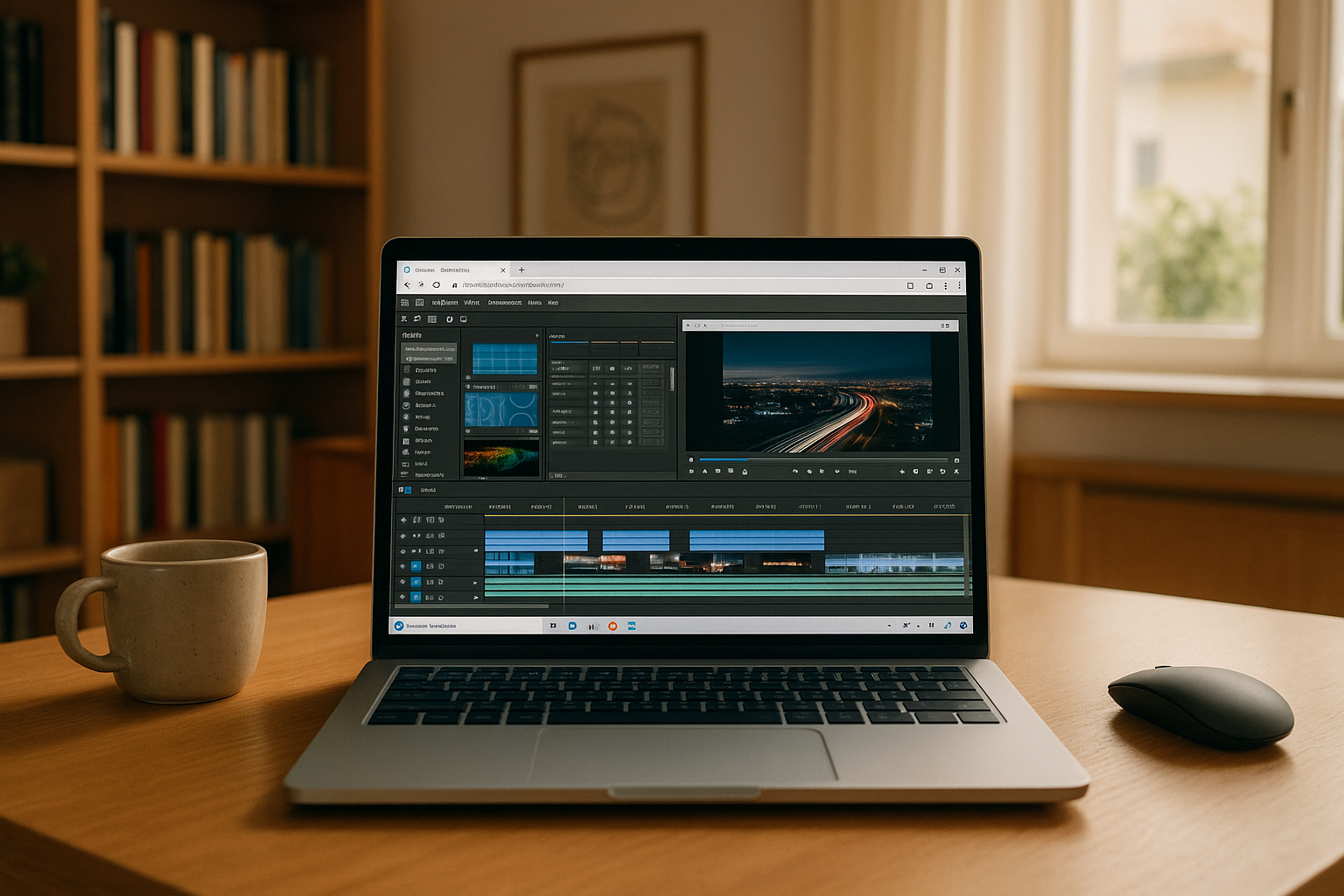
When Software Vegas Pro Becomes a Workflow Problem
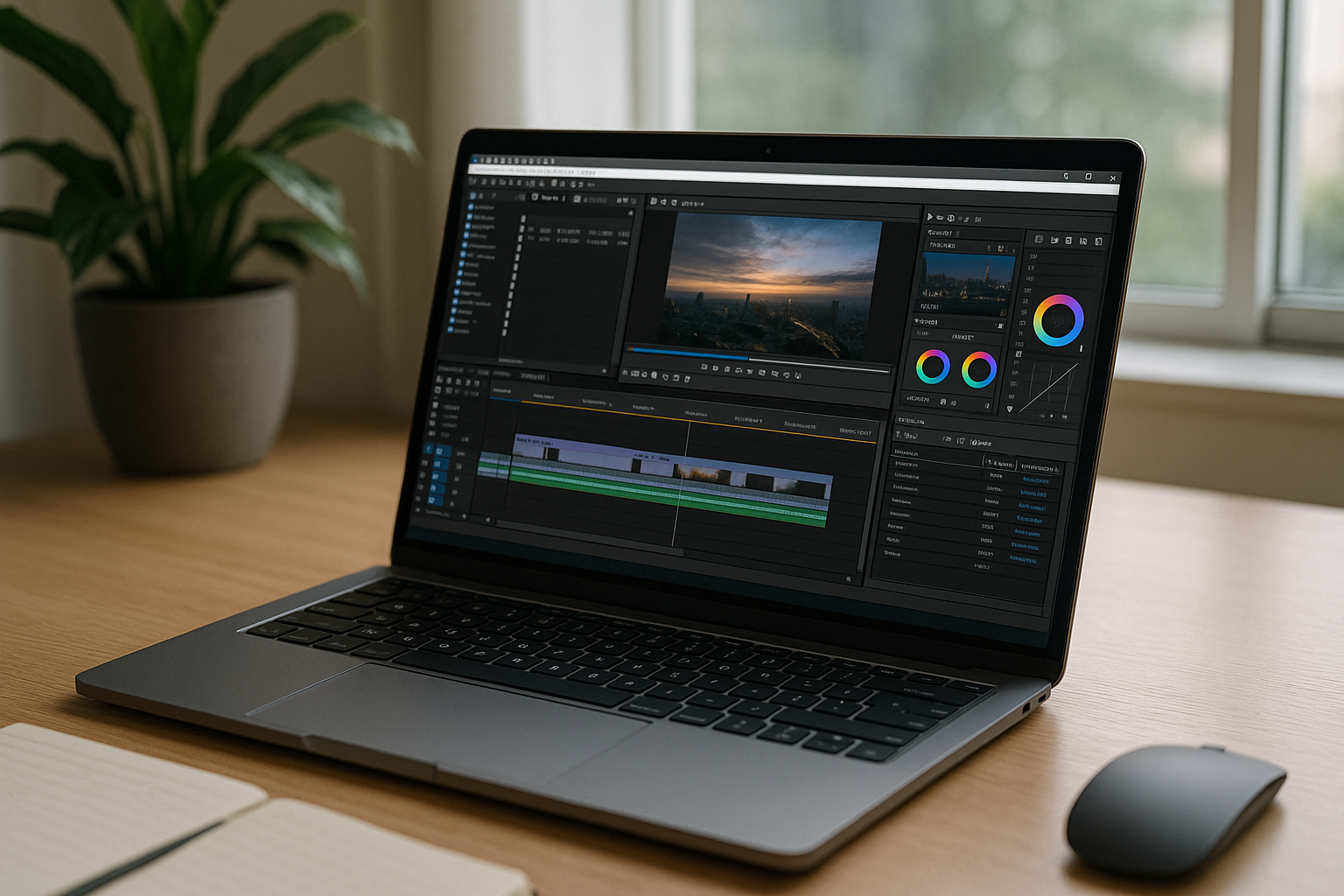
For professional editors, software Vegas Pro is not only about how quickly a timeline renders. Projects may depend on a particular Vegas Pro version, specific plugins, codecs, presets, and supporting tools that need to remain consistent from one editing environment to another.
That becomes difficult when work moves between machines. A new workstation may require software activation, plugin installation, preset migration, and configuration before an existing project behaves the same way. The challenge is keeping the editing environment consistent while still having access to the software when and where the project requires it.
Why Moving Software Vegas Pro Between PCs Creates Extra Work
A second workstation can solve an immediate hardware requirement, but it can also create another copy of the editing environment to maintain. Vegas Pro itself is only part of the setup: plugins, presets, codecs, fonts, project templates, and supporting utilities may all need to be configured before a project is ready.
For editors working with client-specific environments, rebuilding these components on every machine can introduce unnecessary variation. A project that depends on a particular plugin version or preset may require additional checks before editing can continue.
The issue is therefore less about owning a more powerful computer and more about keeping the required software environment together.
Keeping Software Vegas Pro Versions and Plugins Consistent
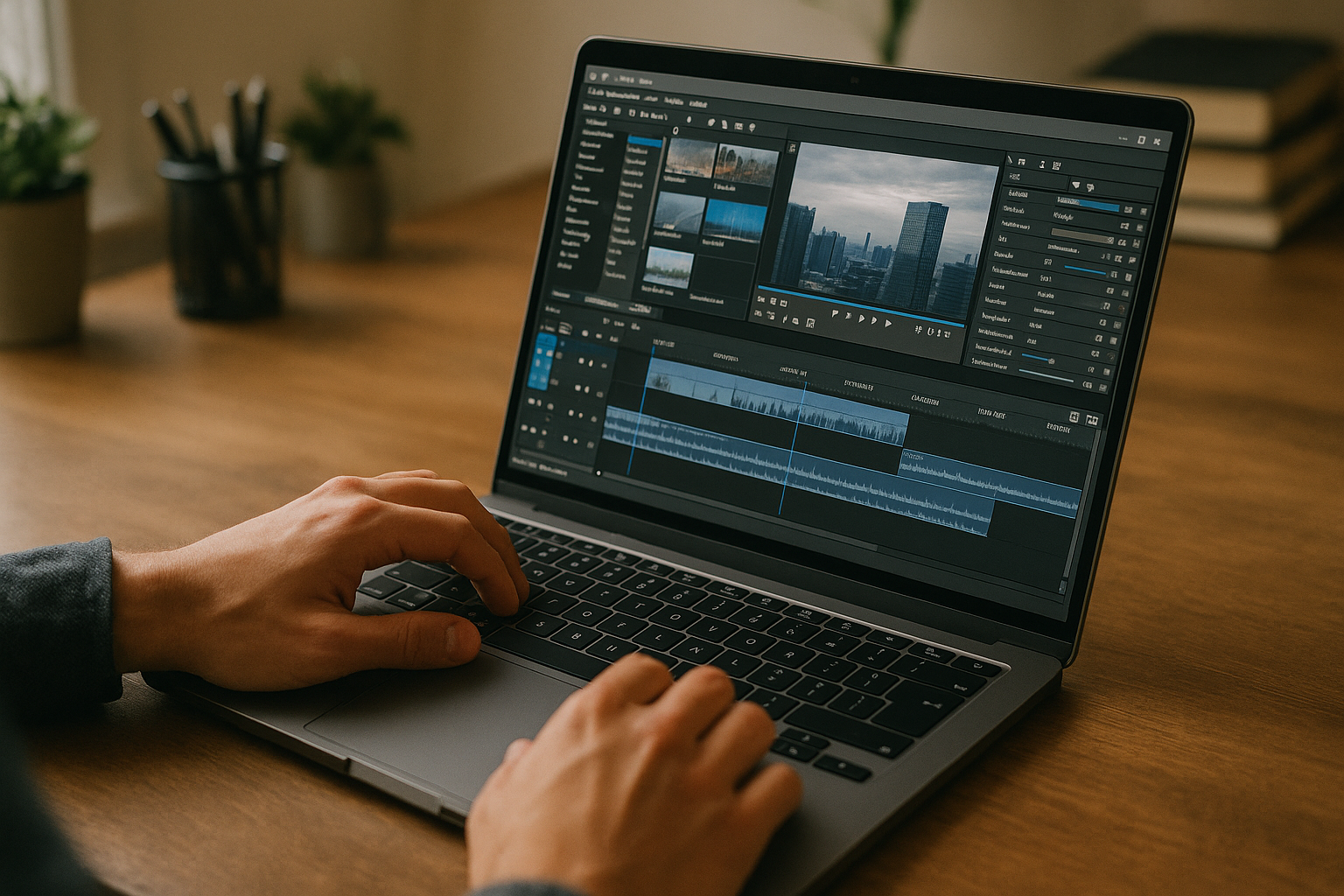
A consistent editing environment matters when projects are tied to specific software versions or plugin configurations. Instead of treating each workstation as a separate setup, editors can maintain the Vegas Pro environment around the requirements of the project.
This is particularly useful when a client requires a particular Vegas Pro release, when a plugin is tied to a specific version, or when presets and supporting tools need to remain available across editing sessions. The goal is to reduce configuration differences before the creative work even begins.
A Consistent Environment for Software Vegas Pro
f the main requirement is a stable Vegas Pro setup rather than another local installation, a virtual Windows PC can keep the application and its supporting software in one environment. Editors can install the required Vegas Pro version, add compatible plugins and tools, and maintain the same setup instead of recreating it on every device.
This approach is especially relevant for projects where version compatibility matters. The browser is simply the access method; the Windows environment provides the software setup needed for the project.
How Aristeem Keeps Software Vegas Pro in One Environment
Aristeem provides a virtual Windows PC that you access from your browser. In that environment, you can install the Vegas Pro version required for your workflow and add compatible plugins, presets, codecs, and supporting tools.
If the software requires a license, you use your own license where applicable. The environment can then serve as a consistent workspace for projects that depend on a particular Vegas Pro configuration, rather than requiring the same setup to be rebuilt on every local computer. For more details, see Vegas Pro in browser.
A Stable Path for Software Vegas Pro
For editors whose projects depend on particular Vegas Pro versions, plugins, presets, and supporting software, maintaining one consistent Windows environment can simplify the production workflow. Instead of rebuilding the same configuration across different computers, the required software can remain together in a virtual Windows PC.
With Aristeem, you can access that environment from a browser and use Vegas Pro with the software components your projects require. See how Vegas Pro runs in a browser for a closer look at this workflow.


