


Keeping RStudio Projects Reproducible Across Locations

The weekly forecast update starts at the client site and continues at the office in the afternoon. The analytics lead needs an RStudio online environment that preserves the project setup across locations. The workflow includes refreshing SQL extracts, running model scripts, and rendering a Quarto report. To keep results reproducible, they select a specific R version, install the required packages, configure Git SSH keys, and establish a stable project folder before running notebooks and pushing results to the repository.
Workflow Requirements for a Reproducible R Environment
Because the forecast and Quarto render must match at every location, the team needs an environment that mirrors itself exactly. That means a pinned R version, a consistent package library managed with renv, and project roots set via here or an .Rprofile so paths never drift. It also requires Git credentials with SSH, ODBC drivers and DSNs for databases, S3 or Azure object storage access, fonts for plots, and system tools like Rtools or vctoolchains. The work depends on this full stack remaining available and unchanged in the environment the team uses across locations.
Keeping RStudio Configuration Consistent Across Devices
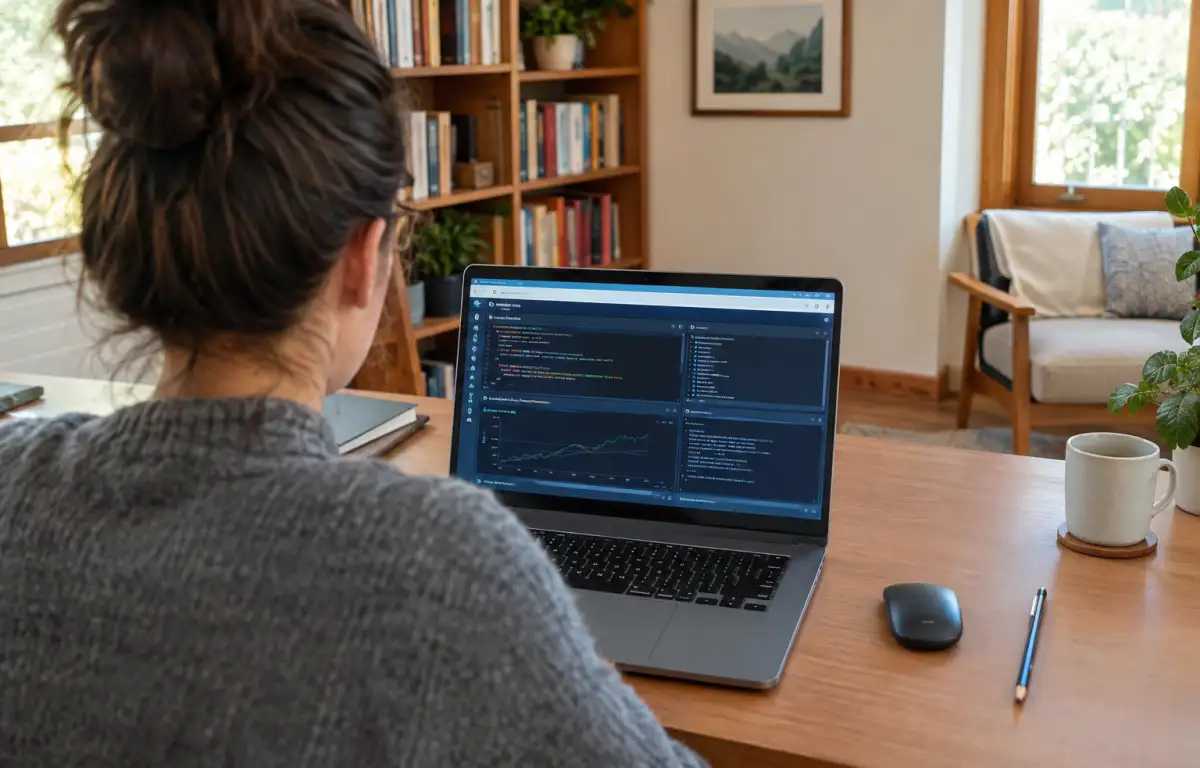
Pinned versions, DSNs, and credentials need to remain available when the team moves between the client site, home, and office. The project should reopen with the same libraries, project paths, and output settings, reducing the need to reconfigure the environment at each location. A local setup on one laptop cannot provide the same workspace on every device. A Windows PC in the cloud offers an alternative: the user can install RStudio, R, packages, ODBC drivers, and other required tools there, keep project files and configuration in its persistent storage, and access the environment from another machine through a browser.
Setting Up a Consistent RStudio Online Environment

A Windows PC in the cloud provides the fixed environment this workflow needs for RStudio online. You install the required R version and RStudio, add Quarto if used, and snapshot packages with renv so every session restores the same library. You keep SSH keys and Git config in the user profile, set a canonical project root (for example, D:\Projects), and install ODBC drivers for SQL Server, PostgreSQL, or Snowflake with matching DSNs. You can also configure S3 or Azure access, install the required fonts and system tools, and use your own software licenses where applicable. The persistent environment keeps these settings available across sessions, although reproducibility still depends on controlling external data and dependencies.
Using Aristeem for a Persistent RStudio Workspace
Founded in 2024, Aristeem focuses on providing cloud access to professional software for engineering, design, and data work. Its cloud Windows PC does not replace your device’s operating system. You choose a configuration, connect to the Windows environment, and install RStudio, R, packages, and project-specific tools yourself. Persistent storage keeps your files and saved configuration available across sessions. For additional guidance, see our RStudio online environment notes and adapt the setup to your team’s project requirements.
Maintaining a Reproducible R Workflow
A reproducible R workflow starts with defined project requirements and a consistent environment for R versions, packages, Git credentials, paths, and data connectors. Keeping these components in a persistent cloud Windows PC reduces repeated setup when switching devices or locations. Explore Aristeem if your team needs a dedicated Windows environment for RStudio projects and other desktop tools.


