


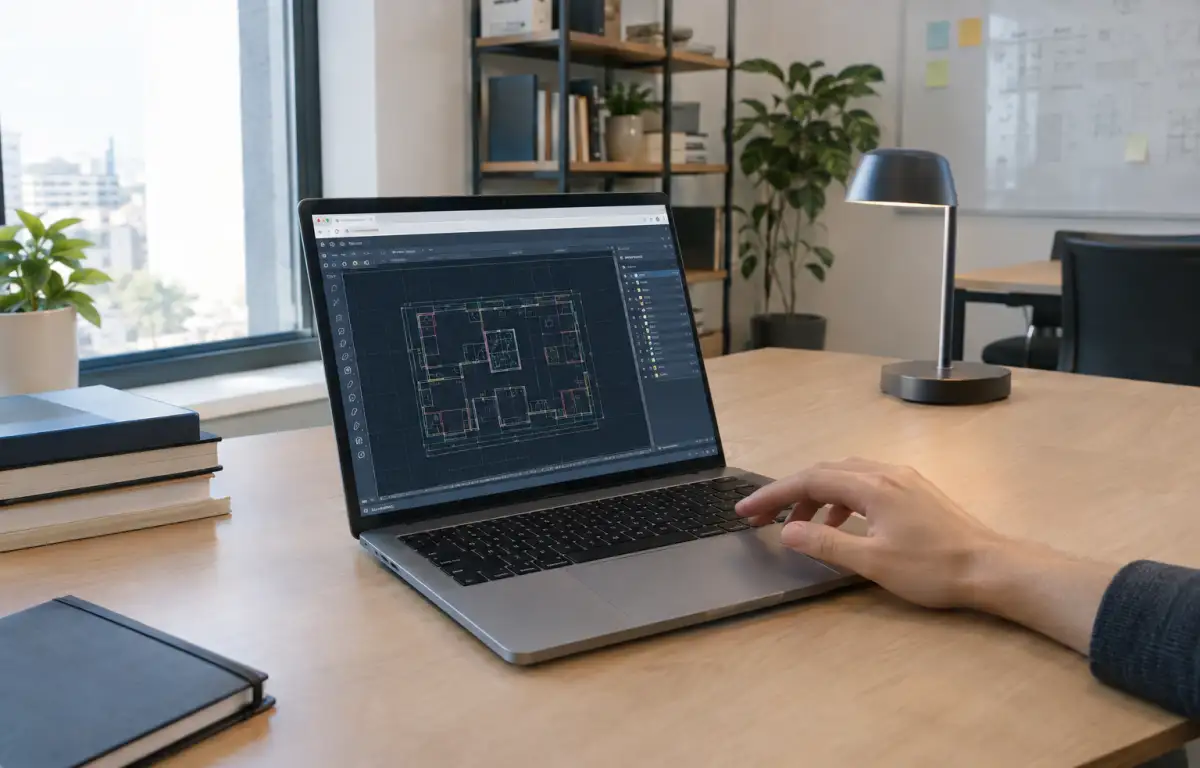
From Office to Field: AutoCAD Online Standards in Motion
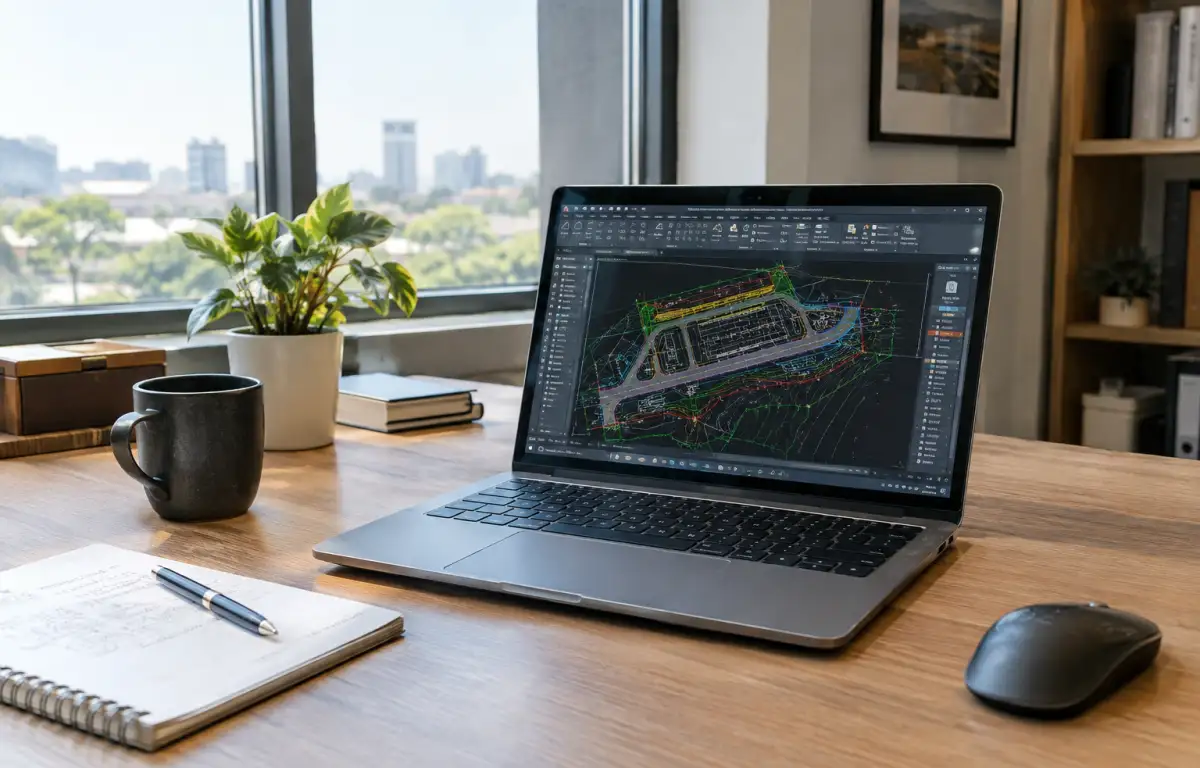
Before the morning coordination, a project lead prepares a civil site plan set that will travel from office to jobsite and a client review room. First they confirm the team’s standard AutoCAD release, load the DWG standards DWS, company tool palettes, LISP routines, SHX/TTF fonts, and CTB/STB plot styles, and set Xref paths to the shared project folder. Next they open the base DWG, annotate and update sheets, then publish PDFs. Field markups introduce another requirement: the team must be able to access the same drawing environment away from the office without rebuilding its standards and dependencies on every device.
AutoCAD standards and DWG standards for identical results
To keep those DWGs opening, editing, and printing the same in every location, the workflow needs these elements aligned to the setup above:
- Locked AutoCAD release and profile with the DWG standards DWS applied.
- Unified support paths for tool palettes, LISP (.lsp), fonts (.shx/.ttf), plot styles (.ctb/.stb), and templates.
- Stable Xref mapping with project‑relative paths and dependable file locking.
- Consistent plotter configurations (PC3) and drivers for matching PDF and hardcopy output.
- License access that follows the user without breaking standards or dependencies.
Which environment can guarantee this match on the device in each place?
Selecting an AutoCAD cloud PC model for consistent standards
Evaluating those requirements in practice, teams test different ways to run the same AutoCAD standard set across locations. Each approach varies in how well it preserves version lock, support paths for palettes and LISP, fonts and plot styles, and reliable Xrefs and PC3 output.
| Approach | Capabilities | Complexity |
|---|---|---|
| Local laptops with manual profile sync | Can match release and export/import profiles; fragile for palettes, LISP, fonts, plot styles, and Xref paths. | High; constant upkeep and drift risk. |
| Shared network drive with local installs | Central files for Xrefs and standards; local PCs must share the same release, drivers, and support paths. | Medium‑High; device variance causes mismatches. |
| Portable profile export/import | Moves basic settings; limited for fonts, CTB/STB, PC3, custom palettes, and scripts. | Medium; frequent manual fixes. |
| Cloud Windows PC | A persistent cloud Windows PC keeps one AutoCAD installation, its configured standards, palettes, LISP routines, fonts, plot styles, Xrefs, and supported plotter configurations together. | Low–Medium; initial configuration and maintenance required. |
That last option centralizes everything in one persistent desktop, enabling AutoCAD online sessions to feel identical.
DWG standards that continue from office to jobsite and client

Because the same DWG, Xrefs, tool palettes, and CTB/STB must open identically in the office bay, a jobsite trailer, and a client conference room, the work must resume from the same point on any device. A single AutoCAD profile with locked support paths, the DWS, and PC3 plotters avoids surprises in print sets. When field staff revise markups, they should see the identical fonts and LISP tools used at the desk. That whole state needs to live in one persistent place that can be reached anywhere.
Aristeem cloud Windows PC for AutoCAD online consistency
For more than two years, Aristeem has provided access via the cloud to professional software for engineering, design, data analysis, and other demanding workloads. We study user needs and continually refine the service. Today, our cloud Windows PC lets you install the software you need, add plugins, drivers, and utilities, and use your own license if required. We keep expanding flexibility. Applied to this workflow, Aristeem gives you a persistent Windows desktop where you can install the required AutoCAD release, configure its standards, add supported plugins and drivers, and return to the same environment from different devices. See the AutoCAD setup details.
AutoCAD online aligned across locations
A consistent AutoCAD workflow across office, field, and client locations depends on more than access to DWG files. Teams also need the same application version, drafting standards, dependencies, and plotting setup. A persistent cloud Windows PC keeps this configuration in one environment, making it accessible from different devices through a consistent AutoCAD online workflow across locations.


