


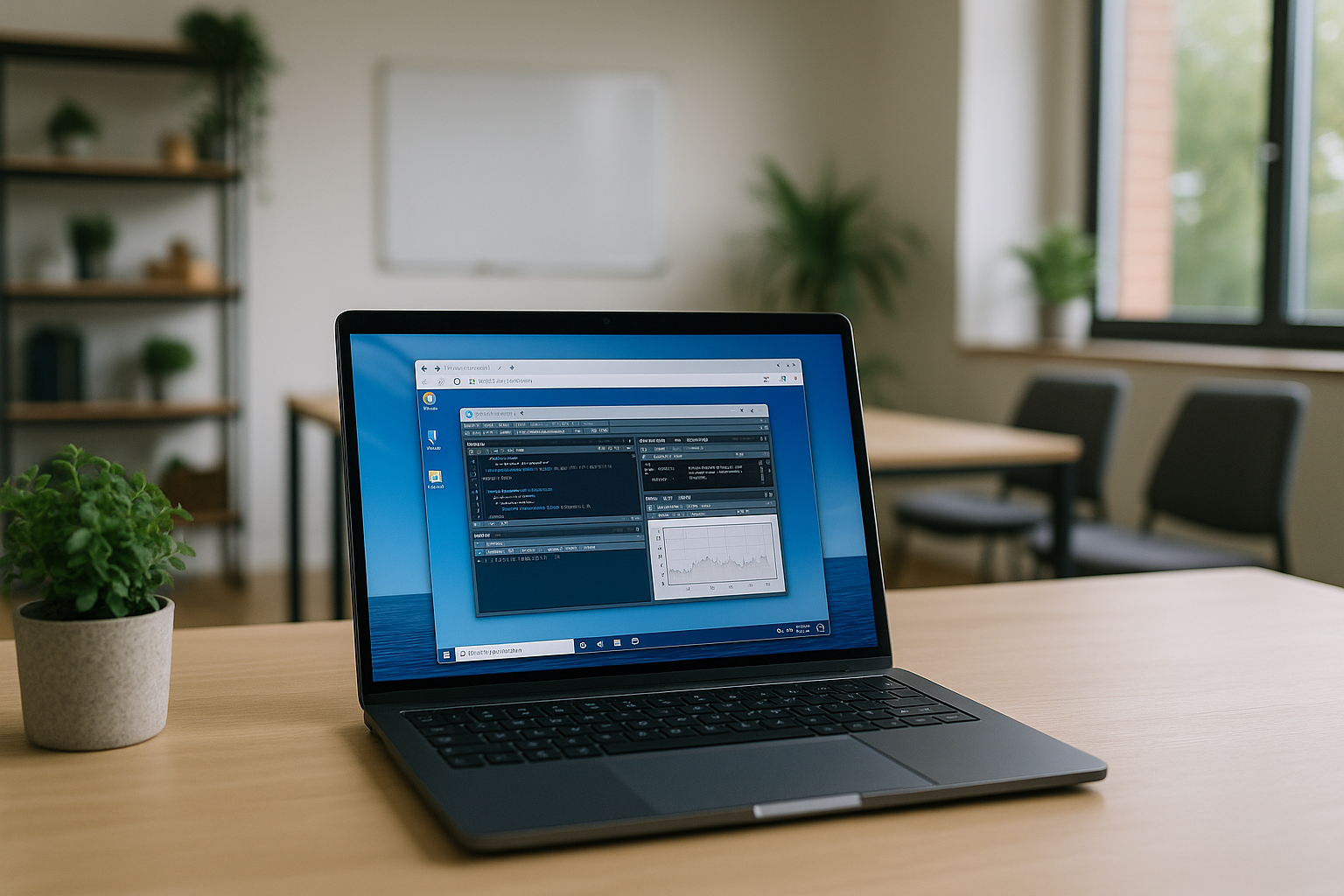
RStudio software is a powerful environment for working with the R language, featuring a user-friendly interface and tools for data analysis, statistics, and visualization. Many users searching for RStudio online want to avoid local installation or need access from devices that cannot run the desktop application directly.The program runs on Windows. RStudio for Mac and RStudio Ubuntu are also available; however, RStudio for iPad is not natively supported — using the program on mobile platforms (iOS, Android), tablets, or smartphones requires additional solutions.
Indirect ways to use RStudio
Indirect ways to use RStudio online come in handy when the program is not available for direct installation on the desired device. Among the main solutions are:
- Virtual machines — installing Windows or Linux on macOS, Chromebook, or another system, then launching RStudio software.
- Emulators/emulation environments – using programs that replicate the operation of another OS (e.g., Wine for Linux).
- Remote access – connecting to a computer with RStudio already installed via a remote desktop.
- RStudio Cloud – the cloud version, which allows you to run the R environment in a browser without installing the program, but has a limited interface on mobile devices, and is slower to work with large projects.
While each option makes RStudio accessible outside a traditional desktop installation, they differ significantly in terms of performance, setup effort, and flexibility.
Note:
RStudio Cloud works in a browser on tablets and smartphones, but the interface is primarily designed for desktop use. Mobile devices are suitable for quick edits or reviewing projects, while larger analytical tasks remain more comfortable on a laptop or desktop.
RStudio Cloud vs Aristeem
Both solutions allow users to access RStudio through the cloud, but they are designed for different workflows.
| Feature | RStudio Cloud | Aristeem |
|---|---|---|
| Browser access | ✅ | ✅ |
| Full desktop environment | Limited | ✅ |
| Large datasets | Limited | ✅ |
| Additional Windows applications | ❌ | ✅ |
| Performance depends on | Cloud plan | Cloud workstation |
| Cross-platform access | ✅ | ✅ |
Aristeem – a modern solution for convenience when working with RStudio
Here are the main advantages of using RStudio software through Aristeem:
- Full performance – calculations are processed on powerful server resources, not on your PC, tablet, or Mac device.
- Cross-platform and shared access – Aristeem allows running RStudio online on Windows, Mac, Linux, Chromebook, or tablet, and easily sharing your work environment with colleagues, providing convenient access to a single environment from any device.
- No complicated setup – everything is preconfigured and available immediately after connecting.
- Mobility – access RStudio in the cloud from any device via the Internet, including a tablet or even a phone.
- Flexible payment – pay for the time you use or choose long-term plans.
- Convenient integration – work with other programs or services in the same cloud.
Technical support
If you have questions about cloud services or RStudio software, you will find the FAQ section of our website useful, or you can quickly contact our specialists via Telegram.
Conclusion
RStudio software remains one of the most powerful tools for working with the R language, but its limited availability on mobile platforms can make direct use challenging. For users who need a full desktop RStudio environment across multiple devices, cloud workspaces provide a flexible alternative to local installation. Thanks to RStudio in the cloud with Aristeem, these barriers are removed: RStudio for iPad and any other device becomes available without performance loss, offering a ready-to-use environment and convenient collaborative work.


