Forget installations – Power BI is now one click away on your Linux system
Launch Power BiBut we offer a much simpler way — just open our service in your browser and launch Power BI. It’s already set up on our virtual PC — just start working


No need to install Windows, emulators, or configure virtual machines — everything is ready to go.

Aristeem runs on powerful virtual machines, ensuring smooth and reliable performance without burdening your PC.
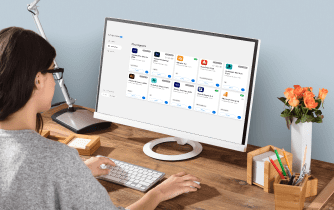
Launch Power BI from any Linux device — all you need is a browser and internet connection.
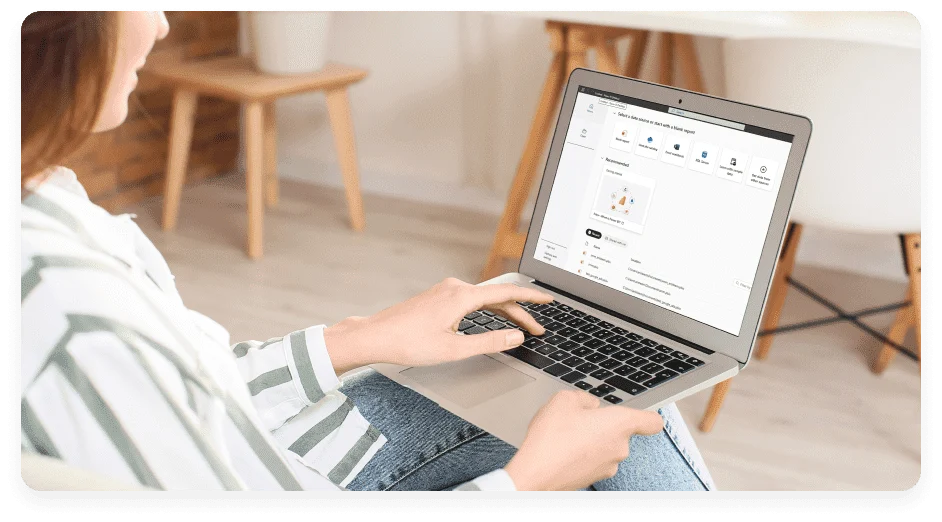
Access the complete Power BI experience, not the limited web version.
Skip the setup — run Power BI on Linux with Aristeem and get to work
Launch Power Bino need to install
anything

macOS, iPadOS, and
Windows

launches in seconds

no broken links when
switching devices

scale the workspace for smaller
screens like tablets

access your projects
anytime
Microsoft Power BI is a powerful tool for creating interactive reports and analyzing data. But there’s no native version for Linux.
With
Aristeem, you can launch Power BI Desktop right from your browser — no installation, no emulators, no setup.
All the heavy lifting happens on our servers, not your Linux machine.
Just open your browser, log in, and start working — it’s that simple.
#1
Log In To Your Account
On The Aristeem Service
If you don’t have an account, or create a new account.
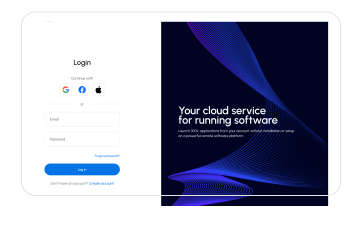
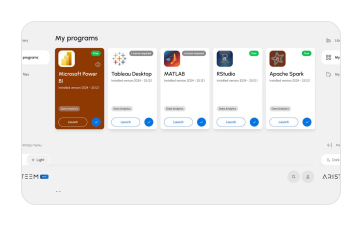
#2
Find The Microsoft Power BI Desktop Program
Choose the "Data Analytics" category or use the search bar
#3
Launch Microsoft
Power BI Desktop
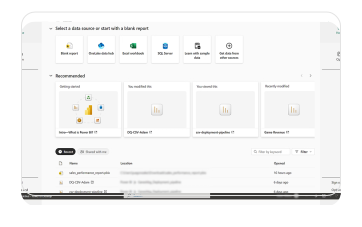
Click the "Launch" button, wait for the program to load, and you're ready to go. This program does not require a license.

12 CPU cores

32 GB RAM
Radeon 7900 XT 16 GB GPU

100 GB cloud storage

We give each new user 10 HOURS OF FULL ACCESS You can explore all the features of the service without restrictions or hidden conditions.

Full Functionality
You get access to all features of the service, exactly the same as on any paid plan. No blocked features.

No "payment surprises"
You can work freely and save results, without fearing a "Pay to Continue" message.

No Payment Details Required
You don't need to enter any payment information to register and get started. There will be no automatic charges.

10 Hours of Pure Usage
Your 10 hours are 10 actual hours of work. The timer only runs when you are directly working in the application.