


Blog
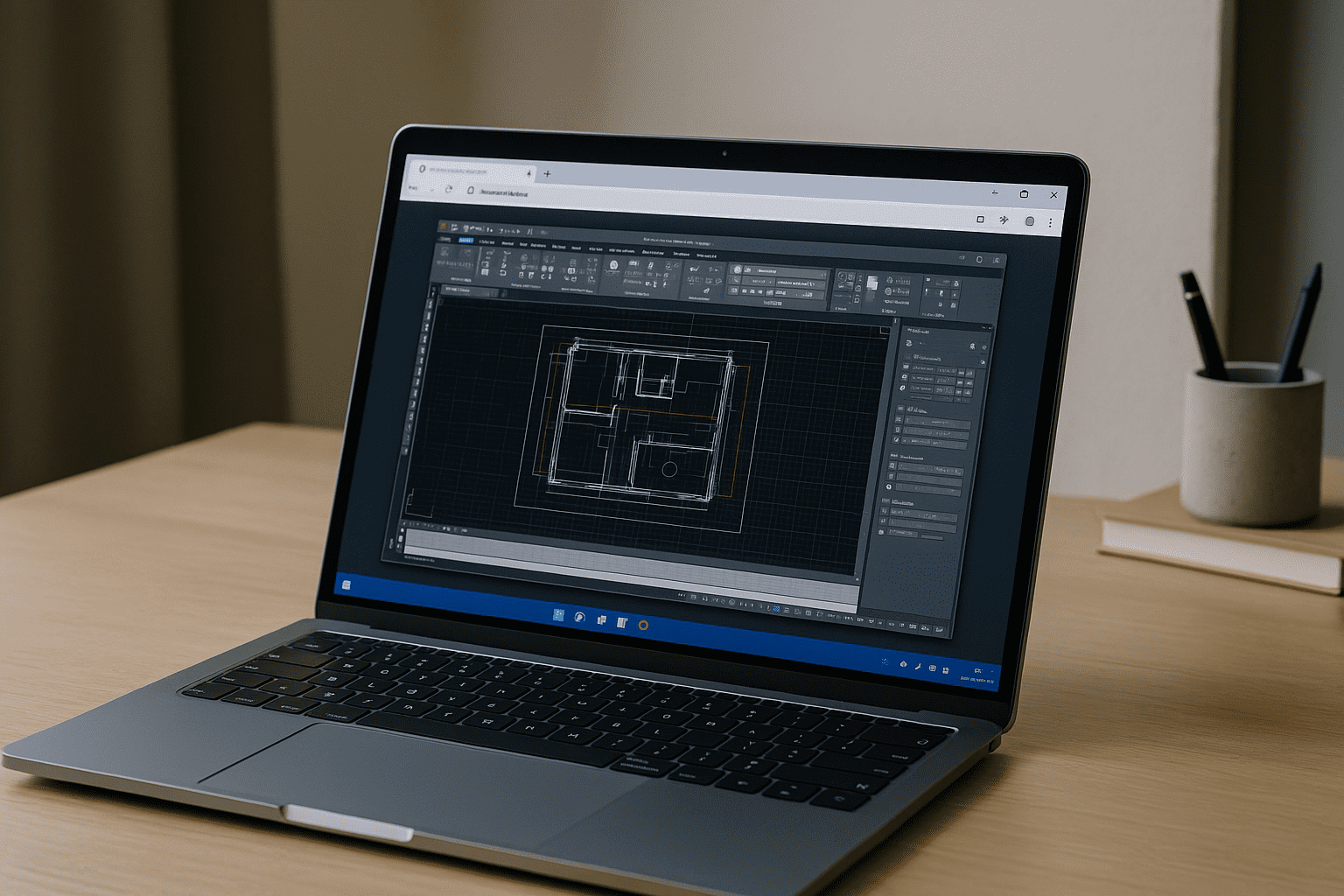
Bypassing Apple Silicon Limits for Heavy AutoCAD Projects
Let’s look at the engineering reality: why does native Mac hardware struggle with complex engineering models, and how does a dedicated cloud GPU bypass these limitations entirely?
Read More
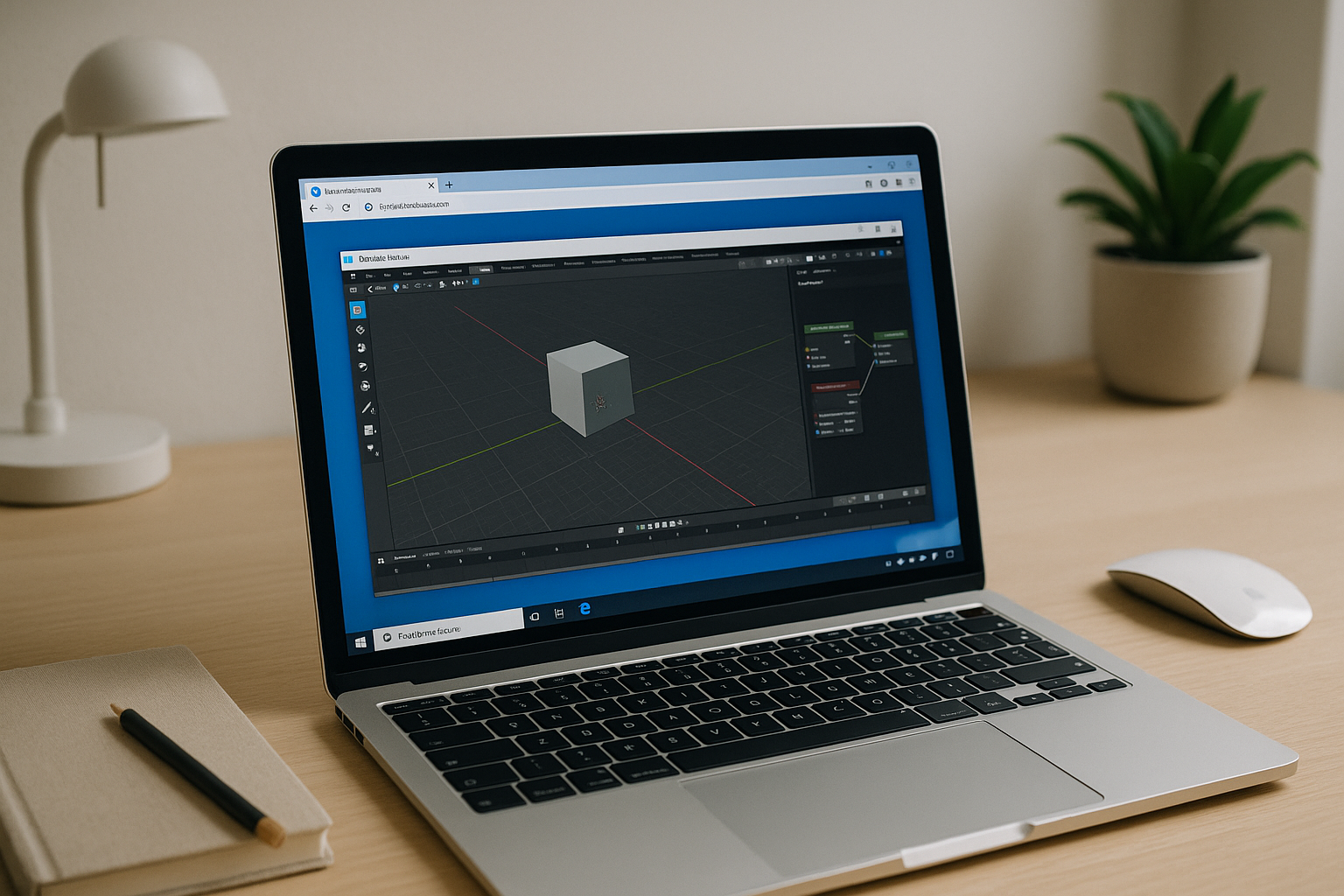
Blender 3D Software on a High-Performance Cloud PC
Your device can’t install or smoothly run Blender due to weak hardware, locked-down systems, or limited storage. Learn how to open a full GPU-backed Blender workspace in your browser without local setup.
Read More
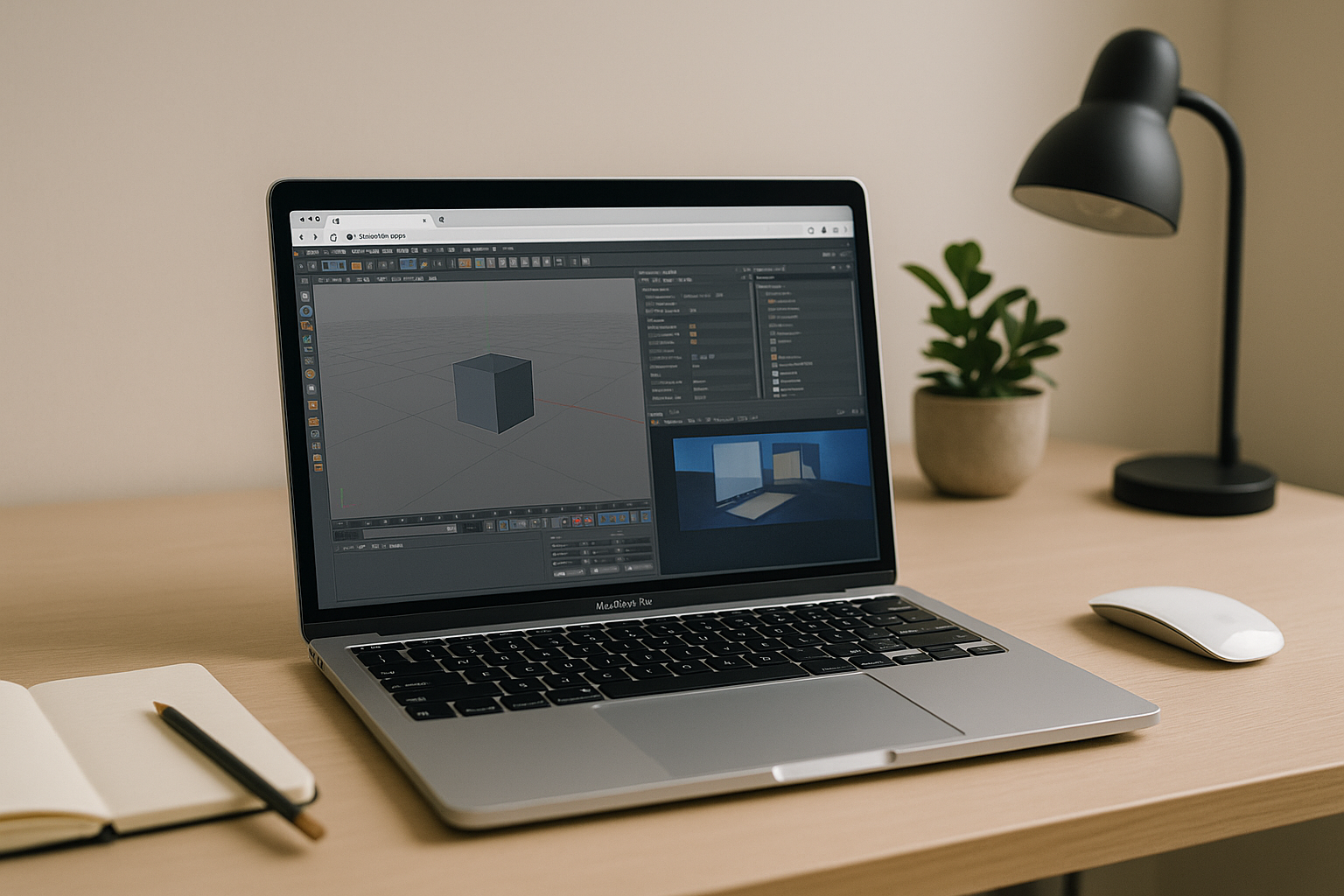
Cinema 4D for Mac: Render Faster on a Cloud GPU
Cinema 4D runs on macOS, but many MacBooks lack NVIDIA-class GPUs, causing slow previews and long render times with Chaos plugins. Rigid version requirements make local installs painful, stalling production on the road.
Read More
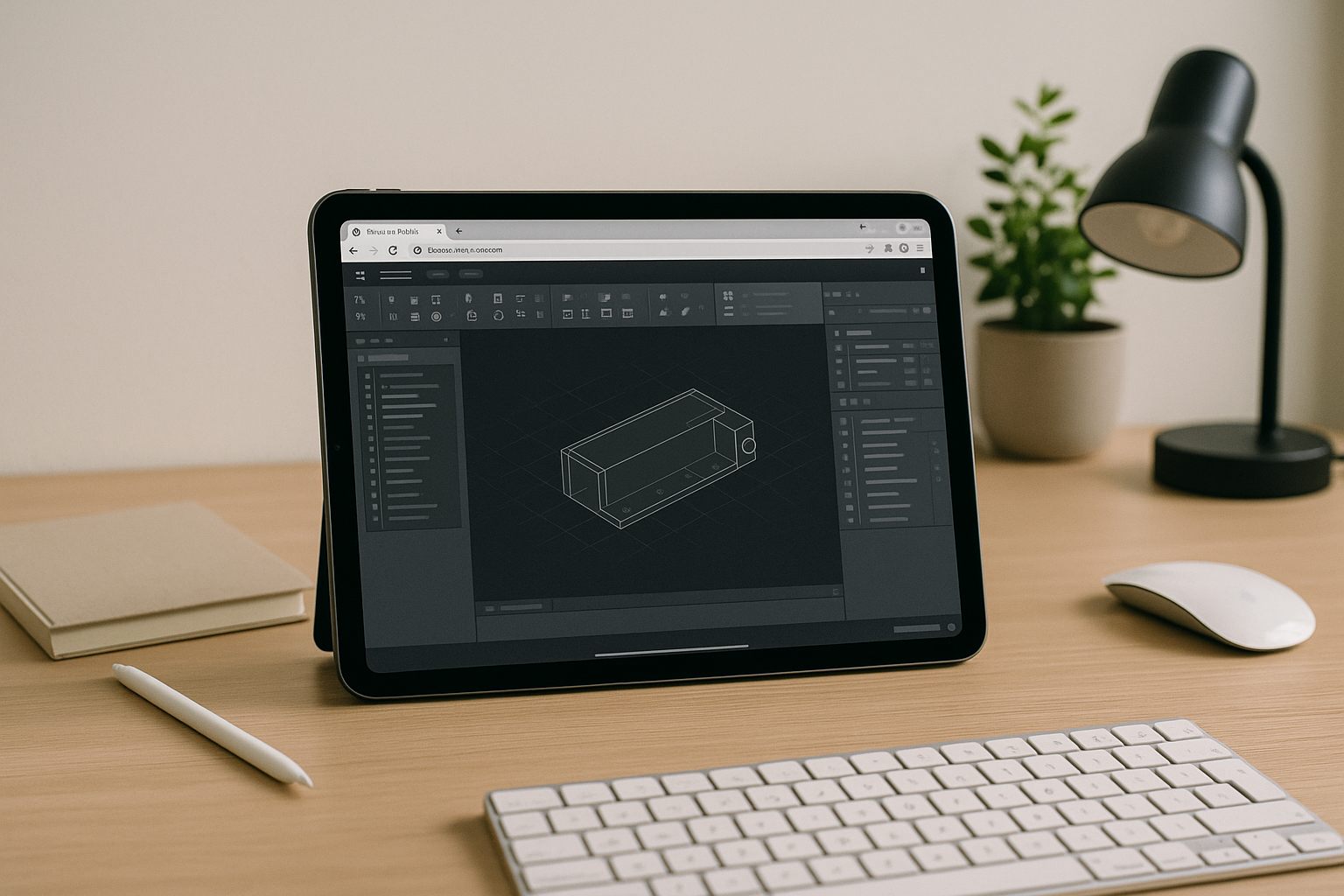
Cloud CAD with Real‑Time GPU Performance
You need full‑featured CAD with plugins and real GPU power, but you can’t install or even launch the app locally due to weak hardware, IT rules, or OS mismatch. Here’s how to run desktop‑grade CAD in the browser without sacrificing performance or compatibility.
Read More
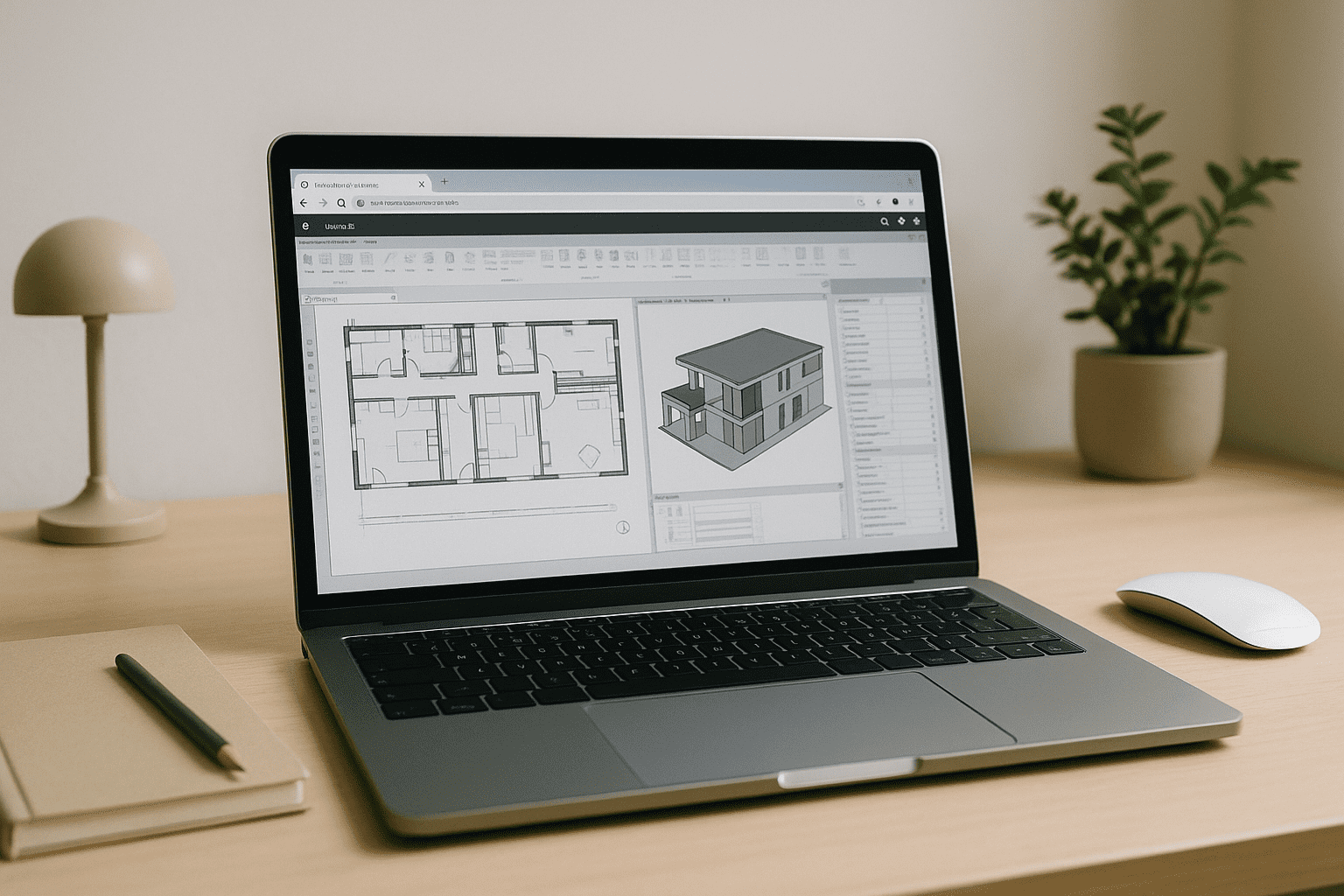
Autodesk Revit without a High-End Workstation
You need Autodesk Revit but your device is underpowered, locked down by IT, or running macOS, Linux, or ChromeOS. Here’s a practical way to use Revit with reliable GPU performance — without installing anything locally.
Read More
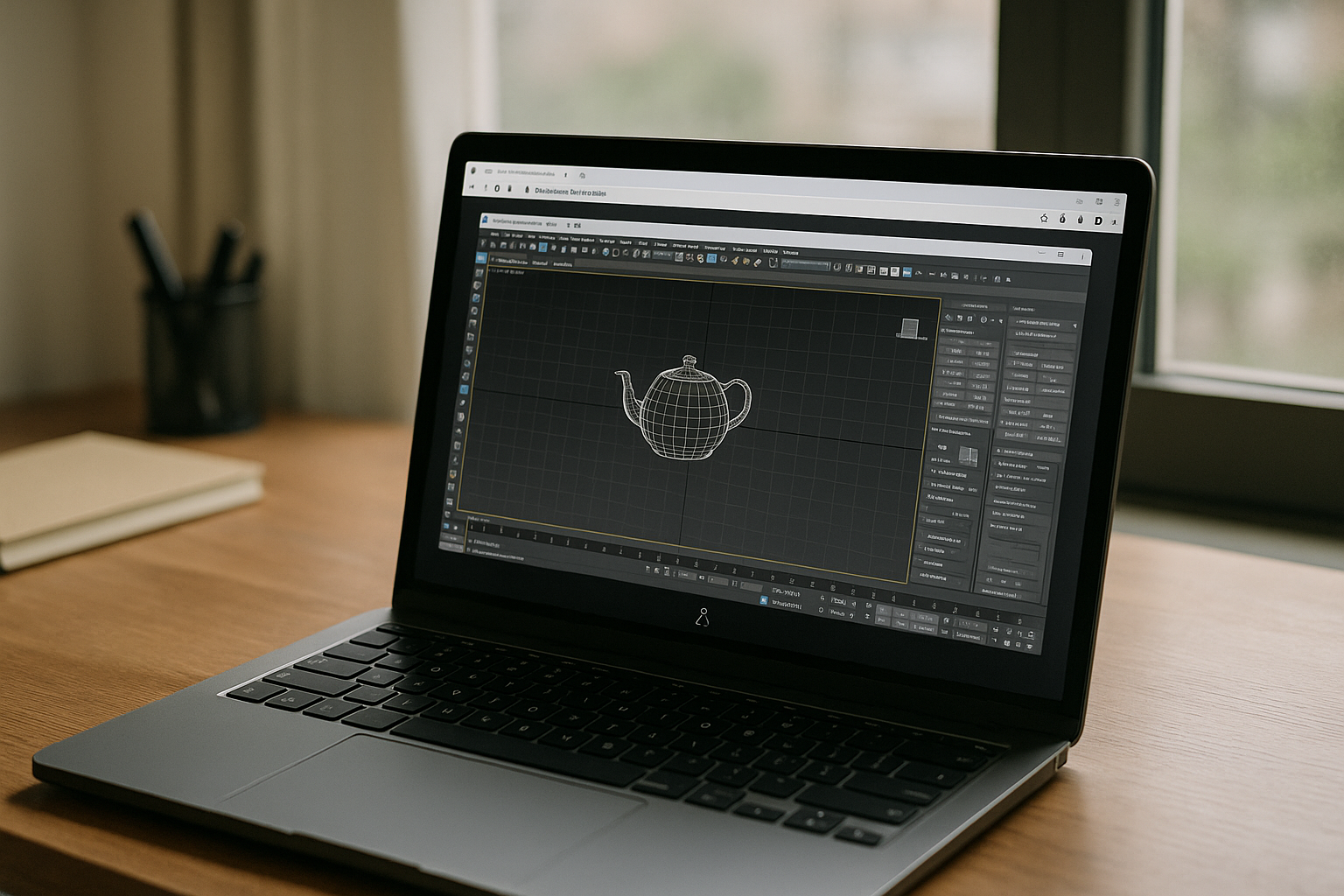
Why Cloud PCs Are the Best 3ds Max Linux Alternative for Studios
Running Windows-only DCC tools from Linux shouldn’t mean buying new hardware, dual-booting, or wrestling with unstable workarounds. If you want predictable performance, fast onboarding, and fewer variables in production, this path delivers.
Read More
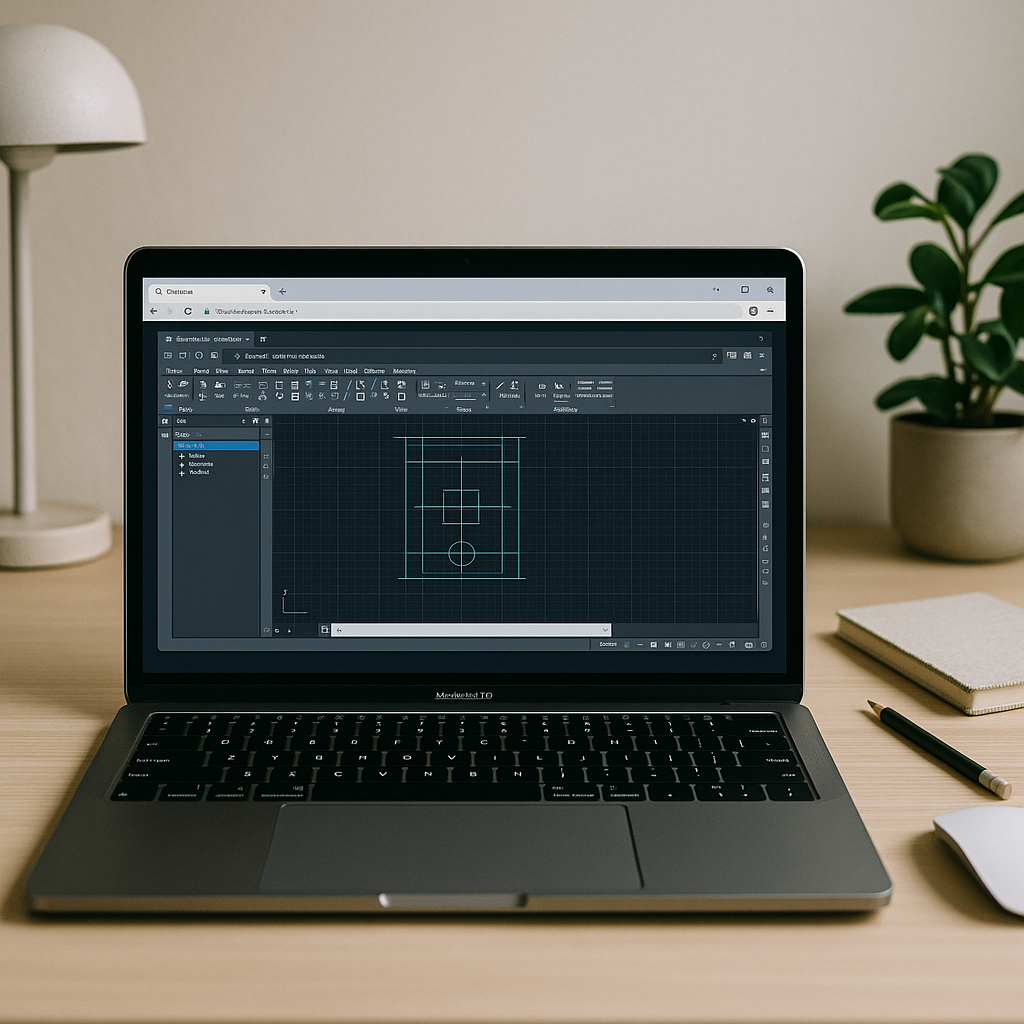
Can’t Run AutoCAD on Macintosh? What Actually Works
If your goal is reliable, fast AutoCAD for macOS without juggling installs, drivers, or second machines, the path is straightforward. Keep your Mac and open the full Windows AutoCAD, with your extensions and standards, in a stable browser workspace.
Read More
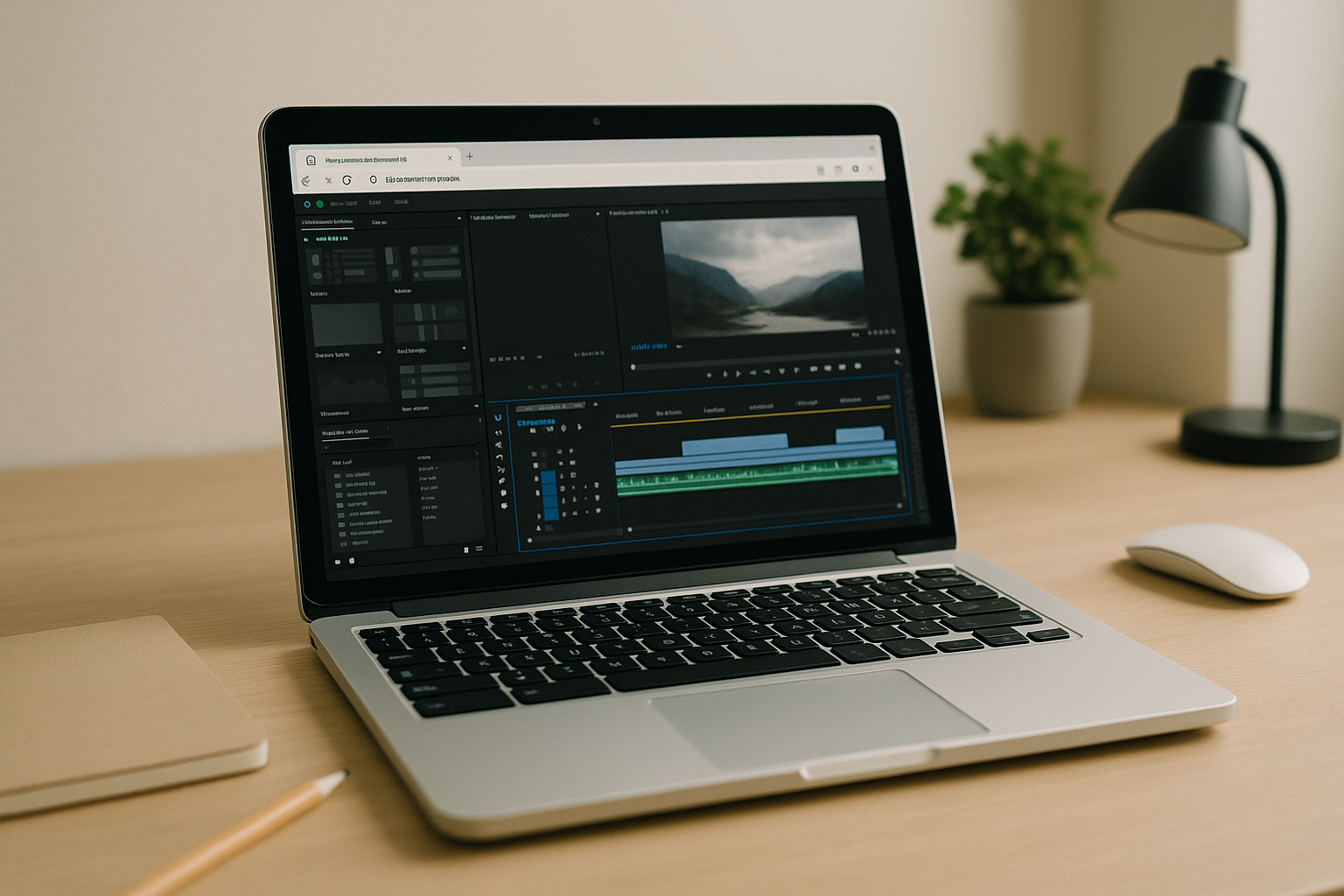
Adobe Premiere Pro on Chromebook: Real Editing via Cloud PC
If your Chromebook is your primary device, you don’t need to settle for reduced features or slow, unpredictable workarounds. A browser-accessed desktop gives you the same creative control, codecs, and export reliability you expect from your studio machine, anywhere you sign in.
Read More
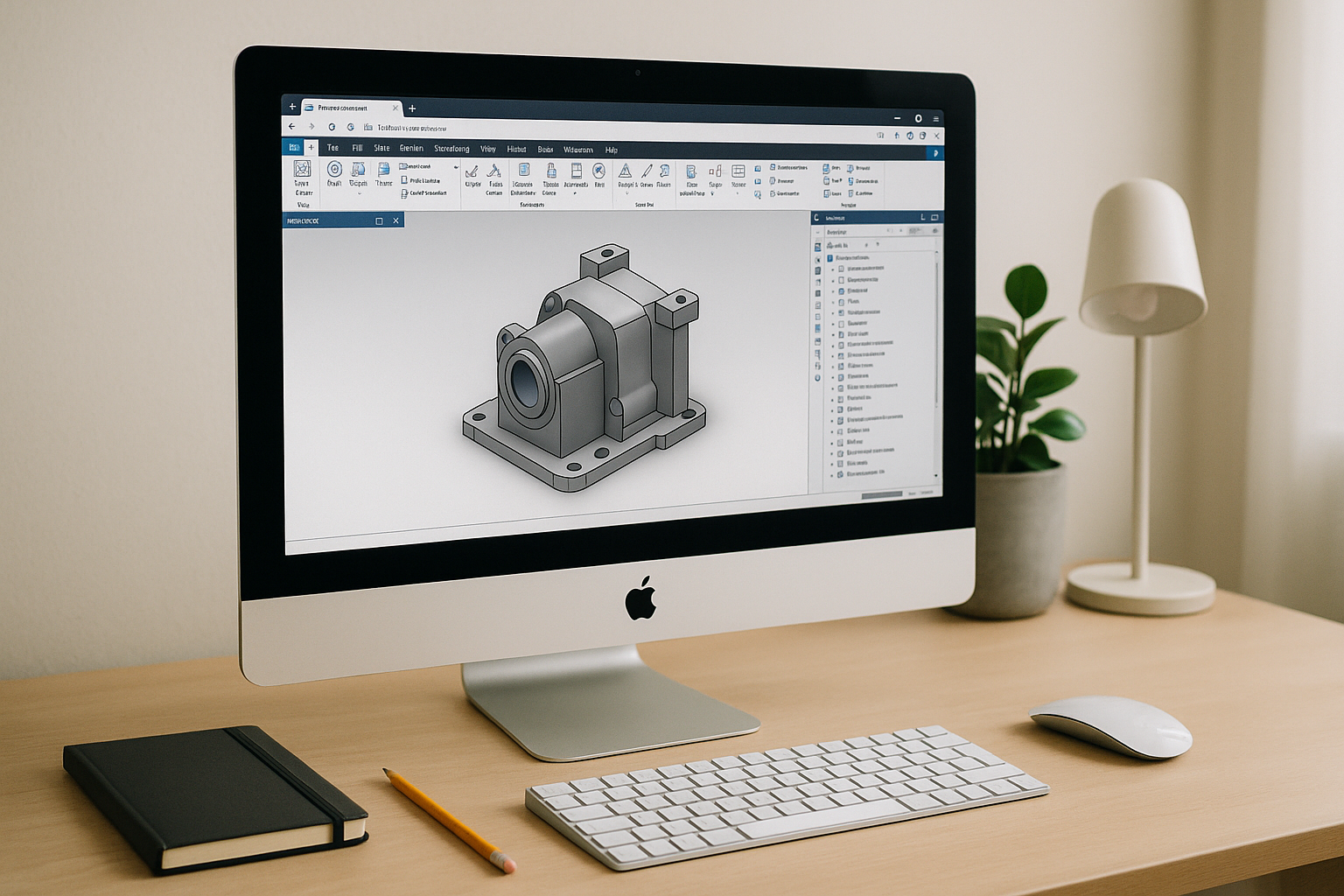
Inventor for Mac: Access a Full Windows CAD Workspace
For Autodesk Inventor Mac users, the browser workspace removes OS limitations, supports complex plugins and toolchains inside a full Windows environment, and lets you focus on design rather than system maintenance.
Read More
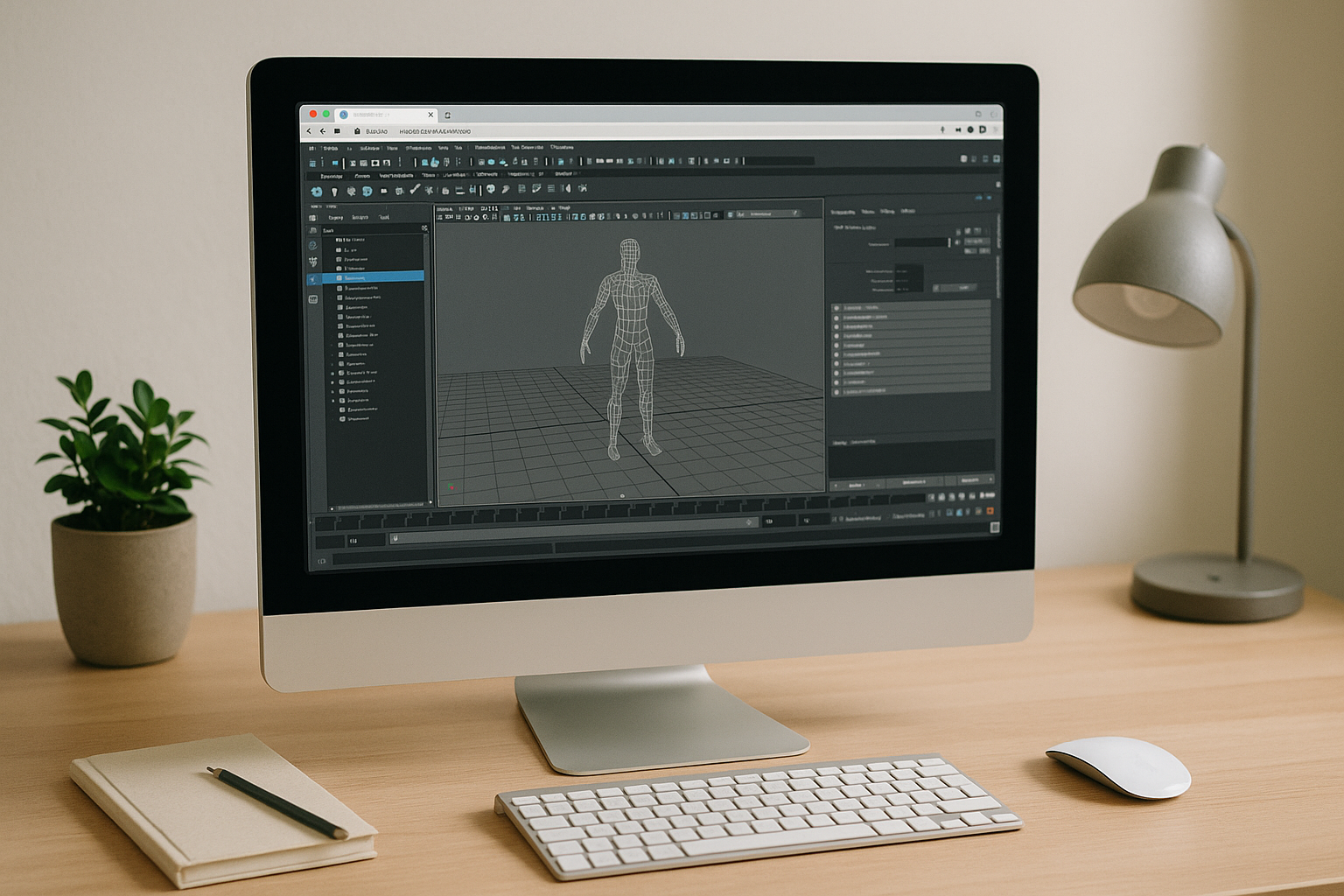
Maya on Mac Without Installs, With Pro GPU Power in Browser
Keep your Mac workflow, keep your mobility, and shift the heavy compute to a professional Windows workstation you open in a tab. With the right browser-based setup, Maya on macOS finally feels uncomplicated: reliable features, smooth viewports, and a pipeline that moves at production speed.
Read More


