


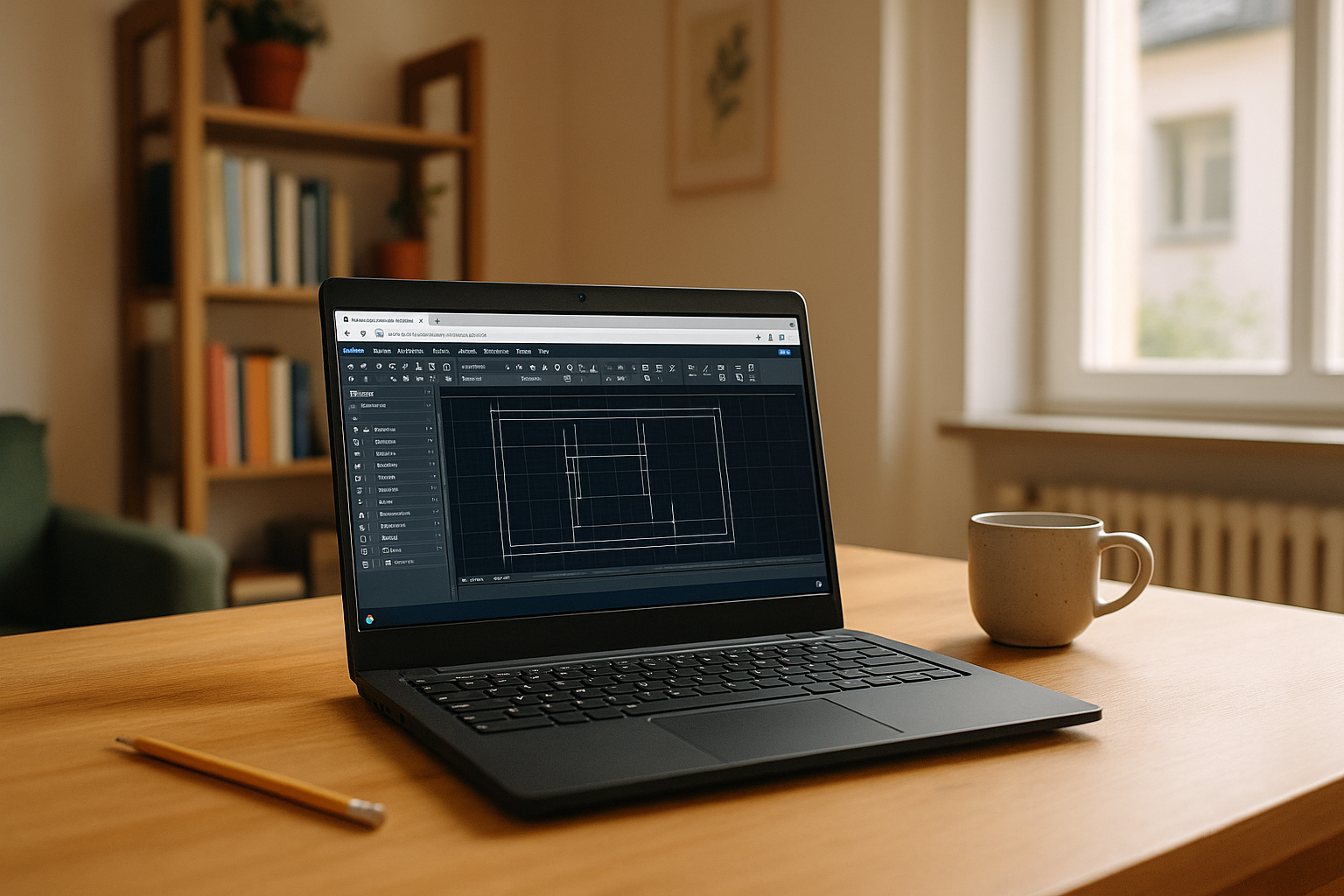
Production Problems With AutoCAD on Linux
You run Linux every day, but clients expect DWG deliverables and strict toolchains. A native release doesn’t exist, making it harder to keep established plotting, LISP, and project configurations consistent on Linux. You still need Windows-only toolsets, VBA macros, and the precise release your team standardized on, along with the plugins, fonts, templates, and project settings built around it. With AutoCAD for Linux in mind, you want the real desktop app, version-locked with the required plugins and trusted templates, working on Ubuntu without configuration drift, workflow breaks, or risky conversions.
Buying a Windows PC to Run AutoCAD on Linux
Buying a separate Windows PC looks straightforward: install AutoCAD, plug in printers, and move on. In practice, you juggle two machines, copy DWGs back and forth, and risk version drift between laptops and shared folders. Context switching kills focus during reviews, and you lose mobility if the Windows box stays at the office. Drivers, fonts, plugins, and project settings must be kept aligned, adding another layer of maintenance. It also doesn’t solve AutoCAD for Linux portability on your primary device. For teams under deadlines, this stopgap becomes costly, fragile, and slow to scale.
Keeping the AutoCAD Environment Consistent on Linux
A Windows environment accessed from Linux can keep the required AutoCAD release and its supporting configuration together. You can install the version your team requires and keep LISP routines, toolsets, plugins, templates, and plotting settings in the same environment. Instead of recreating these configurations across separate systems, the workflow stays aligned with the standards used for ongoing DWG projects. For AutoCAD for Linux workflows, this helps preserve version control and consistency from one project to the next.
How Aristeem Keeps the AutoCAD Environment Consistent
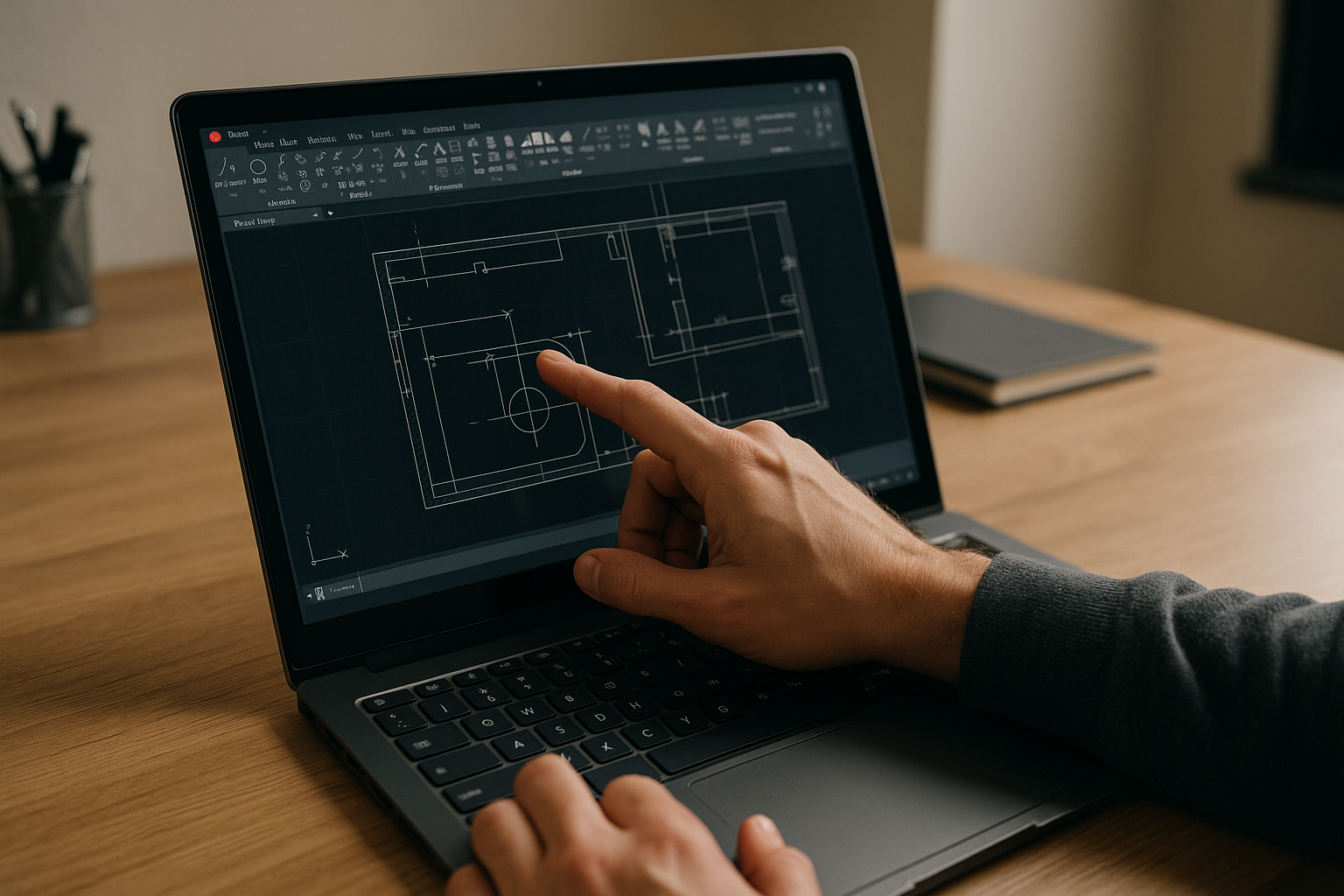
Founded in 2024, Aristeem began as a cloud service providing engineers, designers, and analysts access to demanding Windows software from any device. By studying real usage, we improved control, persistence, and licensing so teams could install the exact tools they rely on; you bring your license where required and install what your workflow needs. Today, Aristeem provides a virtual Windows machine that runs in the browser without replacing your OS. This gives Linux users a persistent environment where the required AutoCAD release, plugins, drivers, and plotting configuration can stay together. We’re expanding flexibility and reliability, including practical AutoCAD for Linux setup notes for versions, plugins, drivers, and plotting.
Deliver DWGs With AutoCAD for Linux, Version‑Locked
Delivering DWGs on time means running the exact release, toolsets, and customizations your team trusts, without leaving Linux. With this Windows environment, you can keep familiar plotting, LISP, plugins, templates, and project settings together, whether you’re on Ubuntu or another distro. This helps reduce configuration drift and preserves version control across projects. Explore launching professional tools via web interface to see how your workflow can remain consistent while you collaborate, review, and publish from the device you already use.


