


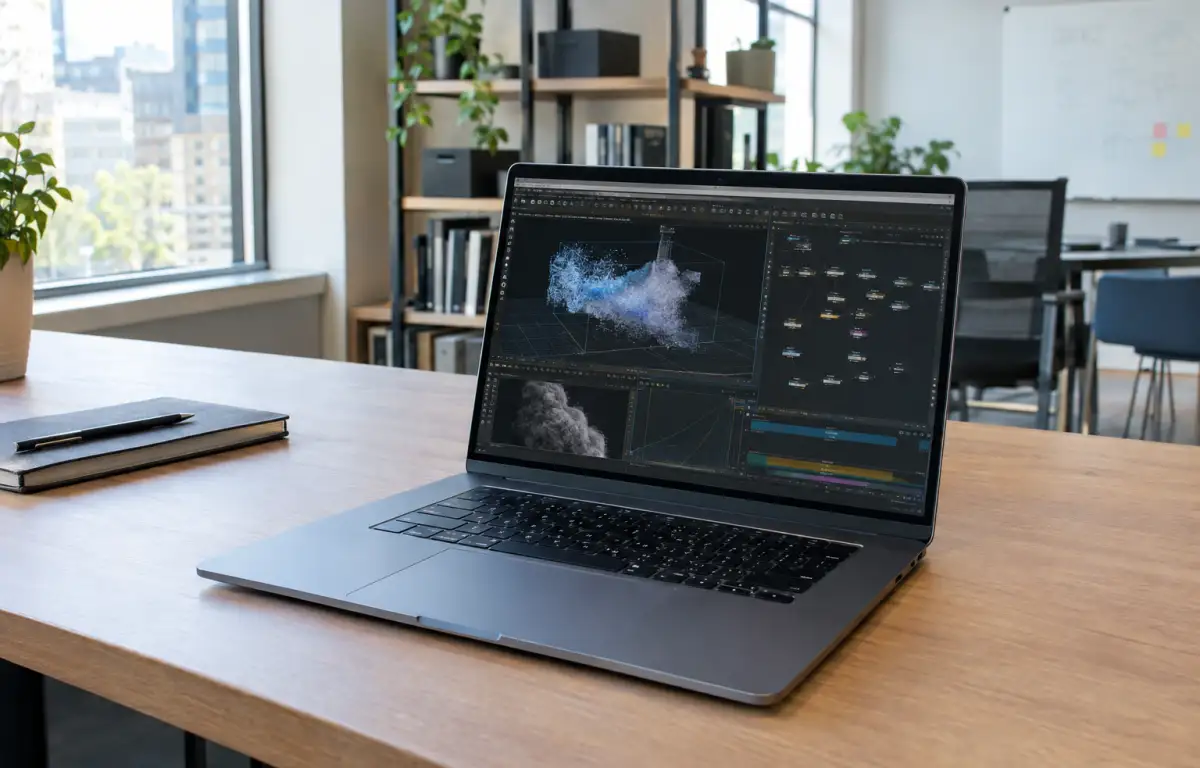
Travel-Day Workflow With Houdini iOS
Travel days still leave time for personal procedural experiments, scene adjustments, and simulation tests. If you use an iPad, you may want to access Houdini without installing desktop software locally. First, you confirm the show’s exact Houdini Apprentice build, the approved HDAs and shelf tools, Python scripts, color configs, and cache conventions, then stage a versioned project folder that mirrors studio paths. Next, you line up turntable checks, low-res test sims, and scene housekeeping to execute on the road, and you also collect reference plates and lighting notes for context. Houdini Apprentice has no native iOS version, so the question becomes how to access the full setup reliably.
What a Houdini Apprentice iOS Workflow Requires
A consistent Houdini workflow depends on the required software version, compatible HDAs and shelf tools, Python packages, environment variables, and OCIO configuration. These settings can be configured on a cloud Windows PC to support your own projects and preferred workflow. The project must resolve $JOB, $HIP, cache roots, and show-specific folders exactly as at the studio, with ROPs writing to the right locations and PDG/wedge tests behaving the same. Even non-commercial .hipnc expectations and renderer presets must align. To do this work on iOS, the device needs the complete, version-locked environment ready to run.
Full-Parity Houdini iOS Workflow With a Cloud Windows PC
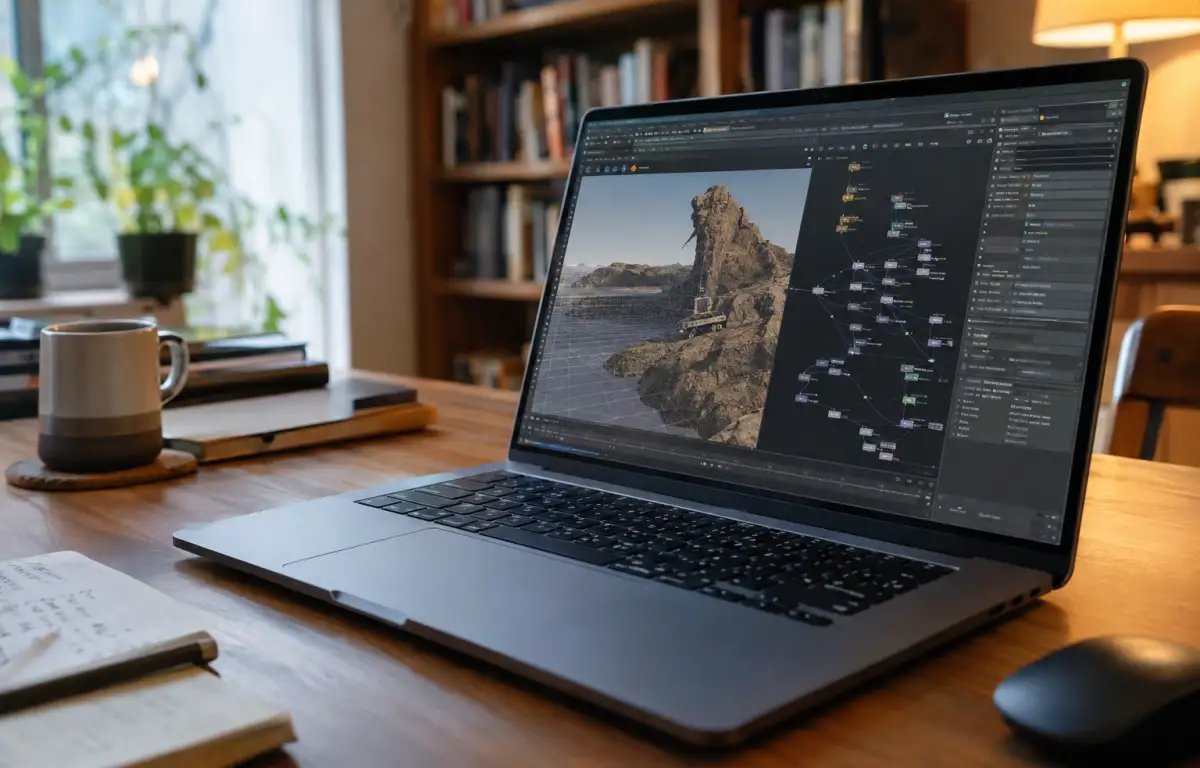
A cloud Windows PC lets you access the desktop version of Houdini from an iPad. You can install the Houdini version you need, add your own HDAs and shelf tools, configure Python packages and environment variables, and organize project directories for your workflow. OCIO config and LUTs live in the expected place, shared storage mounts to the same letters, and $JOB/$HIP resolve identically so ROPs, PDG tests, and caches land where they should. You can work on procedural networks, test simulations, organize scenes, and create playblasts for your personal projects.
Aristeem: A Windows PC for Your Houdini iOS Workflow

Founded in 2024, Aristeem began as a cloud service focused on access to professional software for engineering, design, data analysis, and other demanding workflows. We’ve iterated by watching how teams version-lock tools, manage plugins, and standardize paths, steadily improving reliability and control. Today, Aristeem delivers a Windows PC in the cloud you open from your device without replacing your OS. We continue testing new options to expand flexibility and portability. With Houdini, you install the software, add your preferred HDAs and shelf tools, and configure the environment on your cloud Windows PC. You can then access this setup from your iPad through a browser. For more details, see our guide to Houdini 3D modelling on a virtual Windows PC.
Keep Deliverables Aligned With Houdini iOS
From travel-day notes to delivery, the path is clear: keep a version-locked Houdini Apprentice environment accessible, match HDAs, scripts, OCIO, variables, and storage paths, then iterate confidently on procedural networks and test sims. A cloud Windows PC gives you access to your installed Houdini software, project files, and custom settings from an iPad without installing the desktop application locally. Aristeem makes that practical and repeatable from iOS. You can access your Houdini workspace from an iPad whenever you have a reliable internet connection.


