


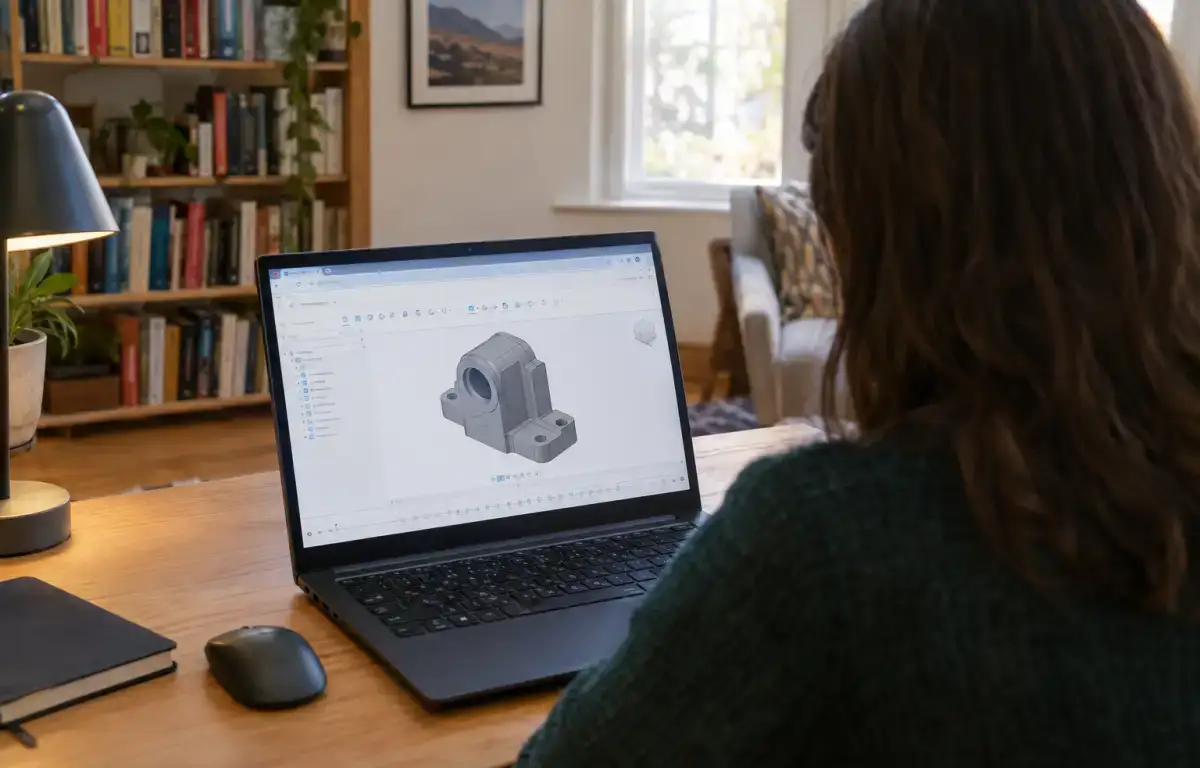
Fusion 360 Linux Workflow for Active Projects
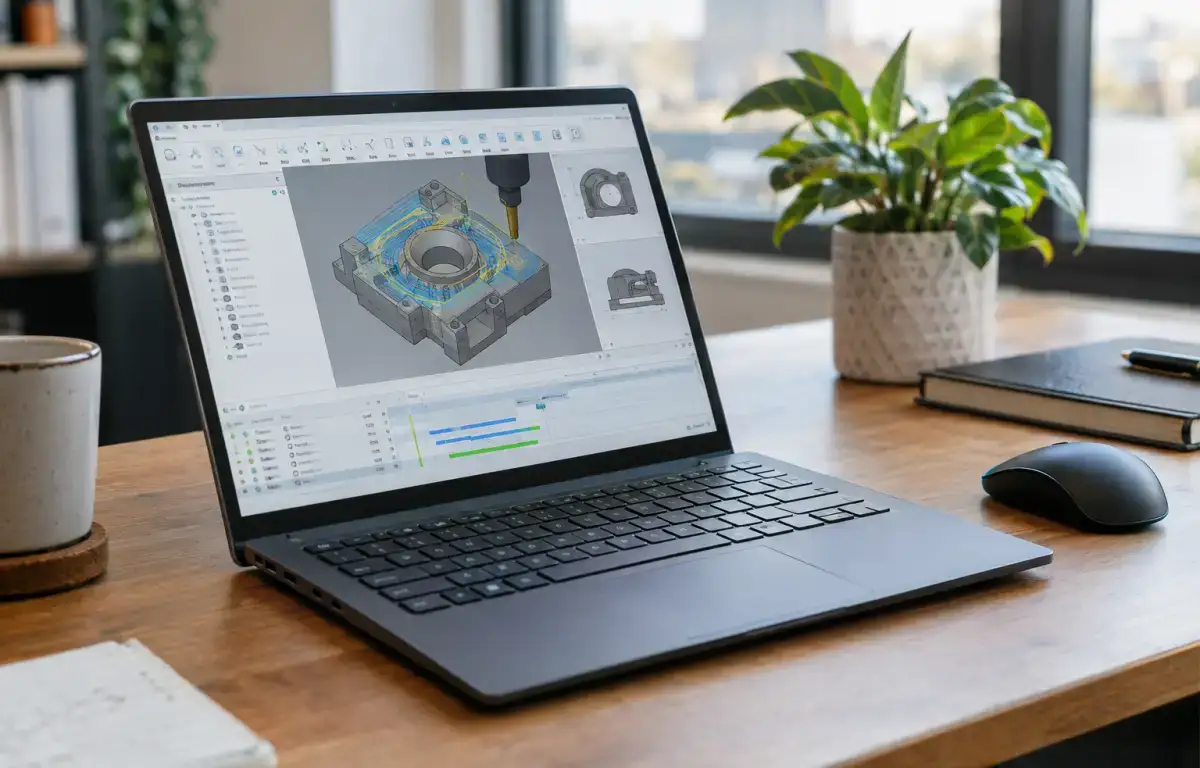
The day starts with a change request on a machined assembly: a parametric update to a joint pattern, fresh toolpaths, and revised drawings before the afternoon handoff. As a CAD/CAM engineer on Linux, the first step is to confirm the team’s exact Fusion 360 release, the approved add-ins, and the post processors and machine libraries the shop signed off. Fusion 360 has no native Linux version, so the environment must be prepared carefully before opening any file.
Then come the project assets: the shared materials library, drafting templates, and title block standards are added so exported PDFs match the team’s look and tolerances. Next, the assembly is opened, the parametric change is applied, toolpaths regenerate using the correct post, and the drawing views update to the same dimension styles. For a smooth handoff, the Linux-based workflow depends on precise alignment with the team’s setup.
What a Fusion 360 on Linux Workflow Requires
Continuing from that assembly change, the workflow requires the team’s specific Fusion 360 release, the same enabled add-ins, and the identical post processors and machine libraries used on Windows workstations. Materials databases, drafting templates, title blocks, and drawing standards must match so PDFs and NC output remain consistent. Even palettes, tool libraries, and project units should mirror the team defaults to avoid configuration drift mid-project.
These requirements are non-negotiable because CAM posts generate machine-ready code, and add-ins can drive parameters inside complex assemblies. Professionals working in this CAD/CAM environment build features, toolpaths, and drawings on top of these exact components, so any deviation risks scrap or rework. Teams that share project files also expect the same visual standards and metadata in every revision. The question is which environment on Linux can guarantee that match.
Research: Consistency for Fusion 360 on Linux
From the requirements above, the same project must continue seamlessly between the studio, home, and a quick client review on-site, always with the same Fusion 360 release, machine libraries, posts, and drawing templates. When you open the assembly on Linux, the tool libraries, materials, and drawing styles should be identical to the office setup so parametric updates and CAM verification behave predictably. A single local machine cannot follow you everywhere with perfect parity, so the working environment itself must be independent of the device.
That points to a Windows PC in the cloud holding Fusion 360, the vetted add-ins, post processors, and all project presets. Open that same environment from whichever device is at hand, including Linux, and continue exactly where you left off with no changes to versions or standards.
Best Way to Run Fusion 360 on Linux for CAD/CAM Consistency
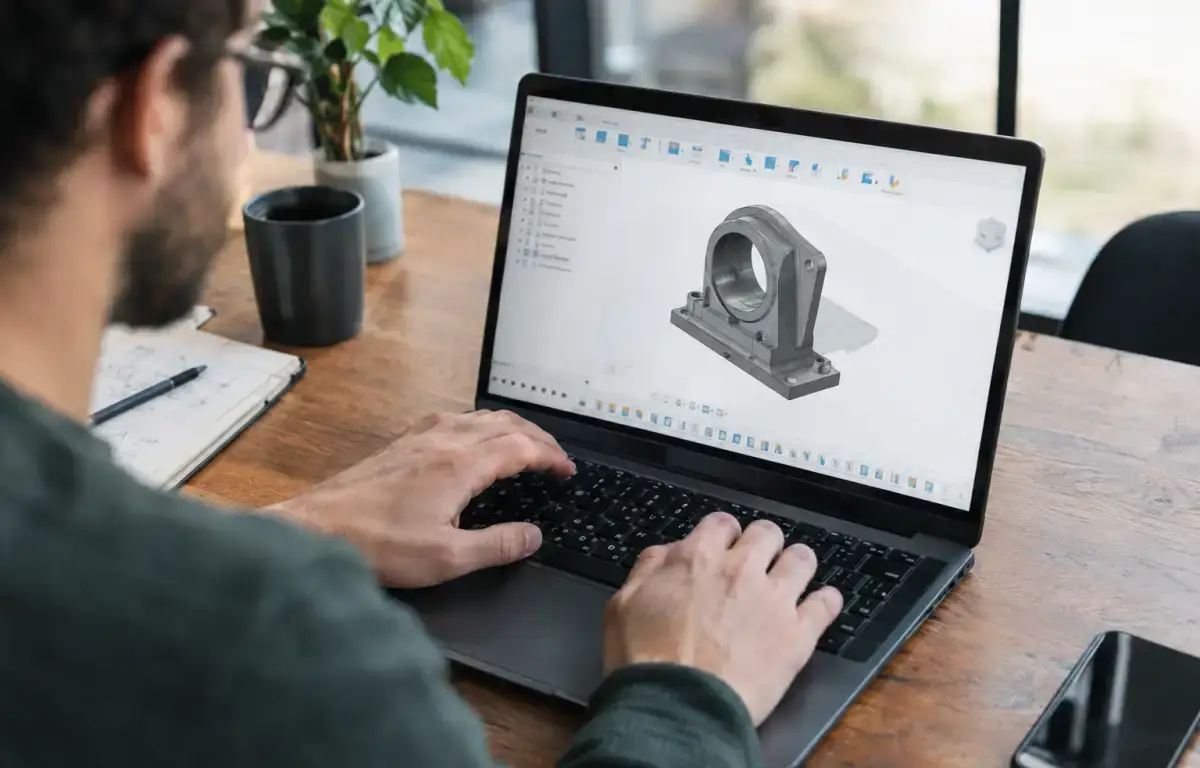
Dual-booting adds friction and invites version drift; a separate Windows workstation splits files and settings; compatibility layers can limit add-ins and CAM posts. A cloud Windows PC, by contrast, preserves the exact Fusion 360 release, approved add-ins, post processors, machine libraries, and drawing templates as one portable workspace you open from Linux. Users who move between the shop floor, home, and client sites keep the same toolpaths and drawing standards intact, making Fusion 360 on Linux consistent and fast.
Aristeem: Consistent Fusion 360 on Linux Environments
For more than two years, Aristeem has focused on access to professional software for engineering, design, data analysis, and other demanding workloads via a cloud Windows PC. We’ve studied real workflows and refined the service to fit them. Today you get a virtual Windows machine in the cloud without replacing your device OS, and we keep expanding flexibility and capabilities. Applied here, you select the Fusion 360 release, install team-approved add-ins and post processors, map storage, and keep standards aligned. For more details, see our guide to running Fusion 360 on Linux.
Fusion 360 on Linux Without Compromise
In this workflow, you handle parametric edits, assemblies, CAM posts, and drawing revisions from Linux; the work demands the same Fusion 360 version, add-ins, machine libraries, and templates as the rest of the team; and a cloud Windows PC provides that identical environment wherever you open it. If you want this consistency without changing devices, explore how it feels to be running professional Windows software on a cloud PC while keeping your CAD/CAM stack aligned.


