


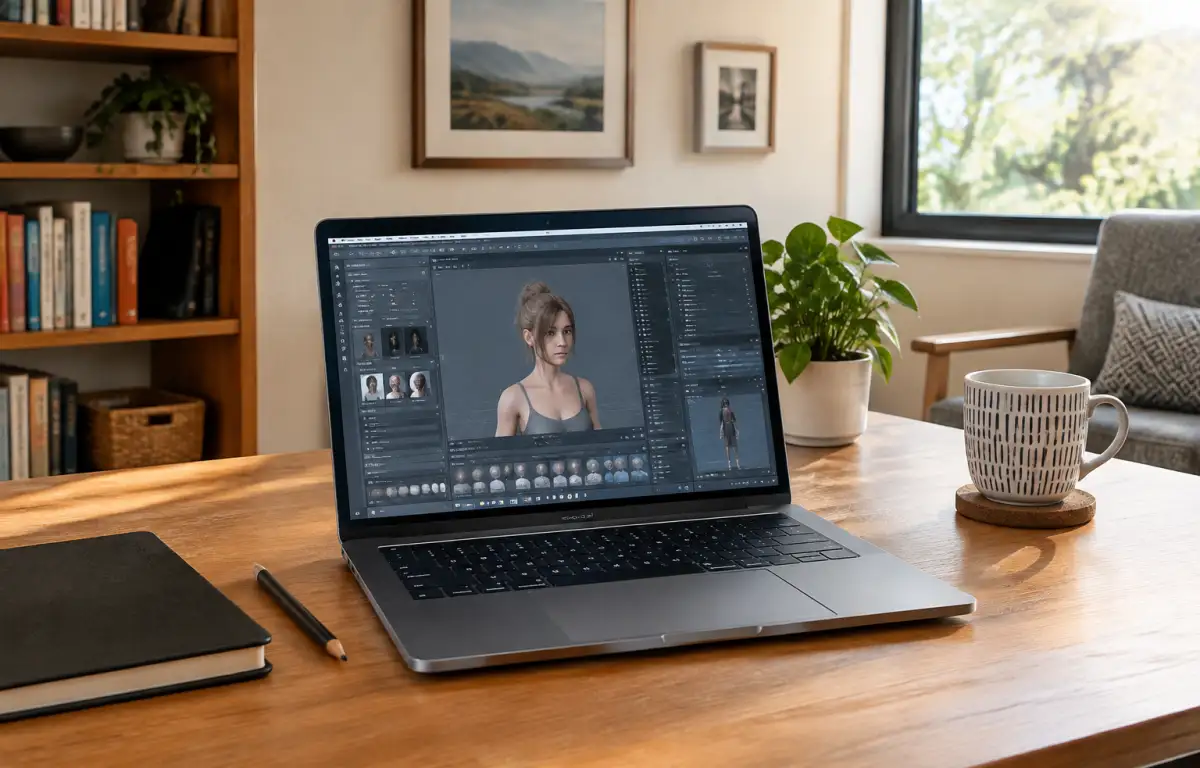
Set Up DAZ3d Software for Consistent Character Work
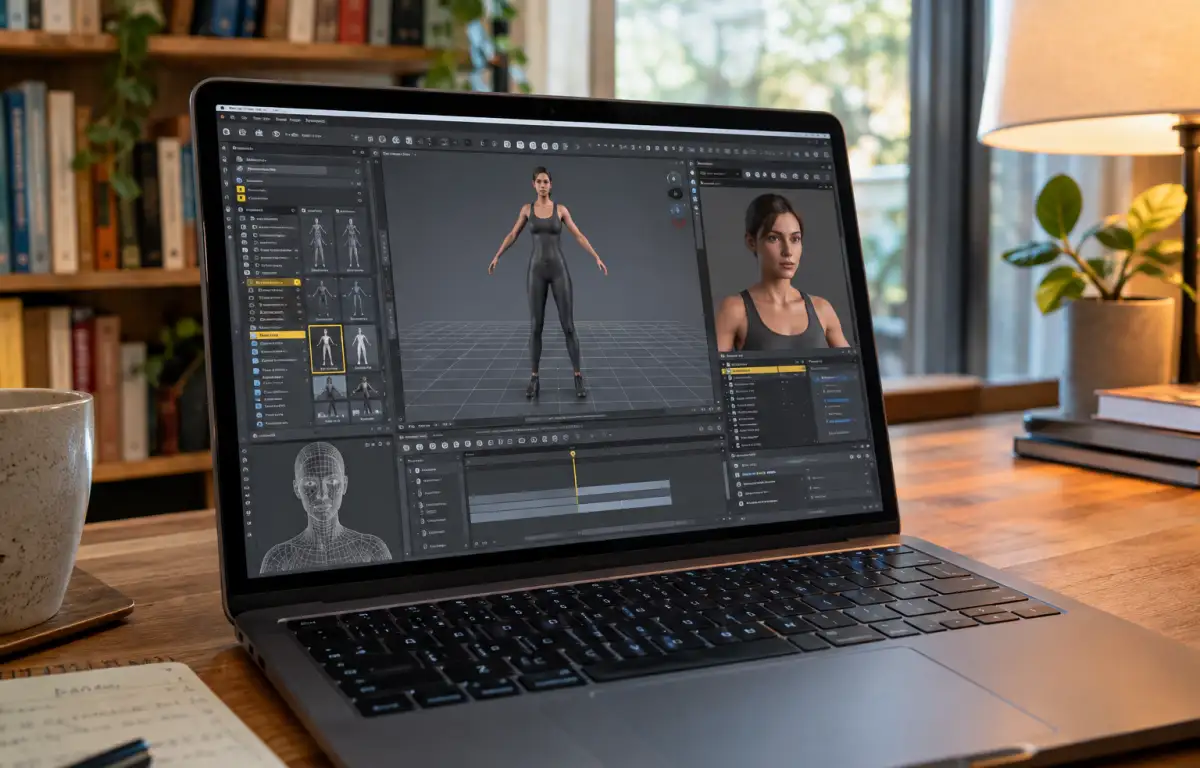
Character artists rely on DAZ Studio for detailed models, morphs, materials, and Iray rendering, but maintaining a consistent setup across different computers can be difficult. Differences in installed plugins, content library paths, and render settings can disrupt an established workflow or make scenes harder to transfer between workstations. For artists who move between a studio, an office, and a travel laptop, keeping DAZ3D software and project assets in one persistent environment can simplify production.
Lock DAZ3d Iray Settings and Library Paths for Repeatability
To keep Iray previews consistent across locations, the artist should use the same DAZ Studio version and saved render settings, including tone mapping, environment intensity, sampling limits, and denoiser options. The same DAZ3d morph packs and plugins must be installed with version parity, plus uniform DAZ3d content library paths so materials, HDRIs, and rigs resolve predictably. Projects require a consistent folder layout using relative paths for scenes, textures, and caches. Save render presets, cameras, and frame ranges with the project, and check GPU drivers and color-management settings when moving work between machines.
Why a Windows PC in the Cloud Fits DAZ3d Software Pipelines
A persistent Windows PC in the cloud can keep the DAZ Studio installation, required plugins, morph packs, project files, and saved render presets in one environment. This reduces the need to recreate the setup when switching locations, although render results can still vary with software versions, drivers, and render settings. With one environment serving every location, the workflow stays predictable — exactly where Aristeem enters.
Aristeem: One Persistent Windows PC for DAZ3d Software Consistency
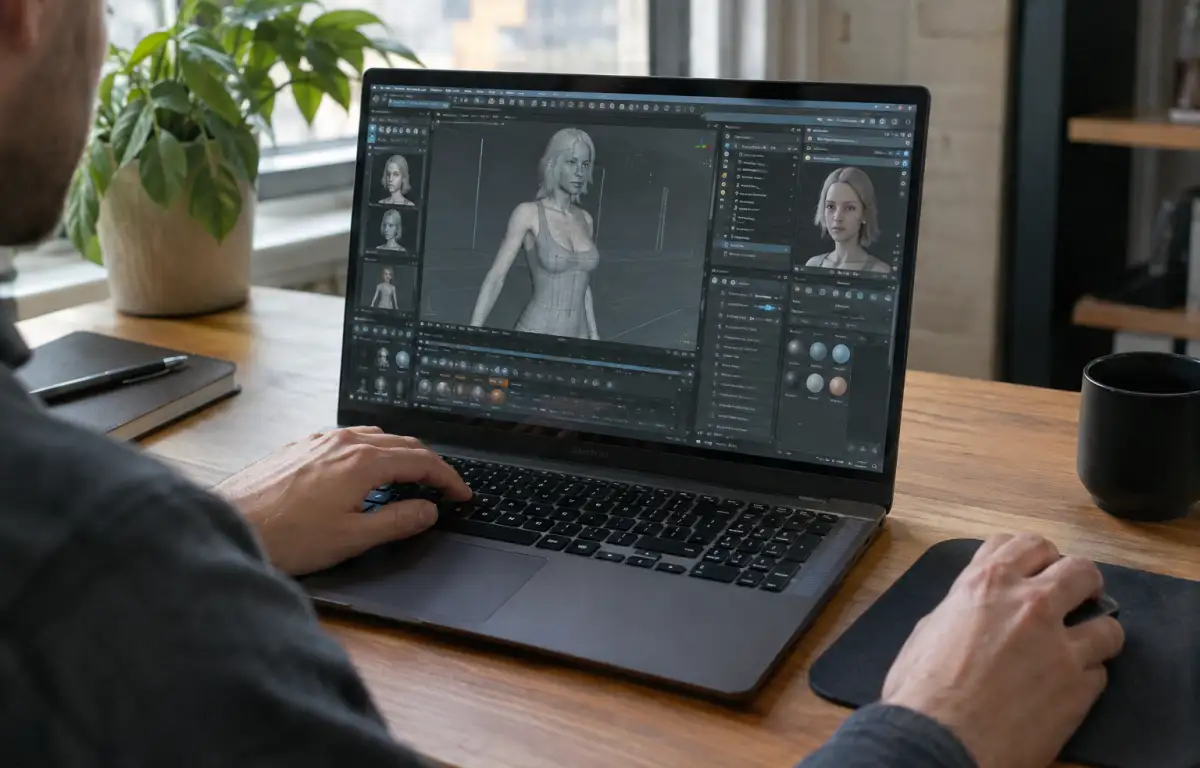
To provide that single persistent Windows environment, Aristeem was founded in 2024 with a focus on professional software for design, engineering, and data-heavy work. We study real pipelines and iterate continuously. Today we deliver a Windows PC in the cloud you open from your device, without replacing your local OS. For the character pipeline above, install DAZ Studio, set Iray defaults, add morph packs and plugins, and keep content roots stable. If your workflow also includes character animation, see our guide to animating in DAZ 3D.
Deliver Repeatable Results in DAZ3d Software Across Every Location
With the software and project files kept in one persistent environment, the artist can resume work from different locations without rebuilding the setup on each device. Saved presets and organized project assets make it easier to continue scene preparation and rendering during reviews and deliveries. When you are ready, access DAZ Studio through a cloud Windows PC and continue your character workflow from a supported device.


