


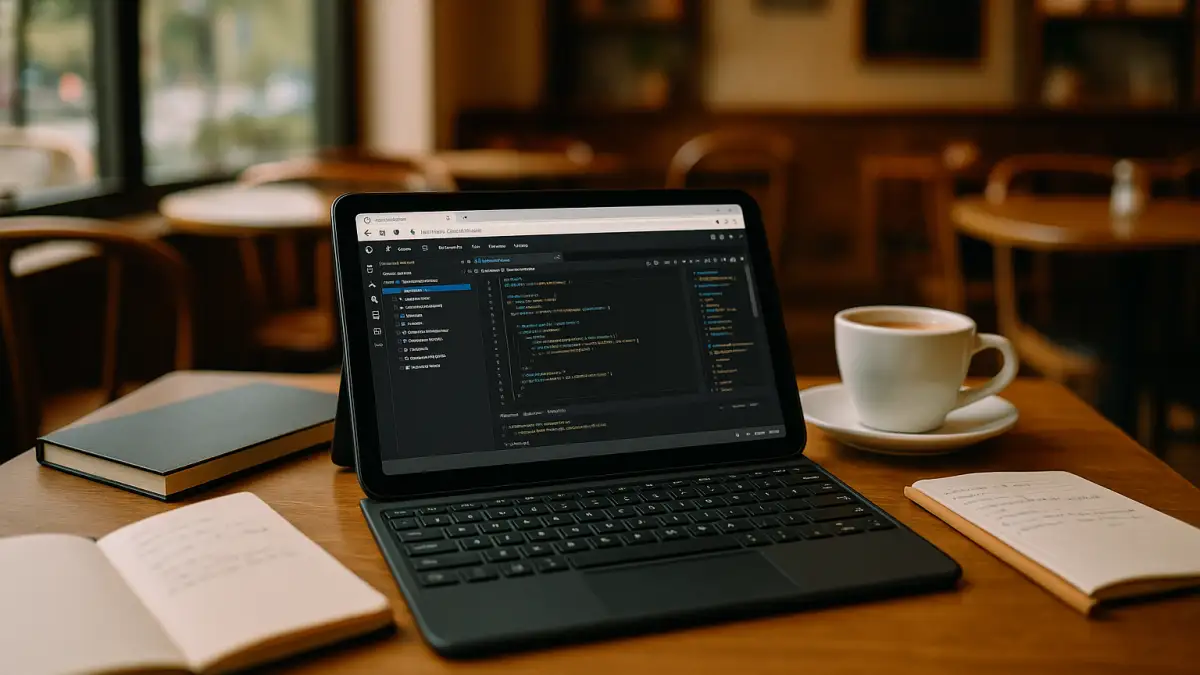
Visual Studio Code for Android: a consistent workflow
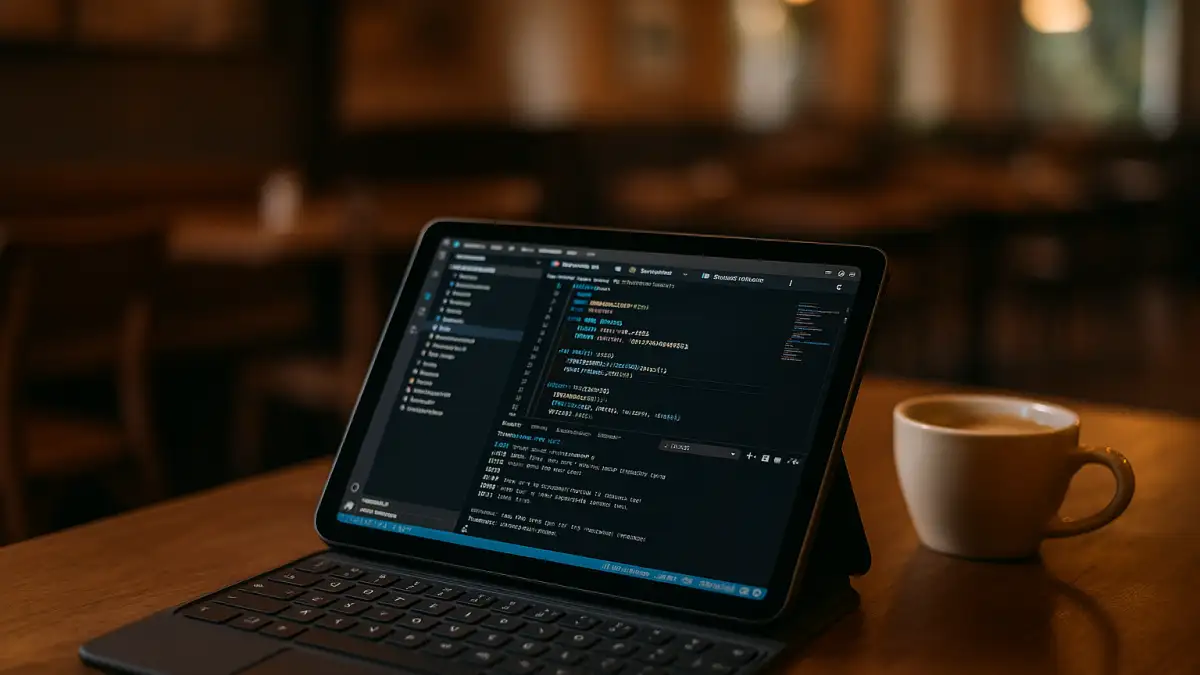
Ticket in hand, a data analyst starts the day on an Android tablet with a detachable keyboard. First, the goal: update a Python model, validate a Jupyter notebook, and tweak a small Node service linted by ESLint/Prettier. Then, before coding, the environment is prepared: a pinned Visual Studio Code build, Python and Jupyter extensions, ESLint/Prettier, and Git with SSH keys, workspace tasks, and env vars. After that, the repo opens, tests run in the integrated terminal, notebook cells execute, and commits roll out. Visual Studio Code has no native Android version; the target is Visual Studio Code for Android parity with the team.
VSCode on Android: what a stable workflow requires
Continuing that repo work on a Visual Studio Code Android tablet means mirroring the team’s desktop setup so notebooks, tests, and linting behave the same.
- Pinned Visual Studio Code build to match the team’s baseline and avoid extension drift.
- Required extensions: Python, Jupyter, ESLint, and Prettier activated with the same settings.
- Git with SSH keys, optional signing, and identical hooks for reliable commits.
- Matching Python/Node runtimes, PATH, and env vars so tasks and kernels resolve correctly.
- Workspace settings, tasks, launch configs, and notebook kernels that persist across branch switches.
Which environment on the Android device can meet all of this without drifting from desktop expectations?
Run VSCode extensions on Android with a dependable setup
Measured against those needs — pinned versions, extensions, runtimes, and stable terminals — the following approaches deliver different levels of parity.
| Approach | Capabilities | Complexity |
|---|---|---|
| Android editor + Termux/SSH | Edit files and basic Git; cannot pin full VS Code or match Python/Jupyter/ESLint exactly. | App juggling, storage quirks; breakpoints and notebooks unreliable. |
| SSH to Linux dev host (VS Code Server) | Strong editing; extensions depend on server; version drift and tasks may differ from desktop. | Needs admin access, ports, and steady network. |
| Cloud Windows PC | Supports the required VS Code version, extensions, Git tools, runtimes, and workspace settings when installed and configured. | One-time provisioning; then straightforward to open and work. |
Visual Studio Code Android tablet continuity across places
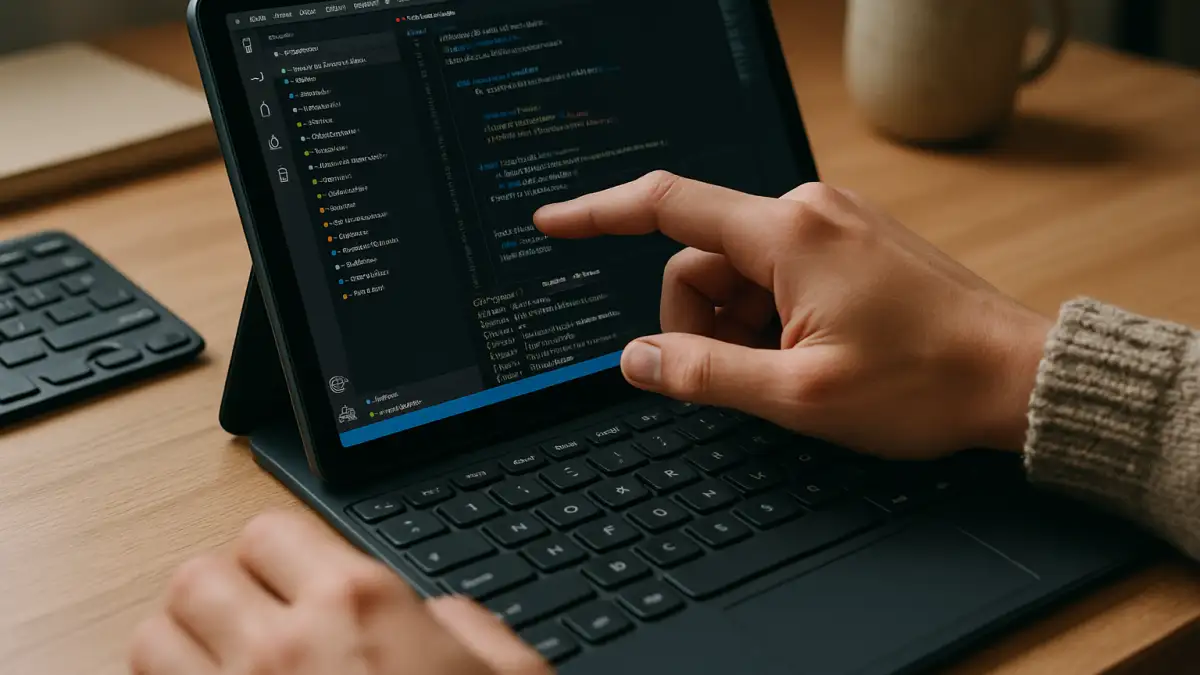
Those requirements follow you from the studio to the commute, a client room, or a hotel desk: the same VS Code build, Python and Jupyter extensions, ESLint/Prettier rules, Git SSH keys, and task/launch configurations should remain available across locations when saved in the persistent environment. Notebook kernels should reopen with the correct interpreter; tasks must call the same PATH and env vars; tests need the same versions. To avoid reconfiguring on every hop, the whole toolchain should live in one persistent place you can open from any device.
Visual Studio Code for Android with Aristeem
For more than two years, Aristeem has focused on access via the cloud to professional software for engineering, design, data analysis, and other demanding workloads, learning from users and steadily improving. Today it offers a virtual Windows machine in the cloud without replacing the OS on your device, while testing new options to expand flexibility. Apply this to Visual Studio Code for Android: pin the required VS Code build, install Python, Jupyter, ESLint/Prettier, configure Git SSH and tasks, and keep long sessions steady — then continue via your configured VS Code Android workflow.
Visual Studio Code for Android: complete, identical workflow
AA cloud Windows PC lets developers access a configured Windows environment from an Android device, keeping the required editor, extensions, runtimes, and project settings together. Explore Visual Studio Code for Android with Aristeem to access the desktop development workflow from your tablet.


