


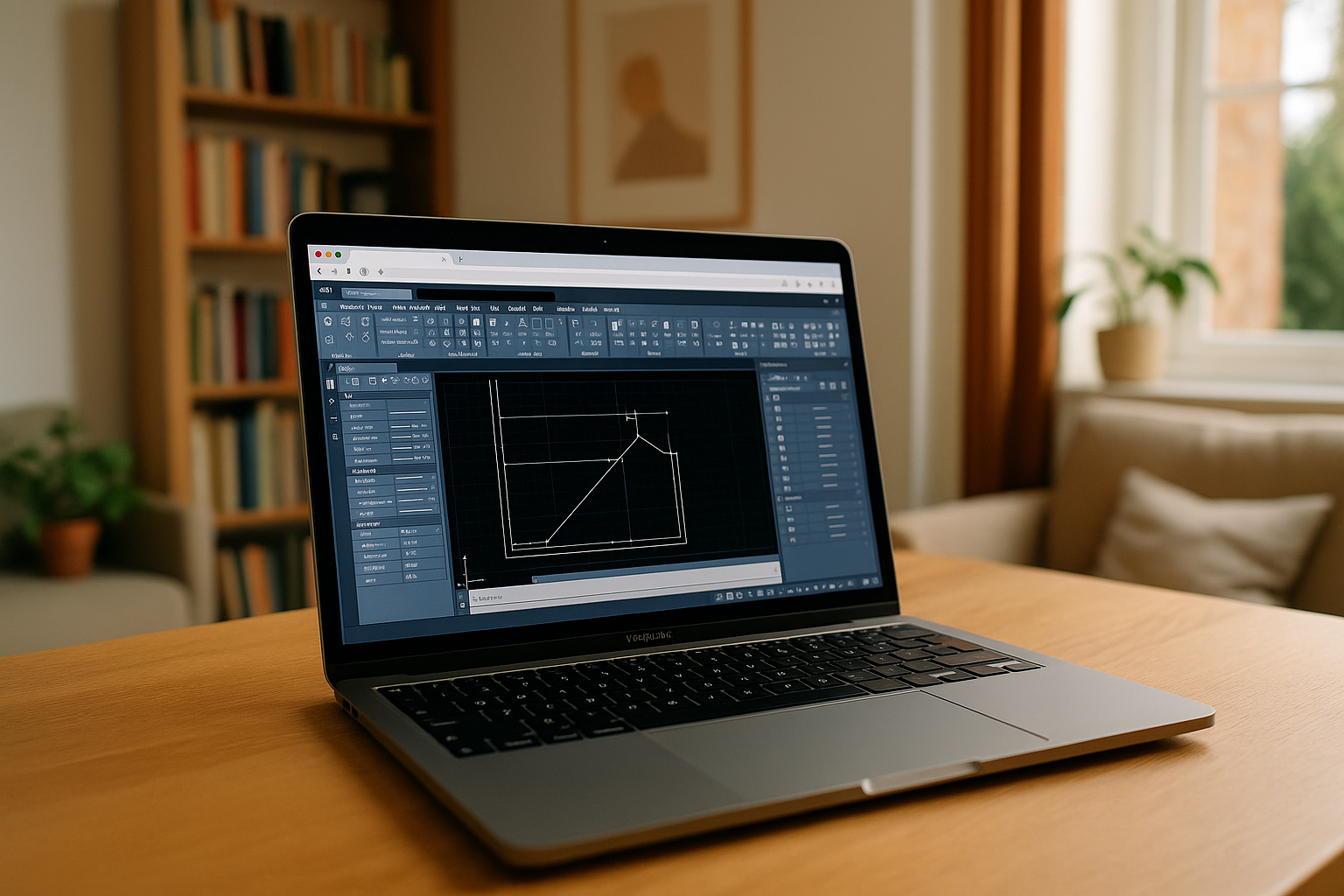
Civil 3D is unique software from Autodesk for designing infrastructure objects: roads, bridges, water supply and sewage networks, and land plots. Its key feature is integration with AutoCAD and support for building information modeling (BIM) in civil engineering. However, Autodesk Civil 3D is officially available only on Windows and does not have native support on macOS or Linux. As a result, many engineers are seeking solutions for Civil 3D Mac compatibility, especially since demand for AutoCAD Civil 3D for Mac alternatives continues to grow.
Ways to solve compatibility issues Autodesk Civil 3D on Mac users
Boot Camp (Windows on Mac)
- How it works: installing Windows on a separate bootable partition of the disk.
- Pros: full Civil 3D performance.
- Cons: requires rebooting, takes up a lot of disk space, more complicated updates.
Virtual machines (Parallels, VMware, VirtualBox)
- How it works: Windows runs in a virtual environment directly on macOS.
- Pros: Autodesk Civil 3D and Mac can be used in parallel.
- Cons: requires powerful resources (CPU, RAM), possible performance degradation.
Cloud solutions / remote servers
- How it works: The Civil 3D Mac workaround uses Autodesk Civil 3D software running on a Windows server, while the user connects through a browser or client.
- Pros: Does not overload the Mac, can work even on weak devices.
Although these methods allow users to learn how to run Civil 3D on Mac, each approach comes with certain limitations. The most convenient solution is Aristeem, which allows you to launch Civil 3D online without installing Windows or virtualization.
Why Aristeem?
Unlike Boot Camp or virtual machines, Aristeem does not require Windows installation, additional licenses, or complex settings. Autodesk Civil 3D Mac runs in the cloud, and the user gets:
- Access from any device — even a MacBook, iPad, or low-end laptop.
- Full AutoCAD (Autodesk) Civil 3D functionality without compromising performance.
- Quick start — work begins in seconds via a browser.
- Resource savings — no need to waste disk space or processor power.
- Data security — all projects are stored in a secure environment.
All you need is a stable internet connection and to choose the most advantageous tariff on the service. Learn more about Civil 3D features and workflow in our comprehensive guide here.
 Technical support
Aristeem provides prompt technical support for Civil 3D on Mac users. If you have any questions or difficulties, you can check the FAQ or Help Center, as well as get help from specialists via online chat. This guarantees uninterrupted operation and confidence that any problems will be resolved as quickly as possible.
Conclusion
The official availability of Autodesk Civil 3D software only on Windows creates challenges for macOS users. Cloud solutions are much more effective, and Aristeem offers the most optimal path: running AutoCAD (Autodesk) Civil 3D for Mac online without system restrictions, with full functionality, high performance, and data protection. This allows engineers and designers to use Autodesk Civil 3D on Mac efficiently and without compromise.


