


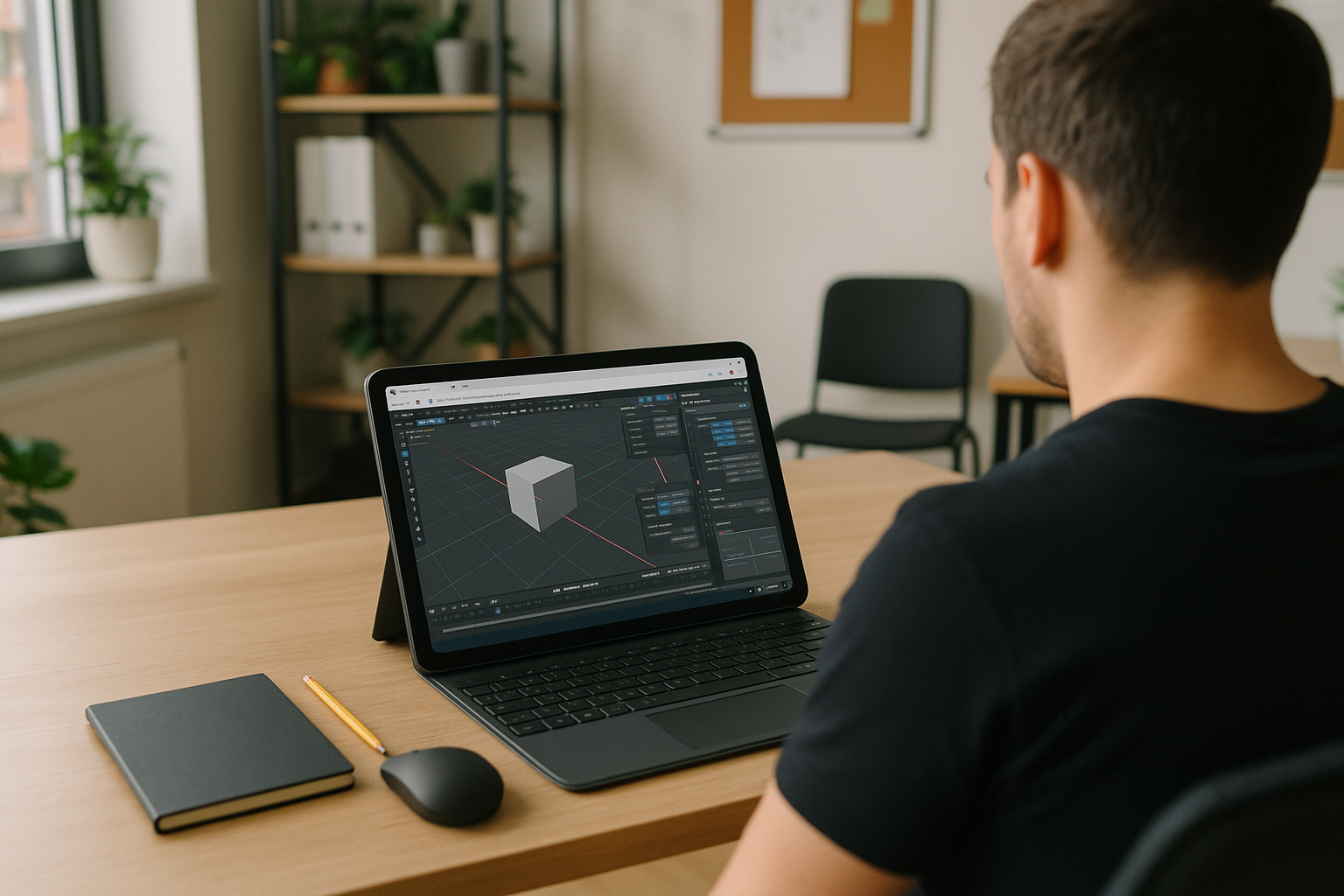
Blender on Android Tablet for On‑Site Edits
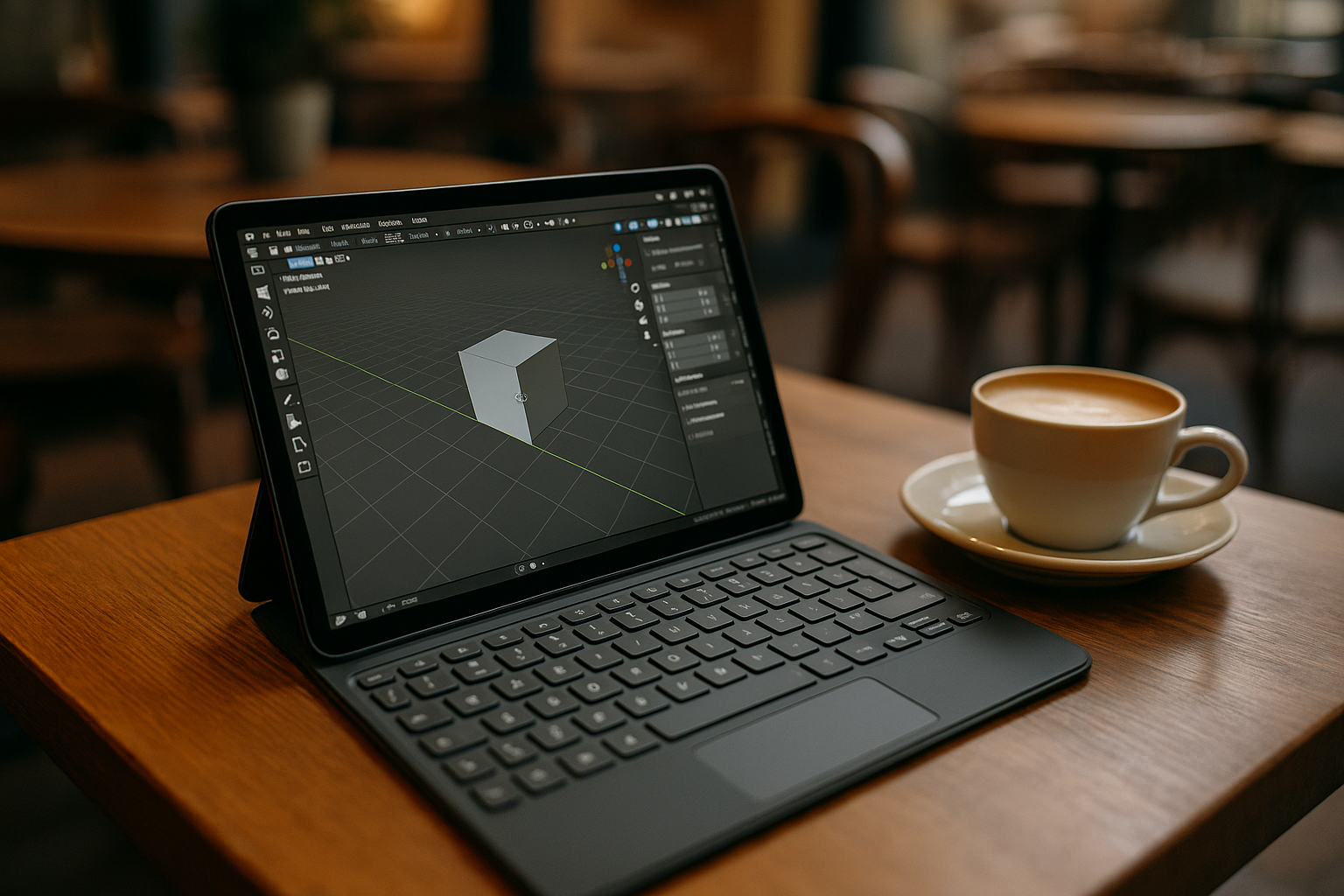
During an on-site client review, a 3D artist may need to inspect a Blender scene, adjust a material or light, and prepare updated exports before the meeting ends. These edits must remain compatible with the studio project, including its Blender version, add-ons, asset libraries, and export settings. An Android tablet offers a portable way to access the project, but it cannot run the full desktop Blender application natively. The challenge is to access the existing desktop workflow without rebuilding the project around mobile tools.
Workflow Requirements for Blender on Android Tablet
On-site edits need to remain consistent with the studio setup. The Blender version, required add-ons, scripts, and custom keymaps should match the main workstation. Asset libraries, textures, and HDRIs must remain accessible, while color-management settings and export presets should preserve the project’s established conventions. For quick reviews, the artist also needs practical input controls for navigating the viewport and making small changes. The goal is to continue working on the existing project without introducing a separate mobile workflow or unnecessary file conversions.
Best Way to Use Blender on Android Tablet in Production
A Windows PC in the cloud provides access to the desktop version of Blender from an Android tablet. The artist can use the required Blender version, install compatible add-ons and scripts, and configure the environment to match the studio workflow. Project files, asset paths, color-management settings, and export presets can be organized to maintain consistency with the original setup. A compatible keyboard, mouse, or stylus may help with viewport navigation and small edits, depending on the device and input support. This approach lets the artist access desktop Blender without installing it directly on Android.
Aristeem: A Dependable Blender on Android Tablet Workflow
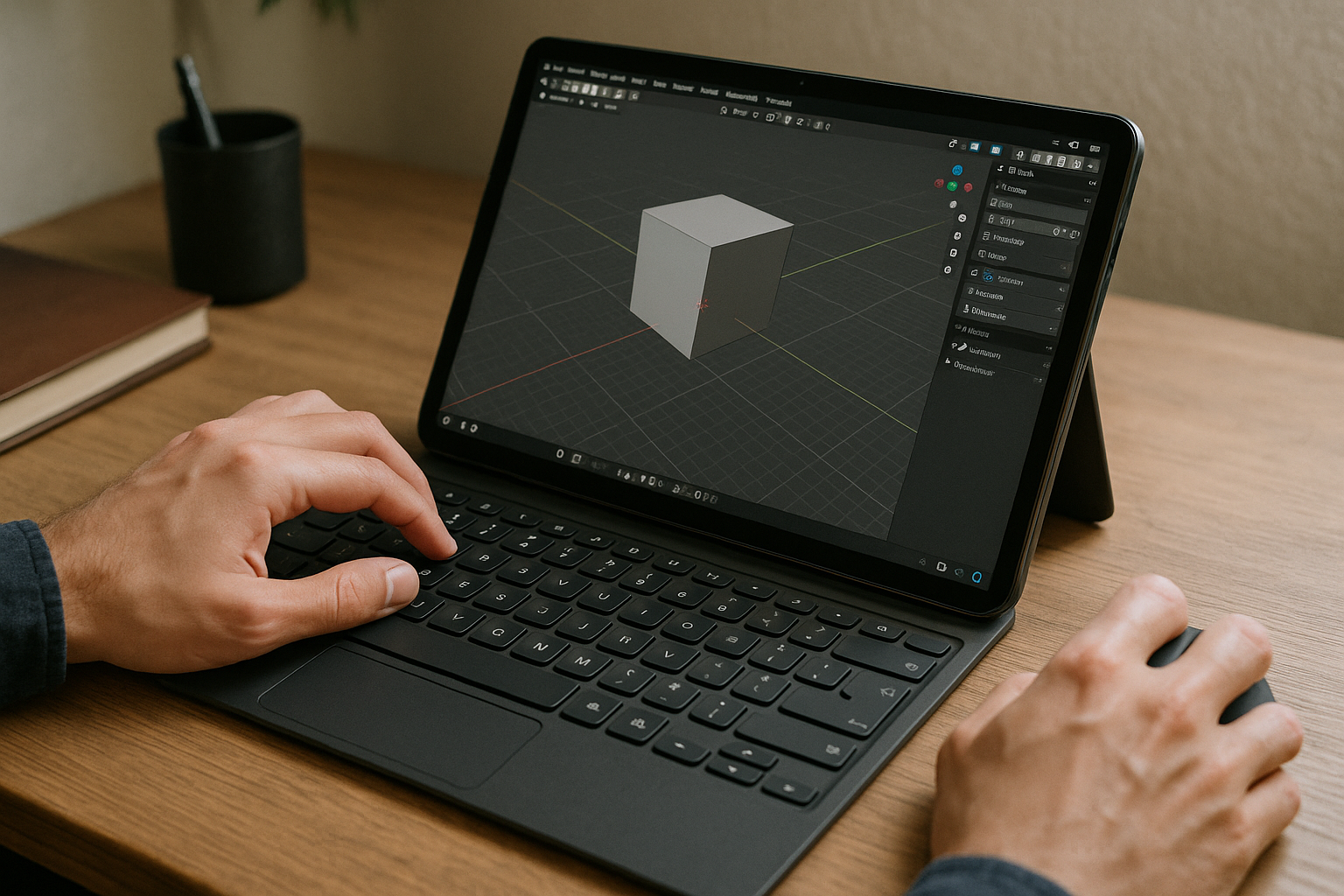
Aristeem provides access to a Windows PC in the cloud from a supported browser, allowing users to run desktop software on their own devices. For Blender workflows, you can install the required version, add-ons, and scripts, then configure project paths and settings to match your needs. You remain responsible for installing the components your workflow requires and providing any necessary software licenses. This gives you a way to access desktop Blender from an Android tablet without replacing its operating system or setting up a local Windows installation. For more details, see our guide to running Blender on a tablet through a browser.
Blender on Android Tablet: Consistent Workflow, Anywhere
An Android tablet can provide access to desktop Blender for on-site reviews and small project edits, even though the application has no native Android version. A cloud Windows PC lets you work with the desktop application and configure the software around your studio requirements. If you need this setup, explore using Blender on a tablet with Aristeem.


