


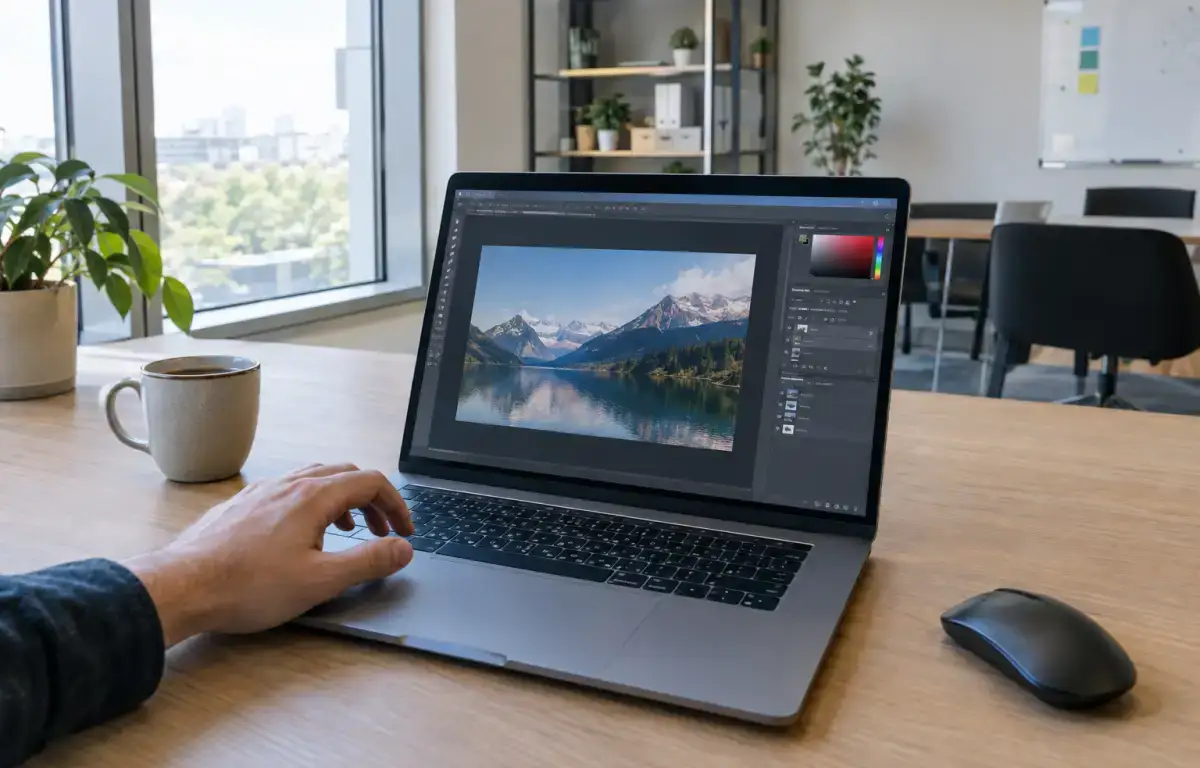
Alternative Photoshop Online: A Professional Retouching Workflow
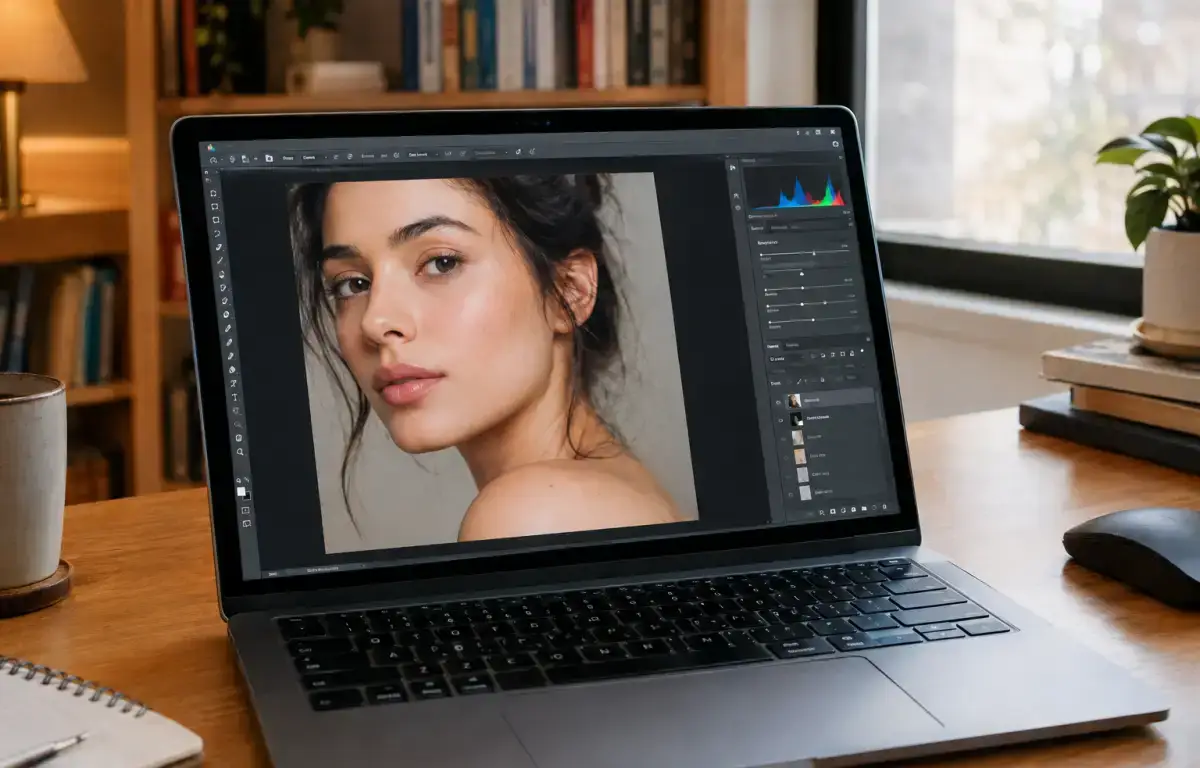
A beauty campaign deliverable is due this week, and a retoucher needs to move between the studio, home, and a client color check on-site. When the local setup is unavailable or unsuitable for the job, an alternative Photoshop online workflow can help preserve access to the desktop tools the project requires. The retoucher still needs the exact Photoshop version approved by the studio, ICC profiles with a soft-proof preset (for example GRACoL or FOGRA), the client’s font pack, custom retouch brushes, action sets for exports, and required plugins. Only then do the files open: dodge & burn on 16-bit layers, smart object composites, and final TIFF/JPEG exports matched to the proof.
Many teams keep a shared PSD template, a standard soft-proof, and a fixed export action so reviews remain predictable. The day flows from preparing assets, to non-destructive retouching and compositing, to exporting proofs and finals. This entire retouching workflow depends on having the same working environment available across sessions and devices.
What a Professional Photoshop Retouching Workflow Requires
To keep layer styles and smart object behavior identical, the workflow needs a fixed Photoshop version. ICC color settings and the soft-proof preset must match the client profile. Fonts must activate the same way to avoid text reflow. Custom brushes and action sets must be the same, or retouch strokes and exports diverge. Plugins must align with the project build so panels, masks, and effects render consistently across sessions.
Compromises break continuity: a changed blend mode, missing font, or altered proof preset can shift the look and derail approvals. Professionals who use Photoshop regularly build actions, composites, and export presets around one exact setup, and mid-project changes invite risk. The question is simple: which environment keeps this setup identical on any device?
Keeping a Photoshop Workflow Consistent Across Devices
Those same requirements follow the retoucher from office desk to home monitor to a client’s conference room, where the soft-proof preset, fonts, brushes, actions, and plugins must behave exactly the same. The PSD should open from the same point with the same version and export presets, so color, sharpening, and compression remain predictable. A single local machine cannot physically travel everywhere, and copying pieces of the setup invites drift over time.
Consistency improves when the working environment is independent of the device: a cloud Windows PC can hold Photoshop, ICC profiles, fonts, brushes, actions, plugins, and export settings together. Open that environment from whatever device is at hand and continue exactly where the session left off.
Maintaining Retouching Assets in One Cloud Workspace
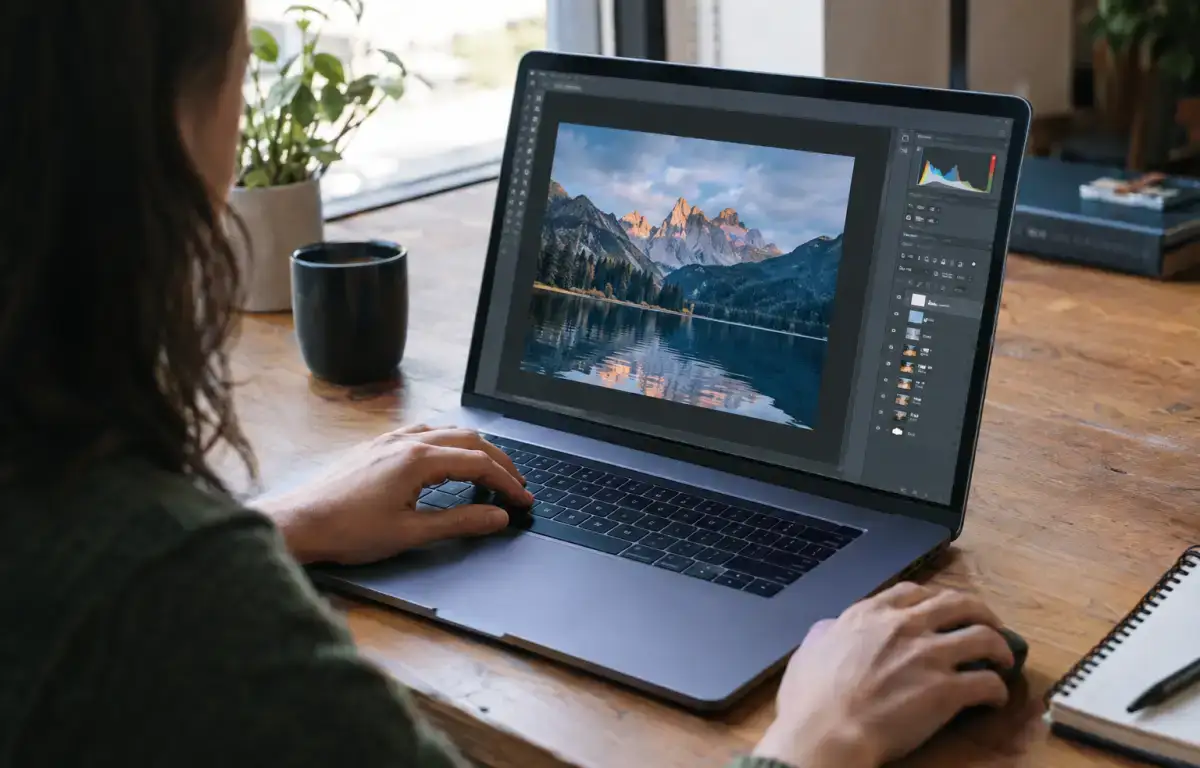
Maintaining multiple local installs and syncing assets across machines can work for simple edits, but versions drift, fonts go missing, and proof presets change silently. Shipping a portable drive with libraries helps, yet actions and plugins still need manual alignment per device. A centralized cloud Windows PC keeps the studio-approved Photoshop version, ICC profiles and soft-proof preset, fonts, brushes, actions, plugins, and export presets in one working environment. Users who move between client sessions and late-night home edits gain one desktop that opens unchanged, so retouching and compositing stay reliable. This approach is the most direct path to preserve the exact working state demanded by professional deliverables.
Aristeem for a Consistent Photoshop Retouching Workflow
For more than two years, Aristeem has focused on access via the cloud to professional software for design, engineering, and data-heavy workloads. We’ve studied user needs and steadily refined the service. Today it’s a virtual Windows PC you reach from your own device, and we continue testing new solutions to expand flexibility. Applied to retouching and compositing, you install your licensed Photoshop, import ICC presets, fonts, brushes, actions, and plugins once — and they stay aligned across sessions. For more details, see our guide to the Photoshop workflow across platforms.
A Consistent Photoshop Workflow for Professional Retouching
Professional retouching and compositing depend on consistent Photoshop settings, ICC proofing, fonts, brushes, actions, plugins, and export presets from start to finish. That set of requirements is best met when the working environment lives as a single cloud Windows PC, so the project continues unchanged from office desk to home studio to on-site review. Aristeem provides that stable desktop, letting you open the same setup and keep deliverables predictable. For a practical way to access Photoshop online from different devices, see Photoshop online with Aristeem.


