


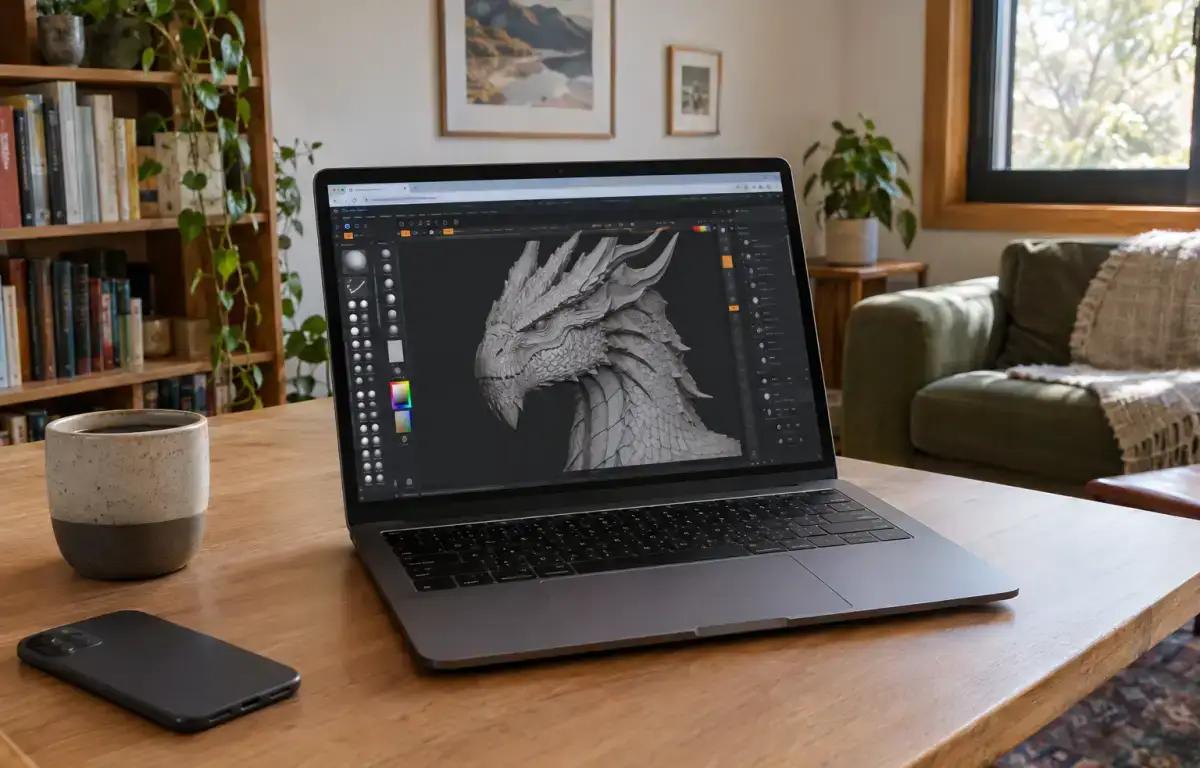
ZBrush Workflow Between Office and Travel: Keeping Custom Settings Consistent
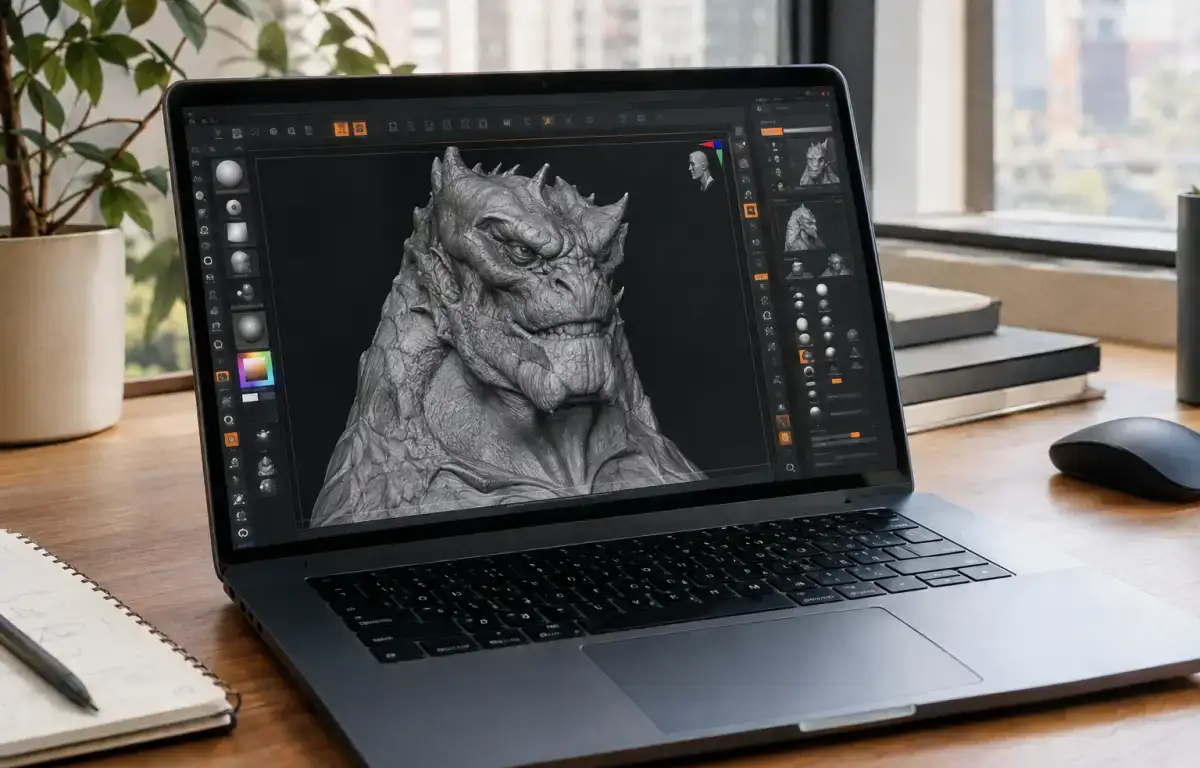
A character artist needs to continue sculpting on a lightweight travel laptop before an upcoming client review. The challenge is not simply opening the same project on another device. Custom brushes, alphas, materials, interface layouts, hotkeys, and project paths must remain consistent so the artist can resume work without rebuilding the setup.
This requires more than copying a ZBrush project file. The working environment, custom resources, and connections to other production tools must also be available. A persistent Windows PC in the cloud offers a way to maintain that environment independently of the device used to access it.
ZBrush Custom Brushes, UI Layouts, and GoZ Requirements
Custom brushes, alphas, materials, interface layouts, and hotkeys need to be stored in the appropriate user directories for the installed ZBrush version. Since folder structures can differ between releases, the setup should account for the specific build used in production. The work requires an identical ZBrush build; synchronized ZStartup items for ZBrush brushes and alphas; locked UI configs and hotkeys; mirrored LightBox and asset directories; a stable GoZ workflow with the same target paths; uniform export scale, map sizes, and tangent basis; and shared project assets so subtools and textures resolve. It also expects consistent cache and temp locations so saves and GoZ transfers behave predictably. The travel device must present the same full Windows environment every time.
A Persistent Windows PC for Consistent ZBrush Workflows
A persistent Windows PC in the cloud provides one working environment that remains available across devices. Instead of rebuilding the setup on every computer, you can install your required ZBrush version, transfer your custom brushes, alphas, materials, and interface settings, and configure the applications used in your GoZ workflow.
Project files and supporting assets can stay in the same cloud storage, with consistent directory structures and drive letters. You access this Windows desktop from your regular device, while the software and its working environment remain on the cloud PC.
Aristeem for a Consistent ZBrush Working Environment
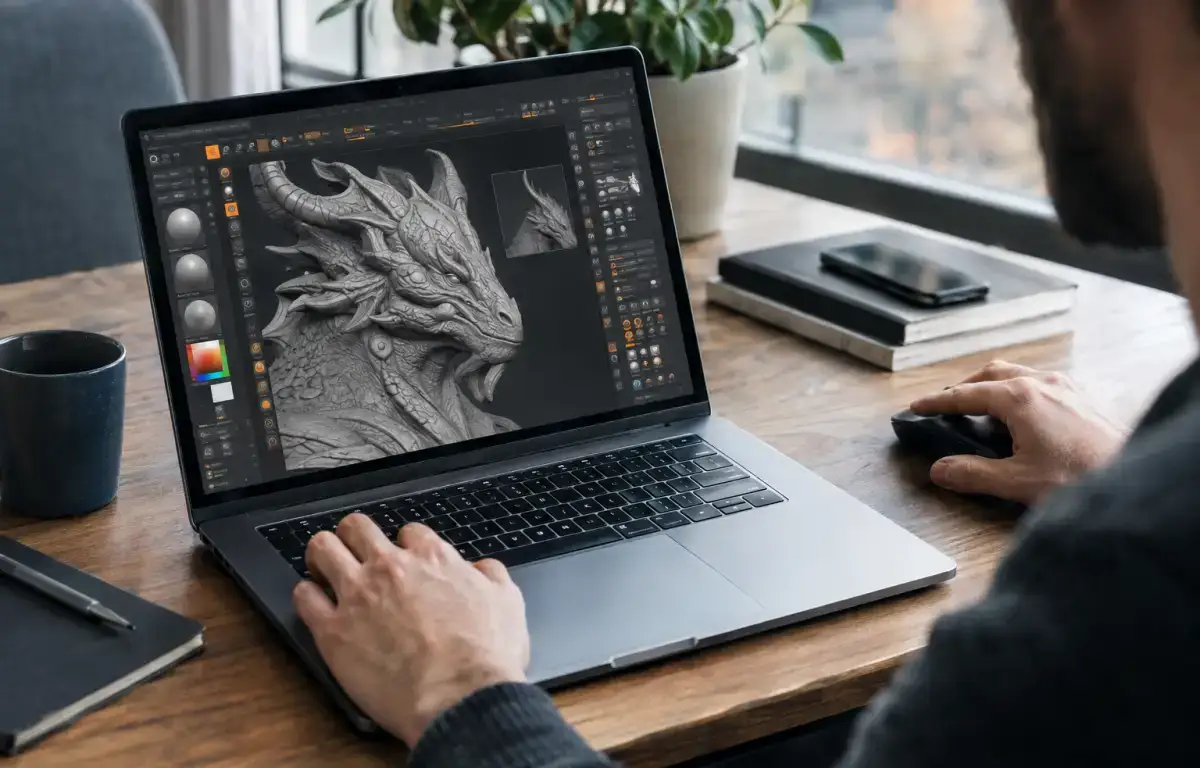
That single Windows PC in the cloud is exactly what Aristeem was founded in 2024 to provide for professional software in design, engineering, and data work. We study how teams install, license, and maintain their toolchains, and improve the service continuously. Today, you get a full Windows PC you can access from your device without replacing your OS. For ZBrush, install your required version and plugins, use your own license if required, and keep your working environment available across devices. See render-ready ZBrush workflows.
Continue ZBrush Character Work Across Devices
A consistent ZBrush environment makes it easier to move between office and travel without recreating your working setup on each device. With Aristeem, you control a persistent cloud Windows PC, install the software and plugins you need, and keep your project environment available wherever you connect. Explore ZBrush character sculpting and retopology on a cloud Windows PC to see how this approach supports a more flexible production workflow.


