


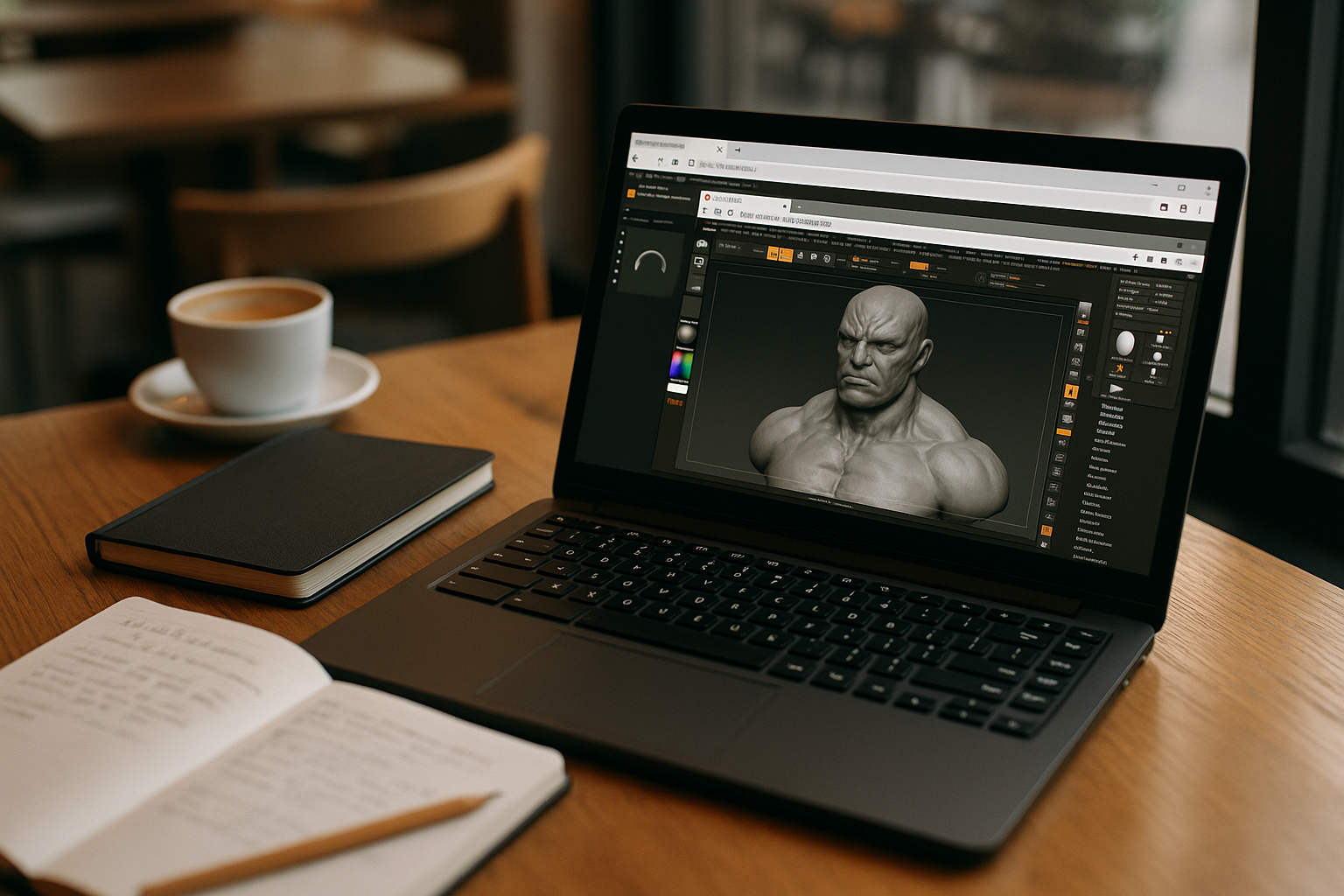
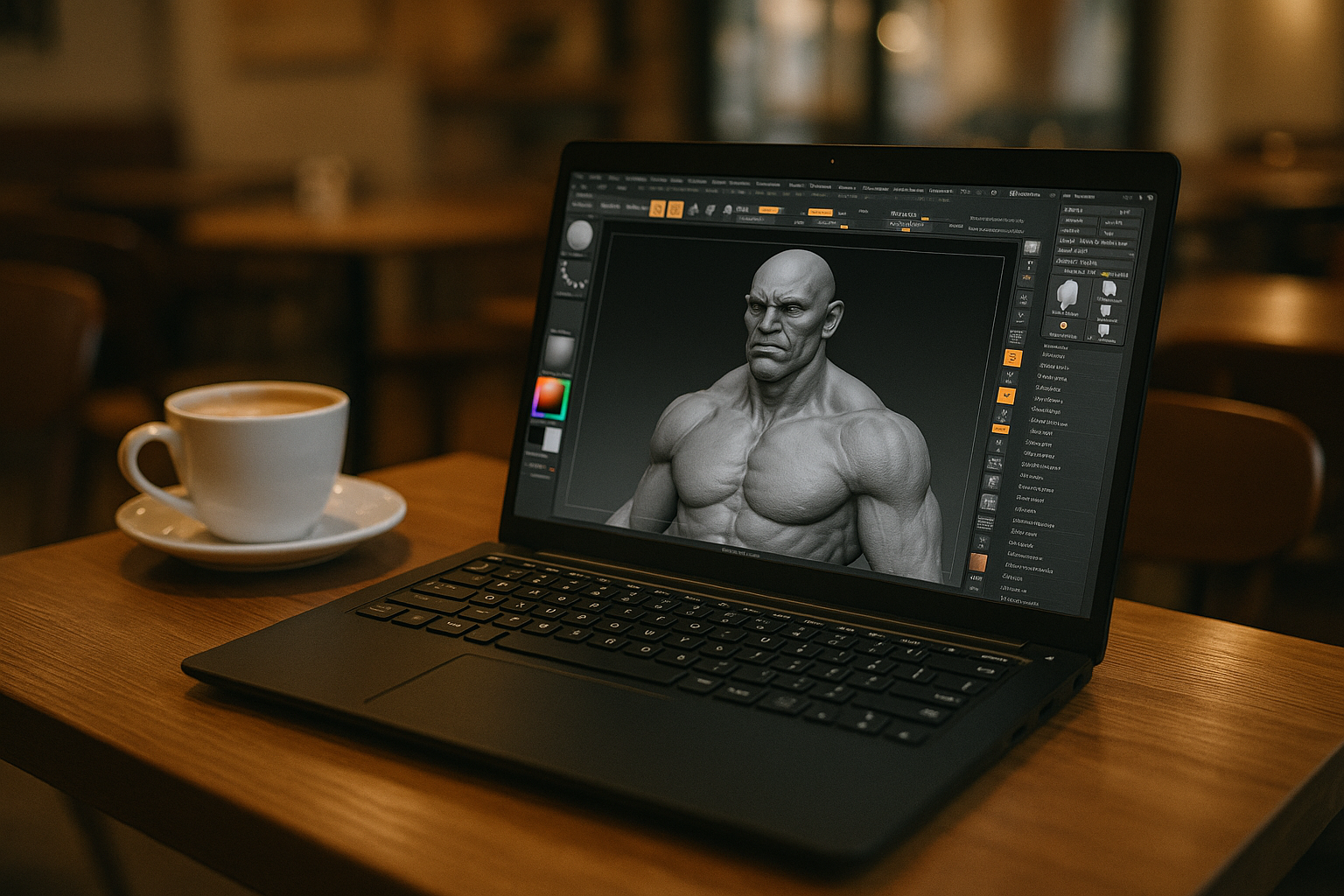
You sculpt, retopo, and iterate daily — but there’s no native build, and your team standardizes on specific versions, plugins, and custom brushes. Compatibility layers often struggle with tablet drivers, licensing dialogs, or complex plugins, and you can’t justify a separate machine just to keep parity with colleagues. You need the full app, your presets, and predictable performance — right on your current system.
In short, you’re looking for ZBrush on Linux with your preferred version, plugins, and brushes, while keeping storage paths, assets, and review workflows intact.
Why installing another OS fails ZBrush Linux compatibility at scale
Many artists try installing a second desktop OS locally (dual‑boot or a heavy VM) to regain plugin and driver parity. It can work, but it undermines day‑to‑day reliability and speed.
- Context switching: reboots or VM juggling interrupt flow and delay quick fixes between DCCs.
- Driver friction: pen tablets, 3D mice, and audio routes may require repeated tuning per environment.
- Storage sprawl: duplicated caches, alphas, and brush libraries inflate backups and sync time.
- Update risk: OS and toolchain updates can break licensing or plugin stacks without warning.
- Operational overhead: more images to patch, secure, and audit — harder in studio pipelines.
Best path to run ZBrush on Linux without disrupting your workflow
Below is a concise view of practical approaches to keep your pipeline intact and move toward a browser-delivered desktop.
| Approach | Capabilities | Complexity |
|---|---|---|
| Dual‑boot into a second OS | Full desktop environment; direct device access | High: reboots, split storage, ongoing maintenance |
| Local virtual machine | Isolated environment; snapshots | Medium‑High: resource heavy, driver quirks |
| Compatibility layer | Runs some tools without a second OS | Medium: plugin/licensing instability |
| Browser‑based virtual PC | Full desktop in the browser; install any version and plugins | Low: minimal local changes |
This comparison points to a browser‑based virtual PC as the least disruptive option — paving the way to ZBrush on Linux without system surgery.
2026 trend: hardware‑independent pipelines favor ZBrush on Linux via the browser
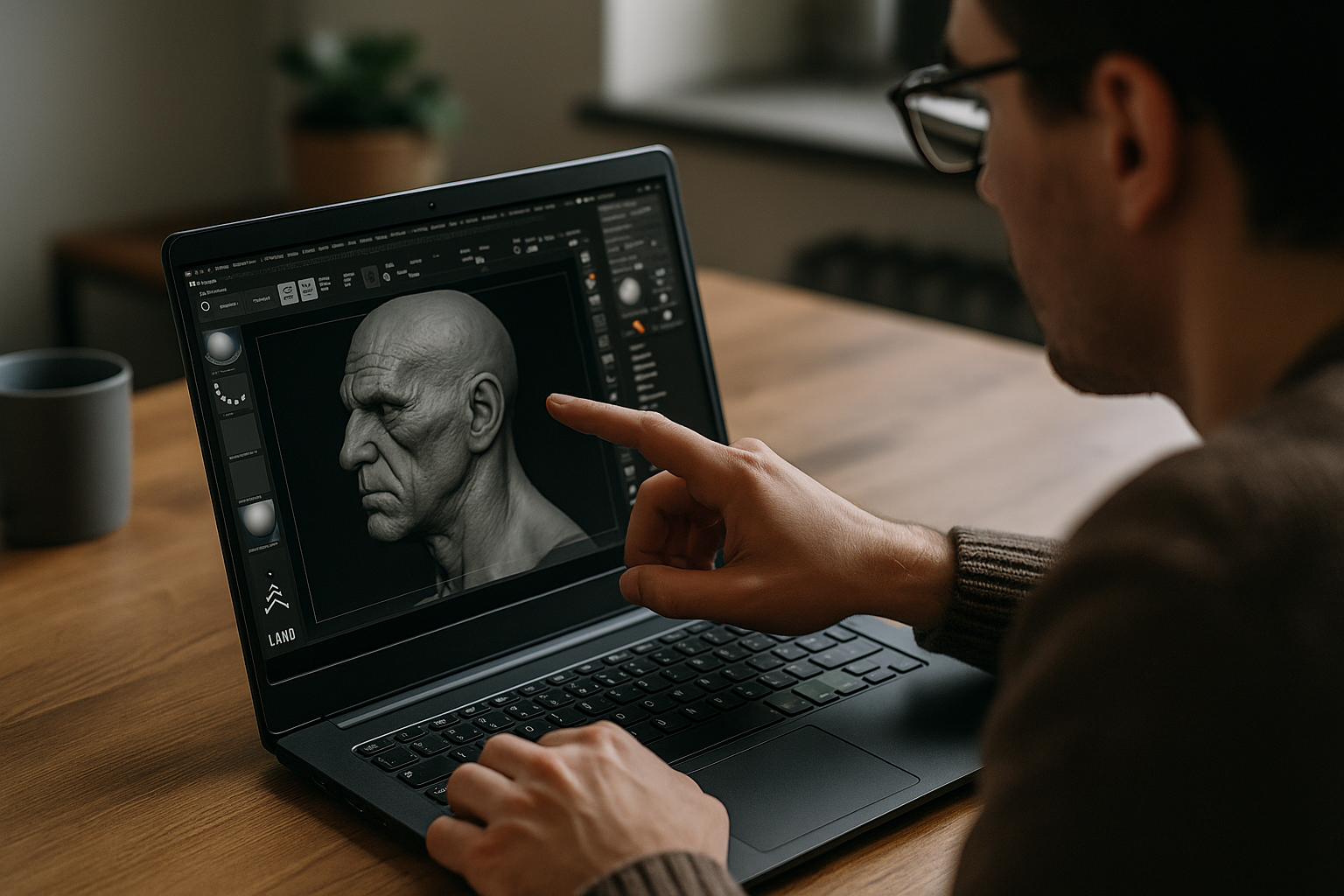
Studios are consolidating around browser‑delivered desktops for predictable environments, hardware independence, and policy‑friendly access. Teams gain consistent plugin stacks, stable licensing, and fast onboarding for contractors, while artists keep familiar hotkeys and assets. This shift improves ZBrush Linux compatibility in practice by removing host‑machine variability and centralizing the working environment.
Aristeem: the practical way to run ZBrush on Linux in your browser
Aristeem provides a full virtual Windows PC that runs in your browser. It is not an emulator or a browser-only app; it is a full virtual Windows PC that gives you control over the software environment itself. Install any ZBrush version you rely on, add plugins and extensions, configure drivers and utilities, and keep your existing asset paths. Use your own software license when the vendor requires one.
For artists and studios, this means access to a complete Windows environment from any device with a modern browser, while keeping the ZBrush setup, supporting tools, and workflow in one place. You get the full experience of ZBrush on Linux without rebuilding the environment on your Linux machine. If you also need to access ZBrush from other unsupported devices, see our ZBrush for iPad and other platforms guide for additional options.
Conclusion: a reliable route to ZBrush for Linux in the browser
By separating your creative environment from the host machine, you keep your preferred versions, plugins, and brushes intact and achieve truly dependable ZBrush on Linux without reboots, device driver roulette, or parallel installations — making it a streamlined way to maintain a dependable ZBrush for Linux workflow in the browser.


