


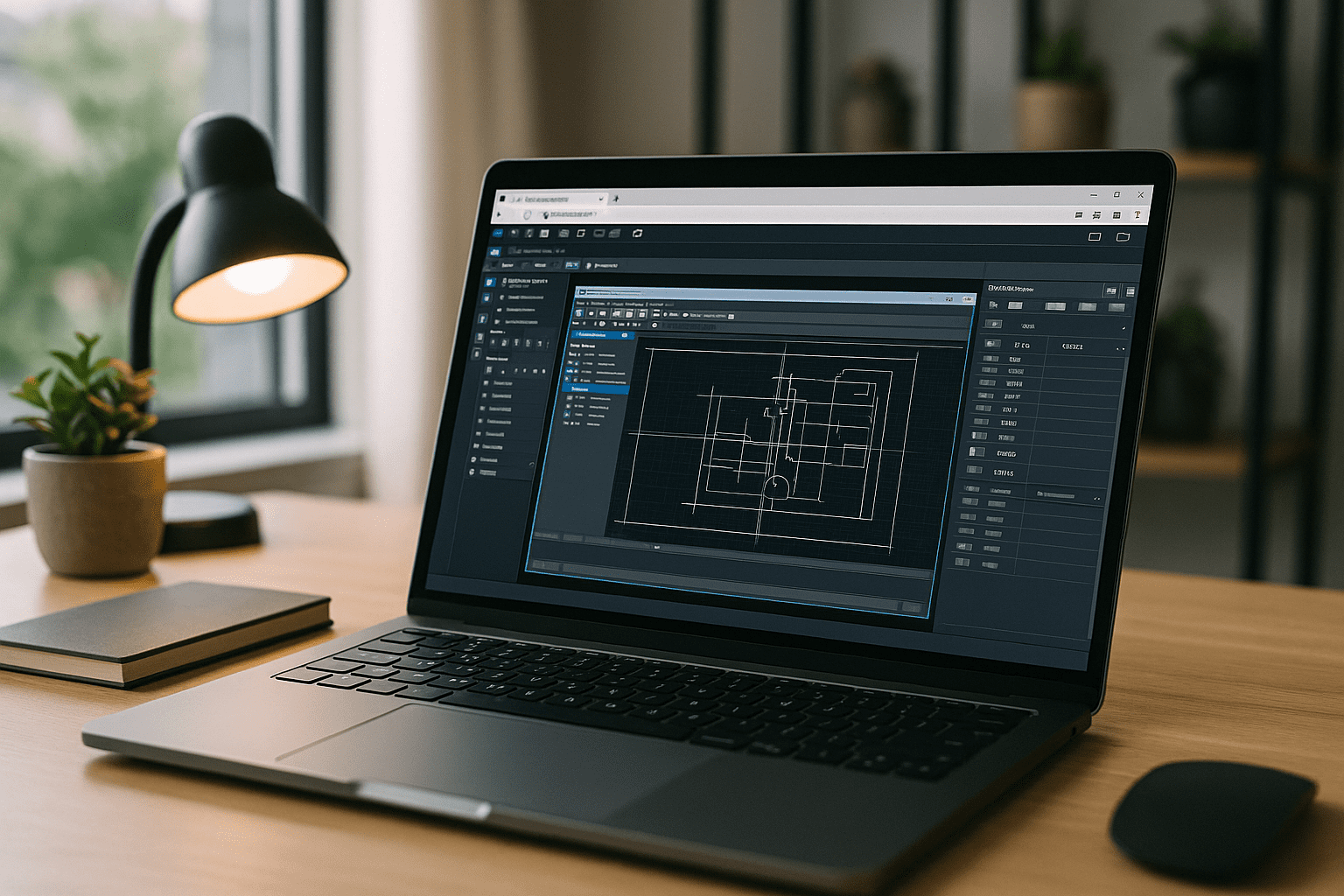
You move between offices, home, jobsites, and client rooms, yet every project still depends on the same profiles, toolsets, and plugins you’ve tuned for years. Installing and reconfiguring AutoCAD on each temporary device derails schedules, breaks add-ins, and creates version mismatches that can disrupt a familiar workflow. What you need is a consistent AutoCAD workspace across devices that lets you sign in, open the environment you trust, and continue working without rebuilding it every time you change machines.
Why Switching Devices Disrupts Your AutoCAD Workflow
Switching devices creates more problems than simply lacking processing power. Each new machine may require another AutoCAD installation, license authentication, profile restoration, plugin setup, fonts, and plot configurations. Even powerful hardware can leave you with a different working environment.
Moving between an office workstation, home computer, MacBook, Chromebook, or client device means your familiar profiles, tool palettes, plugins, templates, and project settings may not be available. Rebuilding them wastes time and increases configuration drift.
For mobile professionals, the better approach is to keep the AutoCAD environment separate from the device. The endpoint changes, but the configured workspace remains the same.
Keep the Same AutoCAD Environment Wherever You Work
For mobile engineers, designers, and contractors, the important question is not simply whether AutoCAD can run on another device. It is whether the same configured workspace can follow them.
A consistent AutoCAD environment can preserve the elements that make a production setup familiar: your preferred version, profiles, tool palettes, templates, fonts, plugins, LISP routines, plot styles, and project-specific settings. Instead of recreating these components on every machine, you work from one persistent environment and access it from the device available at the time.
This is particularly useful when moving between an office workstation and a temporary device at a jobsite or client location. The endpoint changes, but the working environment does not.
How to Access the Same AutoCAD Workspace From Different Devices
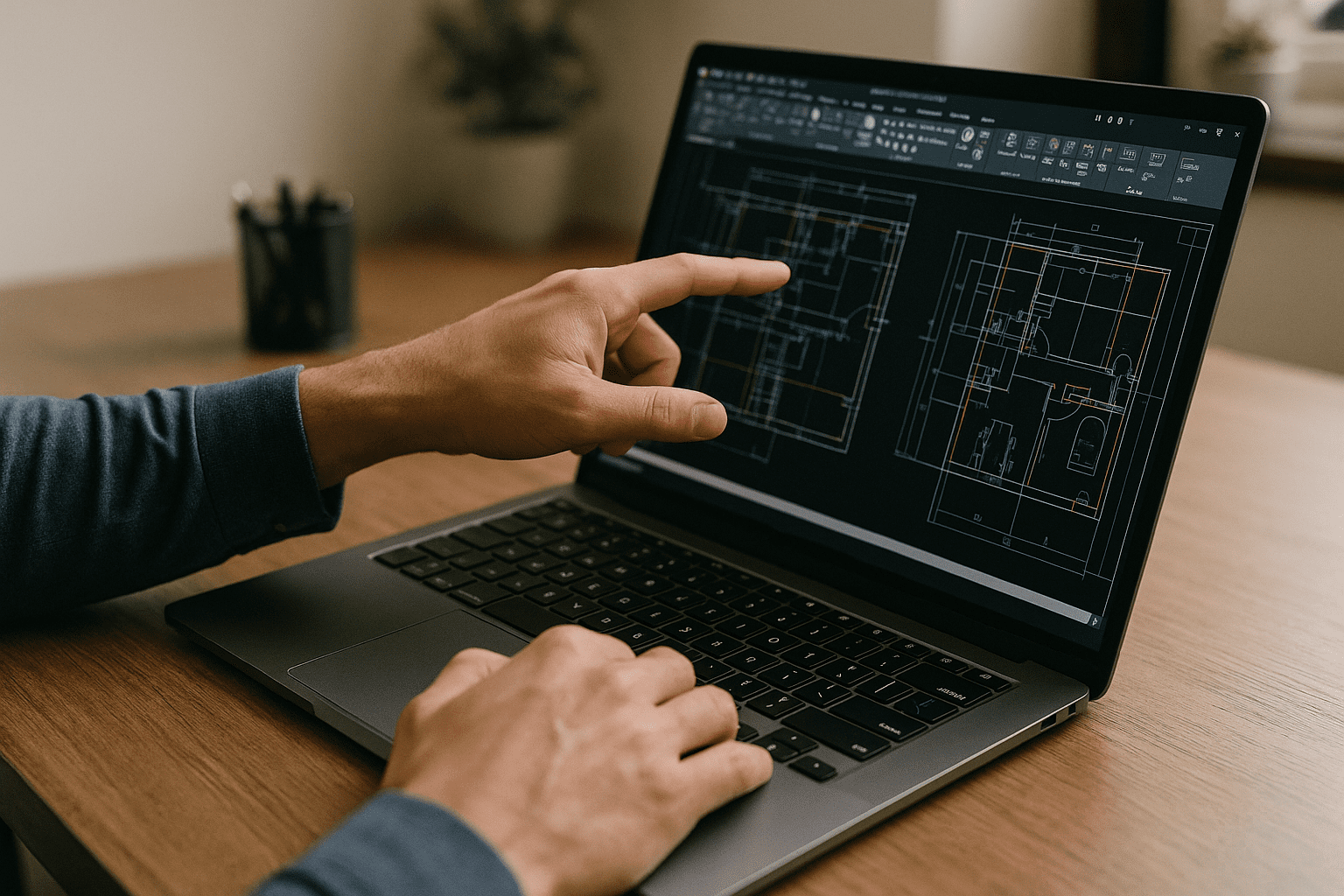
Borrowing a colleague’s workstation or maintaining separate AutoCAD installations may solve an immediate access problem, but neither approach preserves the exact environment you are used to. Files can be transferred, yet profiles, fonts, tool palettes, plugins, templates, and plotting settings may still need to be recreated.
The benefit is not only browser access. It is the ability to keep one working configuration instead of maintaining several copies of it. Your preferred AutoCAD version, profiles, tool palettes, templates, plugins, and other supported customizations can remain associated with the same workspace, so changing devices does not mean starting the configuration process again.
Keep Your AutoCAD Workspace Consistent With Aristeem
Aristeem gives you a full-featured Windows virtual PC in your browser, allowing your AutoCAD workspace to remain in one persistent environment instead of being rebuilt across multiple physical devices. Use the AutoCAD version you rely on, keep your toolsets and custom profiles, add your plugins and routines, and return to the same workspace whenever you sign in. It is not an emulator and not a remote desktop; it’s your own Windows environment that opens wherever you work.
Because the workspace remains consistent, you avoid rebuilding the same AutoCAD configuration every time you move between locations. Your local device becomes an access point rather than another CAD workstation that needs its own complete installation and configuration. If you want to explore the broader online AutoCAD software approach, see our online AutoCAD software guide.
Switch Devices Without Rebuilding Your AutoCAD Setup
When your work takes you between offices, homes, jobsites, and client locations, the biggest productivity loss may come from rebuilding your environment rather than opening the drawing itself. Keeping one consistent AutoCAD workspace reduces that friction by separating your configured desktop environment from the physical device you happen to use.
You can change endpoints without changing the way your AutoCAD workspace is organized. Your familiar profiles, tool palettes, templates, plugins, and project settings remain part of the environment you return to, helping you continue the same workflow instead of configuring another machine from scratch.


