


 The Real VSCode Android Problem: Missing Extensions and Tooling
Trying to get productive with VS Code Android usually ends in compromise. You can open lightweight editors in the browser, but core workflows break: the integrated terminal is limited, Git flows are clumsy, and advanced data tools like Python and Jupyter can’t run with native kernels. Analysts and developers who need persistent storage, SSH, Docker-like workflows, or database drivers quickly hit a wall. If you want to run VSCode on Android with the same extensions, settings, and environment you use on your desktop, web-only options fall short.
Buying a Windows PC to Run VSCode Android: Why It Falls Short
Many people consider buying a separate laptop so they can run Visual Studio Code properly, but that adds cost, weight, and another machine to maintain. Even if it solves compatibility, you now juggle files, credentials, and secrets across devices, which slows reviews and quick fixes you wanted to handle from your phone or tablet. Updates, backups, and security policies turn into ongoing overhead rather than a one-time solution. And for temporary projects or travel, carrying an extra device just to keep a terminal, Git, and Python working is hard to justify. The result is a split workflow that undermines the portability you wanted from Android in the first place.
VSCode in Browser on Android: A Better Path
Instead of buying hardware or settling for limited web editors, a browser-based desktop lets you keep your workflow unified. With a persistent environment accessible from Android, you can install any VSCode version, keep your extensions, and use a real terminal with Git and data tooling. This approach preserves your settings, SSH keys, and notebooks without complex mobile hacks. Compared to a second laptop, it removes device sprawl while still delivering the power you expect from a full desktop. For professionals who need reliability on the go, VS Code Android becomes practical when the browser hosts a complete desktop environment.
Run VSCode on Android with a Virtual Windows Desktop
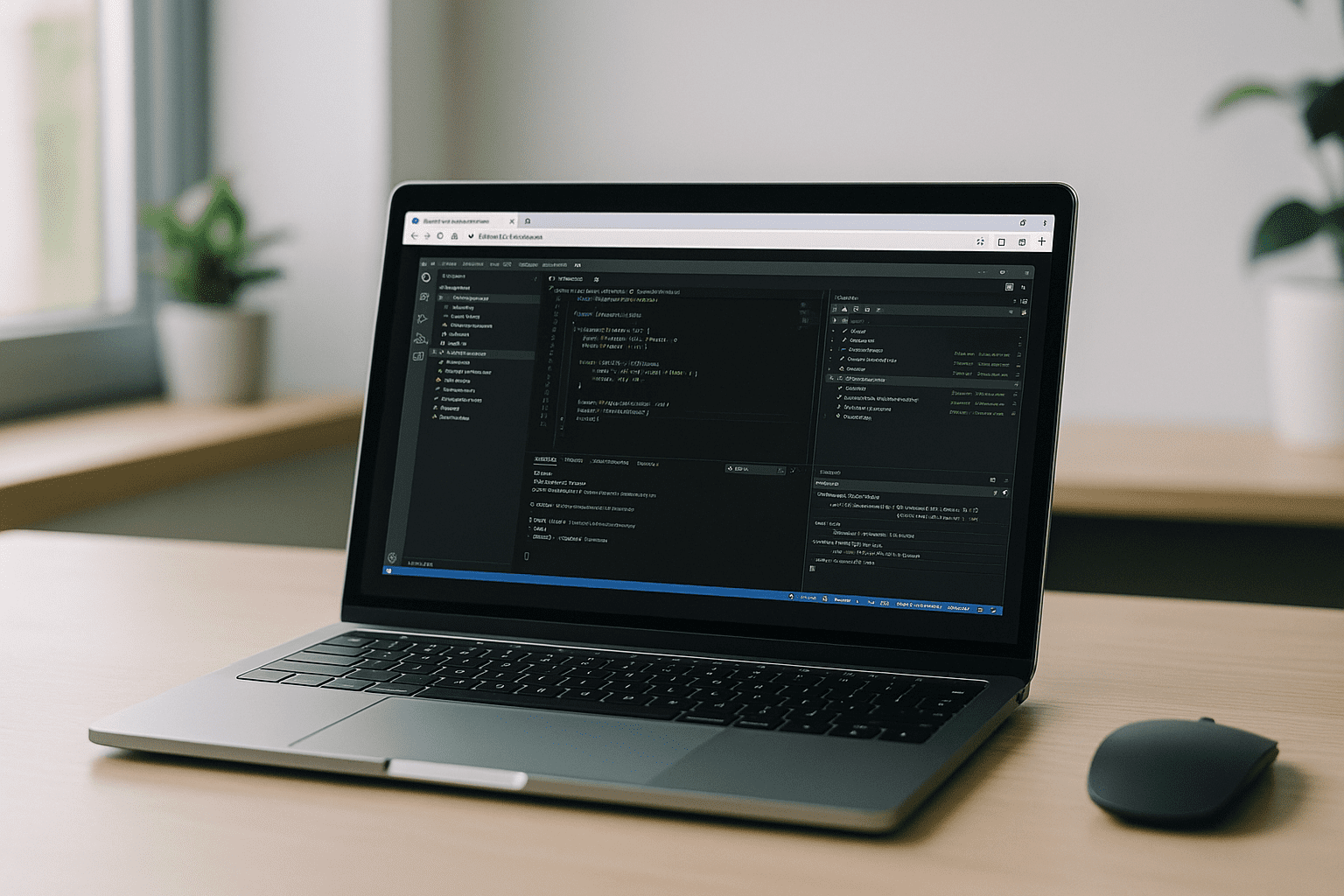
Aristeem delivers a full-featured virtual Windows PC that runs in your browser, so you can install the exact VSCode version you prefer and keep your extensions like Python, Jupyter, Git, and Remote SSH. There’s no complex setup: open the browser on Android, sign in, and your persistent desktop is ready with storage, terminal access, and the ability to add drivers, utilities, and any Windows-compatible tools you rely on. It’s your environment, so you can use your own licenses when required, and maintain your workflows exactly as on a traditional desktop. Aristeem is not an emulator and not a remote desktop; it’s a complete environment you control, accessible from your Android device. For extra context on setup and capabilities, see Visual Studio Code for Android workflow and how teams keep extensions and tooling intact.
VS Code Android Without Compromises: Summary
If your goal is consistent tooling, terminals, and extensions, stop splitting work across devices and start using the same desktop everywhere. With a browser delivering a persistent environment on Android, your editor, data tools, and Git are always in reach. Aristeem keeps your settings and storage stable while letting you install what you need, when you need it. This is how VS Code Android becomes a real, production-ready option for development and analytics on the go. Explore what it feels like by launching professional tools via web interface and see how your workflow follows you, not your hardware.


