


Your architect needs ADSK Revit 2022 for a legacy BIM, while MEP uses 2024 with a specific renderer; IT has locked desktops, laptops lack GPU headroom, and freelancers are on mixed devices. Local installs stall, plugins like V-Ray demand driver changes, and version pinning breaks project timelines.
When you must run Revit without install and keep add‑ons consistent, helpdesk tickets and hardware upgrades don’t move models forward. Teams ask for true “Revit in browser” access that behaves like a real Windows desktop — no workarounds, no compromises.
Why buying a better PC still limits ADSK Revit delivery
Upgrading to a powerful workstation seems obvious, but it doesn’t solve the operational blockers around ADSK Revit environments.
- Cost concentration: one user gets speed, the rest remain blocked; scaling to a team becomes a capital expense.
- Admin controls persist: restrictive policies still prevent installs, drivers, and plugin updates.
- Version fragmentation: separate machines drift across Revit versions and add‑on builds.
- Mobility gap: work stops when away from the desk or when switching devices.
- Time sink: imaging, patching, and driver testing delay billable work.
Best way to run Revit without install: comparing options
To standardize delivery, compare approaches that decouple work from local hardware and shift toward a browser-first workflow.
| Approach | Capabilities | Complexity |
|---|---|---|
| Buy a new better PC | Fast local work for one user | High capex; still blocked by admin policies |
| On‑prem VDI or shared workstation queue | Centralized power; scheduled access | IT overhead; contention and queue delays |
| Managed Revit cloud workstation | Remote performance; hosted management | Vendor constraints on versions and plugins |
| Browser‑based virtual Windows desktop | Install any Revit version, add‑ons, and drivers | Low setup; policy‑friendly and portable |
2026 shift to Revit cloud workstation and hardware independence
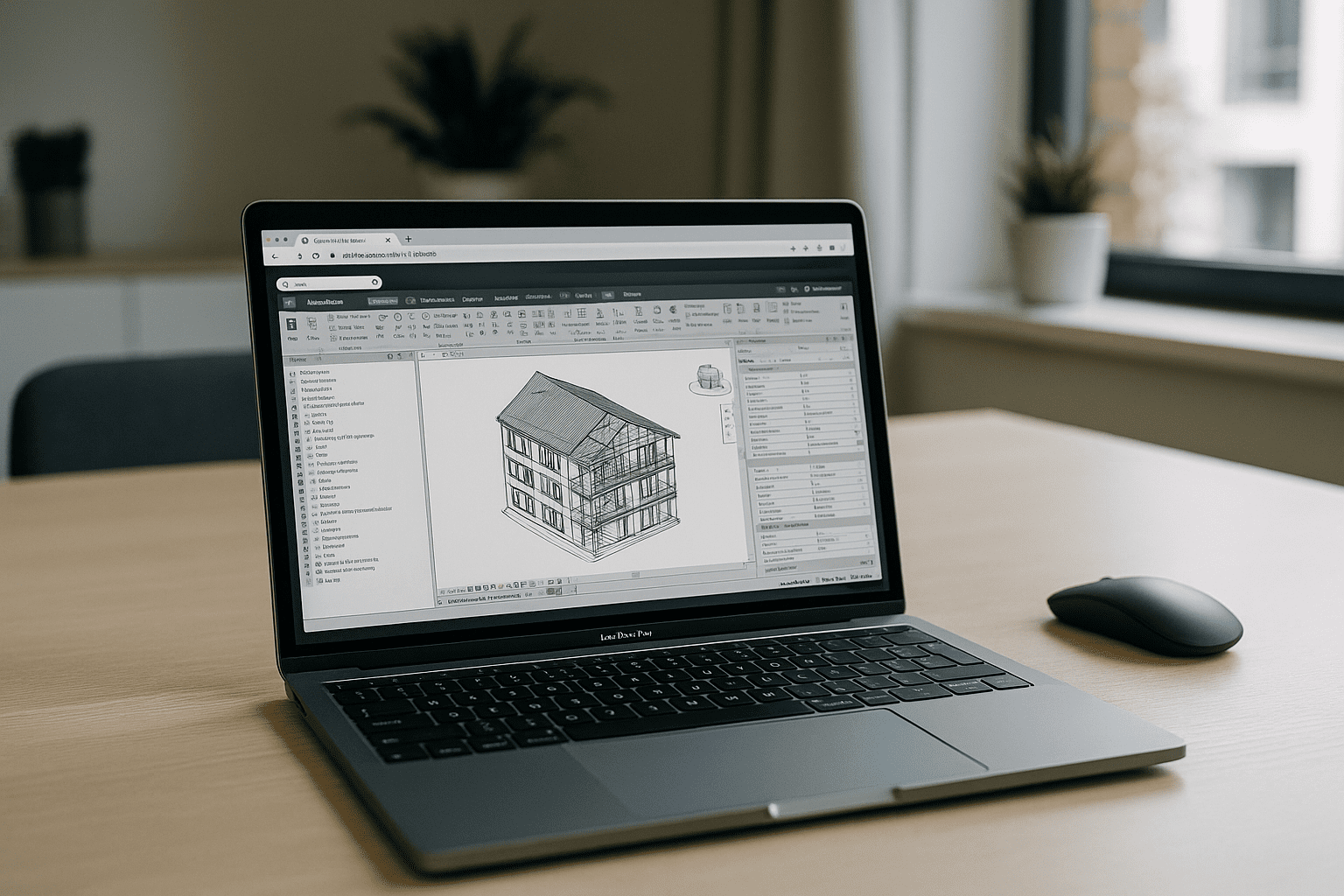
Studios are consolidating tools into browser-accessible workspaces so models, plugins, and drivers live with the environment — not the device. This trend elevates “Revit cloud workstation” usage where teams spin up standardized images, pin specific Revit versions, and keep render add‑ons aligned across projects.
The result: predictable delivery, fewer IT tickets, and consistent performance whether opening a 600‑MB BIM at the office or reviewing changes on a lightweight laptop.
Run ADSK Revit in your browser with a full Windows desktop
The Aristeem platform provides a full-featured virtual Windows PC that runs in your browser — install any Revit version, required plugins, drivers, and utilities with your own licenses as needed. It is not an emulator and not a remote desktop, yet it behaves like your machine, giving teams instant, policy-friendly access to ADSK Revit on any device.
Benefits include zero local setup, consistent project images per client or standard, reliable plugin stacks (e.g., V‑Ray), and frictionless handoffs across devices. For a deeper technical perspective on keeping add‑ons aligned in a browser-based Revit workflow, see details on running V‑Ray and other add‑ons in a consistent Revit environment.
A durable path to stable ADSK Revit workflows
Standardizing on a browser-based virtual Windows desktop removes hardware bottlenecks, admin lockouts, and version drift while keeping ADSK Revit and plugins dependable across teams and devices.
This makes a portable, consistent BIM stack practical for every project stage, effectively creating a dedicated ADSK Revit workspace in the browser.


