


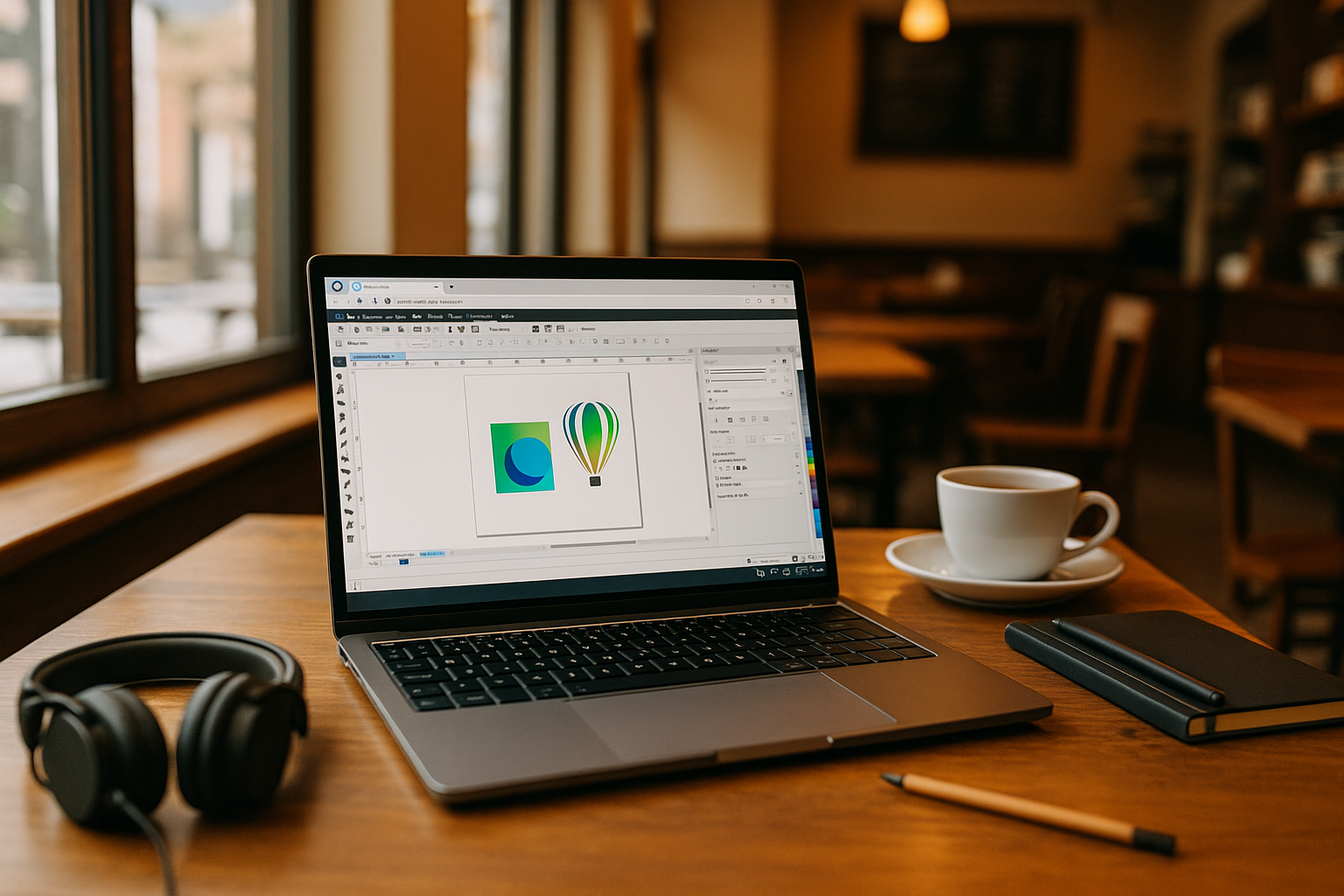
When Software CorelDRAW Derails Your Day
Your deadline is tight, but CorelDRAW Graphics Suite crashes on export, crawls when you open a heavy CDR with embedded fonts, or behaves differently after moving to another machine. You need a specific release to match a client file, plus the exact color libraries and plugins your team uses. Switching machines can break your setup and make remote work unpredictable. You just want a dependable way to open, edit, and deliver without babysitting drivers and fonts. That’s where software CorelDRAW needs a stable, portable environment.
Why CorelDRAW Workflows Break Across Different Machines
Moving a CorelDRAW workflow between machines can create problems even when both systems are powerful enough to run the software. A client may require a specific CorelDRAW Graphics Suite release, while fonts, color libraries, plugins, and preferences also need to match the original setup. Switching devices can introduce missing assets, different settings, or unexpected output. Keeping everything consistent becomes especially difficult when work moves between home, office, and client locations.
CorelDRAW Online and Hardware-Independent Work
When a CorelDRAW workflow depends on a specific version, fonts, color libraries, plugins, and preferences, keeping that setup consistent across machines becomes difficult. A browser-accessible Windows environment can keep the working setup in one place, so you can access the same CorelDRAW workflow without rebuilding it for every device.
Keeping the same CorelDRAW version, fonts, plugins, and project files together can reduce surprises during reviews and handoffs. For vector design, the goal is simple: open the same CDR in the same working environment instead of dealing with missing libraries or different local configurations.
Run CorelDRAW in Browser for Consistent Results
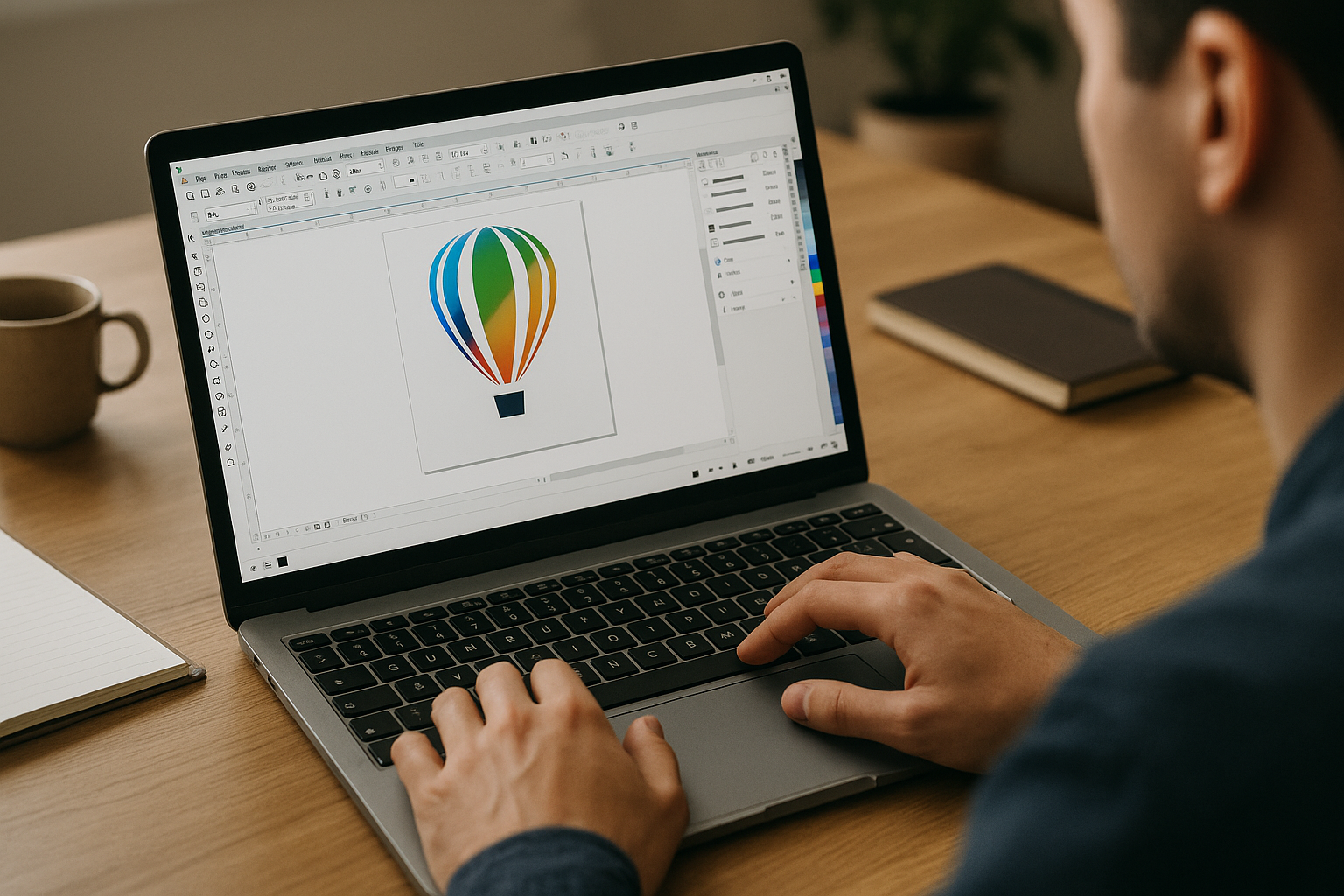
Moving a CorelDRAW workflow between machines can introduce mismatched fonts, color profiles, plugins, or settings. These differences can affect how CDR files open, display, or export, especially when a project depends on a specific version of CorelDRAW Graphics Suite.
A better path is a full Windows desktop that opens in your browser and holds your exact CorelDRAW build, fonts, color libraries, and plugins. Your workspace stays stable across Mac, Linux, Windows, or a lightweight device, so you can focus on CDR accuracy, not machine upkeep. It’s the same environment, every time, wherever you sign in.
Aristeem for CorelDRAW Graphics Suite in the Browser
Founded in 2024, Aristeem began as a cloud service for accessing professional software across design, engineering, and data work. We’ve evolved by studying real workflows and refining reliability. Today, we offer a virtual Windows machine in the browser — no OS changes on your device — while we keep testing new options to expand flexibility. For CorelDRAW, you install any required version, load fonts, color libraries, and plugins, and use your own license. Aristeem provides a browser-accessible Windows environment for CorelDRAW.
Keep Your CorelDRAW Workflow Consistent
A browser-based Windows desktop keeps your CorelDRAW Graphics Suite version, fonts, and plugins together across devices, reducing the need to rebuild your setup when you switch machines. It helps you maintain a consistent environment when revising client brand assets or preparing production-ready files. To understand the day-to-day flow, explore how CorelDRAW runs directly in a browser and see how the same working environment can support your design workflow.


