


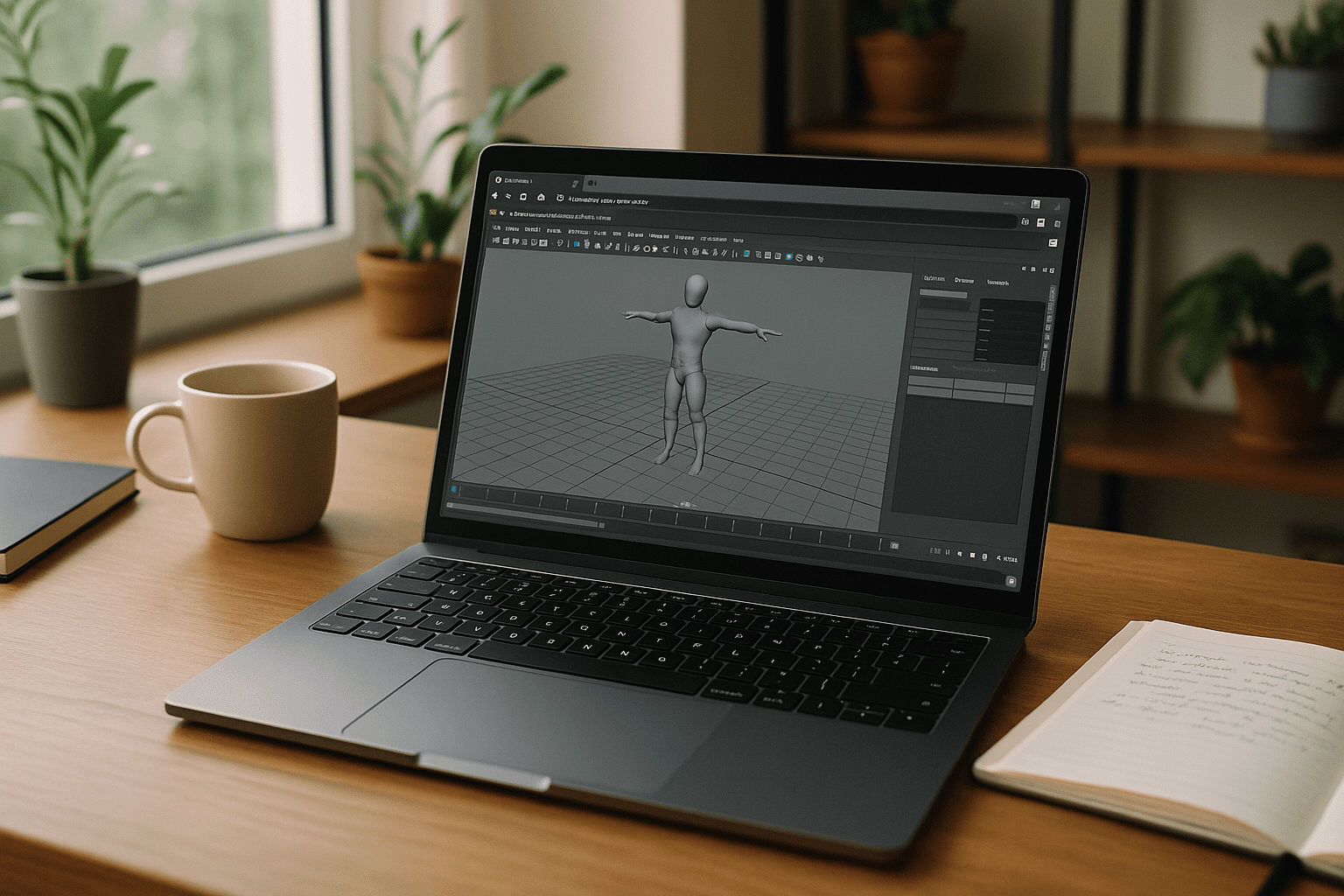
When Software 3D Maya Access Stops Your Workflow

You need to model, rig, or render today, but the installer fails, drivers are outdated, or IT won’t grant admin rights. Deadlines don’t wait while you chase GPU compatibility, version conflicts, or missing plugins. Whether you’re on Mac, Linux, Chromebook, or a travel laptop, getting software 3D Maya running locally can derail an entire production day.
Why Traditional Remote Desktop Fails for Maya 3D Production
Relying on standard remote desktop tools (like Anydesk, TeamViewer, or basic VNC) to access an office workstation seems like an easy workaround, but 3D pipelines quickly expose their limits. Standard remote protocols compress video streams, leading to noticeable latency, artifacting, and dropped frames inside your Maya viewport — making precise animation timing and curve editing nearly impossible.
Furthermore, these tools struggle with multi-monitor setups, color accuracy for lookdev, and proper stylus pressure pass-through for sculpting or texturing. You are also entirely dependent on a physical machine elsewhere staying powered on, connected to a stable network, and completely free of local OS crashes. Instead of fluidly creating, you end up managing a brittle connection.
2026 Trend: Autodesk Maya Online and Hardware Independence
By 2026, professional teams are standardizing on browser-accessible, cloud-native workspaces to remove local bottlenecks. Production schedules demand the ability to open scenes anywhere, from any device, without waiting on installs or drivers. Centralized GPU resources, policy-based access, and consistent performance are replacing per-laptop tuning, enabling the same experience across Mac, Linux, iPad, and modest PCs.
Best Way to Run Maya in Browser Without Installation
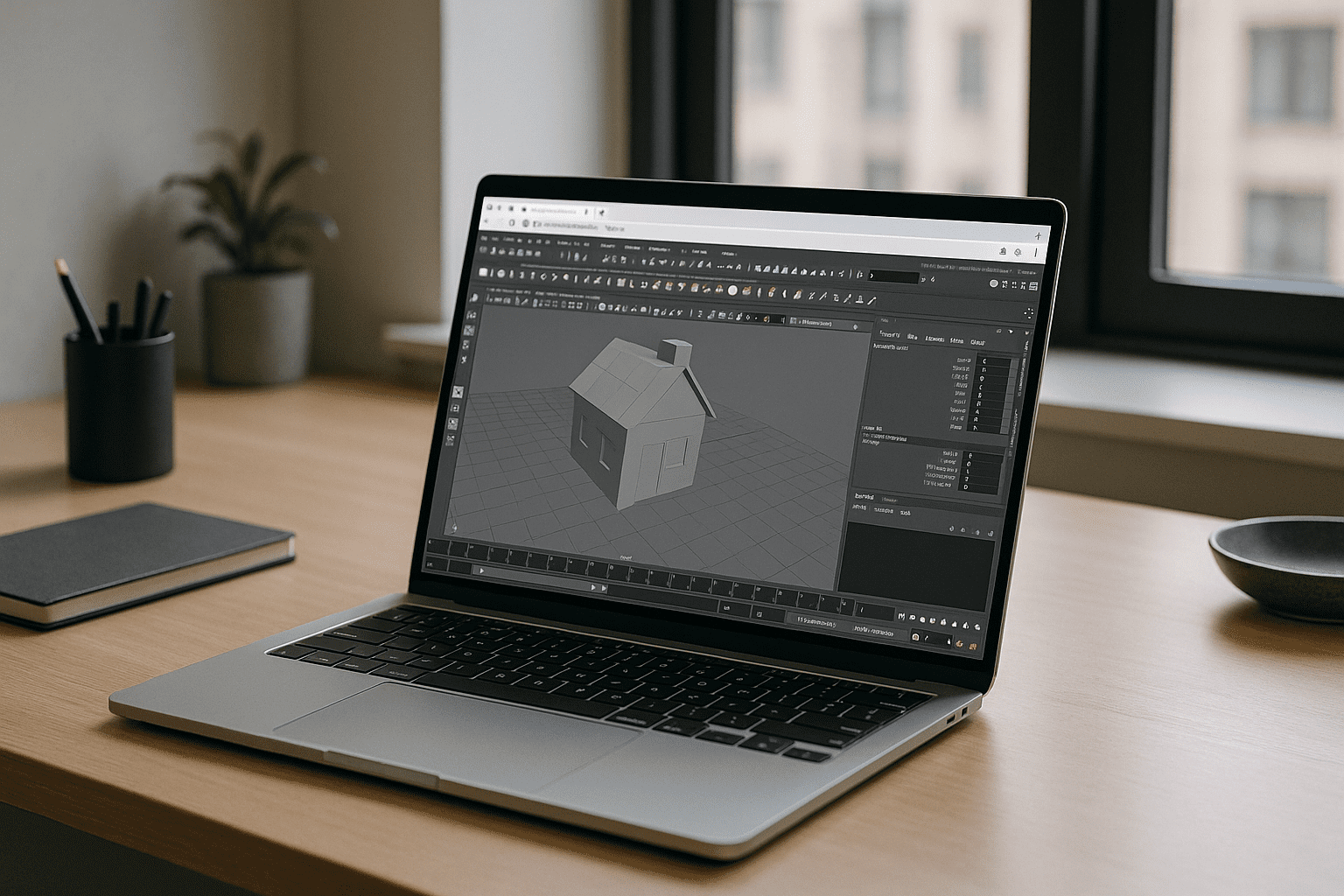
Workarounds like borrowing a lab machine, dual-booting, or shipping scenes to a colleague create delays, broken asset paths, and unreliable performance. The clean path is a browser-based desktop workspace that opens your tools instantly with GPU acceleration and stable storage, no local setup required. That approach lets you run software 3D Maya from anywhere while maintaining a consistent, production-ready environment.
Aristeem for Software 3D Maya: Instant, No Setup
Aristeem delivers a complete desktop environment in your browser, not an emulator and not a remote desktop. Open a ready-to-work space with GPU acceleration, persistent storage, and pre-configured tools, so you can start modeling or rendering without touching your local system. Applications are pre-installed and tuned; you simply press the Launch button in the library, and if the software requires a license, you sign in with your entitlement.
This workflow works from any device and keeps versions consistent across teams. It also preserves your pipeline: scripts, plugins, and caches live inside the same environment, so assets stay linked and predictable. To supercharge your rendering pipeline with advanced tools like V-Ray, Corona, and Phoenix without local hardware limits, explore the guide on Maya and Chaos integration in the Aristeem cloud to see how to run these professional engines directly in your browser.
Use Autodesk Maya Online With a Browser-First Workflow
A browser-based desktop environment removes installs, drivers, and hardware constraints while keeping performance consistent for complex scenes. It is the fastest way to work with Maya from any device, preserving your plugins, versions, and paths in one reliable place. Explore how this approach feels end to end with how software runs directly in a browser, and decide if it matches your production pace.


