


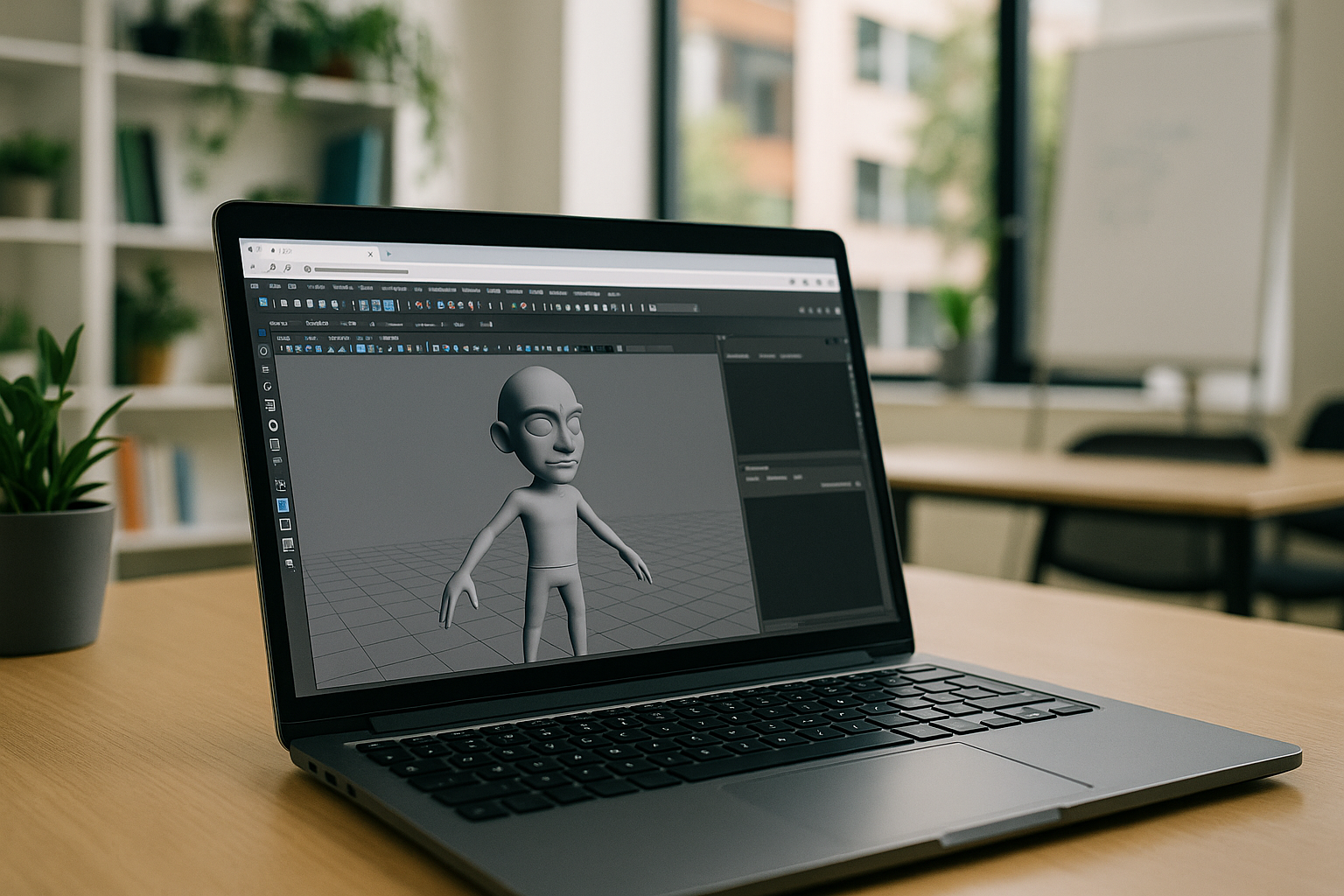
Autodesk Maya remains one of the leading 3D modeling, animation, and visualization programs used in movies, games, advertising, and architectural visualization. Its ability to create complex 3D scenes, characters, deformations, and animated objects makes it indispensable for professionals. Modern workflows often rely on Maya plugins to expand functionality and streamline production, from rendering and visualization to effects and simulation.
Popular Maya Plugins for Rendering, Visualization, and Effects
In modern 3D production, realistic visualization is a critical step when a model transitions from a technical framework to a final image. The integration of Autodesk Maya with Chaos Group and Keyshot Maya plugin creates a professional pipeline combining speed, quality, and versatility. These Maya plugins extend the workflow with tools for rendering, lighting, materials, simulations, and interactive visualization.
-
V-Ray — professional rendering
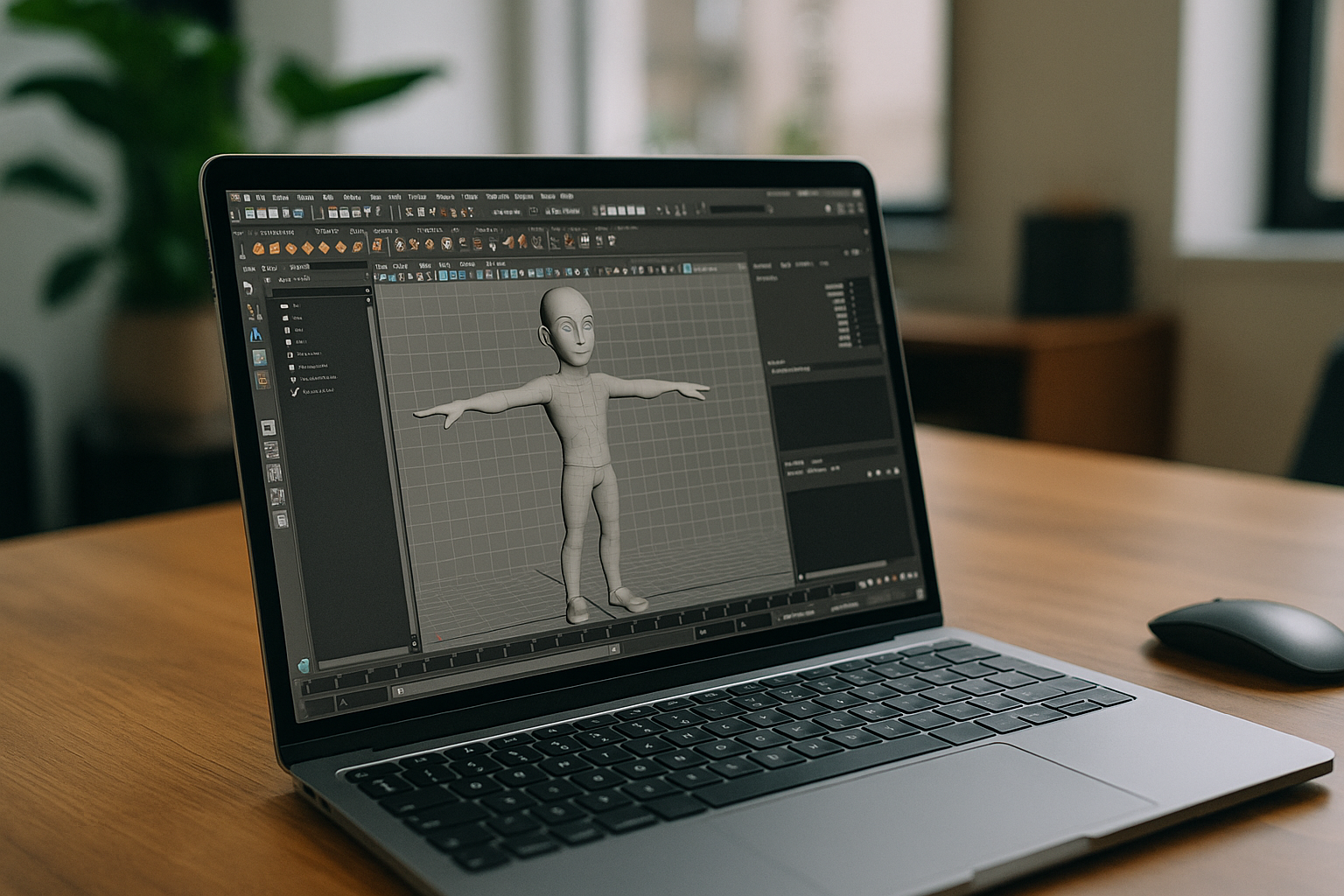
V-Ray for Maya provides realistic visualization with physically correct lighting and shadows:
-
Global Illumination support
-
Materials with accurate PBR rendering
-
Large set of shaders
Used in film, advertising, and architecture, where precise lighting is essential.
-
Phoenix — fire, smoke, and fluid simulations
Phoenix for Maya enables effects that are difficult for other tools:
-
Simulation of gases and fluids
-
Interaction with scene objects
-
Visualization of fire, explosions, and fog
Ideal for VFX artists and animators.
-
Corona — natural light and soft images
Corona for Maya emphasizes simplicity and naturalness:
-
Realistic daylight and artificial lighting
-
Fast results without complex settings
-
Organic material rendering
Frequently used in architecture and product visualization.
-
Enscape — fast interactive preview
Enscape plugin allows immediate visual feedback:
-
Interactive real-time rendering
-
Useful for architects and designers
-
Quick presentation of projects to clients
KeyShot offers fast product rendering:
-
Photorealistic product visualization
-
Support for HDRI and PBR materials
-
Interactive visualization
-
Import scenes from Maya
The KeyShot plugin for Maya lets designers quickly create presentation shots without complex shaders.
This workflow benefits architects, product designers, game animators, and VFX artists. Combining Maya with these rendering and visualization plugins can streamline workflows for lighting, materials, effects, and product visualization.
Running Maya Plugins in the Cloud
Modern 3D work no longer depends solely on powerful local machines. With Aristeem, Maya and supported plugins can run in a cloud-based Windows environment instead of relying on the local hardware of the device you use to access them. All you need is an internet connection. With just this one requirement, Maya for Mac, Maya 3D Linux, or even Maya on a tablet or low-end laptop becomes fully accessible.
Which Maya Plugin Do You Need?
- V-Ray — photorealistic rendering and lighting.
- Phoenix — fire, smoke, fluid, and other effects.
- Corona — rendering and visualization.
- Enscape — interactive visualization and real-time previews.
- KeyShot — product visualization and rendering.
Key benefits of Aristeem
-
Run Maya and Chaos plugins without hardware
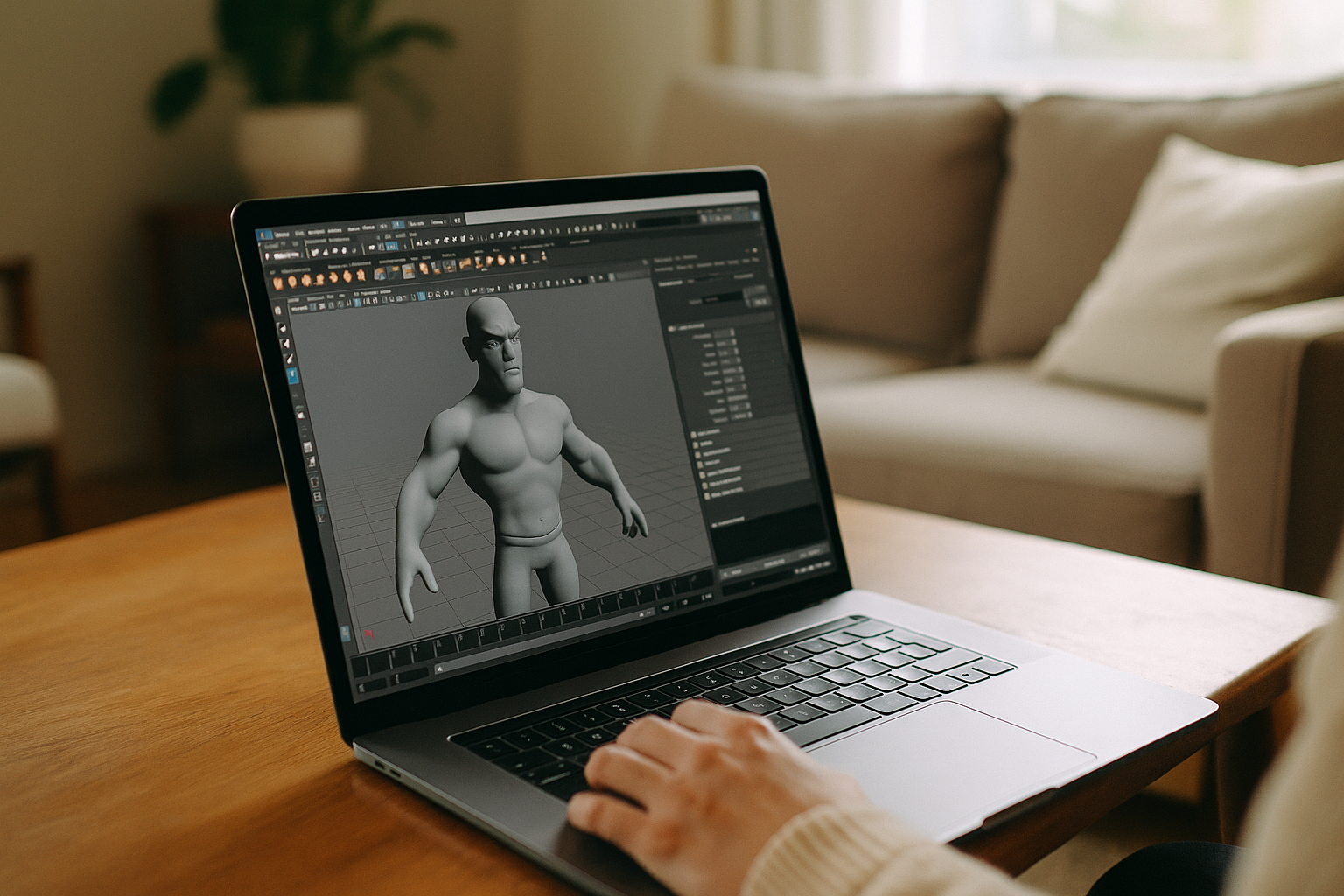
No RTX, drivers, or installation hassle. GPU-accelerated workflows for supported Maya plugins, including V-Ray, Corona, Phoenix, Enscape, and KeyShot. -
A single ecosystem of tools
All render engines, Maya plugins, and licenses in one place. No compatibility issues. -
Access from any platform
Windows, macOS, Linux, Chromebook, iPad — even low-end devices. Computations are cloud-based. -
Mobile rendering of complex scenes
GI, HDRI, FX, large textures, and simulations work without a workstation. -
Fast previews and renders
Enscape — for architecture; V-Ray/Corona — for photorealism; Phoenix — for FX; KeyShot — for products. Minimal delays, parallel rendering possible.
Conclusion
Maya plugins extend the software with specialized tools for rendering, visualization, simulation, and effects. For users who cannot run Maya and its plugins comfortably on local hardware, a cloud-based Windows environment provides another way to access the required workflow. With Aristeem, professionals achieve photorealistic rendering and simulations anytime, on any device, opening new levels of mobility and efficiency in 3D visualization.


