


The Classic Mac Dilemma
For many professionals, the MacBook is the perfect tool — until it’s time to run Windows software on Mac. Whether it’s a specific CAD tool, a legacy accounting suite, or a proprietary Windows-only plugin, the “incompatibility wall” is a major productivity killer. While Apple’s hardware is top-tier, the struggle to access the Windows ecosystem often forces users to carry two laptops, settle for “lite” versions of essential apps, or spend hours troubleshooting unstable workarounds.
Why Parallels and Boot Camp are Fading in the Apple Silicon Era
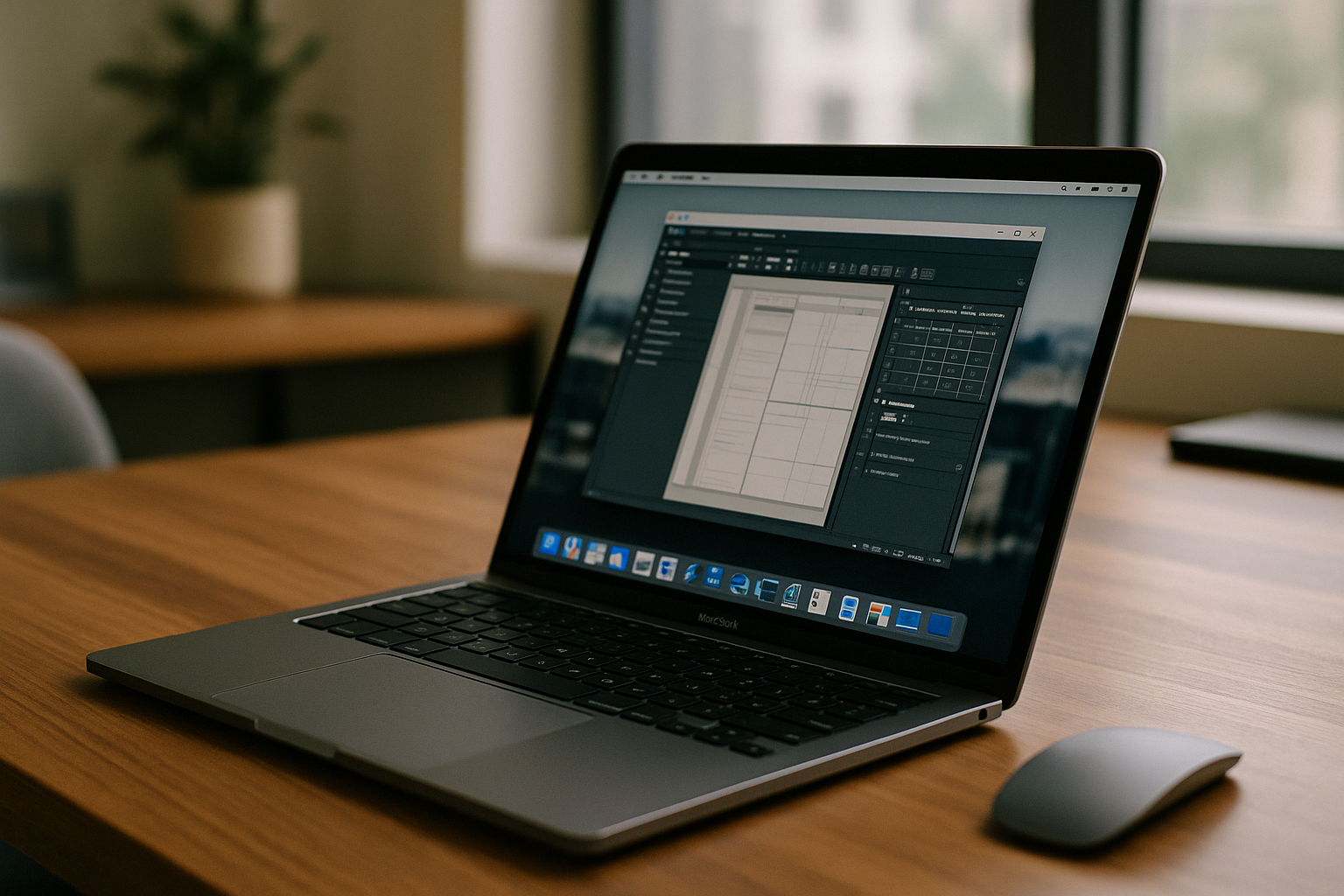 Traditionally, there were only two ways to bridge this gap, but both have become increasingly problematic since the introduction of Apple’s M1, M2, and M3 chips:
- The End of Boot Camp: On newer Apple Silicon Macs, Boot Camp is no longer supported. This means the classic method of installing Windows on a separate partition is gone for anyone with a modern Mac. Even on older Intel-based Macs, Boot Camp requires you to restart your entire computer every time you need to switch systems, which is a massive disruption to a modern, fast-paced workflow.
- The “Resource Tax” of Local Virtualization: Running a Windows VM through software like Parallels or VMware consumes a massive amount of your Mac’s RAM and disk space. This “resource tax” drains your battery in a couple of hours and can cause your Mac to overheat, especially during heavy tasks like 3D rendering, complex simulations, or video editing. To run these tools effectively, you’d need a high-spec Mac with 32GB of RAM, which adds thousands to your initial hardware cost.
- Storage Limitations: Mac storage is notoriously expensive. Allocating 64GB or 128GB of your precious SSD just to host a Windows environment and its apps leaves very little room for your actual macOS files and projects.
Aristeem: A Browser-Based Revolution for Power Users
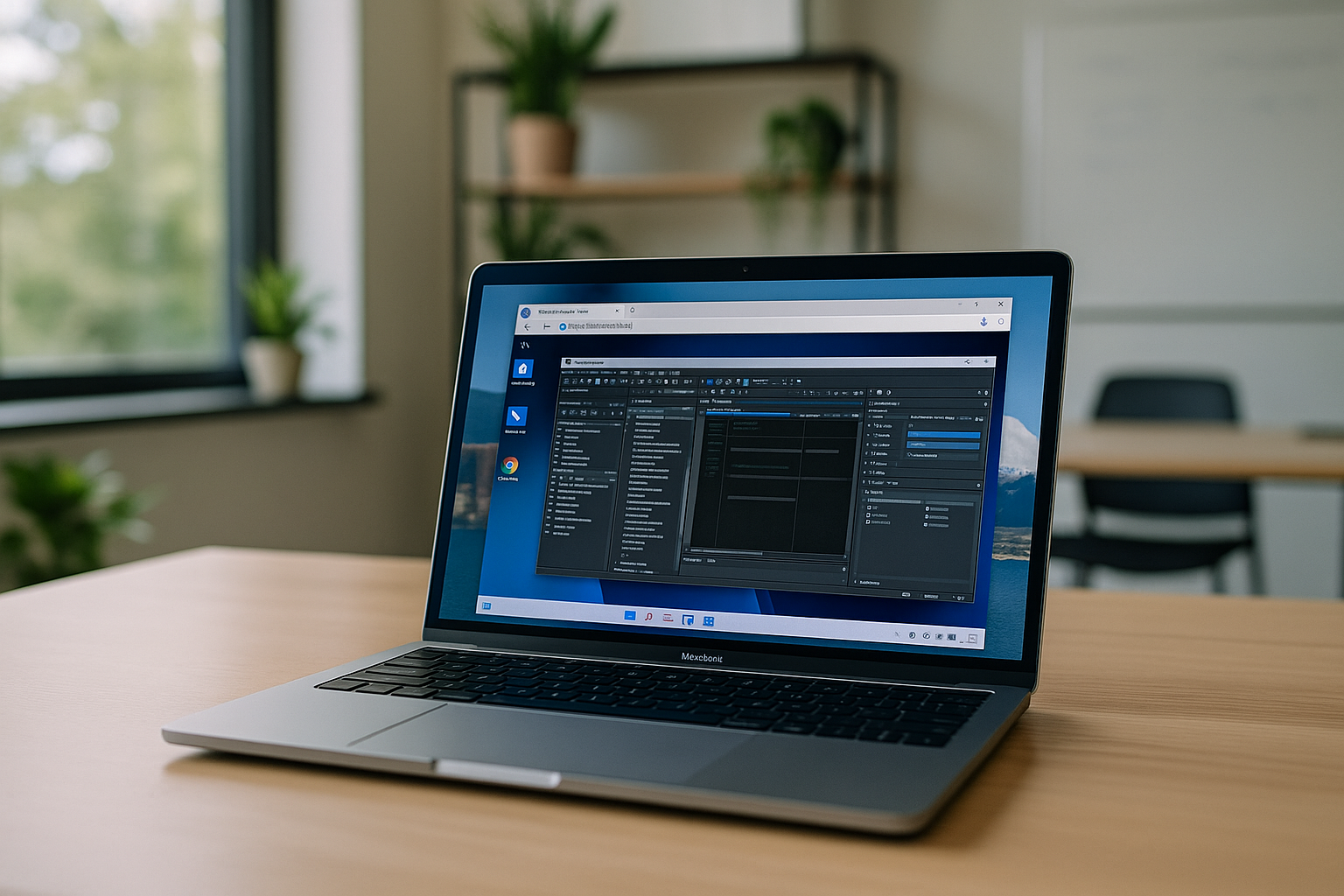
Instead of fighting with your Mac’s physical hardware, Aristeem allows you to run Windows software on Mac through a high-performance, browser-based cloud environment. Since the processing and computation happen on a dedicated remote server, your Mac stays cool, your battery lasts all day, and you don’t lose a single gigabyte of local storage.
The “Zero-Footprint” Advantage for Mac Enthusiasts:
- No Installation or IT Headaches: You don’t need to configure complex virtual disks, manage licenses for virtualization software, or hunt for Windows ISO files. Just log in through Safari or Chrome and start working instantly.
- Native Speed on Any Chip: Unlike local VMs that often struggle with ARM-based architecture and emulation layers, Aristeem provides a native, high-speed Windows experience. It works identically on an old Intel MacBook Air or a brand-new M3 Max MacBook Pro.
- Seamless Multitasking across OSs: You can keep your macOS clean for creative work and meetings while running heavy Windows tools in a browser tab. Switching between systems becomes as easy as switching between website tabs — no reboots, no lag.
Professional Scenarios: Real-World Flexibility
Imagine you are an architect using a Mac for its design capabilities. On-site, you need to open a full version of a Windows-only BIM tool to check structural details. Instead of carrying a second “PC laptop,” you simply open Aristeem on your Mac or even your iPad.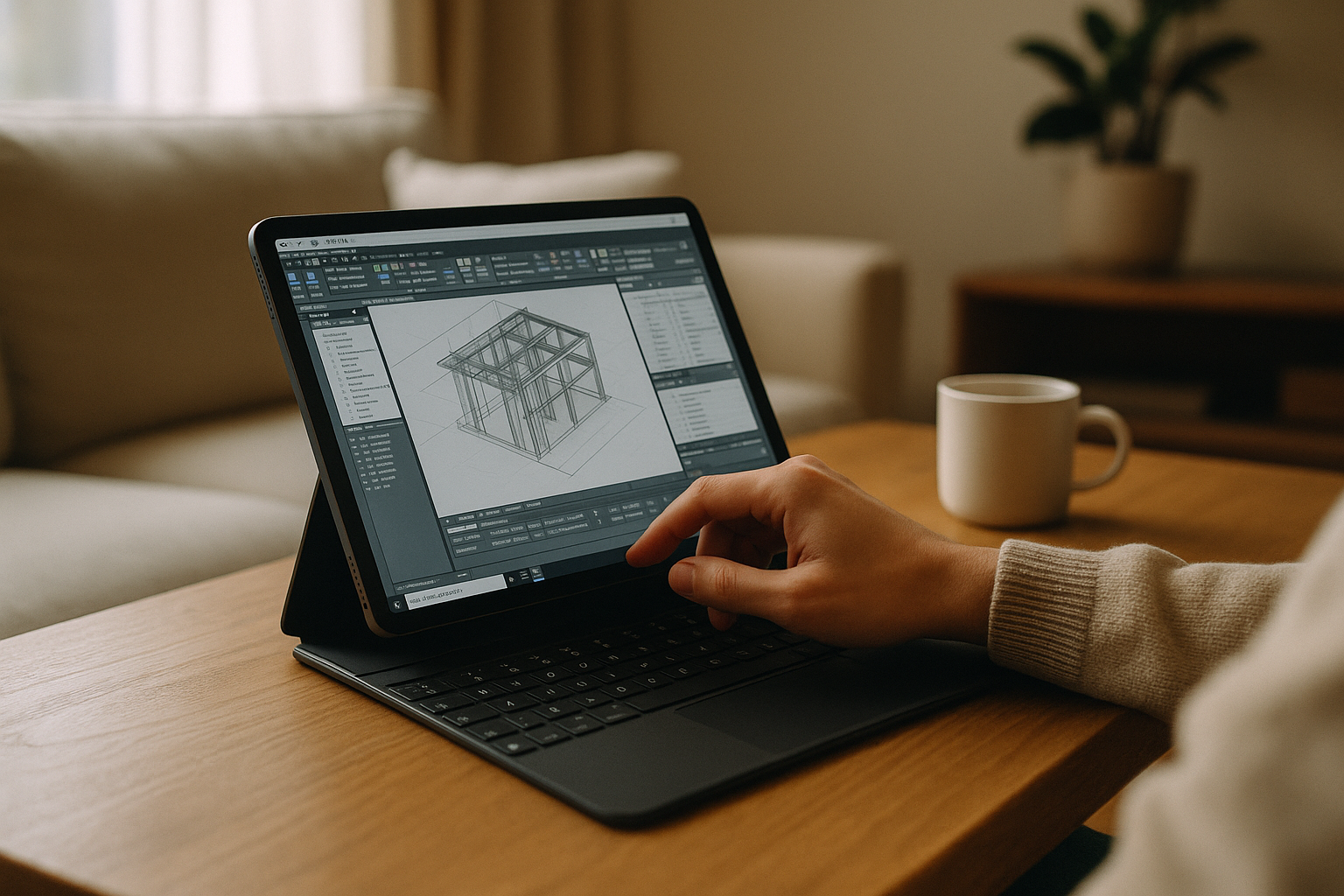
For developers, Aristeem offers a clean, isolated environment to test Windows-specific applications without cluttering their main development machine. This isolation is a key benefit: if something crashes within the cloud VM, your macOS remains perfectly stable and unaffected. If your workflow involves heavy CAD pipelines or x86 compiler tools that crash under local emulation, read our technical guide on virtual machine Mac workflows without local hypervisors.
Elevate Your Mac Experience Today
Don’t let software compatibility dictate your choice of hardware or force you into expensive, battery-draining workarounds. With Aristeem, you get the best of both worlds: the elegance and battery life of macOS combined with the raw, unrestricted power of a Windows workstation.
Experience the most efficient way to run Windows software on Mac without the heat, the lag, or the cost. Try Aristeem today and transform your browser into a professional-grade Windows environment.


