


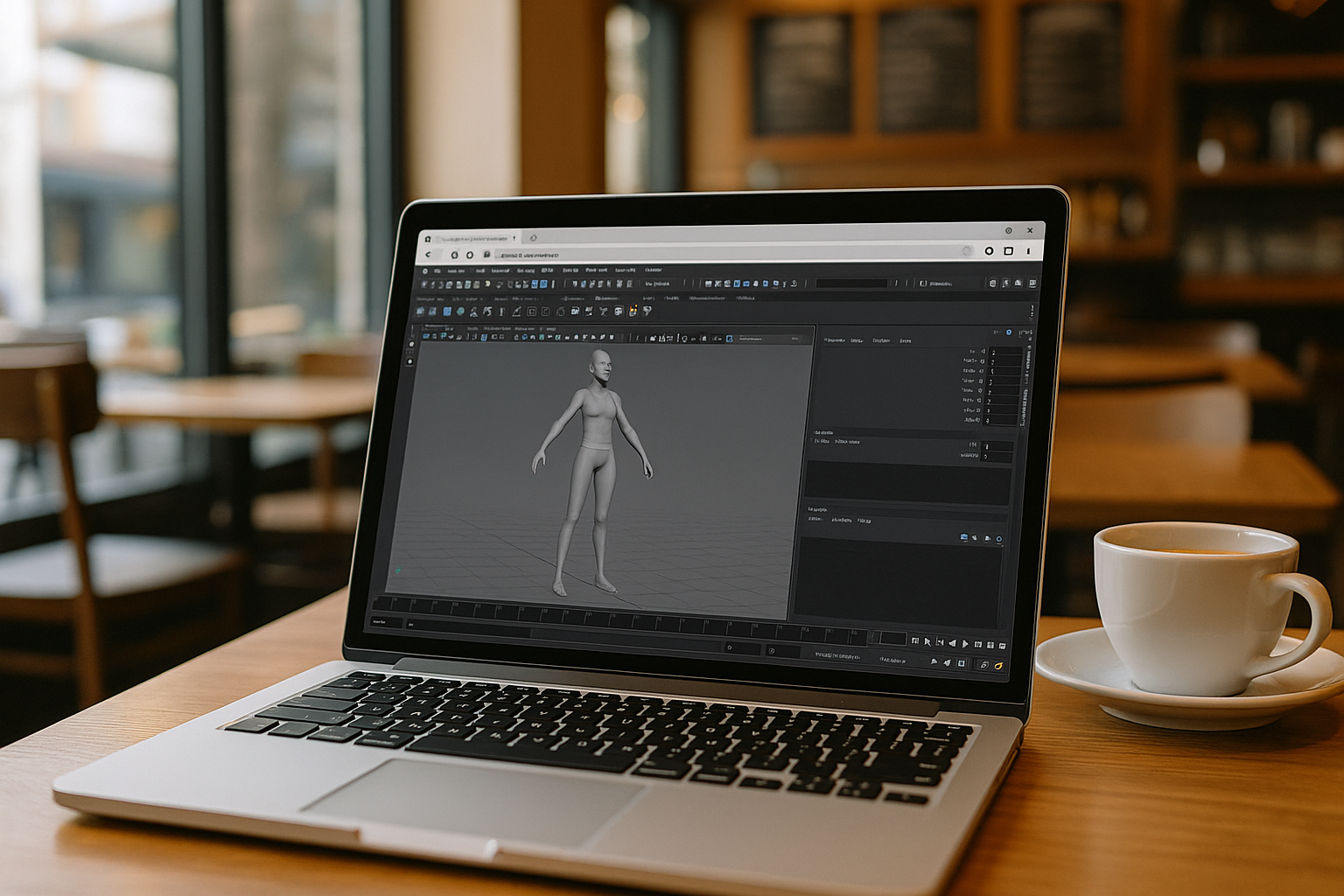
In 2026, Autodesk Maya software remains one of the most powerful tools for 3D animation, modeling, and visualization, actively used in film, game design, and virtual reality. For students of creative disciplines, Maya 2026 is not just a program — it is an industry standard that opens the door to professional careers in 3D and VFX.
Despite its complex interface and high system requirements, Autodesk Maya 3D has become far more accessible thanks to cloud technologies. Now, Maya for students can be launched directly in a browser — without powerful hardware or Windows installation. This makes Autodesk Maya 2026 an ideal choice for learning, especially for those working on MacBooks, Chromebooks, or tablets.
Autodesk Maya 2025 is accessible on any device
One of the main advantages of Autodesk Maya and cloud-based access is flexibility regardless of the device type. Previously limited to heavy Windows workstations, students can now enjoy a smoother, cross-platform experience with the cloud version.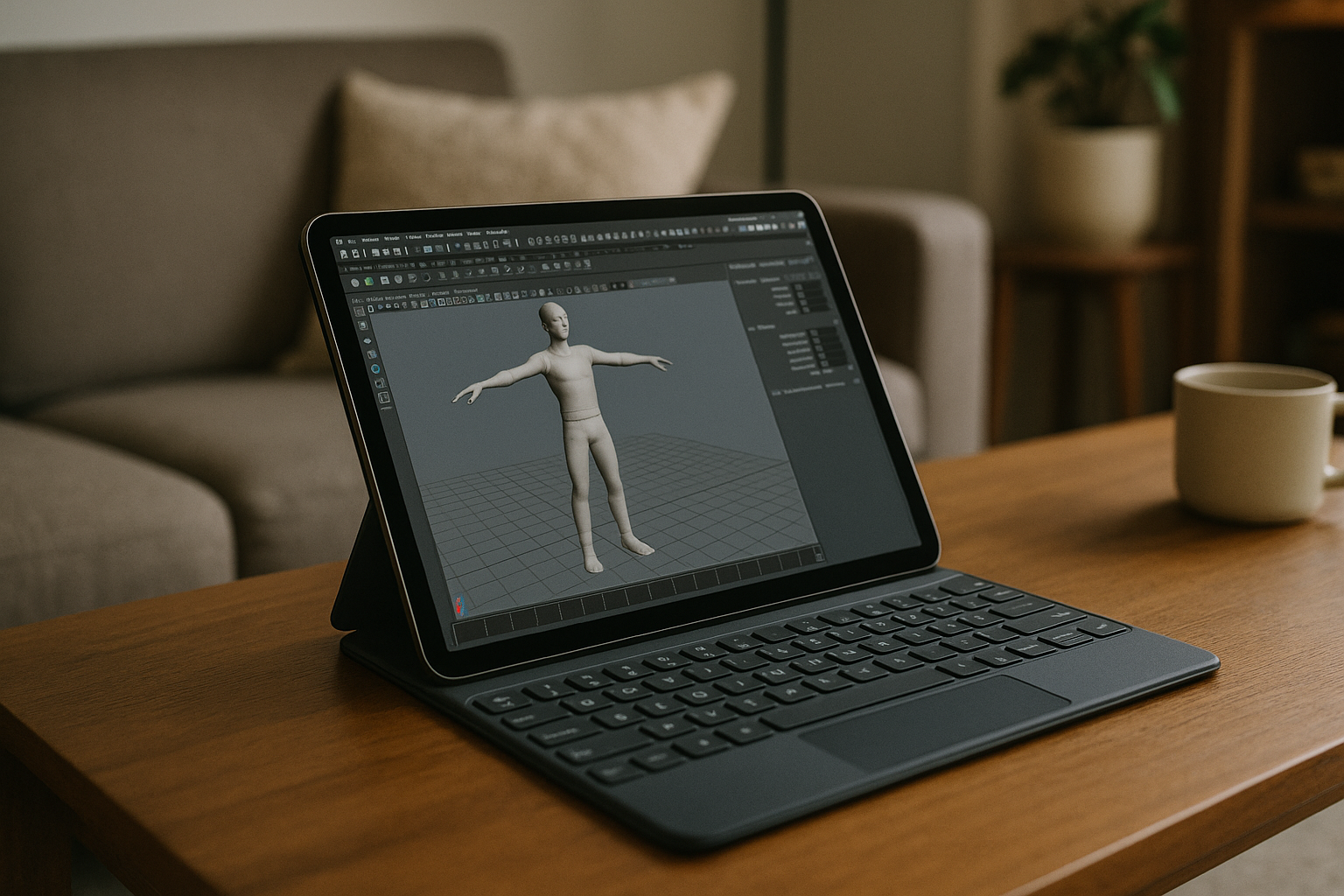
With Aristeem Cloud, Autodesk Maya software can be run online on a Mac, iPad, Chromebook, or even lightweight laptops — no setup or installation needed. All processing happens remotely, so students enjoy the full performance of Maya 3D online directly from the browser. This means you can model, animate, and render in real time without worrying about your system’s performance or Autodesk Maya licence limitations.
This opens up new opportunities for creative learners who study remotely or work on the go. Whether you’re practicing character rigging, visual effects, or exploring workflows between 3ds Max Maya projects, you can do it seamlessly on any device.
How students can use Autodesk Maya 2025 on Mac and other devices
| Solution | Advantages | Disadvantages |
| Bootcamp / Dual Boot | Full access to the Windows environment | Only supported on older Macs; requires rebooting and disk partitioning |
| Parallels / Virtual Machines | Allow you to run Windows without rebooting | Reduce performance; require a Windows license and powerful hardware |
| Local Windows PC | Full support for Maya features | High hardware cost, lack of mobility, requires technical maintenance |
| Aristeem Cloud | Run Maya 3D online in a browser without installation, works on Mac, iPad, Chromebook, and Linux; stable performance; student rates available | Requires a stable internet connection |
Why Aristeem is the best solution for students
- For students learning Autodesk Maya 3D, it’s crucial to have full access to professional tools without technical barriers. Aristeem Cloud offers the most convenient way to use Autodesk Maya 2026 — no installation, no virtual machines, no expensive hardware.
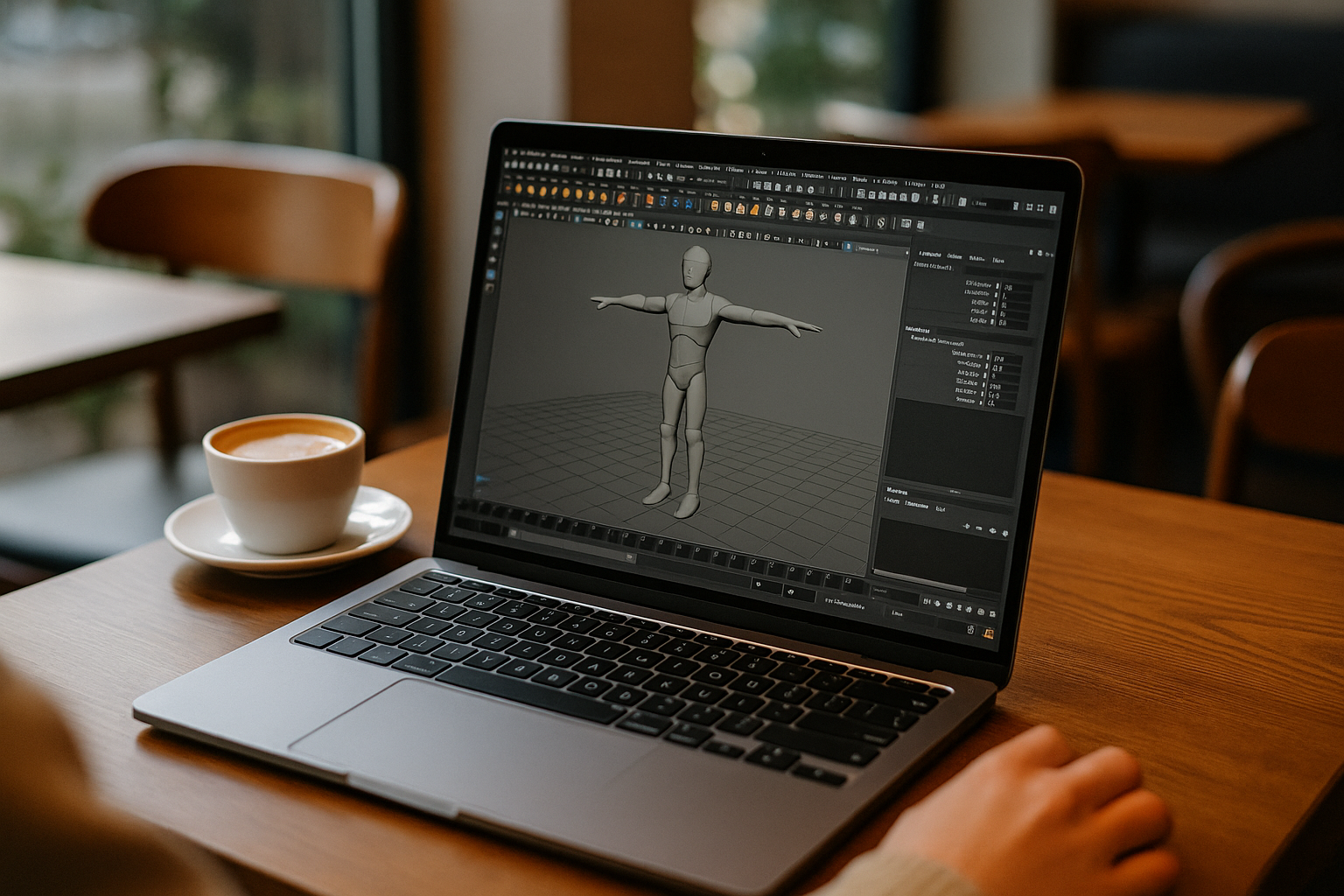
- Unlike other methods, Aristeem runs the full Autodesk Maya software online directly in your browser. It’s an ideal solution for learning: fast launch, secure data storage, and stable performance on any device — even for users exploring Autodesk Maya Mac workflows on budget systems or lightweight devices.
- Another major advantage is flexibility — with Aristeem, the Autodesk Maya price adapts to your needs, allowing students to choose the most convenient and affordable plan. You pay only for the hours you use the program. And if you have questions, instant technical support via Telegram and WhatsApp is available anytime.
- Aristeem combines mobility, performance, and affordability — everything students need to comfortably learn and create in Maya 2025 anywhere.
Conclusion
Of all available options, Aristeem Cloud remains the best solution for Maya for students. You get full access to Autodesk Maya 2026 and the latest Autodesk Maya licence features online — without complicated setup or expensive devices. Simply launch it in your browser and start designing in Maya 3D online.


