


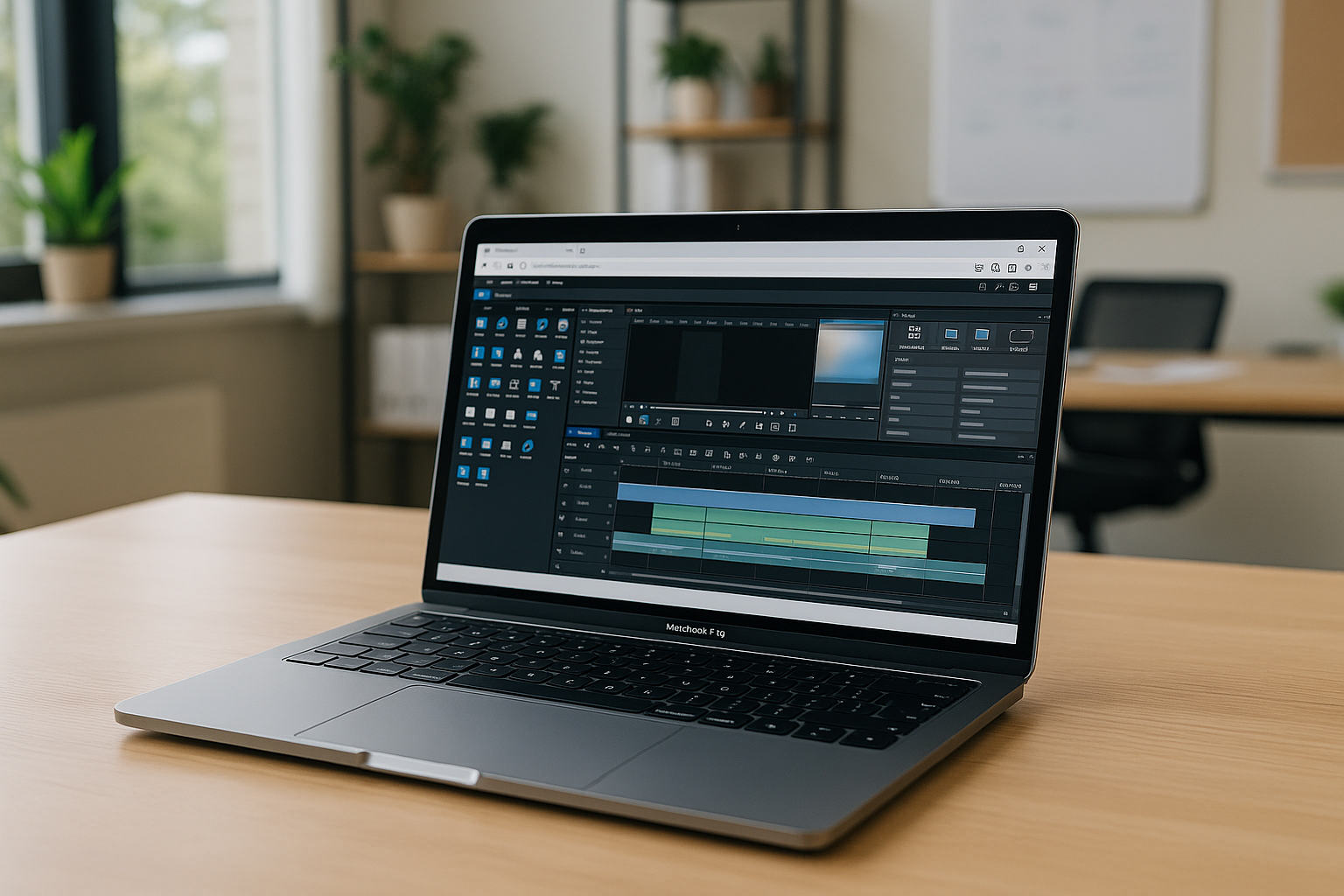
Corel VideoStudio is a Windows video editing application for creating and editing video projects with effects, transitions, titles, and support for high-resolution footage. It is designed for a range of editing tasks, from basic cuts and adjustments to more advanced projects with layered content and effects.
For Mac users, the main challenge is that VideoStudio does not have a native macOS version. If you need to use the Windows application on a Mac, you can either run Windows locally or access a Windows environment in the cloud.
How macOS users can work with Corel VideoStudio
Corel VideoStudio is available for Windows rather than macOS, so Mac users need a Windows environment to run it. One option is to install Windows locally, while another is to use a virtual machine such as Parallels Desktop or VMware Fusion.
A cloud Windows environment provides another approach: you can access a Windows desktop from your Mac and install and use the required application there, without setting up Windows locally on the Mac. For a closer look at this workflow, see Corel VideoStudio in a cloud PC.
Boot Camp
Advantages:
- Runs the Windows version of VideoStudio in a native Windows environment.

Disadvantages:
- You need to restart your computer to switch between macOS and Windows.
- Takes up a lot of disk space.
- Boot Camp is not supported on computers with Apple Silicon processors (M1, M2, M3).
Virtual machines (Parallels Desktop, VMware Fusion)
Advantages:
- Allow Windows and macOS to run on the same Mac.
- Avoid restarting the computer when switching between systems.
Disadvantages:
- Require local storage and system resources for Windows and the virtual machine.
- Setup and maintenance are required on the Mac.
Aristeem cloud solution
Advantages:
- No need to install Windows locally or configure a virtual machine on the Mac.
- The Windows desktop is accessed remotely, while VideoStudio runs in the cloud environment.
- Your Mac does not need to handle the Windows installation and application workload locally.
- You can access the same Windows environment from supported devices with an internet connection.
Disadvantages:
- Requires a stable internet connection.
For Mac users who do not want to install Windows locally, a cloud Windows environment offers a simpler way to access the Windows version of VideoStudio. It avoids local Windows setup while keeping the application available through a remote Windows desktop.
Why choose Aristeem for VideoStudio on macOS
- Access the Windows version of Corel VideoStudio through a cloud Windows environment instead of installing Windows locally on your Mac.
- No need to configure Boot Camp or a local virtual machine before using the application.
- Keep your existing macOS setup while accessing the Windows software you need in a separate environment.
- Use the cloud Windows environment from your Mac without dedicating local storage to a Windows installation.
- Continue working with your Windows application from supported devices when you have a stable internet connection.
If you need help getting started, Aristeem support is available through WhatsApp and Telegram.
Conclusion
For Mac users who need the Windows version of Corel VideoStudio, Aristeem provides a way to access a Windows environment without installing Windows locally on the Mac. Instead of setting up Boot Camp or a virtual machine, you can connect to the cloud Windows desktop and use the application there.
This approach is useful when you want to keep your existing macOS setup while accessing Windows software for video editing.


