


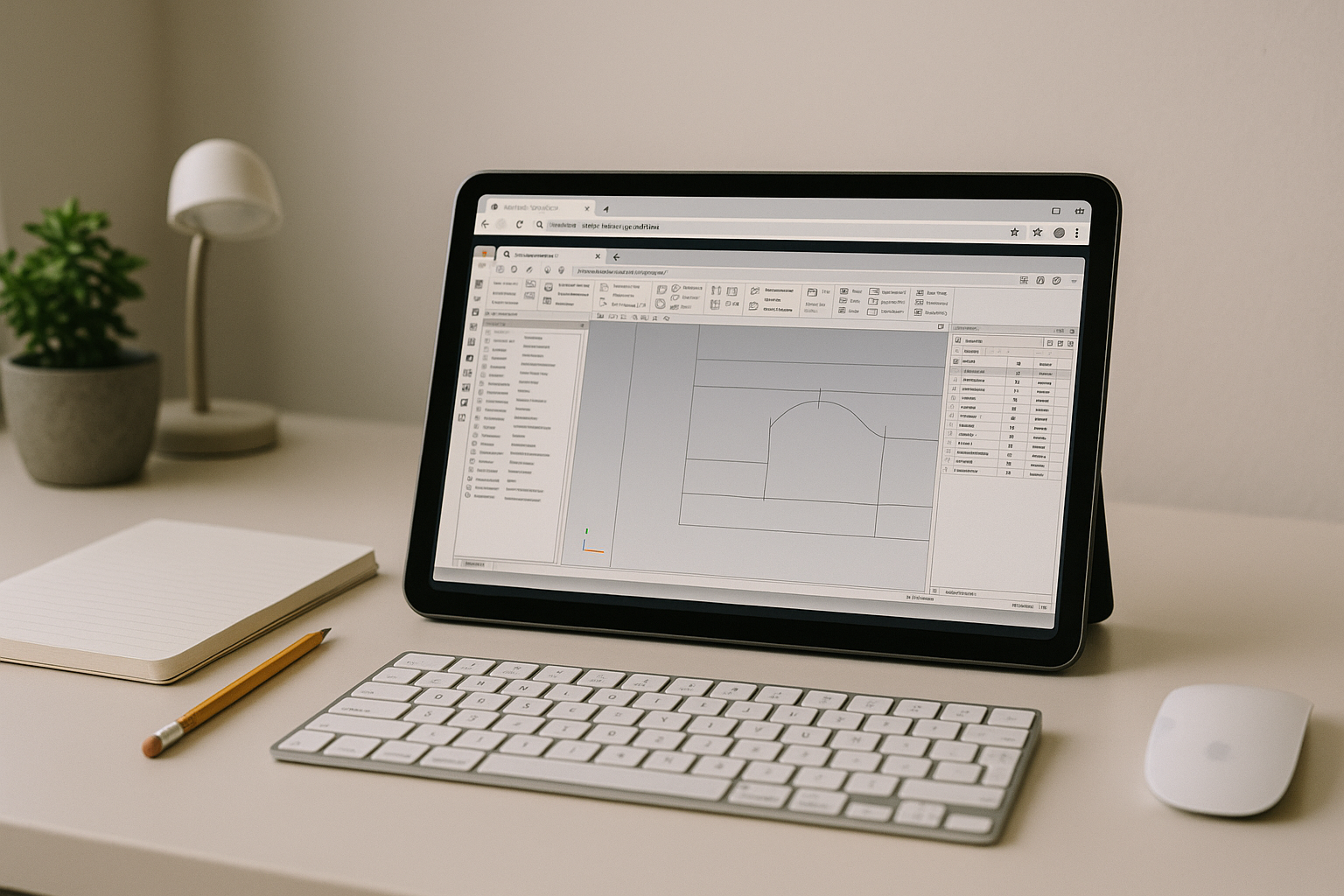
Mastercam in browser: production work blocked by setup and hardware
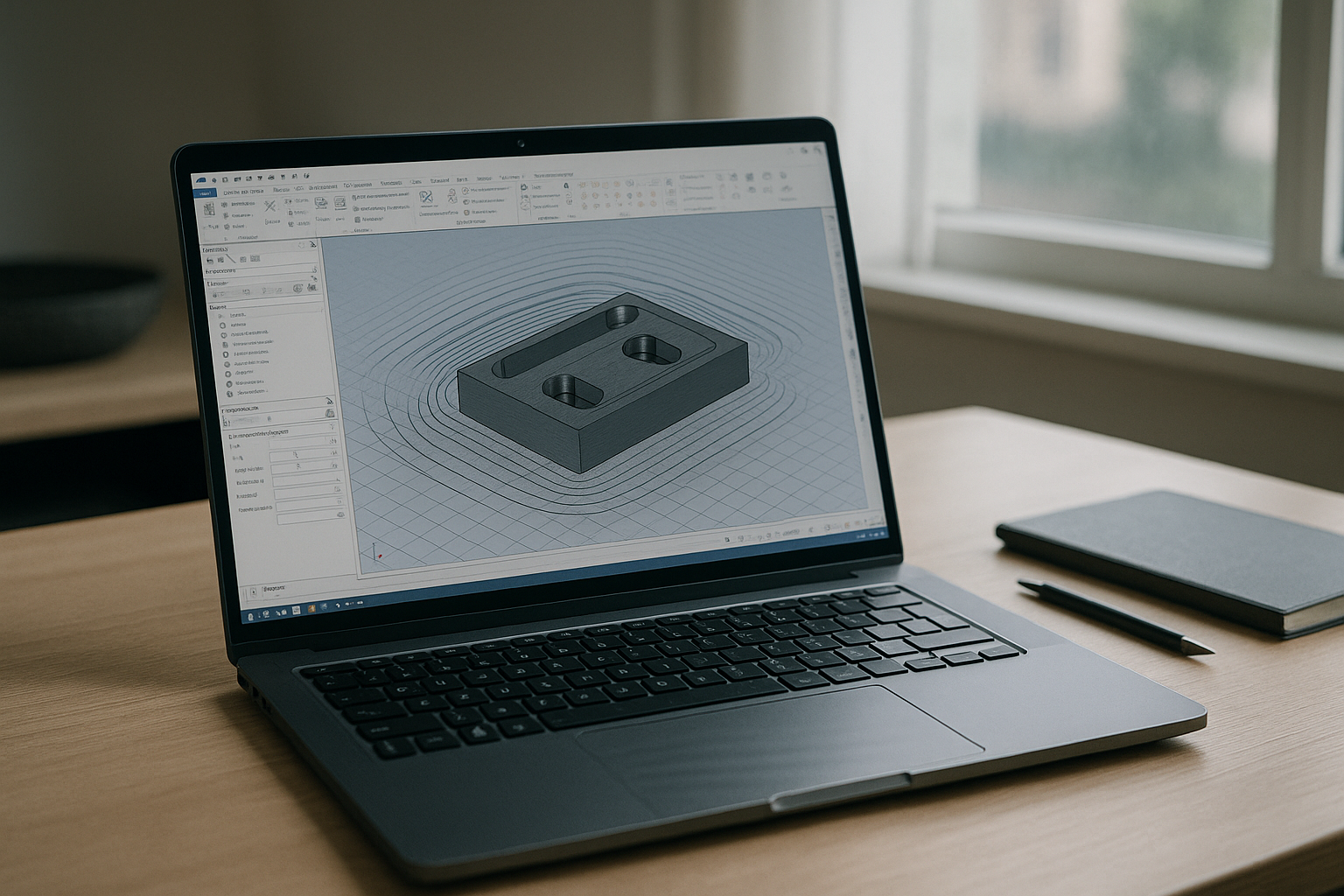
Shops and programming teams often lose hours wrestling with installs, admin rights, and GPU drivers before they can cut the first chip. Mixed-device environments, contractor laptops, and travel scenarios make consistent access to Mastercam software unreliable. Even inside the office, version conflicts and graphics instability derail simulation and posting when deadlines are tight.
The result: programmers bounce between machines, IT tickets pile up, and valuable machine time waits on configuration instead of toolpaths.
Why buying a bigger PC won’t achieve Mastercam in browser flexibility
Upgrading to a high-end workstation feels like the safest fix, but it doesn’t address mobility or cross-device access.
- Capex and delays: procurement cycles, imaging, and deployment stall urgent programming work.
- IT constraints persist: admin policies, security agents, and driver approval queues still block rapid changes.
- Immobile performance: power stays tied to one desk; remote and field work remain compromised.
- Driver drift returns: new GPUs also face future updates, regressions, and version-sensitive plug-ins.
- Hidden overhead: peripherals, power, and accelerated refresh cycles add ongoing cost without solving access from any device.
Best way to run Mastercam online without local installs
To keep Mastercam software consistent and ready anywhere, compare practical approaches and move toward a browser-based desktop environment.
| Approach | Capabilities | Complexity |
|---|---|---|
| Buy a new workstation | High local performance on one machine | Procurement, imaging, driver upkeep |
| Traditional VDI/RDP | Centralized access, variable 3D performance | Complex to tune for GPU and latency |
| Bring-your-own cloud VM | Customizable, scalable compute | Manual setup, OS images, drivers, security |
| Browser-based cloud PC for Mastercam | Ready GPU desktop, persistent storage, anywhere access | Low—no local installs or admin rights |
2026 outlook: cloud PC for Mastercam and hardware independence
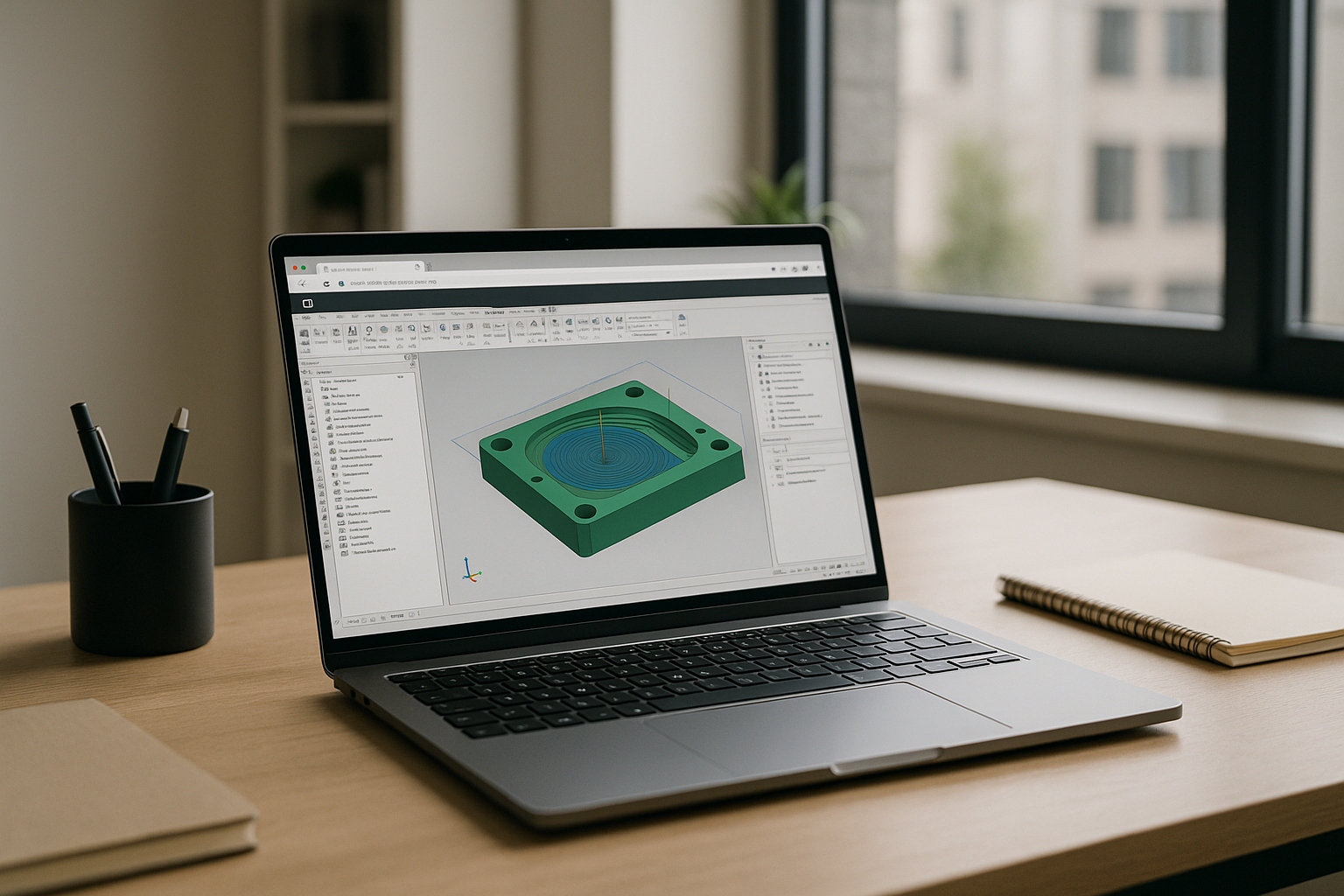
Manufacturing teams are standardizing on browser-first workstations with GPU virtualization, predictable latency via regional edges, and zero-trust access controls. Persistent user volumes keep tool libraries, posts, and settings intact across sessions. This model isn’t an emulator or a remote desktop—it’s a full desktop environment streamed securely, cutting out local installs yet preserving native performance for programming, simulation, and posting.
Run Mastercam in browser with a full desktop environment
The Aristeem platform delivers a ready-to-use, GPU-accelerated desktop in your browser — no local installs, no admin rights, and persistent storage for projects, posts, and tool libraries. It is not an emulator or a remote desktop; it’s a complete workstation accessible from any device, giving consistent performance for programming and verification.
Getting started is immediate: applications are pre-installed and pre-configured, so you simply press “Launch” in the library. If Mastercam requires a license, you use your own—everything else is prepared to run Mastercam software without touching your local machine.
Teams gain predictable performance, easy scaling for contractors or new seats, and a unified environment that avoids version drift and GPU driver roulette. If you need a Linux-specific deployment option, see our guide to running Mastercam on Linux.
A reliable path to Mastercam in browser for every device
By moving Mastercam software to a browser-based, GPU workstation, engineers keep simulations smooth, posts consistent, and projects portable — without hardware upgrades or IT bottlenecks. This approach also extends cleanly to adjacent toolchains through the broader catalog of supported engineering programs in the browser.


