


Estimating Marmoset Toolbag 5 Price and the Real Total Cost
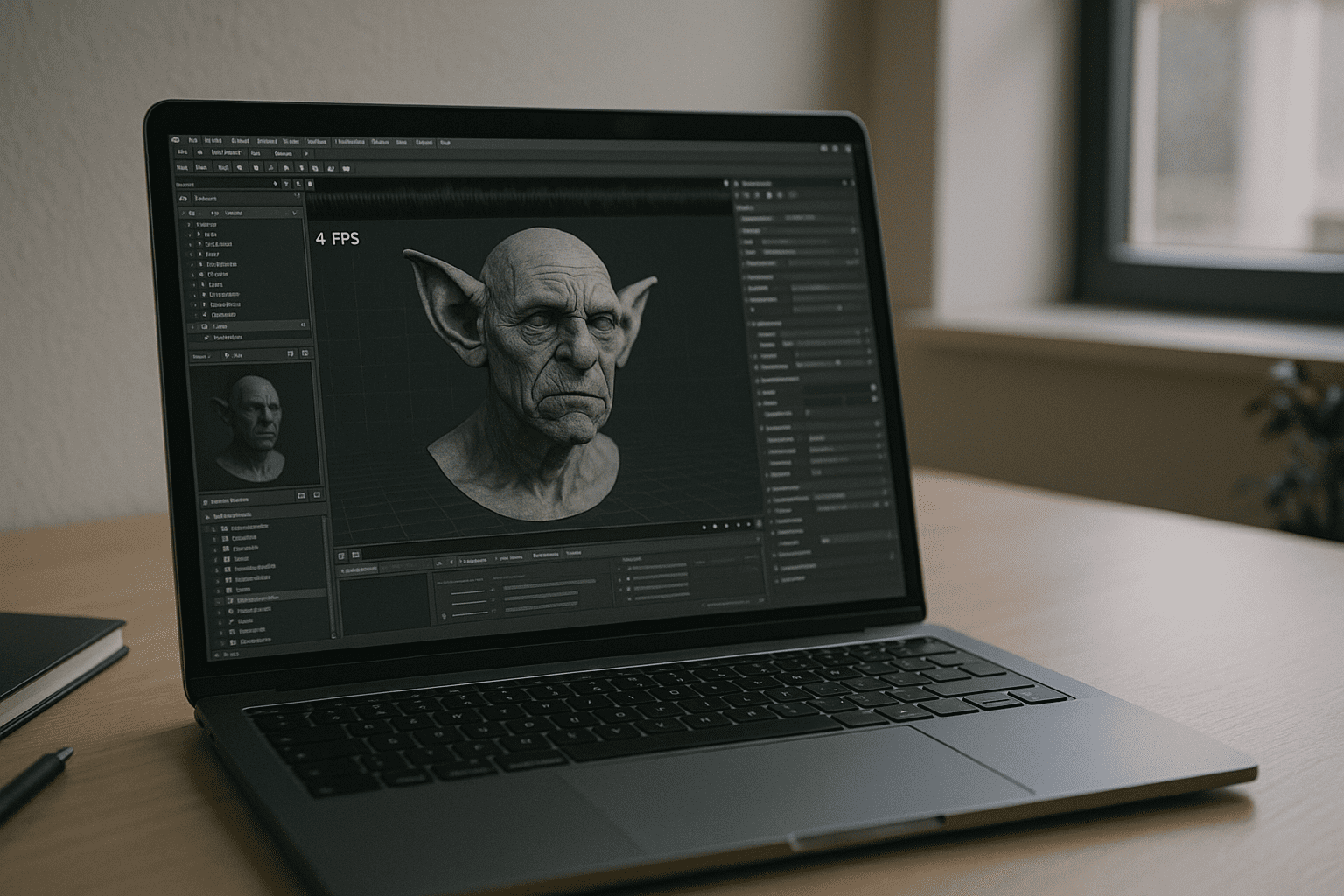
You search for the exact Marmoset Toolbag 5 price, but the number that truly matters is the total cost to get smooth real-time lookdev and rendering. A new scene arrives, your current laptop stutters, and deadlines won’t wait. Licensing feels clear, but the hidden expense is the graphics horsepower you may need just to run Toolbag 5 at professional speed. The result is uncertainty: do you budget only the license, or the license plus a workstation upgrade? This is why many teams ask about the Marmoset Toolbag price in the context of hardware they may not want to buy.
Why Buying a New PC Distorts Marmoset Toolbag Pricing
The go-to workaround is to buy a better PC with a bigger GPU, but that converts a simple software decision into capital expenditure. High-VRAM cards, larger PSUs, cooling, and faster storage add up, and delivery delays or RMA cycles can derail production schedules. You also inherit driver upkeep, OS patching, and plugin migrations — time that should be spent lighting, shading, and rendering. A fixed workstation locks you to one location, clashes with hybrid work, and ages quickly as scenes grow. What began as a clean license choice now includes depreciation, electricity, noise, and floor space — none of which change the software license price, yet all of them increase the total cost of using Toolbag 5.
2026 Trends Shaping Marmoset Toolbag Pricing and Access
Studios are shifting toward cloud-native workflows where compute is elastic, temporary, and location-independent. Teams expect to open a browser and get GPU power on demand, aligning costs with active projects instead of buying hardware up front. Enterprises favor operational flexibility, audited access, and the ability to provision identical environments to freelancers and staff in minutes. For artists, this means lookdev, baking, and rendering can happen on any device while keeping license ownership intact. This transition reframes the Marmoset Toolbag price as a predictable software cost paired with usage-based compute, not a workstation purchase.
Finding the Best Path to Lower Toolbag 5 License Cost in Practice
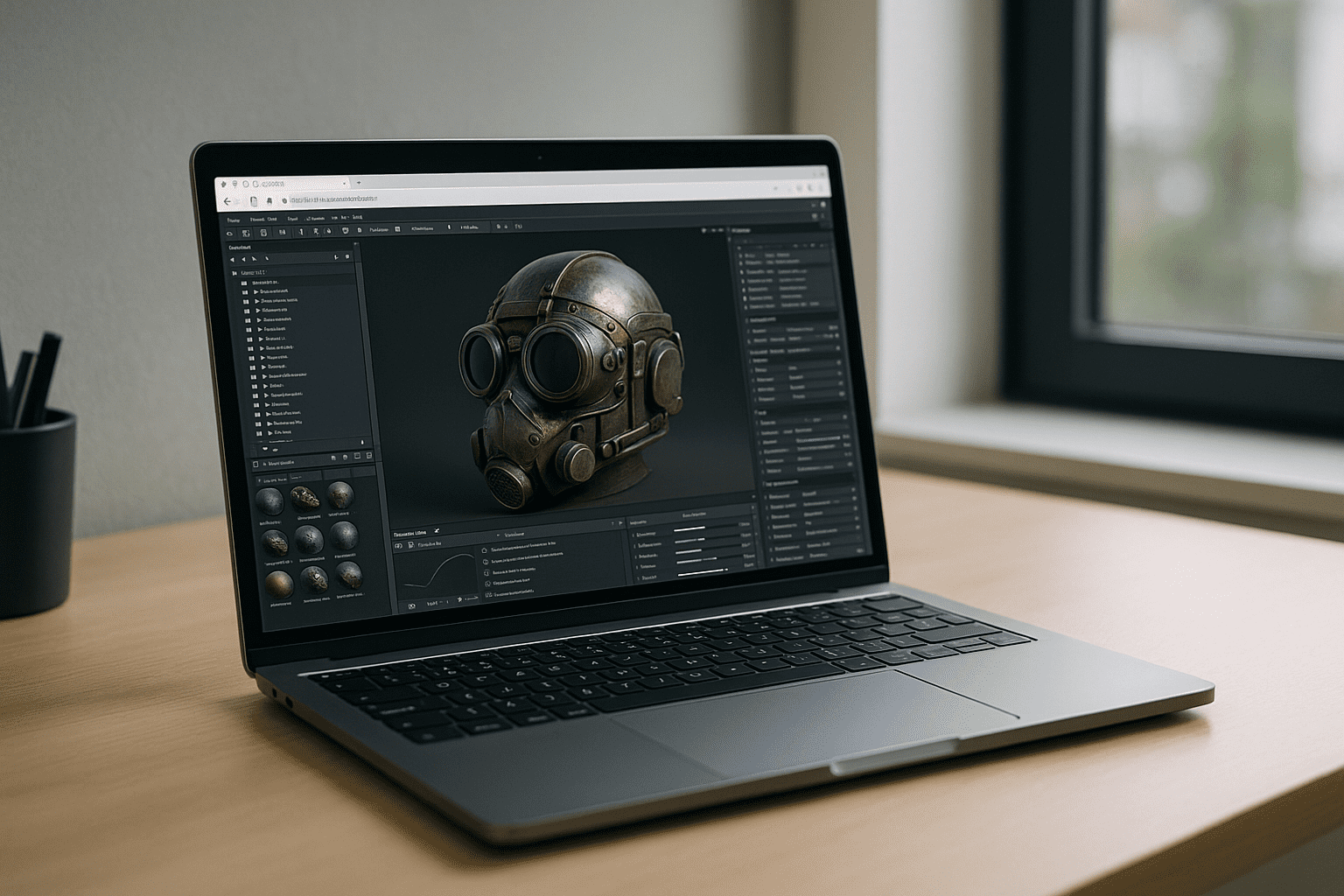
Workarounds like simplifying scenes, queuing renders on a shared PC, or renting a render farm help in bursts but break interactive iteration. A more durable approach is to separate software licensing from hardware ownership and run Toolbag 5 in a high-performance environment accessible through the browser. You keep your license, but shift compute to scalable GPU machines that appear instantly when needed and vanish when idle. This preserves lookdev speed without the capital hit, keeps teams mobile, and stabilizes budgets. In short, a browser-based cloud PC lets you keep software licensing separate from hardware costs, making Toolbag 5 far more economical to use.
Use Marmoset Toolbag 5 Without a GPU Upgrade
Instead of installing software on your own device, Aristeem lets you launch a fully configured desktop workspace from any modern browser. Everything is ready to use from the start, without emulation, remote desktop software, or local configuration. Marmoset Toolbag 5 comes pre-installed and pre-configured; you simply press Launch in the library and sign in with your paid license if required. GPU power is ready on day one, and you can install plugins, add tools, and keep assets in a familiar desktop workflow from any device. Learn more about using Marmoset Toolbag 5 in a browser, with a ready-to-use cloud workspace that works across devices without local installation. This approach converts one-time hardware outlays into predictable operating spend while preserving your creative speed.
Conclusion: A Clear View of Marmoset Toolbag Pricing Without New Hardware
When you strip away the workstation purchase, you see the true cost of using Marmoset Toolbag 5: you pay for the license you need and scale compute only when work demands it. A browser-based environment preserves interactive lookdev, supports any device you have, and keeps teams moving without migrations or downtime. If you want to understand the day-to-day experience — software ready to use, no installs, and GPU on tap — explore how software runs directly in a browser and see how this model stabilizes budgets while keeping Toolbag 5 fast.


