


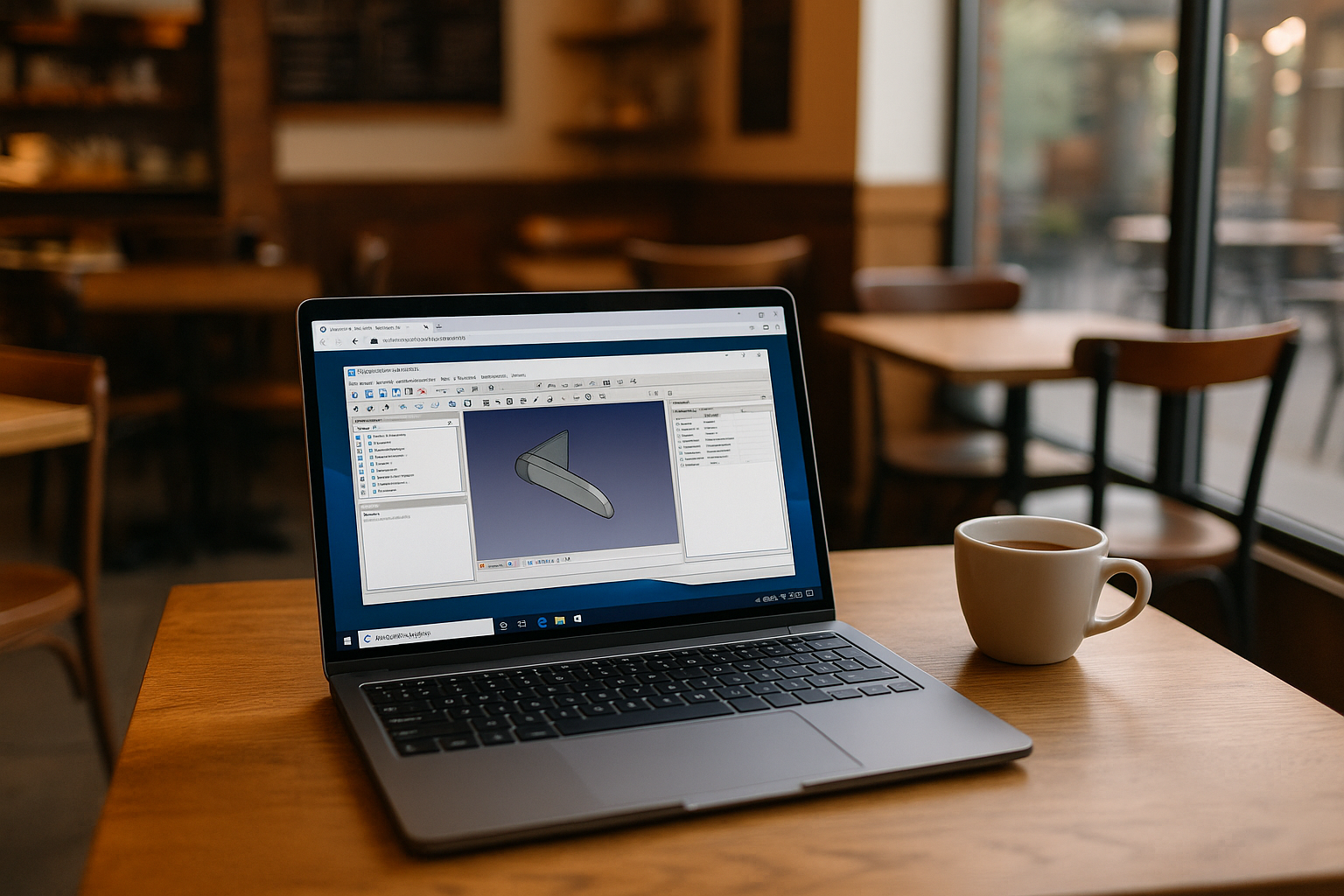
FreeCAD is a powerful parametric CAD system designed for 3D modeling of mechanical parts, engineering projects, and technical documentation. The program is suitable for both beginners and experienced engineers thanks to its modular structure, extensive customization options, and support for numerous file formats. FreeCAD online is available on Windows, macOS, and Linux, making it a universal choice for users of any operating system and allowing it to be easily integrated into various workflows. You can also accessFreeCAD Android or FreeCAD iPad versions through cloud services. For a complete overview of features and workflows, learn more about FreeCAD program.
When the standard FreeCAD launch is not enough
Here are the main reasons why users are looking for alternative ways to launch FreeCAD without a local installation: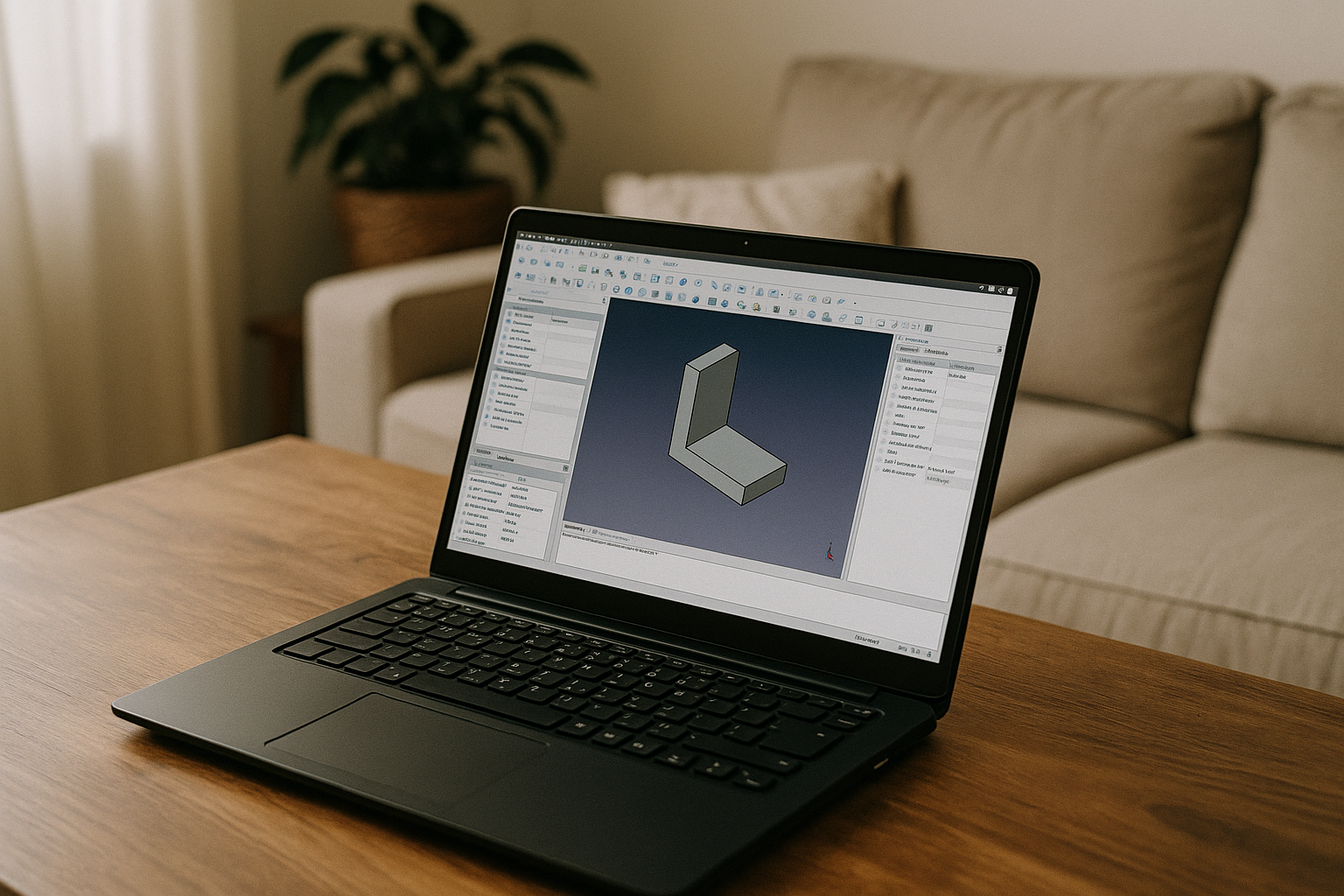
- Weak computer or insufficient resources. FreeCAD CAD software may run slowly on older or budget laptops.
- Installation and compatibility issues. Especially for FreeCAD Linux version or in environments with limited user rights.
- Reluctance to install the FreeCAD program locally. For example, on a work computer or someone else’s computer where installation is prohibited.
- Lack of mobile versions. Many people want to run FreeCAD Android or FreeCAD iPad.
- Need for a stable environment on any OS. Same settings and version of the program on Windows, Linux and FreeCAD Mac version.
- Access to projects from different locations. Quick start in a browser without being tied to a specific device (FreeCAD online).
- Data protection and backup. Cloud storage reduces the risk of file loss due to PC failure.
- Working with large models. You need power that may not be available locally.
That is why Aristeem is the optimal and stable assistant, ensuring a comfortable launch of FreeCAD online in any conditions.
Advantages of Aristeem for FreeCAD users
The cloud platform Aristeem becomes a convenient and reliable assistant that allows you to run FreeCAD CAD software without installation, work with large models, and store files in a secure cloud environment, regardless of the power of your device.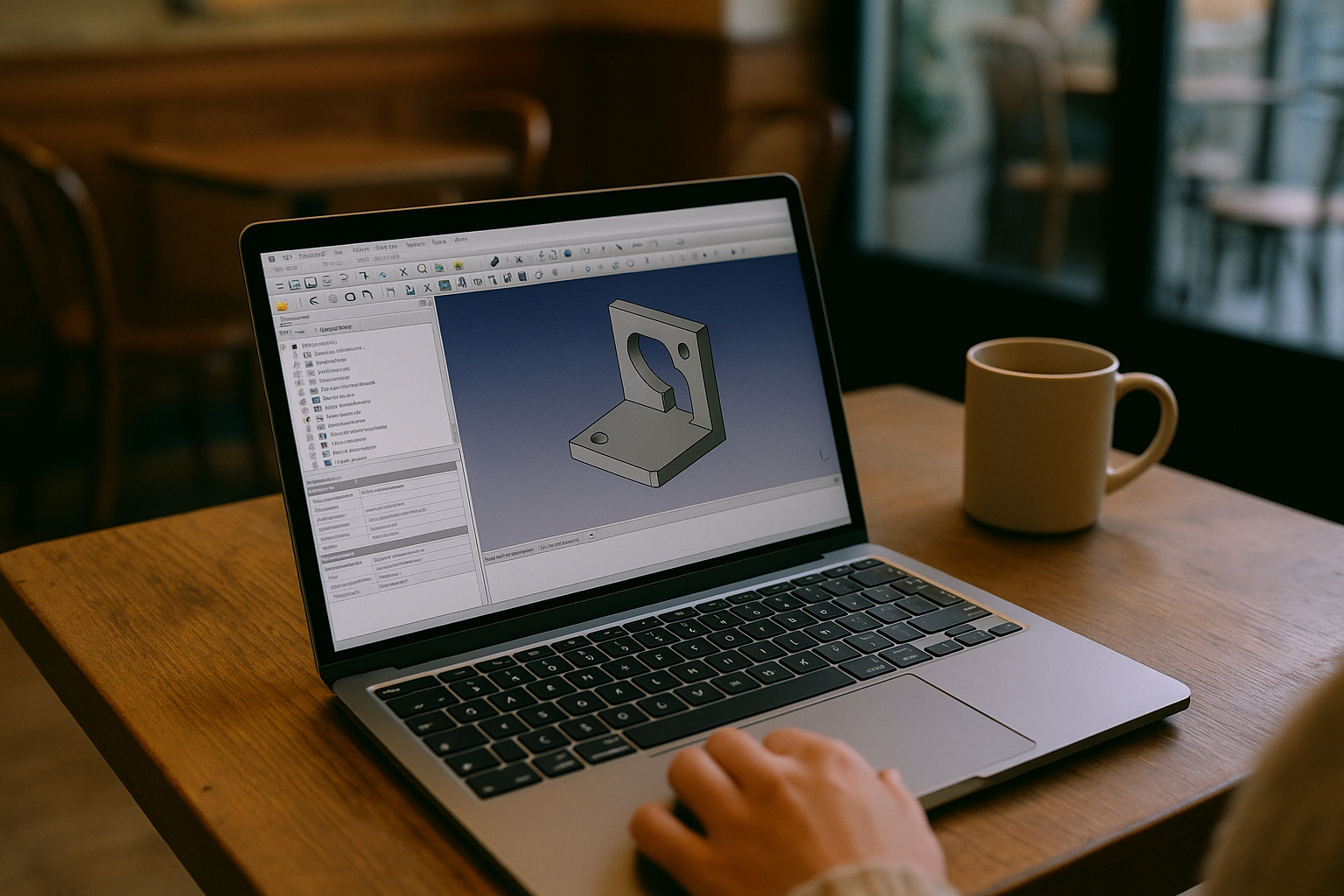
- No installation required
FreeCAD online runs directly in your browser — no need to download the program, install packages, or configure the environment. - Powerful cloud processing
All calculations are performed on Aristeem’s high-performance servers, so even large and complex models run smoothly, even on a weak laptop or tablet. - Access from any device
You can work with FreeCAD Mac, FreeCAD Linux, FreeCAD Android, or FreeCAD iPad — all projects are accessible in your browser (FreeCAD online). - Secure file storage
Your data is stored in cloud storage, which provides backup and protection against file loss. - Convenient working environment
Aristeem offers ready-made toolbars, quick keyboard commands, zooming, full-screen mode, and other features for comfortable work with FreeCAD program. - Project synchronization and availability
You can continue working from any device without additional settings or worrying about FreeCAD CAD software versions. - Technical support
If you have any questions about the cloud service and programs, check out the FAQ section of the Aristeem website or quickly contact specialists via Telegram or WhatsApp.
Conclusion
The Aristeem cloud platform creates ideal conditions for working with FreeCAD online: no need for local installation, powerful cloud-based model processing, secure file storage, and online access from any device make learning and working as convenient and efficient as possible. Aristeem allows users to focus on design and modeling, forgetting about technical difficulties while using FreeCAD CAD software.


