


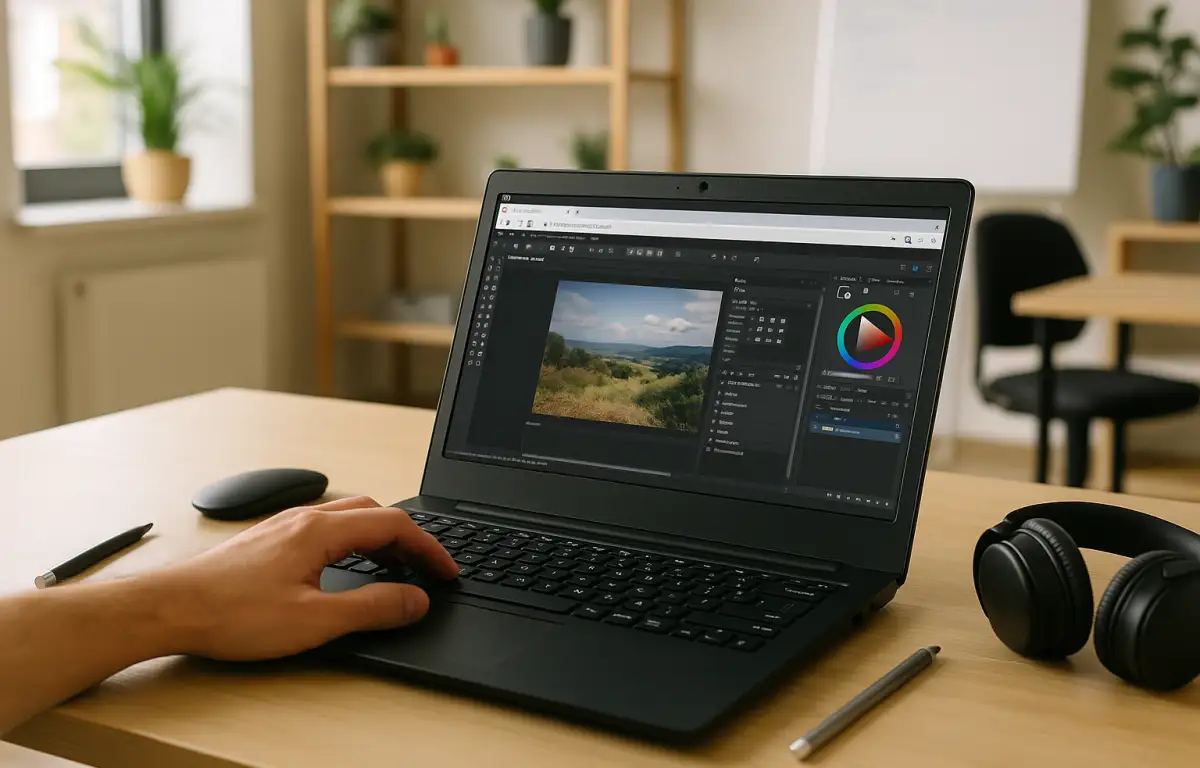
Production-Ready Affinity Photo Linux Workflow
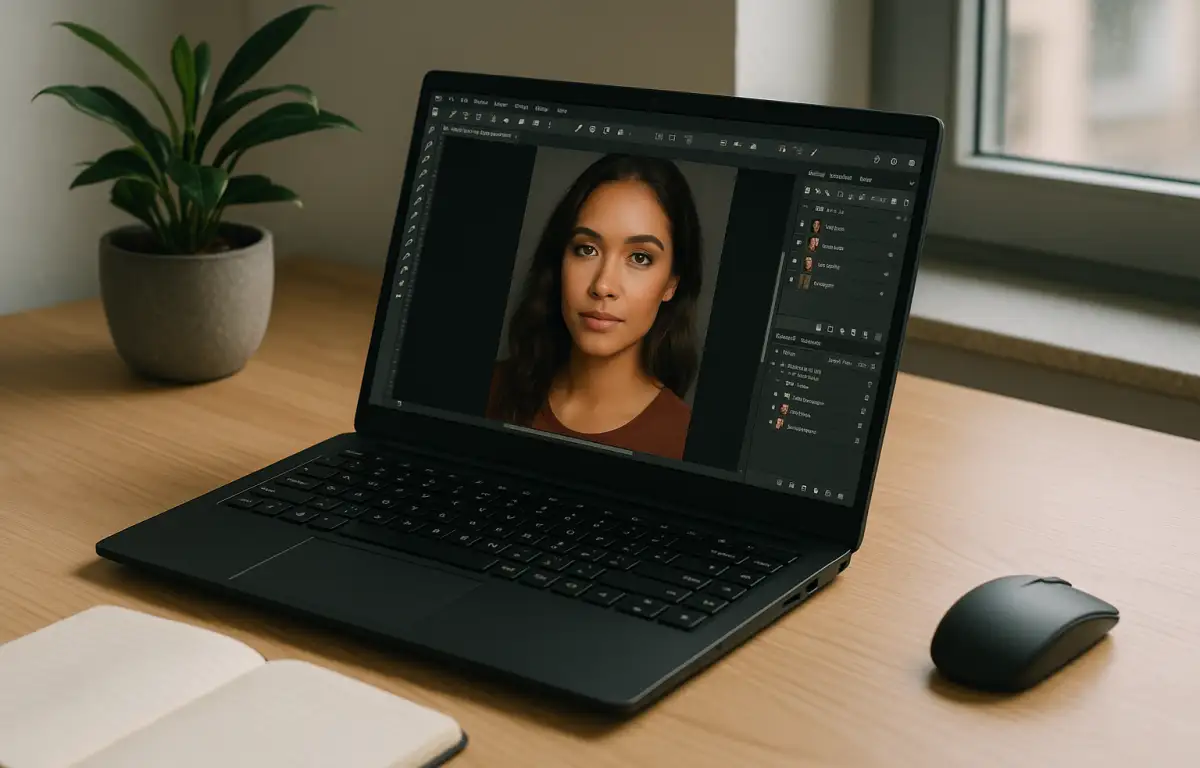
A portrait campaign lands on a Linux workstation: hundreds of RAW files need consistent color, skin retouch, and layered PSD delivery for the team. Before work begins, the retoucher pins the exact Affinity Photo 2 build, gathers required plugins, macros, brushes, LUTs, ICC color profiles, fonts, and saves export presets that match the studio spec. After that setup is complete, the batch opens, macros trigger standard look adjustments, live filters handle cleanup, and exports go out as .afphoto and PSD with intact layers and metadata.
Affinity Photo 2 has no native Linux version, yet the studio needs this precise toolset on a Linux desk. This is ultimately a question of keeping Affinity Photo for Linux consistent across machines so every handoff behaves the same.
What an Affinity Photo for Linux Workflow Requires
This workflow needs version parity, not just access. The studio locks to one Affinity Photo 2 build, loads specific plugins, imports macros and brushes, applies LUTs, installs ICC profiles and fonts, and saves export presets that encode color intent and metadata. File fidelity matters: .afphoto and PSD must keep layers, smart objects, and tags so collaborators pick up exactly where the retoucher stopped.
These pieces are hard to compromise because projects, macros, color profiles, and presets are authored for this exact setup. Teams that share .afphoto and PSD files expect identical results from the same adjustments and exports. Professionals who use Affinity Photo for Linux workflows in production cannot risk version drift mid-project. Which environment on Linux can meet all of this?
Research: Run Affinity Photo on Linux Across Locations
Because those requirements span plugins, macros, LUTs, ICC profiles, fonts, and export presets, the same environment must follow the retoucher from the studio to home or on-site. Opening a campaign on a second desk should present the identical Affinity Photo 2 build, the same libraries, and the same export settings, so a PSD or .afphoto behaves predictably. Local installs tied to a single machine cannot travel with you, which turns parity into manual rework.
To keep parity automatic, the environment itself has to live separately from the device: a Windows PC in the cloud that stores the installed Affinity Photo 2 version, plugins, assets, and settings, ready to open from whichever Linux machine is at hand.
Best Way to Run Affinity Photo on Linux Reliably
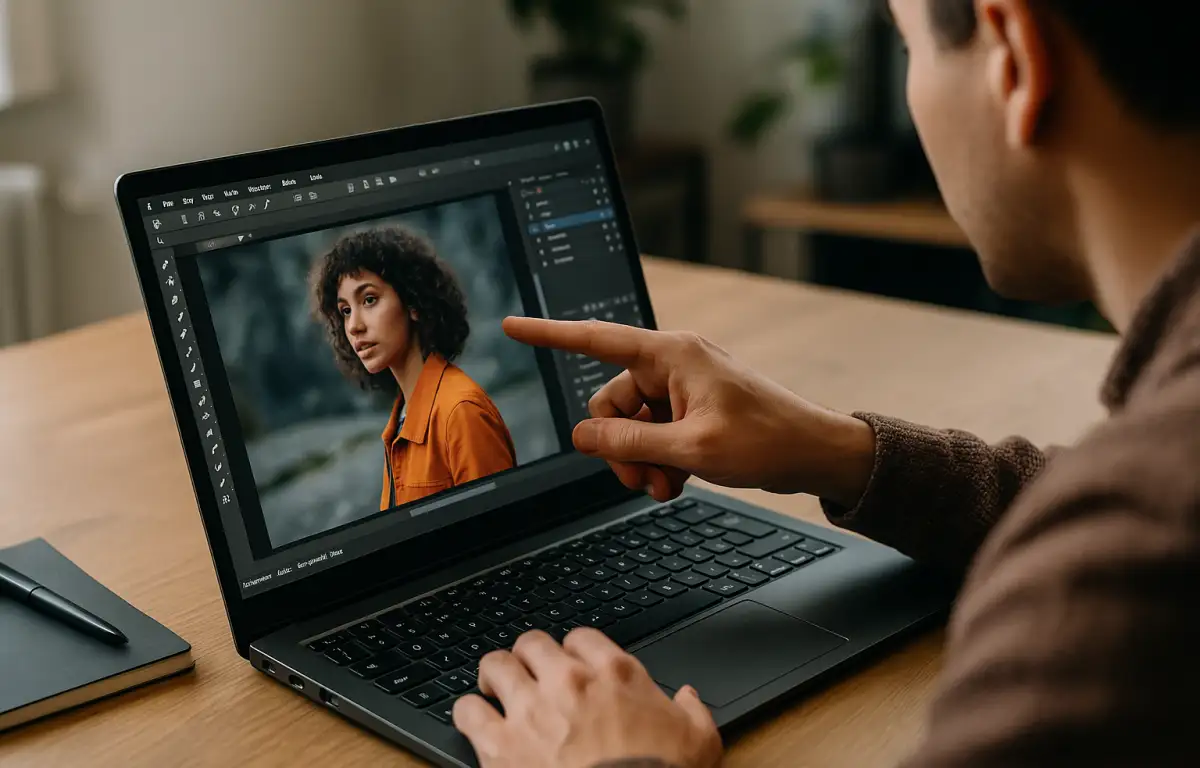
There are a few practical paths. Staying with native Linux editors changes tools and may break .afphoto or PSD layer parity. Compatibility layers can be fragile for complex plugins, color management, and live filters. A separate local Windows box preserves features but ties the retoucher to one desk and complicates asset sync.
A cloud Windows PC, by contrast, holds the fixed Affinity Photo 2 build, plugins, macros, LUTs, ICC profiles, fonts, and export presets in one place and opens from the same Linux workstation daily. Users who move between different projects benefit because the exact environment is always there, so .afphoto and PSD round-trip with consistent layers and metadata. For a production team focused on Affinity Photo for Linux without changing deliverables, this approach meets the workflow’s strict requirements.
Aristeem for an Affinity Photo 2 Linux Workflow
For more than two years, Aristeem has provided access to professional software via a cloud Windows PC, studying real production needs and refining the service. Today it’s a virtual Windows machine in the cloud you reach from your Linux device, with constant improvements for flexibility. Applied here, you install your chosen Affinity Photo 2 build, add plugins, LUTs, ICC profiles, fonts, and save export presets once, then keep that state session to session. For topic specifics, see Affinity Photo for Linux workflow details.
Keep Affinity Photo for Linux Workflows Consistent
In practice, the Linux desk handles batch retouching and layered handoffs while Affinity Photo 2 provides macros, live filters, and RAW controls. That workflow depends on locking a specific build and loading plugins, LUTs, ICC profiles, fonts, and export presets so .afphoto and PSD behave the same everywhere. A cloud Windows PC carries that exact environment between locations, making the same tools appear on any Linux workstation without changing deliverables.
If you want the same continuity from your desk, learn more about running professional Windows software on a cloud PC and explore how this setup fits your production needs.


